Ever wonder whether a 60Hz monitor can keep up with those intense, fast-paced sessions or if it's better suited for chill, story-driven games? Imagine flipping through a comic book slowly so you can savor every detail versus needing rapid page turns in the middle of an epic action scene.
A 60Hz screen shows 60 images every second, which works great for relaxing games. But when your reflexes need every millisecond, things might not feel as smooth.
In this post, we'll break down how a 60Hz display holds up for different game types. Let's chat about whether it fits your style or if you might need something a bit faster for those adrenaline-fueled moments.
Is 60Hz Good for Gaming? A Clear Verdict
A monitor running at 60Hz refreshes the picture 60 times a second. That’s cool for story-driven RPGs and laid-back games, but it can feel a bit off during fast, intense action. You see, the refresh rate doesn’t change your game’s frames per second, it just makes movement seem smoother.
For chill games like single-player adventures, strategy titles, or slower-paced fun, a 60Hz display usually does the job just fine. But if you’re into competitive shooters or esports where every click counts, you might notice some input lag and annoying motion blur. Even racing games can feel a bit rough when you need split-second reactions.
So, if you’re mostly into casual gaming or using your monitor for everyday tasks, 60Hz can be enough. But if you crave that super-smooth action in fast games, bumping up to 120Hz or 144Hz might be the best move.
Refresh Rate Fundamentals: How 60Hz Displays Work
When you're gaming, your monitor's refresh rate is like its heartbeat – it shows how many times per second the screen updates. With a 60Hz display, the picture refreshes 60 times a second, even if your graphics card is cranking out extra frames.
Think of it like flipping through a comic book at a leisurely pace; some of that frantic action might feel a bit choppy, as if you missed an important panel during a big fight.
In fast-paced games, those extra frames can really smooth out the motion and cut down on blur. But with a 60Hz monitor, rapid moves might lose some of their crispness because only 60 snapshots hit your eyes each second.
For laid-back games or slower moments, this works just fine. However, during those intense moments when every frame counts, the limitations of 60Hz can make the action seem a little less sharp.
Comparing 60Hz vs 120Hz vs 144Hz Gaming Monitors
When you're ready for smooth, action-packed gameplay, refresh rates matter a lot. A 60Hz monitor updates the screen 60 times each second. That works for casual gaming, but in those fast moments you might feel like you're missing some key moves, kind of like a flipbook that skips a few frames.
Stepping up to a 120Hz monitor means you get double the frames. This reduces the blur and makes each frame feel quicker, showing up every 8.33 milliseconds. For gamers chasing that competitive edge in tight matches, a 144Hz display cranks it up even more with only 6.94 milliseconds between frames. It brings a real snappiness to your moves, giving you the responsiveness you need.
These days, monitors are often available from 120Hz up to 165Hz. They usually cost about the same as a regular 60Hz model, though extra gaming features can mean a bit more spending. High-end options, like the ASUS ROG Swift 360Hz, are built for those who count every millisecond in their game.
| Refresh Rate | Frame Interval (ms) | Ideal Use Case |
|---|---|---|
| 60Hz | 16.67 | Casual play, entry-level gaming |
| 120Hz | 8.33 | Competitive and fast-action titles |
| 144Hz | 6.94 | Esports, high-responsiveness scenarios |
Gaming Scenarios on 60Hz Monitors: Pros and Cons
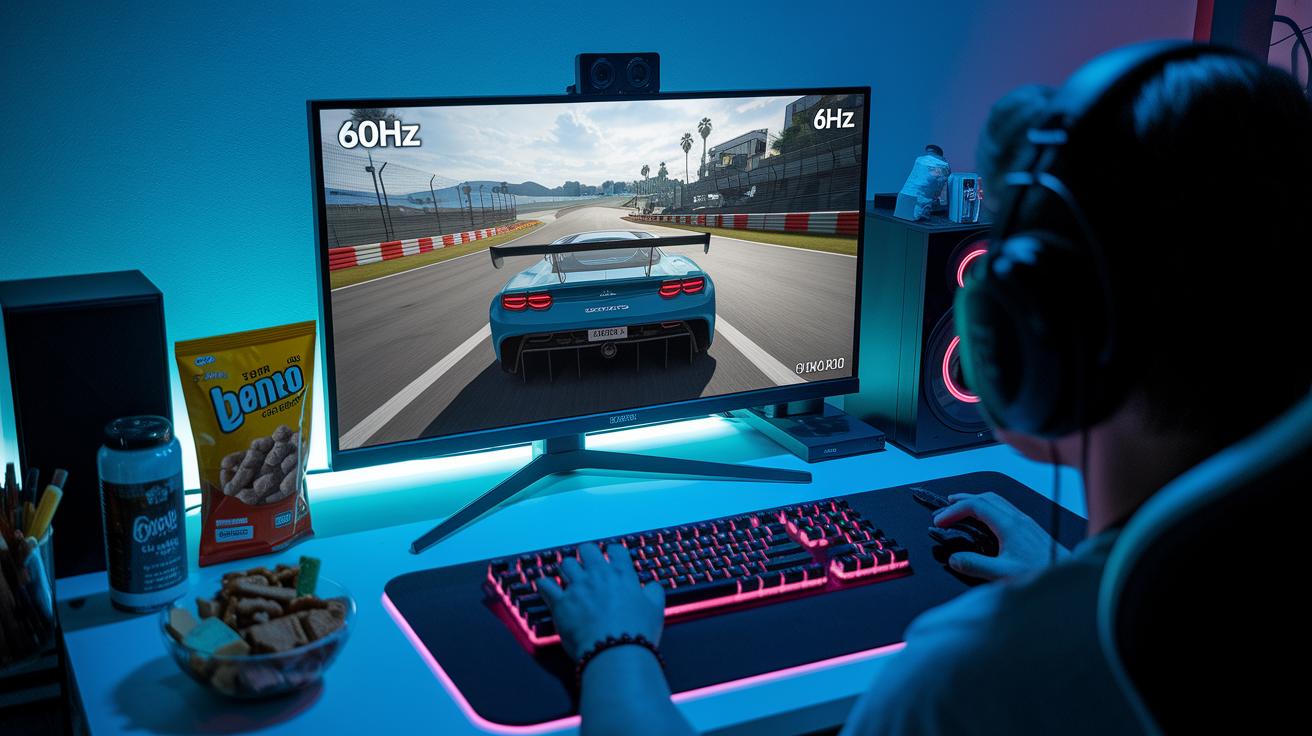
If you love games that focus on the story and strategy, a 60Hz monitor does the job just fine. But when it comes to games that require lightning-fast moves, you might feel a little lag. Let's break down how different types of games work on a 60Hz screen.
- Single-player RPGs: Great for story-based adventures with smooth visuals that pull you into the game.
- Racing games: Generally good, though you might notice a bit of blur during tight, fast turns.
- Strategy/tactics: Perfect for planning your next move since the game flows smoothly without delays.
- First-person shooters (casual): Fine for casual play, but the slight delay might pop up during quick, reaction-based actions.
- Esports titles: Not the best pick; fast-paced competitive games really benefit from faster monitors (120Hz or above) to cut down on lag.
- Flight simulators: Sometimes, quick shifts in scenery can feel a bit less crisp, which might lessen the realism during rapid maneuvers.
Hardware and Console Considerations for 60Hz Gaming
PC gamers, if you're rocking a 60Hz monitor, your GPU and CPU need to pump out a steady 60 frames per second or more. When your hardware keeps up, every frame shows just as it's meant to. But if things slow down, especially during those demanding games, you might see some choppiness. Picture it like a relay race, if one runner lags behind, the whole team feels it. And even if you've set up extra monitors, they typically run at 60Hz without messing with your main game's performance.
Console gamers have it even simpler. Many games on systems like PS5 or Xbox Series X are set up to hit a 60fps cap. This means a 60Hz display is a perfect match for what these consoles are built to do. When your console fires off a consistent 60 frames every second, gameplay stays smooth and in sync, almost like every beat in your favorite rhythm game.
Budget-Friendly Monitor Choices: Staying at 60Hz or Upgrading
Entry-level monitors running at 60Hz are a solid pick if you're watching your budget. They usually cost less than the flashier 120Hz or 165Hz screens. But nowadays, the price gap isn’t as huge, and you can sometimes find a 120Hz monitor that's almost as affordable. This means you can get smoother motion without a hefty price tag. Plus, a 60Hz panel might even sip a bit less power, which helps keep your electricity bill in check.
If you're into relaxed, story-focused games or mainly use your computer for everyday stuff, a 60Hz screen can do the job just fine. But if you’re playing fast-paced shooters or high-energy action games, upgrading to a 120Hz monitor makes everything feel quicker and smoother. In those cases, that small extra cost can be worth it. And if you only game occasionally or want to save up, it might be a good idea to hold off on the upgrade until there’s a sale or the price drops.
Upgrade strategies to keep in mind include:
- Waiting for sales or special offers to lower the overall cost.
- Buying refurbished models that still have the must-have gaming features.
- Focusing on key specs like response time and resolution instead of extra features that bump up the price.
These tips can help you get closer to that smooth gameplay without breaking the bank.
Final Words
In the action, we broke down how a 60Hz monitor works, weighing its perks for casual play against its drawbacks in fast-paced, competitive settings. We explored the basics of refresh rates, compared options with higher Hz panels, and looked at when it's best to stick with or upgrade from 60Hz. If you’re wondering if 60hz good for gaming, remember it can fit certain gaming styles, but sharper visuals might be worth the next step. Enjoy every frame and keep pushing forward!
FAQ
Is 60Hz good for gaming Reddit?
The discussion on Reddit shows that a 60Hz monitor works for casual gaming but can lag during rapid-action scenes, making it less ideal for competitive play.
Is 60Hz good for gaming on the PS5?
The PS5 runs many titles at 60fps, making 60Hz a natural match. Casual gamers find it sufficient, though higher refresh rates can offer quicker response for competitive play.
Is 60Hz good for gaming on mobile?
For mobile gaming, a 60Hz screen offers acceptable performance for everyday play, though some newer devices now support faster refresh rates for enhanced smoothness.
Is 60Hz good for gaming in 4K?
A 60Hz 4K display delivers crisp visuals but may not capture fast motion as smoothly as higher refresh monitors, which are often preferred for more dynamic gaming.
Is 60Hz good for gaming Fortnite?
Playing Fortnite on a 60Hz screen works fine for casual matches. Competitive gamers often seek higher refresh rates for improved responsiveness during intense gameplay.
Is 60Hz good for a gaming laptop?
Many gaming laptops feature a 60Hz display that meets everyday needs. However, those competing at high levels might notice a delay that higher refresh rates could help reduce.
Is 60Hz good for a TV?
A 60Hz TV is standard for watching shows and casual gaming. It performs well for day-to-day use despite lacking the ultra-smooth motion needed for rapid gaming action.
Is 60Hz good for Roblox?
Roblox plays smoothly on a 60Hz monitor, which is adequate for its creative and casual gameplay, although competitive experiences may benefit from faster refresh rates.
Is 60Hz fast enough for gaming?
A 60Hz refresh rate suits casual and single-player titles well, but gamers in fast-paced, competitive settings might see noticeable benefits with higher refresh rates.
Is 60Hz or 120Hz better for gaming?
A 120Hz display provides smoother visuals during rapid movements, making it superior for competitive play, while 60Hz still performs well in less demanding gaming scenarios.
Is 144Hz better than 60Hz for gaming?
A 144Hz monitor offers a significant improvement in motion clarity and responsiveness compared to 60Hz, making it a top choice for high-speed and competitive games.