
Ever felt like you're just watching from the sidelines during a live stream? Imagine your comment flashing on the screen as it happens.
Today, streaming is all about joining the action. Quick polls and live reactions make you feel like you're really part of the game.
In this post, I'll share some easy tips to boost the energy of live streams and help build a warm, friendly community. Get ready for ideas that might change how you watch, and even create, streams.
Real-Time Stream Spotlight Methods for Engaging Viewers
Live streams are not just about watching from the sidelines anymore. Today, you’re invited right into the game. Picture this: you’re watching a thrilling match, and your comment pops up on screen with a cool shoutout like "Cool play, Jamie!" Instead of just observing, you’re part of the action.
The fun really kicks in with neat features designed to bring everyone closer. For example, a quick poll might ask what move to try next, or a Q&A ticker lets you fire off your questions while the game is on. And when that epic play happens, live reaction overlays burst with digital claps or fun emotes. Even regular chat messages get turned into mini-celebrations, spotlighting your name. One session even saw participation jump by 25% just thanks to a surprise Q&A segment. It’s a clear win when your feedback lights up the screen.
These interactive touches make you feel seen and valued. When your comment is featured, it’s like getting a personal high-five, keeping the energy high and the game exciting. Quick polls and reaction tools pump up the pace, making every moment feel vibrant and community-driven. In truth, it’s this kind of real-time connection that keeps everyone coming back for more.
Spotlight Tools and Platforms for Interactive Live Streams

Turning your stream into an interactive live show is all about having the right software by your side. The proper toolkit can bring extra fun and useful features to your broadcast, like adding live polls that keep everyone involved, even during quieter moments. It’s like throwing a digital party where every viewer feels part of the action. And with some platform tweaks, you can dodge those pesky dropouts that disrupt your vibe. Even if you're only streaming from your smartphone, you can pack a punch with smart tech that makes everyone feel included.
| Tool | Description |
|---|---|
| restream.io | Broadcasts on multiple sites while syncing chats so the conversation never stops. |
| Streamlabs | Offers custom overlays for live polls and alerts, instantly putting viewer interactions in the spotlight. |
| VIDIZMO EnterpriseTube | Provides unified analytics and spotlight widgets to track engagement as it happens. |
| Twitch channel points | Adds a playful twist with rewards that viewers can redeem, boosting participation. |
| Smartphone streaming apps | Enable on-the-go reactions, letting you serve up live feedback wherever you are. |
Solid internet and backup encoder settings are key to keeping these tools running smoothly, ensuring that your live interactive show stays engaging and trouble-free.
On-the-Fly Spotlight Response Tactics During Live Streams
Start a live Q&A where viewers can shoot off questions or vote on topics. When a question gets a lot of votes, let it pop up on screen with a cool animated highlight. For instance, ask, "What strategy should we try next?" and watch as the top-voted questions light up right away.
Next, run speedy polls to help decide what game action comes up next. Ask something simple like, "Aggressive or defensive move?" so you can quickly see what your audience wants. Keep the chat under control with a timer and slow mode, ensuring everything stays smooth.
Then, give shoutouts a fun twist by mixing in viewer names or avatars with fast, energetic animations, triggered by bits or donations. When someone donates, let their name flash on screen in a lively way that blends right in with your live action.
Wrap it up by setting up in-game challenges. Invite viewers to guess what will happen next, and when they nail it, give them an on-screen burst of praise. You can also share a peek behind the scenes with quick host reactions or setup insights to keep everyone engaged.
Personalizing Spotlight Features for Stronger Viewer Connections
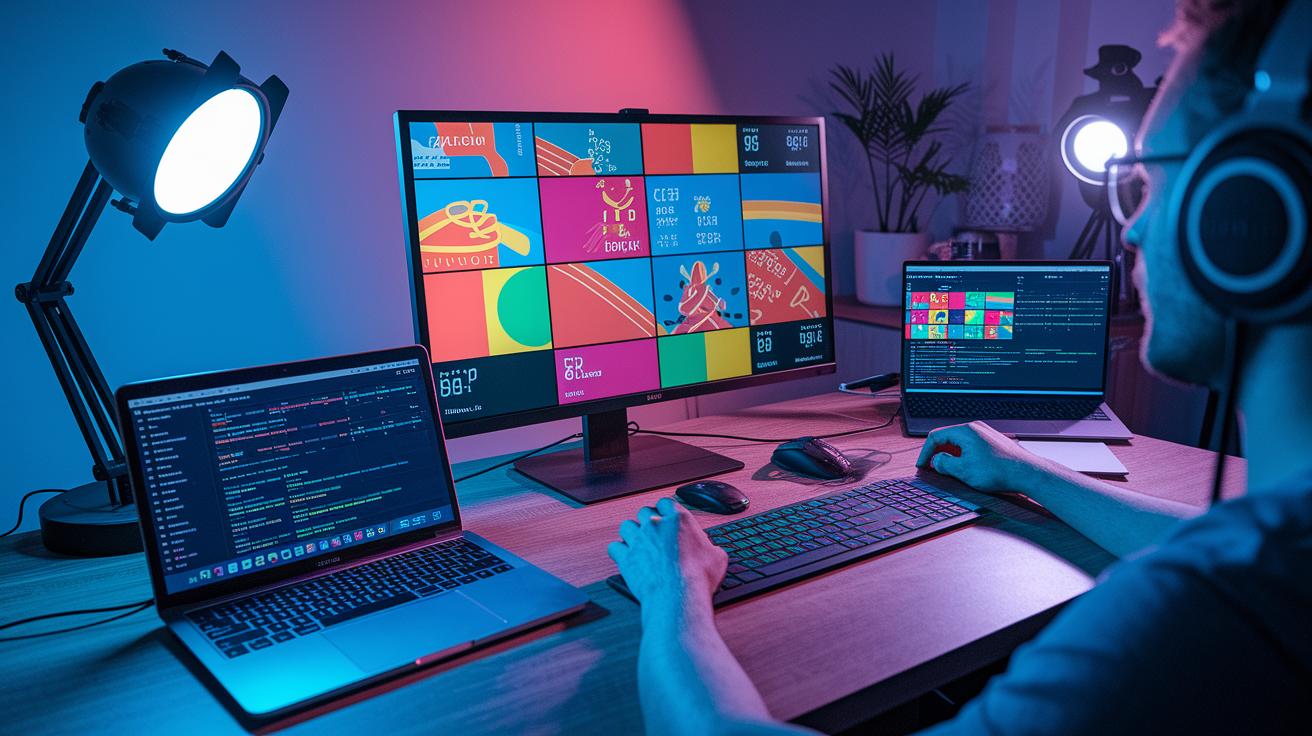
Customizing your stream’s look really makes a difference. Start by lining up your overlay style with your brand colors and logo so everything feels like one smooth vibe. Use countdown graphics that show off your brand to fire up excitement before going live. And don’t forget to add custom badge animations for your top supporters, a little extra thanks that makes them feel special. Imagine a loyal viewer’s badge lighting up with your signature style when they drop a message. It feels personal, right?
Mixing in social feeds is another cool way to make your stream feel unique. Bring your live Twitter feed right into your stream with a custom hashtag that gets viewers chatting outside the main room. This lets messages and posts pop up on screen, adding an extra layer of fun. Plus, roll out exclusive challenges for your regulars so they feel like insiders who help shape the live show. When everyone’s input shines on screen, the sense of community just grows.
Keep things tight with branded pre-stream buzz and countdown timers. That way, your audience knows exactly when it’s time to jump in and catch all the energy of your brand.
Measuring Spotlight Engagement with Live Session Analytics
Analytics show you if your live stream tactics are really hitting home. Real-time dashboards let you spot bursts of activity, like when a fun poll lights up the chat or a shoutout gets everyone talking. By keeping an eye on numbers like viewer count, chat rate, poll votes, and average watch time, you quickly get a feel for what grabs your audience.
Ever seen a poll spark a 40% jump in chat in just five minutes? It’s pretty wild and proves the magic of live interaction. These quick insights help you shape your next stream into a more engaging experience.
| Metric | Description | Purpose |
|---|---|---|
| Viewer Count | Total unique viewers per stream | Shows how many people tuned in and when interest peaks |
| Chat Rate | Messages sent per minute | Measures how active your community is in real time |
| Poll Participation | Percentage of viewers voting on polls | Tests how well your interactive ideas work |
| Avg View Duration | Average minutes each viewer stays | Tracks how long your moments keep viewers hooked |
Reviewing these stats helps you fine-tune your live sessions. Post-stream surveys and comparing numbers from previous shows guide you on what fired up your crowd the most. Tweak things like how often you run polls or where you place your overlays, and watch your viewership stick around longer.
Small changes during a stream can make a big difference. It’s all about experimenting and finding what makes your audience come back for more.
Case Studies of Stream Spotlight Audience Engagement Techniques

Training Webinar Spotlight Example
In one corporate training webinar, organizers jazzed up the session by using live polls to set the agenda and showing expert answers on Q&A banners as soon as key questions popped up. This tactic got everyone involved right away, with poll results clearly visible on screen. After the session, feedback forms helped the team learn what worked best, which led to a 35% jump in chat activity.
The real-time Q&A ticker added a cool, interactive twist. It made viewers feel like they were helping shape the conversation. The numbers backed it up, a 20% increase in the average viewing time, along with a lively chat. Imagine asking, "What should we dive into next?" and seeing the top answer light up instantly. It’s moments like these that really boost viewer energy and involvement.
Town Hall Stream Spotlight Example
A virtual town hall took audience engagement to the next level with reaction overlays that matched every speaker moment perfectly. When viewers sent in their questions, real-time shoutouts appeared with their names and even avatars in a burst of animation, creating an instant sense of community. Alongside these shoutouts, live sentiment graphs tracked how the audience was feeling throughout the event.
This mix of dynamic overlays and quick shoutouts really kept viewers glued to the screen, raising retention rates from 40% to 60% compared to past sessions. Picture a moment when one question sparks a flood of live reactions, it transforms simple feedback into an energetic group experience that brings everyone closer to the action.
Final Words
In the action, we explored how live streams jump from passive viewing to interactive excitement. The blog broke down techniques like on-screen polls, Q&A sessions, and reaction overlays that turn comments into game-changing highlights.
We also reviewed top tools powering these features and shared real-world examples to boost retention. Embrace these stream spotlight audience engagement techniques to create a smoother, more dynamic experience that keeps viewers coming back for more. Enjoy the spark that transforms your live sessions!