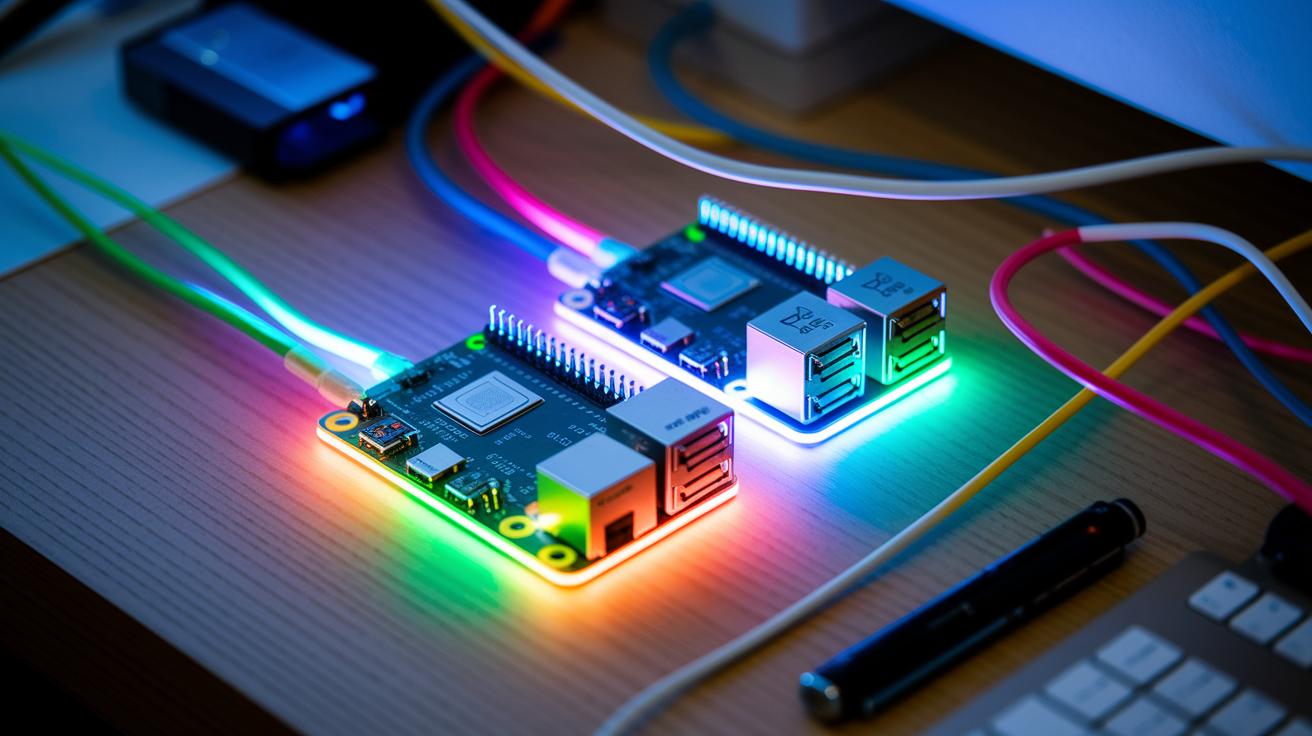
Have you ever thought a tiny computer could change the way you game or create? The Raspberry Pi 4 Model B is a real game changer. With a powerful Broadcom chip and flexible memory options, it can handle a bunch of tasks all at once. Plus, this little machine supports super sharp 4K displays and fast wireless connections that make it pop.
In this post, we'll dive into two key tech details that show exactly why this small board is making a big splash in gaming, projects, and everyday tasks.
2 raspberry pi tech specs shine bright
The Raspberry Pi 4 Model B is a tiny computer built by a UK charity that loves sharing digital skills. It uses a Broadcom BCM2711 chip with a four-core Cortex-A72 running at 1.5 GHz. This means it can handle several tasks at once, keeping everything smooth and quick.
It comes with different memory options, 1 GB, 2 GB, 4 GB, or 8 GB LPDDR4 SDRAM. That way, you can pick the perfect setup, whether you’re just trying out a little project or running something a bit more demanding. There are also dual micro HDMI ports that let you hook up two 4K displays at 60 frames per second, plus sound through HDMI or a 3.5 mm jack. Imagine setting up your own mini gaming theater with crisp, vibrant graphics!
Connectivity is a strong suit too. There’s Gigabit Ethernet for fast wired connections, dual-band 802.11ac Wi-Fi that can go up to 867 Mb/s, and Bluetooth 5.0 BLE for linking with low-energy gadgets. It also features 2 USB 3.0 ports and 2 USB 2.0 ports, a solid mix for speedy devices and everyday gear.
There’s more: a 40-pin GPIO header for add-ons and a microSD slot that even supports USB booting. It runs on a USB-C power input (5 V/3 A) and fits neatly into an 85.6 mm by 56.5 mm frame. This compact powerhouse is ready to jump into a wide range of projects.
Processor and SoC Analysis in Raspberry Pi Tech Specs

The Raspberry Pi 4 Model B is powered by the Broadcom BCM2711. Think of it as a single, compact chip that holds both the CPU and GPU. It has four ARM Cortex-A72 cores that run at 1.5 GHz. In simple terms, it's like having four mini engines that work together to keep everything running smoothly, even when things get busy.
This chip uses a 64-bit architecture, which means it can process data a lot faster, kind of like upgrading from an average car to one with a turbo engine. Compared to earlier Raspberry Pi models, this one is nearly three times faster. That boost really makes a difference whether you’re coding, setting up a media center, or tackling intense tasks.
By integrating both the CPU and GPU into one system, the Raspberry Pi 4 ensures better power efficiency and smoother performance. It’s like having a super car that handles both high-speed racing and everyday traffic with ease. This design is perfect for running complex operations or decoding videos without a hitch.
Memory Configuration and Storage Review in Raspberry Pi Tech Specs
The Raspberry Pi 4 Model B gives you four memory choices: 1 GB, 2 GB, 4 GB, and 8 GB LPDDR4 SDRAM. You can pick one that fits a light project or a more intense setup like multitasking or running a small server. More RAM means your system can handle several tasks at the same time without slowing down. It’s like swapping a standard engine for a high-powered one when you need extra performance.
The storage options are just as cool. The board comes with a microSD card slot that works at UHS-I speeds, helping you boot up fast and transfer data quickly. And if you’re after even more speed or have large files, you can use a USB 3.0 drive with mass-storage boot support. This makes running demanding apps a lot easier.
Below is an HTML table that shows the memory options along with what each one is best for:
| RAM Variant | Memory Type | Recommended Use |
|---|---|---|
| 1 GB | LPDDR4 | Simple projects |
| 2 GB | LPDDR4 | Learning and basic multitasking |
| 4 GB | LPDDR4 | Enhanced multitasking and server use |
| 8 GB | LPDDR4 | Heavy applications and data handling |
Picking the right mix of RAM and storage can really boost your overall experience. It’s all about matching the specs with what you need so that everything runs smoothly.
Graphics and Video Output in Raspberry Pi Tech Specs
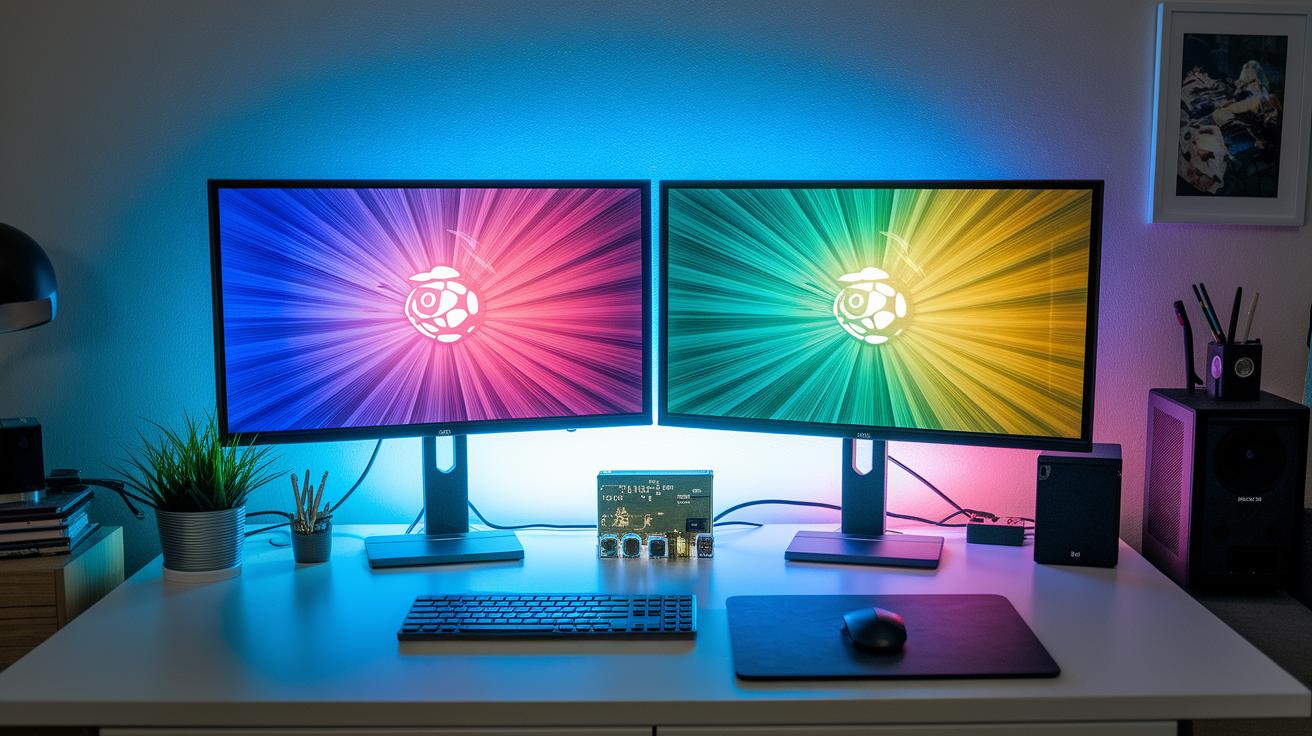
The Raspberry Pi 4 Model B is a beast when it comes to visuals. It comes with two micro HDMI ports that let you run dual 4K screens at 60 fps. Imagine setting up a double-screen media center where every image is crisp and details pop, like watching a movie split across two dazzling displays.
At the heart of this setup is the Broadcom VideoCore VI GPU. This chip isn’t just about showing pretty pictures; it actually speeds up video playback using hardware tricks for H.265 and H.264 formats and supports OpenGL ES. In simpler terms, whether you’re streaming your favorite high-quality video or cranking through graphics-heavy apps, it handles the load smoothly.
Sound is well covered too. The Raspberry Pi sends audio via HDMI, and it also includes a 3.5 mm analog jack if you prefer your classic speakers. So, whether you’re plugging into a modern monitor or an old-school speaker system, you’ve got your audio options ready.
All in all, these features make the board a solid multimedia hub, great for home theaters, creative projects, or even a slick setup for your next gaming session.
Connectivity Options in Raspberry Pi Tech Specs
The Raspberry Pi 4 Model B is built to keep your projects rolling with both wired and wireless connections. On the wired side, you get two USB 3.0 ports for fast data transfers and two USB 2.0 ports that work great for keyboards, storage devices, and other accessories. It also has Gigabit Ethernet, which gives you a steady 1 Gb/s connection when you need smooth, low-lag networking. And just like swapping out a game controller, you can choose to boot from a microSD card or even a USB drive to get started quickly.
On the wireless side, the Pi packs dual-band 802.11ac Wi-Fi that pushes speeds up to 867 Mb/s so you can enjoy brisk internet access without messy cables. Bluetooth 5.0 BLE makes it a breeze to connect low-energy devices like sensors or controllers.
| Feature | Description |
|---|---|
| 2× USB 3.0 ports | Fast data transfer |
| 2× USB 2.0 ports | Extra accessories support |
| Gigabit Ethernet | 1 Gb/s throughput for smooth networking |
| Dual-band 802.11ac Wi-Fi | Up to 867 Mb/s for speedy wireless access |
| Bluetooth 5.0 BLE | Easy pairing for low-energy devices |
| microSD & USB boot options | Versatile storage setups |
GPIO and Expansion Interfaces in Raspberry Pi Tech Specs

The Raspberry Pi 4 Model B packs a cool 40-pin GPIO header that follows the HAT standard. This header gives you pins for power, ground, and talks using common protocols like I²C (a simple way for devices to chat), SPI, and UART. For example, pin 1 delivers +3.3V power – imagine it as the little boost that powers your mini joystick for that epic arcade moment. Each pin is clearly labeled, so hooking up sensors, motors, or any DIY gadgets becomes as easy as pie, whether you're tinkering for fun or learning the ropes.
The board also comes with dedicated connectors for visual add-ons. There's a MIPI CSI connector where you can plug in a Raspberry Pi Camera module to capture crisp images, just like setting up your own live stream during a heated esports match. Plus, with a MIPI DSI connector, you can easily attach an official Raspberry Pi touch display for that interactive screen experience. These interfaces make it simple to expand your setup into a multimedia or IoT powerhouse, letting you dive into new projects with ease.
Power and Thermal Requirements in Raspberry Pi Tech Specs
The Raspberry Pi 4 Model B needs a steady USB-C power supply that gives 5 V at 3 A. Think of it like the fuel that keeps your mini computer in top shape, whether you're just browsing or running a game at full speed. When it's just hanging out, it only uses about 3 W of power; but when you really push it hard, it can use up to 7–8 W. That extra burst shows the board is working harder for demanding tasks.
When you put a lot of strain on both the CPU and GPU, the board can heat up. So, many gamers use cooling methods to keep things chill. You might add a small fan for active cooling or a heatsink for passive cooling, both help manage the heat without too much fuss. Keeping the temperature low not only helps your Pi perform better but also makes sure it lasts longer when handling many tasks at once.
Physical Design and Dimensions in Raspberry Pi Tech Specs
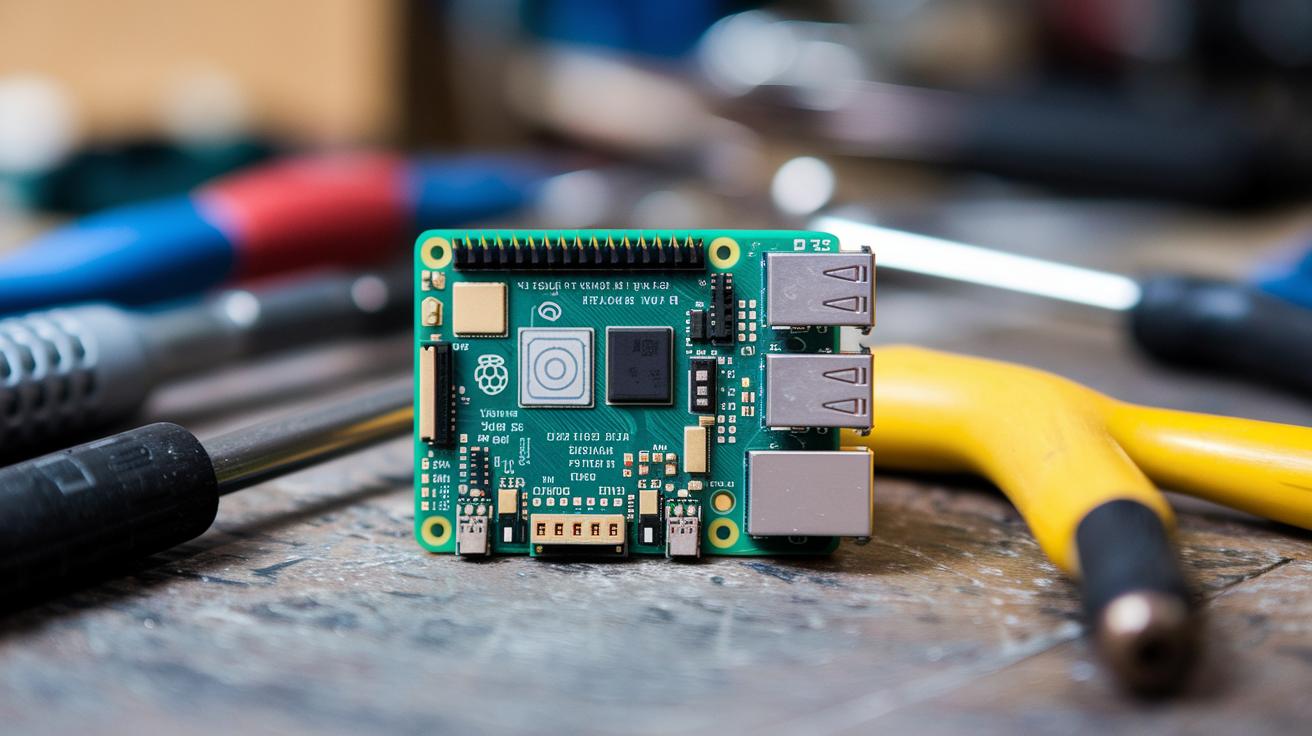
The Raspberry Pi 4 Model B is built to fit in tight spaces. Its size, 85.6 mm by 56.5 mm, makes it easy to slide into projects where every inch counts. Picture it like that perfect puzzle piece that clicks right into your custom case, simple and neat.
It also comes with mounting holes in expected spots. That means you can pick or tweak your case without any guesswork. You always know where to put the brackets and screws, making your build smoother.
The board’s slim design considers both PCB thickness and component height. This low-profile look lets the board stay out of the way while still delivering power for all your favorite projects. It’s a smart mix of compact design and practical use that makes setting up a breeze.
Performance Benchmarks and Application Use Cases in Raspberry Pi Tech Specs
The Pi’s 1.5 GHz quad-core CPU is a real powerhouse. It grabs about 1500 points on tests that use all its cores, which means everyday tasks run smoother and even trickier jobs (like running a small server) don’t slow things down. Think of it like your computer speeding down a race track, quick and steady.
Its GPU is pretty solid too. With strong support for OpenGL ES and video decoding, the Pi plays high-quality videos and slick graphics with hardly any lag. Imagine watching a movie where every frame is smooth and clear, that’s the Pi doing its thing.
In real life, the Pi shows off its range by powering smart mirrors that tell you the time and weather, bird-feeder cameras that snap nature shots, coding platforms that make learning fun, and even tiny home servers that handle everyday tasks without breaking a sweat. Plus, it runs many Linux versions like Raspberry Pi OS or Ubuntu, making it super flexible whether you're tinkering with code or setting up a cool IoT project.
Final Words
In the action, we recapped the complete rundown of the Raspberry Pi’s hard-hitting details, from processor and memory options to graphics, connectivity, and beyond. This rundown showed how every aspect, including power, design, and performance, works together for gamers and streamers. Each piece aligns with our passion for solid gaming setups and expert streaming. With these raspberry pi tech specs in mind, gear up with confidence and enjoy a smooth and thrilling gaming experience.
FAQ
Frequently Asked Questions
Q: What are the overall technical specs of a Raspberry Pi?
A: The overall specs include a Broadcom BCM2711 system-on-chip with a quad-core ARM Cortex-A72 processor at 1.5 GHz, multiple LPDDR4 memory options, dual micro HDMI outputs for 4K, and various connectivity features.
Q: What are the specifications of the Raspberry Pi 4 Model B?
A: The Raspberry Pi 4 Model B uses a 1.5 GHz quad-core ARM Cortex-A72, comes in 1, 2, 4, and 8GB LPDDR4 variants, supports 4K via dual micro HDMI ports, and offers robust wired and wireless connectivity.
Q: Can the Raspberry Pi 4 output 4K displays?
A: The Raspberry Pi 4 supports dual micro HDMI outputs that drive two 4K displays at 60 fps, providing crisp visuals suitable for multimedia projects, gaming, and streaming applications.
Q: What are the technical specifications of the Raspberry Pi 3 B and similar models?
A: The Raspberry Pi 3 B features a quad-core ARM Cortex-A53 with onboard Wi-Fi and Bluetooth for basic computing tasks, while the Pi 400 integrates similar internals into a keyboard-focused design.
Q: What are the key specs of the Raspberry Pi Zero 2 W?
A: The Raspberry Pi Zero 2 W is a compact board with a quad-core processor, onboard Wi-Fi, and Bluetooth capabilities, making it ideal for projects that require small form factors and efficient connectivity.
Q: What should I know about the Raspberry Pi 5 specifications?
A: The Raspberry Pi 5 is expected to offer updated hardware and improved performance over earlier models, building on enhancements in processing power, graphics, and connectivity, though full details remain limited.
Q: What are the physical dimensions of the Raspberry Pi 4?
A: The Raspberry Pi 4 measures about 85.6 mm by 56.5 mm, offering a compact design that easily fits into various cases and custom setups for seamless integration.
Q: What connectivity options are available on a typical Raspberry Pi board?
A: Typical Raspberry Pi boards feature both wired options like Gigabit Ethernet and multiple USB ports along with wireless connections including dual-band Wi-Fi and Bluetooth, ensuring versatile project compatibility.