Ever get the feeling that DLSS’s extra smooth visuals might hide a secret flaw? It uses smart AI to add extra frames, which can bring a very slight lag. Imagine taking just a split second to check if everything’s on point before a big move. Even if you barely notice the delay, gamers are chatting about it. Let’s break it down and see if those extra milliseconds mess with your game or if they’re worth the stunning graphics.
How DLSS Influences Input Lag: Definitive Findings
DLSS is NVIDIA’s smart upscaling tool that uses AI to boost your game’s performance by filling in extra frames. It does this by looking at frames before and after what you see, then creating an in-between frame to smooth things out. This means your GPU takes a tiny bit more time to process each frame, kind of like when you pause a split second to check both sides of the road.
Jensen Huang once joked that DLSS 4 could "predict the future" by keeping the game fast without any lag. But later, it turned out that this extra processing step can add a few extra milliseconds of delay. Most gamers won’t really notice this lag during an intense match, but it does make you wonder if the smoother visuals are worth the slight input delay.
DLSS Frame Generation Mechanics and Latency Sources
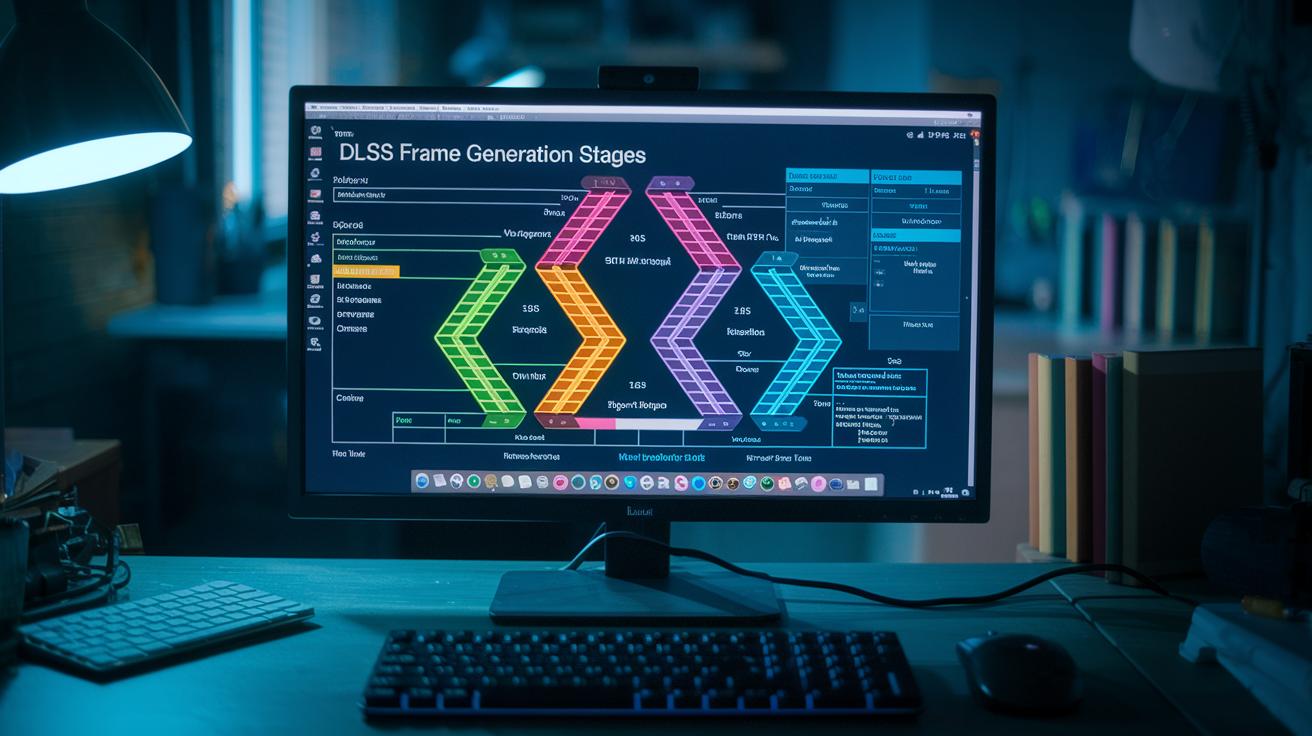
DLSS makes your game look smoother by adding extra frames between the normal ones. It looks at two full frames and then, in a blink, lets AI work its magic to create an extra in-between frame before the final picture appears on your screen. That extra step causes a tiny pause because the graphics card waits while the neural network crunches pixel data.
Even though the usual DLSS quality and performance settings don’t really change how fast your actions take effect, the extra frame generation does add a bit of processing time.
Here’s how it all works:
- The game first grabs a scene at a low resolution.
- Next, the neural network hops in to upscale the image using smart algorithms.
- Then, the system carefully analyzes and blends the frames to make a smooth extra frame.
- Finally, the complete image is rendered and sent over to your display.
Each part of this process adds its own little delay. The initial scene capture collects a low-res version of what’s happening, which is then upscaled by the AI. After that, the system blends the frames together before sending out the final image. Even though all these steps are super fast, the combined effect means a slight delay. And yep, even a few milliseconds can be noticeable for gamers who live for those split-second moments.
Real-World Latency Benchmarks for DLSS Input Delay
Researchers ran tests on NVIDIA RTX GPUs using the same hardware setup for every run. They compared gaming with DLSS Frame Generation turned on and off. They used fast capture tools (think of them as recorders that catch every split-second change) to measure the delay from start to finish in several games. The games ranged from tight competitive shooters to graphically demanding adventures, ensuring that input responsiveness was put to the test. They kept every part of the setup, the GPU, display, etc., exactly the same. That way, any extra delay could be directly linked to DLSS’s Frame Generation process. Imagine a shooter where every millisecond really matters; this method made it easy to pinpoint the extra time added by the AI processing.
Overall, the tests revealed that using DLSS Frame Generation adds roughly 1 to 3 milliseconds of delay. In gameplay, shifts of under 5 milliseconds are pretty common. Even though the minor extra delay stayed almost the same across different game settings, it did vary slightly depending on the game title and the DLSS mode used. So while the extra AI routine does add a bit of lag, many gamers say the smoother frame rates and better visuals make up for it, even in competitive play.
DLSS vs FSR vs XeSS: Input Lag Comparison
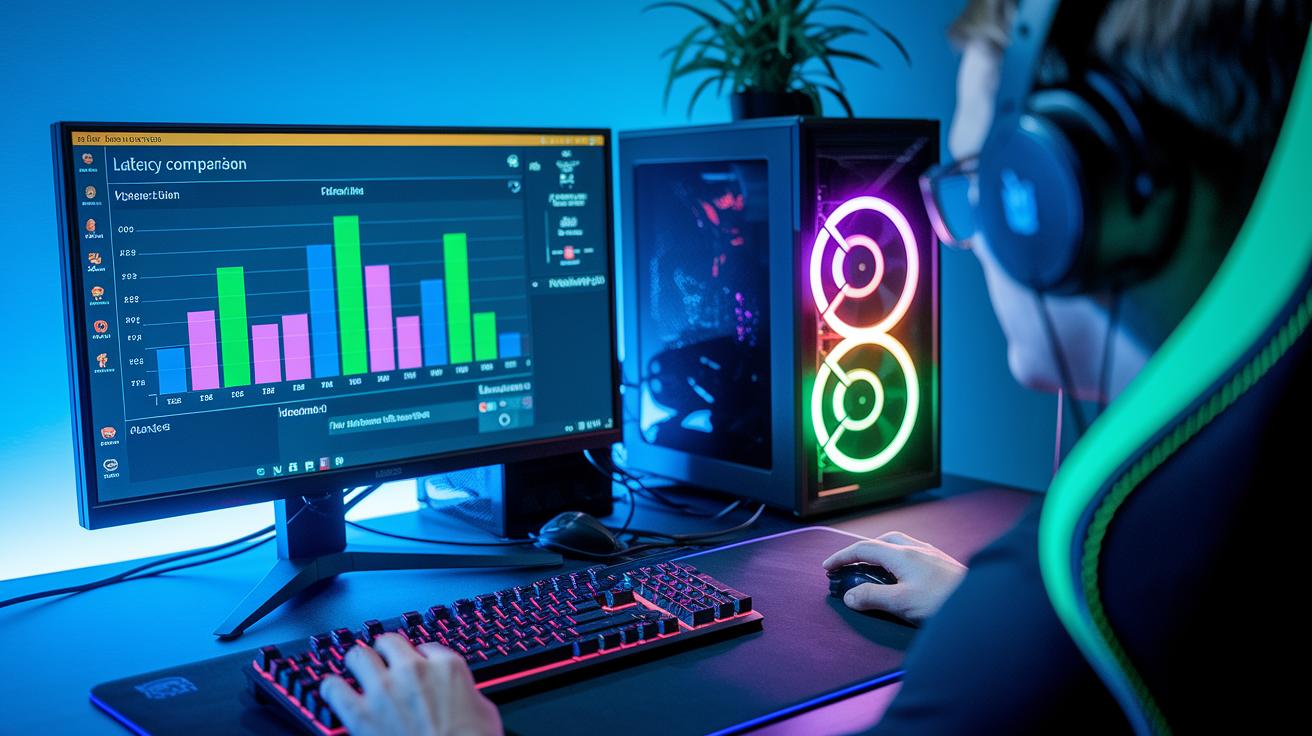
Let’s dive into how these upscaling options affect your gameplay, especially when every millisecond counts in competitive play. For fast-paced games, even a small delay can change the win or loss.
AMD’s FSR works by upscaling spatially. This means it boosts image quality without any fancy future predictions and adds less than 1 ms of delay. If you’re all about quick reactions, FSR is a solid pick, even though the visuals might shift slightly from game to game.
Intel’s XeSS takes a smart route with a neural network that handles upscaling. It skips on using extra predicted frames and usually only adds about 1 ms of delay. It’s like having a helpful AI sidekick that keeps things running smooth without too much extra lag.
NVIDIA’s DLSS, on the other hand, uses a feature called Frame Generation. This clever trick boosts framerates but comes with about 2 ms of extra latency. So, in high-speed, action-packed moments, that little bit more delay might be noticeable.
| Technique | Method | Avg. Lag Added |
|---|---|---|
| DLSS | Frame Generation | ~2 ms |
| FSR | Spatial Upscaling | <1 ms |
| XeSS | Neural Upscaling | ~1 ms |
At the end of the day, choosing the right tech is about weighing those tiny extra delays against the boost in visual quality each method offers. Happy gaming!
Debunking DLSS Input Lag Myths with Expert Insights
A lot of gamers chat about DLSS Frame Generation claiming it brings extra lag, even if it’s just 1 to 3 milliseconds. Some worry that this little bit of extra processing time could mess up fast, competitive play. Rumors have even hinted that the AI upscaling method brings unpredictable delays. But honestly, modern hardware and better drivers almost completely hide this tiny delay during gameplay.
NVIDIA experts have set the record straight. Jensen Huang pointed out that the quick extra milliseconds are pretty much invisible, even in fast-paced games where every tick counts. Many analysts agree that the boost in frame rates and smooth visuals far outweighs this tiny lag. When you play on a high refresh-rate monitor and your game is well-tuned, that sub-3 millisecond shift just isn’t something you notice.
Optimizing DLSS Settings for Ultra-Low Input Lag
Tweaking your DLSS settings really makes a difference when you're in the thick of a match. It helps your moves hit the screen almost instantly. When you fine-tune DLSS, you cut down extra steps in the frame generation process that can create tiny delays, delays you might catch during intense gaming sessions. In competitive play, even a few extra milliseconds can be the game changer you've been waiting for.
Here are three simple steps to reduce lag during frame generation:
- Pick DLSS Quality or Balanced mode to lessen the extra processing load.
- Turn off extra post-processing effects like motion blur and depth of field to keep delays to a minimum.
- Use a high refresh-rate monitor (144 Hz or more) so any small lag almost vanishes.
With these tweaks, you can usually keep extra input lag under 1 ms. This means your reaction time stays sharp when it counts the most.
Final Words
In the action, we've traced how DLSS boosts framerates while addressing frame generation's tiny delay, pinpointing where extra milliseconds come from. We've examined benchmarks, compared DLSS with FSR and XeSS, debunked input lag myths, and shared ways to tune settings for smoother play.
Our deep dive shows that answering "does dlss cause input lag" isn’t as black and white as it seems. The slight delay is often barely noticeable, so with the right tweaks, you can keep your gameplay lightning fast and visually stunning.
FAQ
Does DLSS cause input lag in games like MW3, BO6, Fortnite, or Marvel Rivals?
The DLSS technology uses AI-driven frame generation which adds about 1–3 ms of latency. This minimal delay is usually unnoticeable during fast-paced gameplay.
Does FSR cause input lag?
FSR uses spatial upscaling that typically adds less than 1 ms of lag, meaning its impact on responsiveness is almost imperceptible for most gaming sessions.
Does DLSS frame generation cause input lag?
The frame generation process in DLSS does add a few extra milliseconds of delay due to the extra AI processing stage, yet it stays within limits that most players won’t notice.
What is the downside of using DLSS?
The main drawback of using DLSS is the slight increase in input delay from additional processing steps. This extra latency may affect competitive play, although it remains very low overall.
Does DLSS 4 add latency?
DLSS 4, even with promises of “predicting the future” for higher framerates, introduces a small amount of extra latency from its enhanced processing, keeping input delay within a few milliseconds.