
Have you ever wondered how a basic gaming rig transformed into a multi-camera, high-end studio? It used to be all about simple consoles and low-res capture cards. But as new tech came along and creative tweaks were made, those old setups evolved into sleek, high-definition rigs that catch every move.
It wasn’t an overnight switch. Instead, with a lot of passion for better streams and smart improvements to gear, the world of streaming kept growing. Today, we’ll look back at this journey and see how these upgrades are sparking fresh ideas for gamers everywhere.
Historical Timeline of Game Streaming Setups
Back in the day, streaming was pretty basic. In the early 2000s, most streamers used simple consoles or old-school PCs with low-res capture cards. Picture a newbie hooking up a console to a basic capture device, it was nothing like the high-def setups we see now.
Then came the mid-2000s, and things started to level up. Hobby streamers began testing out better gear as they picked up on new trends and more viewers started tuning in. It's cool to think that gaming streams are predicted to grow from USD 8.40 billion in 2025 to USD 13.85 billion by 2030, with a growth rate of about 10.52% each year.
Today, the streaming world is all about multi-camera setups and high-end rigs that catch every detail in stunning clarity. Modern streamers mix advanced hardware with high-res capture and top-notch audio to make every stream feel like an event. It’s amazing to see how far streaming technology has come, don’t you think?
Hardware Advancements in Game Streaming Setups
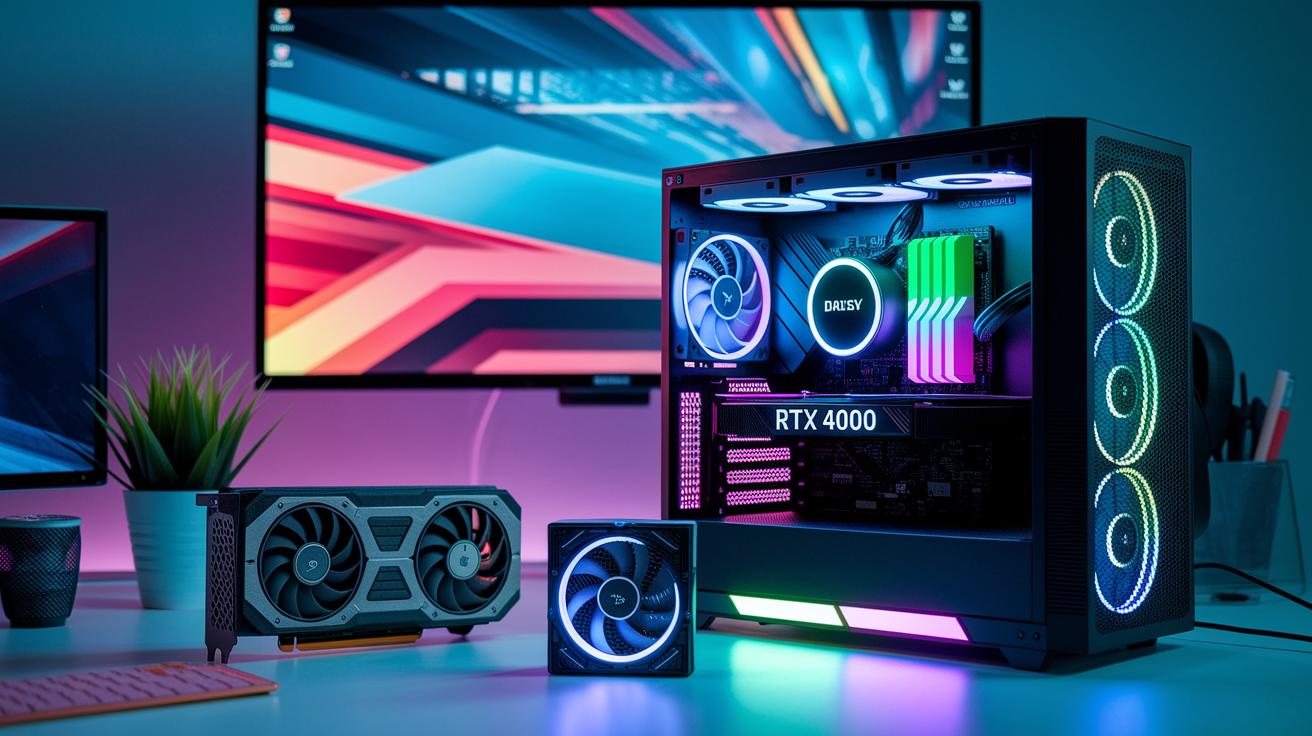
Back in the day, game streaming rigs were pretty basic. Streamers mostly ran dual-core CPUs at about 2.5 GHz with budget GPUs like the GTX 650 Ti and 4 to 8 GB of DDR3 RAM. It did the job, but multitasking or future upgrades were nearly out of the question.
As streaming got more popular, desktops started to get friendlier for swapping parts or overclocking. Newer rigs began packing multi-core processors, high-end graphics cards, and 16–32 GB of memory, making it a breeze to run games and capture software at the same time. Plus, advances in liquid cooling and adjustable monitor mounts let creators easily customize their setups.
| Component | Early Era Specs | Modern Specs |
|---|---|---|
| CPU | Dual-core @ 2.5 GHz | Octa-core @ 3.8 GHz+ |
| GPU | GTX 650 Ti | RTX 4080 |
| RAM | 4–8 GB DDR3 | 16–32 GB DDR4/5 |
| Storage | 500 GB HDD | 1–2 TB NVMe SSD |
| Cooling | Air cooling | Custom liquid loops |
Today’s hardware builds on those early days. Powerful octa-core processors now run at speeds above 3.8 GHz paired with killer GPUs like the RTX 4080 and 16–32 GB of slick memory. This combo creates smooth gameplay and high-quality streaming all at once. Fast NVMe SSD storage and custom liquid cooling keep temperatures in check during marathon sessions, while modular mounts and stylish cases let you show off your personal flair. Upgrading isn’t just about more power, it’s about blending cool looks with top-notch performance, letting you fine-tune your rig for maximum impact.
Software Evolution in Game Streaming Setups
Back in the day, streamers got by with simple tools like XSplit and early OBS. It was all about getting the stream live, even if the scene transitions were clunky or chat integration felt rough. I mean, it was raw but exciting, like starting out in a game with just your basics.
Then things got a whole lot better. As more people jumped into streaming, the software evolved too. Now, OBS Studio and Streamlabs OBS come packed with neat features like built-in overlays and ready-to-go multiple scenes. They even added cool stuff like browser-source widgets that make switching between scenes a breeze, letting streamers keep an eye on chat and alerts without breaking a sweat.
Today, streaming software has become as creative as the content we watch. Streamers get smooth scene changes, real-time chat that won't lag, and the ability to share on multiple platforms without any drama. This upgrade in tech makes every broadcast feel like a finely tuned play, making it easier for creators to focus on the fun parts and for viewers to stay hooked.
evolution of game streaming setups sparks creativity

Back in the early days of streaming, most gamers had to rely on basic built-in mics and low-grade webcams. They worked with what they had, so every upgrade felt like a whole new world. Did you know that many early streamers used only laptop cameras, which barely captured any clear expressions during heated moments?
Then things started to change. Dedicated USB and XLR microphones began to show up, giving streamers much clearer audio. At the same time, DSLR and mirrorless cameras brought in richer visuals. It was like trading in an old flip phone camera for a shiny new high-res smartphone, you suddenly notice every little detail.
This jump in video technology did more than just move from 720p to sharp 4K. It completely changed what a stream could look like. With better low-light sensors, even dim rooms now shine on screen. Lighting setups evolved too, shifting from plain room lights to arrangements like ring lights, softboxes, and three-point setups that highlight the streamer perfectly. Imagine a room where shadows and highlights work together to show off your on-screen charm.
Today, streamers add their own creative flair using tools like color calibration kits, filter gels, and LUTs to keep their look consistent and eye-catching. These tools set the mood and build an atmosphere that really draws viewers in. Upgrading gear isn’t just about having cool tech, it unlocks creativity and lets streamers build a space that feels just as personal as it is professional.
Network Optimization and Latency Reduction in Game Streaming Setups
Remember when game streaming meant struggling with super slow DSL connections? Back in the day, speeds were only 5–10 Mbps, which made everything choppy and hard to enjoy. Today, most streamers use high-speed fiber or cable that delivers 50 Mbps or more. This upgrade makes the whole experience smoother and keeps viewers locked in on the action.
Streamers now lean on wired Ethernet connections and dedicated streaming routers to cut down on those frustrating interruptions. Using features like QoS is just like tweaking your gaming rig, you adjust every little setting to keep lag and packet loss at bay. It’s all about making sure that your stream runs as seamlessly as a perfectly executed combo move.
And there’s even more on the tech side. Modern setups use low-latency protocols like SRT and WebRTC with hardware encoders such as NDI. These tools help get your broadcast as close to real-time as possible. The result? Less lag and a more interactive, engaging experience for your audience. This kind of network optimization really keeps you part of the fast-paced world of high-speed streaming.
Interactive Features and Viewer Engagement in Game Streaming Setups
Streamers today use cool interactive tools that turn a plain broadcast into a lively hangout. Real-time elements like chat overlays and custom alerts bring viewers into the action right away. It feels almost like you're part of the game.
What used to be simple has now turned into smart integrations that let fans really get involved. With these features, every viewer can impact what happens on screen and share in the excitement.
- Chat overlays that spark instant conversations
- Custom alerts that cheer on new followers, subscriptions, or donations
- Donation tickers that highlight supporter messages as they roll in
- Live polls that let the audience vote on in-game decisions
- On-stream mini-games that add bursts of fun
- Extras that let viewers adjust scenes or in-game events with their own devices
These tools do more than just show off viewer comments or donation alerts. They create an energetic space where everyone watches together and adds their own spark. Plus, with built-in analytics to track watch time and engagement, streamers can fine-tune their approach. All of this makes each stream feel like a pulse-quickening live event.
Comparative Analysis: Console vs PC Game Streaming Setups
PC streaming setups let you capture gameplay right on your computer using tools like OBS. You can tweak settings as you go, enjoying that smooth, all-in-one feel similar to fine-tuning your game controls during an intense match.
Console streaming is a different ball game. Since consoles don't have a built-in capture feature, you need an external capture card like Elgato or AVerMedia. This extra step keeps things simple and reliable, almost like unwrapping a new console and diving straight into the game.
When it comes to customization, PC setups really shine. With a PC, you can overclock your CPU and GPU, upgrade components as needed, and dial in every detail for a top-notch live stream. Entry-level consoles might be cheaper and easier to set up, but they just can't match the flexibility and high production quality of a dedicated PC rig.
Future Trends and Outlook for Game Streaming Setups
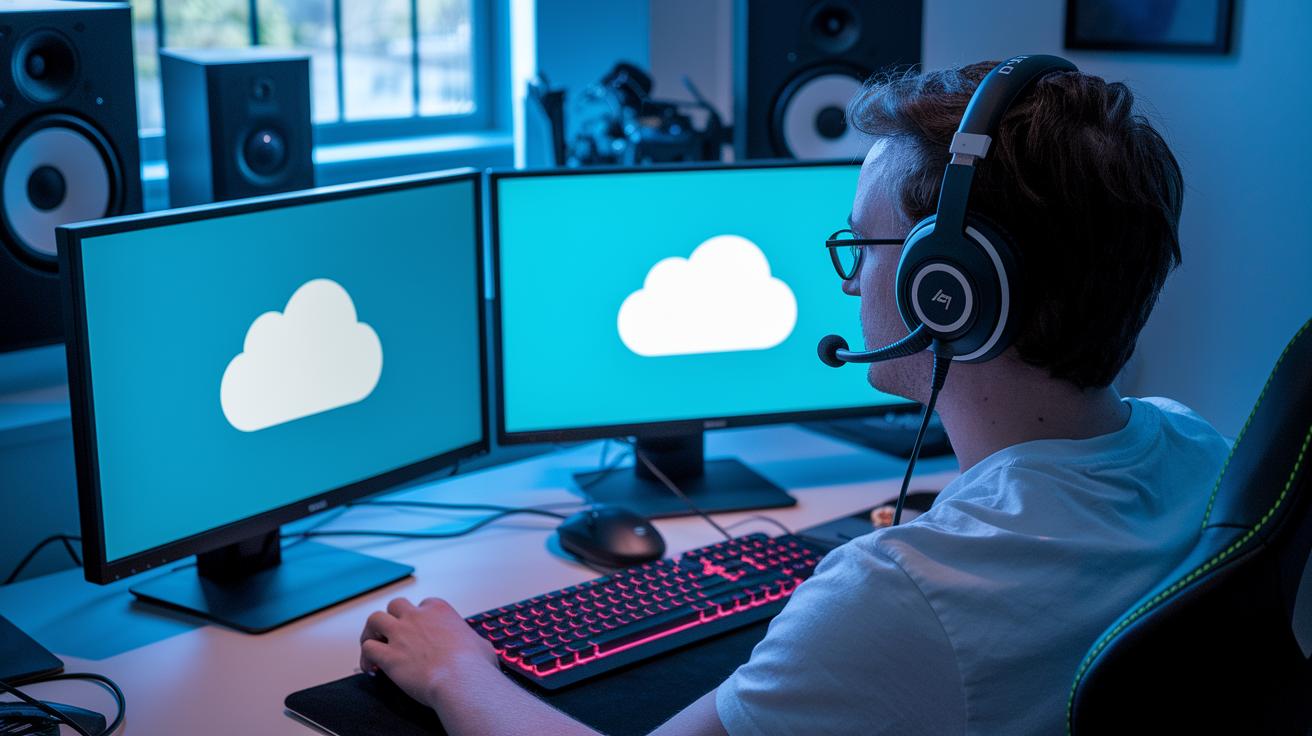
Cloud streaming is about to change how streamers do their thing by cutting down the need for high-end computer gear. Picture this: your game runs in the cloud, so you can broadcast without sweating over pricey hardware upgrades. This tweak gives creators more freedom and a smoother live experience. And as more services follow in the footsteps of GeForce NOW, top-notch streaming is ready for a bigger crowd.
Tech like AI production tools and 4K/8K capture is shaking up live streaming. Streamers are trying new mixes of AR and VR with smart, automated scenes. With AI handling on-the-fly adjustments during a busy stream, you can focus on the fun and creative parts of your broadcast. Plus, portable rigs and mobile solutions are getting smarter, making remote streaming a breeze outside the old studio setup.
Portable setups, clever software integrations, and immersive streaming experiences are reshaping the game. Soon, you'll have more ways to customize your broadcast and truly connect with your audience. With a steady growth rate of 10.52% and the market expected to hit USD 13.85 billion by 2030, the streaming world is gearing up for leaner, more dynamic setups that push creative limits.
Final Words
in the action, we traced the path from basic, low-res setups to slick, multi-camera rigs. We saw core hardware improvements, software upgrades, and audio, video, and lighting fixes that boost the stream. Network tweaks and interactive features helped shape live broadcast flair, while a side-by-side look at console and PC camps sparked fresh ideas. This recap ties together the evolution of game streaming setups, setting you up to try new tactics and enjoy a smoother, more competitive experience. Happy streaming!
FAQ
What is the evolution of game streaming setups on Reddit?
The evolution of game streaming setups on Reddit shows a shift from basic consoles and low-res capture devices to modern, multi-camera rigs with high production value, reflecting broad community innovation.
How have game streaming setups evolved on Xbox?
The evolution of game streaming setups on Xbox began with simple designs using built-in capture options, later integrating external tools and improved software, leading to more dynamic and efficient broadcast experiences.