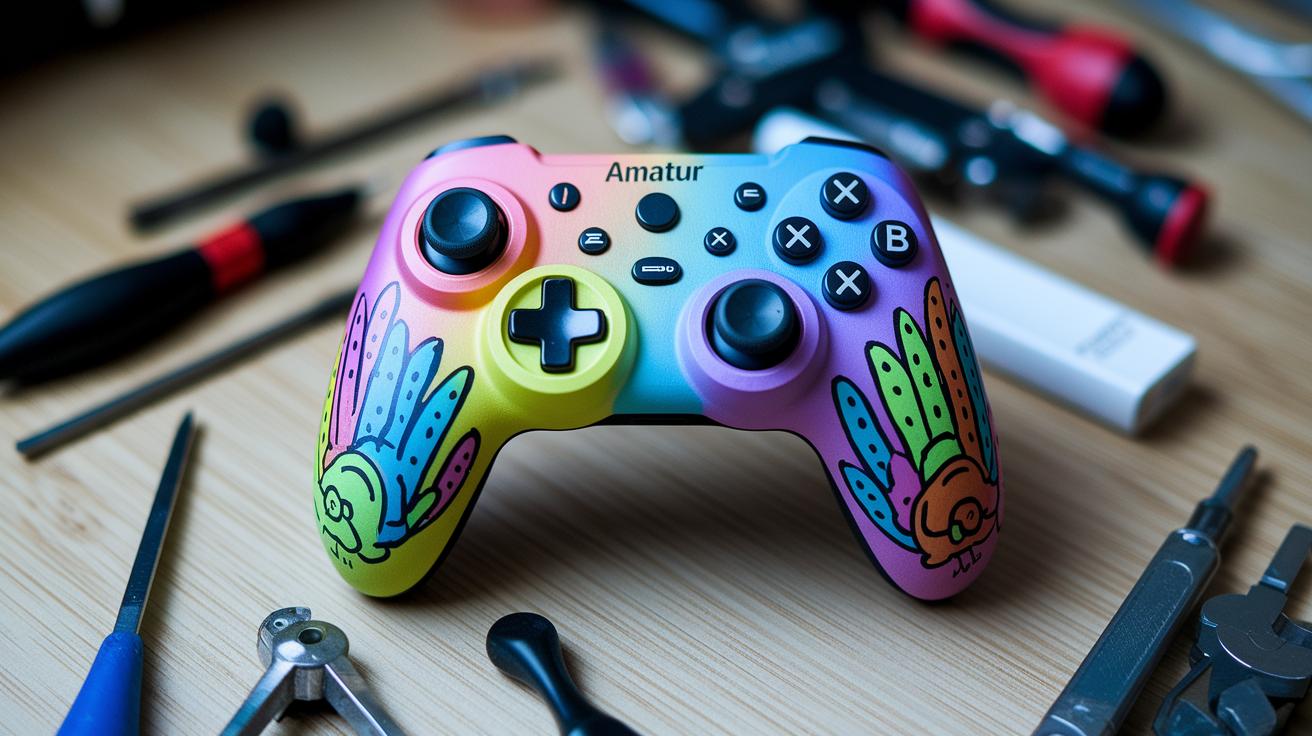
Have you ever wondered if your controller could show off your style as much as your skills? This guide walks you through turning it into a personal piece that not only looks cool but plays better, too.
We break down easy steps, from cleaning it up to tweaking the buttons, to help your design stay sharp and last longer. Imagine your controller standing out every match, making each win feel even more special.
Ready to get creative? Let your personality shine through and level up your style and game.
Step-by-Step Customization Techniques for Game Controllers
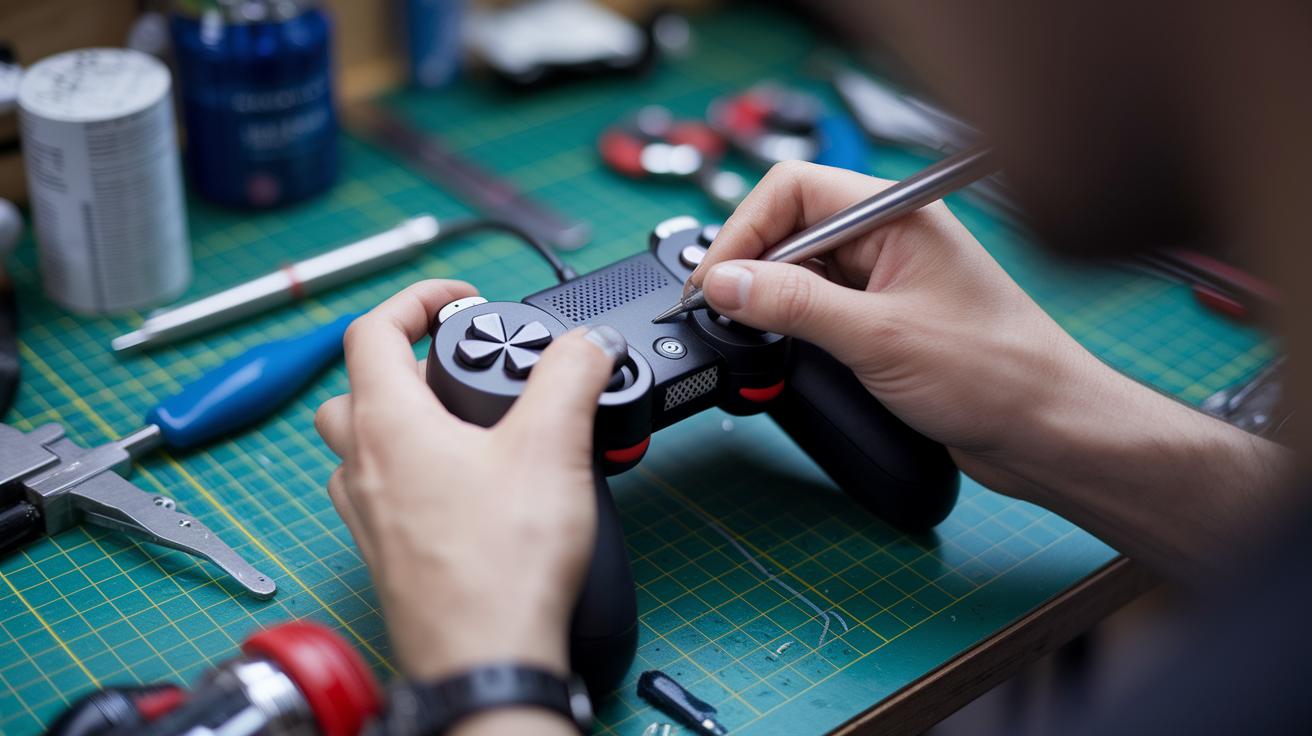
First things first, get your controller prepped for a makeover. Grab a microfiber cloth and a gentle cleaner to wipe off any dust or oil. This step makes sure that decals or skins stick well later. Be careful as you clean, and use light pressure so you don't damage anything. A handy tool like a small squeegee is great to remove any air bubbles when you apply the skin. Plus, tweaking buttons and analog sticks goes much smoother when your controller is in tip-top shape.
Next, follow these six simple steps to turn your controller into a gaming masterpiece:
- Give the controller a good clean with your microfiber cloth and a mild cleaner.
- Dry it completely to stop any moisture from messing up the decal.
- Carefully line up your chosen skin or decal on the controller.
- Start pressing it from one edge and use that small squeegee to push out any bubbles.
- Remap the buttons and set up the analog sticks the way you like them.
- Fine-tune the triggers to react faster and adjust sensitivity for more precise moves.
Once you've got everything in place, take a moment to check every button and stick. With a bit of patience and careful handling, your controller will not only look cool but also perform better in every match. Enjoy the process and remember, taking your time now means a controller that's both a personal statement and a reliable gaming tool.
Gaming Controller Customization Guide: Express Yourself
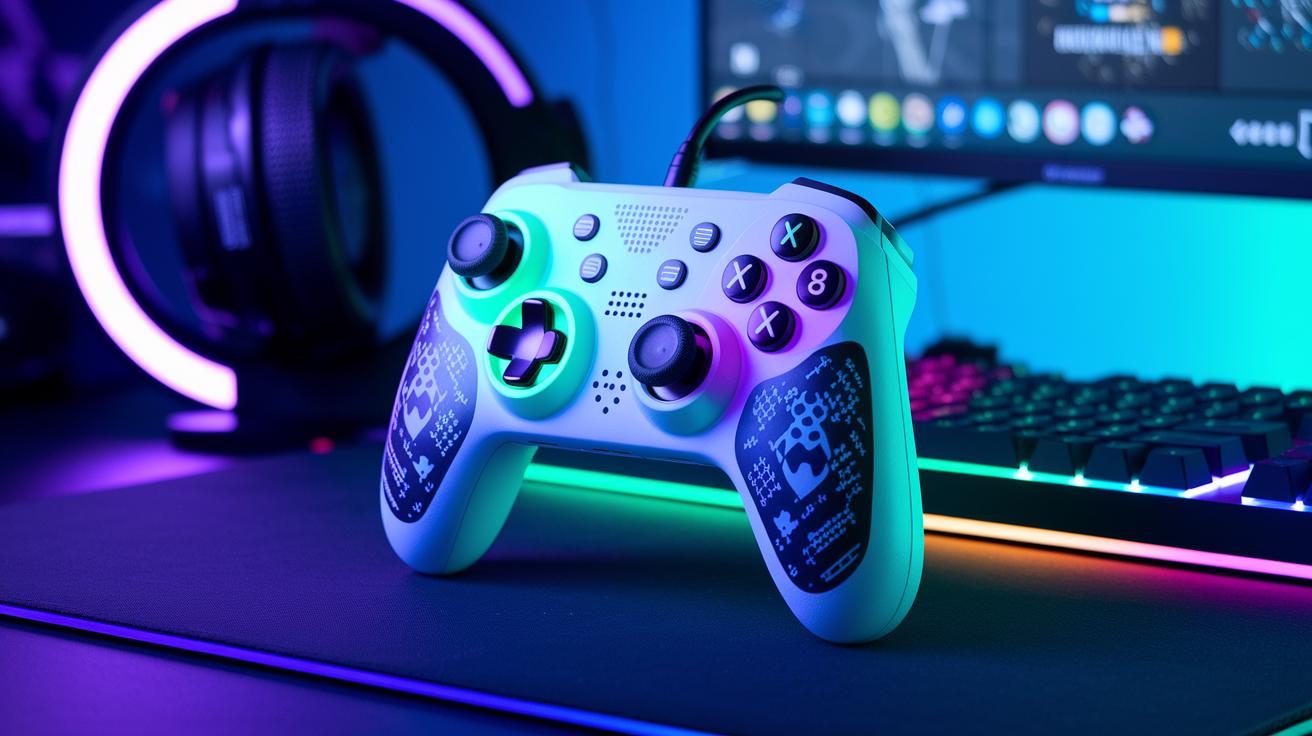
Give your controller a fresh look that shows off who you are while boosting its performance. You can add cool skins, decals, or even try your hand at painting the shell. Changing up the design not only makes your setup pop, but it also lets you express your vibe during the heat of a match. Even little tweaks, like using a bold graphic or a soft pattern, can make your controller feel like a part of you.
And there’s more to it than just looks. Try these ideas to mix style with function:
- Unique skin application for a one-of-a-kind look
- Neat decal placement for detailed designs
- Fine-tuning analog sticks for smoother control
- Adjusting trigger responses so every press feels just right
- Integrating RGB lighting for a splash of vibrant color
Simple tech changes like remapping buttons or calibrating triggers can cut down on finger fatigue and make every move count. A custom-tweaked controller gives better feedback and faster response, which can be a game changer in tight matches. By balancing style with performance, you turn a basic accessory into a personal gaming tool that matches your passion. With the right upgrades, your controller will not only look cool but also play like a dream.
Gaming Controller Customization: DIY Hardware and Firmware Modifications
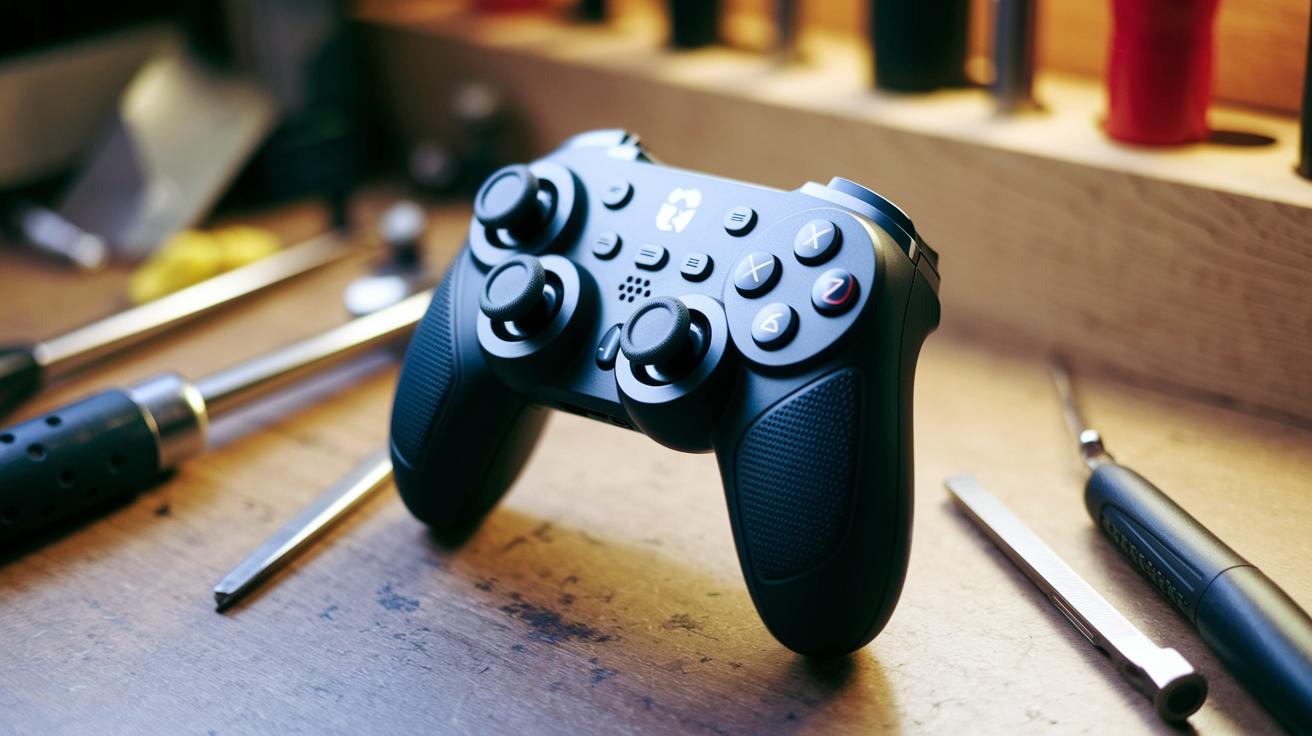
Before jumping into any mods, get your space ready and make sure you have all the right tools. It’s a good idea to clear your area and keep everything organized so you don’t lose any small parts. When you open up your controller, take your time with a small screwdriver set, and handle each piece gently. And if you’re updating the firmware, say, tweaking the analog sticks or boosting control response, be sure to follow the instructions closely to keep your circuits safe.
Next, set up a safe spot to work and double-check you have all your tools. Grab your precision screwdrivers, any calibration software you need, and a PC interface cable if it fits your mod. Many gamers swear by visual guides; they can really help smooth out the process. Taking it slow can make all the difference, ensuring that every mod you make really boosts your controller’s performance. It’s all about mixing those physical changes with firmware tweaks to get a solid, personalized upgrade.
Finally, use the DIY enhancement roadmap below as your game plan. This table gives you a quick run-down of common mods, the tools you might need, and an estimated time for each step. Think of it like your cheat sheet to track how far you’ve come with every tweak and update.
| Modification Type | Tools Required | Estimated Time |
|---|---|---|
| Shell Replacement | Screwdriver set | 45 minutes |
| Button Recalibration | Precision tools | 30 minutes |
| Analog Stick Tuning | Calibration software | 40 minutes |
| Firmware Update | PC interface cable | 35 minutes |
Gaming Controller Customization: Troubleshooting and Maintenance Tips
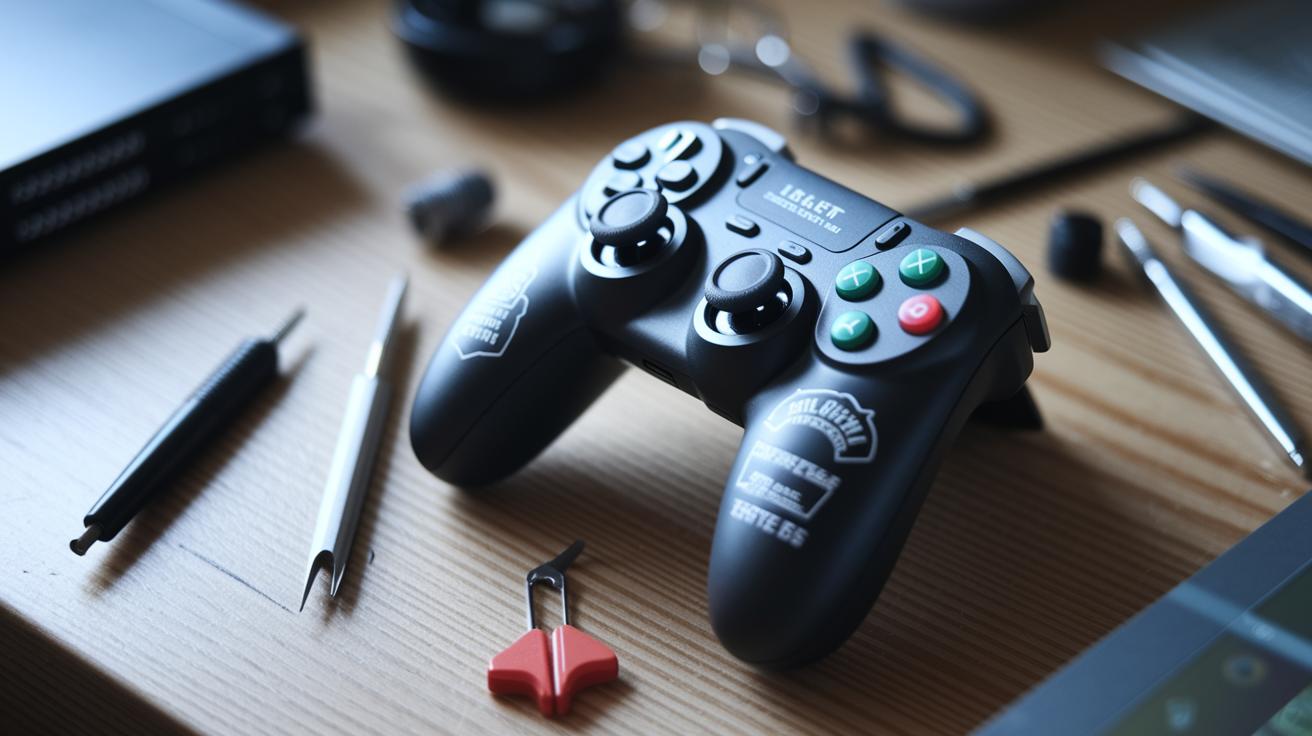
After you’ve given your controller a fresh new look, you might notice a few glitches that weren’t obvious at first. Over time, decals might lose their color or start peeling off, and buttons could behave strangely after long sessions. Keep an eye out for things like scratch marks or sticky buttons that weren’t there before.
When these issues pop up, try these simple troubleshooting tips:
- Check for wear: Look closely at the decals and buttons to spot any fading or peeling.
- Monitor firmware: Make sure your controller’s firmware still works well with your mods.
- Test button response: Play for a bit and see if all buttons are registering properly.
- Use prevention: Think about using protective covers or giving your controller a quick recalibration every now and then.
For more advanced upkeep, it’s not just about cleaning. Regular firmware checks can help catch any software hiccups that might affect how your hardware performs. Every few months, take a closer look at the mechanical parts to catch any small issues before they become big problems. With a little regular care, your custom controller will keep performing at its best for a long time.
Gaming Controller Customization: Resources and Community Insights
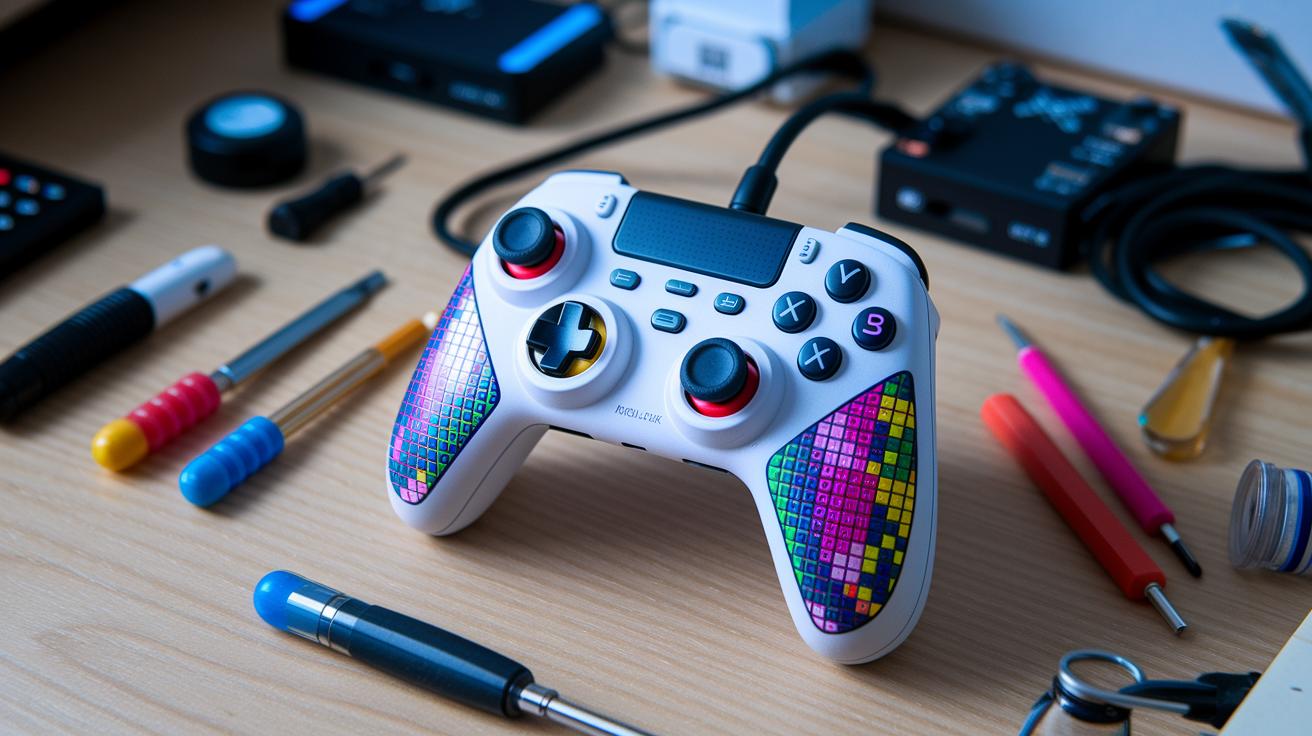
If you're a gamer who loves to stand out, you know how important it is to have the right tools. Lots of sites now have cool mod kit reviews and easy-to-follow guides that walk you through each step, making it simple even for beginners. Sometimes, stores even throw in awesome deals, like 10% off when you spend over $250 with the code "ZONE10" or a 30% discount on an ultimate mod pack. Plus, they might offer a 90-day warranty and phone support at (954) 289-9040. These deals and reviews are a solid way to get started and spark creative ideas for your mods.
- Check out gamer forums and community boards for active modding chats.
- Join groups or channels where people swap tips and share their custom controller projects.
- Take part in community polls and review sessions to discover trusted mod kit reviews and smart ways to find accessories.
Community advice is a treasure trove for anyone ready to dive into controller mods. Shared projects and hands-on reviews offer real tips and fuel new ideas. With community guidelines and creative hacks floating around on your favorite gaming boards, every player has a shot at supercharging their gaming gear and joining a friendly, savvy modding crew.
Final Words
in the action, the article walked you through detailed modifications, from cleaning and decal application to fine-tuning buttons and firmware updates. The guide broke down steps into clear, bite-sized sections, covering everything from aesthetic tweaks to troubleshooting common issues. Each segment offered hands-on tips and safe practices that you can follow at your own pace.
This gaming controller customization guide is designed to boost both style and performance. Enjoy pushing your setup to the next level!
FAQ
What does a gaming controller customization guide cover on platforms like PS and Xbox?
The gaming controller customization guide covers steps from cleaning and decal application to button mapping adjustments for PS5, PS4, Xbox, and Xbox One controllers. It offers practical tips shared on community platforms like Reddit.
How can I customize my own controller?
The customization guide explains how to adjust trigger sensitivity, fine-tune analog sticks, and add unique decals. It gives clear, easy-to-follow steps to boost both style and performance.
What features distinguish custom PS5 controllers and other tailored designs?
The custom PS5 controller experience features personalized skins, precise trigger settings, and reconfigured buttons. It combines eye-catching aesthetics with improved responsiveness and control.
How do SCUF controllers differ from standard controllers?
The SCUF controllers provide extra options like customizable paddles, advanced button remapping, and adjustable triggers. They offer added control benefits that standard controllers may not deliver.
What customization options are available for Xbox Wireless and Xbox One controllers?
The Xbox Wireless and Xbox One customization guides detail techniques like surface cleaning, firmware tweaks, and custom button mapping to enhance both the visual appeal and in-game performance.
What insights does the GameSir G7 SE guide offer?
The GameSir G7 SE customization guide outlines methods for modifying design elements and improving function, including decal application, button remapping, and safe modding practices for a better gaming experience.