Ever thought your game could run smoother? Maybe the trick is all about choosing the right refresh rate.
In this article, we break down monitor speeds. You’ll see how 60Hz works well for casual play and 240Hz is great when you need those split-second reactions. Quick numbers really do matter when it comes to smooth visuals and fast responses.
We’re here to show you how a few small tweaks can boost your play and give you an edge. Curious about how to transform your gaming experience? Read on to discover which refresh rate fits your style best.
Essential Gaming Refresh Rate Insights for Smooth Play
A monitor's refresh rate, measured in Hertz (Hz), tells you how many times each second the screen updates its image. A typical 60Hz display does this 60 times per second, which works well for casual gaming. And hey, fun fact: before becoming a famous scientist, Marie Curie used to carry test tubes of radioactive material in her pockets, she had no idea of the risks. It just goes to show that even the smallest details can pack a punch.
Higher refresh rates deliver smoother motion and cut down on input lag, making a big difference in fast-paced games. For example, using a 144Hz monitor makes movement look silky and helps you react quicker in heated moments. Many pro gamers even opt for 240Hz or higher to beat motion blur and keep lag to a minimum. Plus, cool tech like NVIDIA G-Sync and AMD FreeSync adjusts the refresh rate in real time, so your gameplay stays smooth even if the frame rate changes.
In the end, the best refresh rate really depends on your gaming style and the power of your system. If your rig can push high frame rates, upgrading to a 144Hz or 240Hz monitor might just be the boost you need. But if you're more about laid-back play, a 60Hz display might be just fine. The key is finding the right balance between performance, budget, and what feels best for you.
Comparing Gaming Refresh Rates: From 60Hz to 240Hz Options
A gaming monitor’s refresh rate is super important when it comes to reducing blur and delay during intense matches. When games move fast, you really need smooth visuals, and a higher refresh rate makes that happen. Even if you play at a basic 60Hz or step up to 240Hz, pairing your monitor with adaptive sync technology helps keep things clear when your computer’s output changes.
Here are the common options:
- 60Hz – Good for casual gaming and simpler games.
- 120Hz – A nice boost for those competitive matches.
- 144Hz – A popular pick that gives a smooth, fluid experience.
- 240Hz – Designed for gamers who want top-level performance.
This adaptive sync tech adjusts your monitor’s speed to match what your game is doing. It cuts down on screen tearing and stuttering during those rapid, high-action moments. For competitive players, combining a high-refresh monitor with this tech can really make a difference in split-second decisions.
Technical Aspects and Hardware Factors in Gaming Refresh Rates
Your monitor's performance isn't all about the refresh rate alone. The hardware behind it and the cables you use play a big part, too. Today's interfaces, like HDMI 2.1 and DisplayPort 1.4, give your setup the bandwidth it needs to run high refresh rates, so you get smooth and clear visuals even in the heat of the action. Without these modern connections, even a top monitor might lag behind when rapid screen updates are needed.
Calibration tools come in handy by checking if your monitor really performs as it should. They cut down on annoying issues like ghosting and input lag that can ruin your game. It's kind of like tweaking your controller to get that extra burst of speed right when you need it most.
But it's not just about the cables and settings. Your graphics card must be up to the challenge of driving high frame rates. When you pair a great monitor with a solid GPU, your visuals become sharper with quick response times and almost no delay. Calibration isn't just for the display either, it's about making sure every gear piece works in sync. Tools that measure refresh consistency and rapid response help ensure your whole system is ready for some fierce competitive play.
| Interface | Max Refresh Rate Support | Notes |
|---|---|---|
| HDMI 2.1 | 240Hz+ | High bandwidth for ultra-smooth visuals |
| DisplayPort 1.4 | 240Hz+ | Ideal for advanced gaming setups |
| Legacy DVI | 60-120Hz | Limited by older technology |
All these tech details come together to create a top-notch gaming setup. By using modern connectivity standards, a capable GPU, and reliable calibration tools, you'll enjoy fast response times and clear visuals throughout every game. Every in-game moment will feel smooth and ready for your next move.
best refresh rate for gaming: Boost Smooth Play
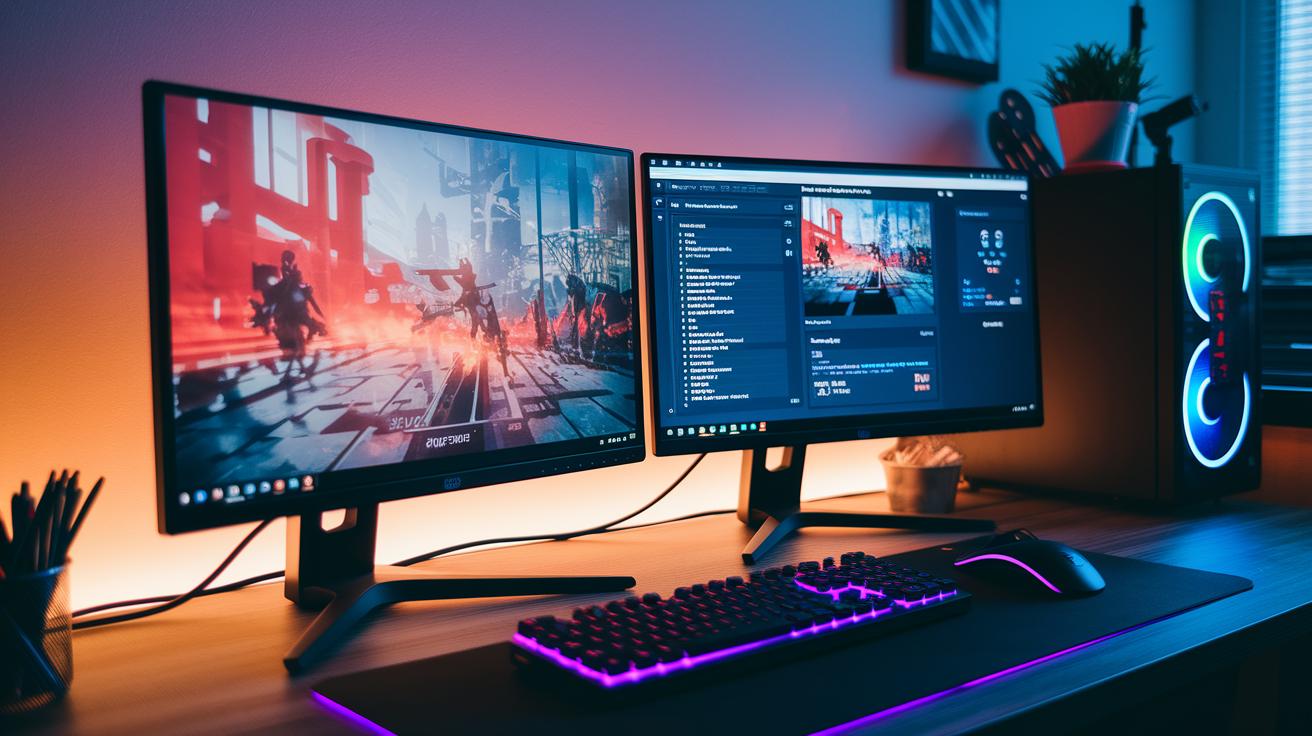
Choosing a gaming monitor is a lot like picking the right character build, it's all about what fits your play style and works well with your setup. Instead of repeating what you already know about refresh rates, focus on what matters to you and your gaming habits.
Here are some monitor types you might consider:
- Budget Monitors (60Hz): Great for casual gaming and simpler titles.
- Mid-Range Options (144Hz): Offers a solid mix of cost and smooth gameplay.
- Premium Gaming Displays (240Hz): Ideal for high-speed, competitive action.
- Specialized Console Monitors (Optimized for PS5/Xbox): Designed to give console gamers the best experience.
If you're gaming on a console, give a specialized model a try. You might feel that instant response during quick moves, like a well-timed power-up.
Before you make your choice, check performance details and make sure your system is compatible. Look for features like HDMI 2.1 or DisplayPort 1.4 support, and if possible, test the monitor. For instance, switching to a mid-range option could make your gameplay feel snappy, with every move responding right away. This method helps you save time while ensuring your monitor perfectly matches your gaming needs.
FAQs and Myths About Gaming Refresh Rates
One common question among gamers is whether a higher refresh rate always means better performance. You might wonder, "Does moving from 144Hz to 240Hz really make a big difference?" Generally, switching from 60Hz to 144Hz gives a clear boost in smoothness and less input lag, which means you can respond faster when it counts. Beyond 240Hz, though, the changes might not be as noticeable because your hardware and frame rates have their own limits. Plus, features like NVIDIA G-Sync and AMD FreeSync help reduce screen tearing by working with digital refresh tools, even when your GPU is having a tough time keeping the frame rates high.
Another idea is that a higher refresh rate can fix all gaming issues by itself. But that isn’t the case. Online FPS tests, similar to the UFO Test, show that the refresh rate is just one piece of the puzzle. Sure, a higher Hz setting helps cut down on motion blur and speeds up your reactions, but the whole system’s compatibility and steady frame outputs are just as important. It’s a bit like fine-tuning your controller before an epic match: every element needs to sync up perfectly to boost your gameplay.
Final Words
In the action, we tackled how refresh rates shape smooth and responsive gameplay. We broke down the benefits from 60Hz up to 240Hz displays while flagging key technical details like connectivity and calibration. We even debunked myths around frame delivery and adaptive sync. All these insights help you pick the best refresh rate for gaming that fits your style. Keep testing, keep tweaking, and enjoy each win as you push your gaming experience further.
FAQ
What is the best refresh rate for gaming overall, including setups like PS5, monitors, and TVs?
The best refresh rate for gaming depends on your use. Competitive gamers often use 144Hz or 240Hz for smoother play, while PS5 and many TVs work well at 120Hz, and casual gaming can run smoothly at 60Hz.
How does refresh rate affect gaming on mobile devices?
The refresh rate on mobile devices shows how often the screen updates. A higher refresh rate can make gameplay look smoother and reduce lag during quick actions.
Is 120Hz good for gaming, and how does it compare to 144Hz?
The 120Hz rate gives smoother visuals than 60Hz. While it works well for many players, 144Hz typically offers even better fluidity for faster-paced competitive games.
Is a 240Hz refresh rate overkill for most gamers?
The 240Hz rate provides extremely smooth motion, ideal for pro esports. For casual or even serious gamers, the difference over 144Hz may be minimal, so it can be more than necessary.
What does a refresh rate test measure and why is it useful?
A refresh rate test checks how quickly your screen updates its image. This test helps confirm that your monitor performs as promised, ensuring you get smooth gameplay.
What is the ideal refresh rate for gaming TVs?
For gaming TVs, a higher refresh rate—typically around 120Hz—reduces motion blur and lag, making fast-paced gaming visually smoother and more responsive.