
Ever wonder what makes the GameCube so special even today? This little console was built with smart design that made games look smooth and detailed way back in 2001. It used a custom CPU and a unique graphics setup that could handle millions of tiny shapes every second, pretty cool, right? In this post, we’re taking a closer look at its specs to see how every piece of hardware worked together for an experience that still wows gamers.
GameCube Tech Specs: Outstanding Hardware Insights
Back in 2001, Nintendo introduced the GameCube as the follow-up to the Nintendo 64. This console boasts a compact cube shape, measuring about 6 by 6 by 4.3 inches. It first came in cool Indigo and Black colors, and later you could snag one in Platinum Silver. Plus, it uses its own MiniDVD disc format that holds around 1.5 GB of data per disc.
Under the hood, the GameCube runs on a 486 MHz PowerPC Gekko CPU paired with a custom Flipper GPU. This setup pushes out between 6 and 12 million polygons every second, making the games look smooth and detailed. Its all-in-one 32-bit memory design helps cut down on lag, and the console offers four controller ports along with several AV output options.
- 486 MHz PowerPC Gekko CPU to keep everything running smoothly
- Custom Flipper GPU with features like subpixel AA, fog effects, and multi-texture support
- Unified 32-bit memory design that minimizes delays
- Proprietary MiniDVD drive that stores about 1.5 GB with speeds of 16–25 Mbps
- Four controller ports, ready for standard or WaveBird wireless controllers
- Both analog and digital AV outputs (the digital option was dropped in 2004)
Overall, the GameCube blends smart processing with creative graphics in a balanced design. Even if its specs might feel modest compared to some rivals, its clever architecture and focused hardware choices deliver a gameplay experience that still connects with gamers today.
GameCube CPU Architecture: PowerPC Gekko Performance Analysis
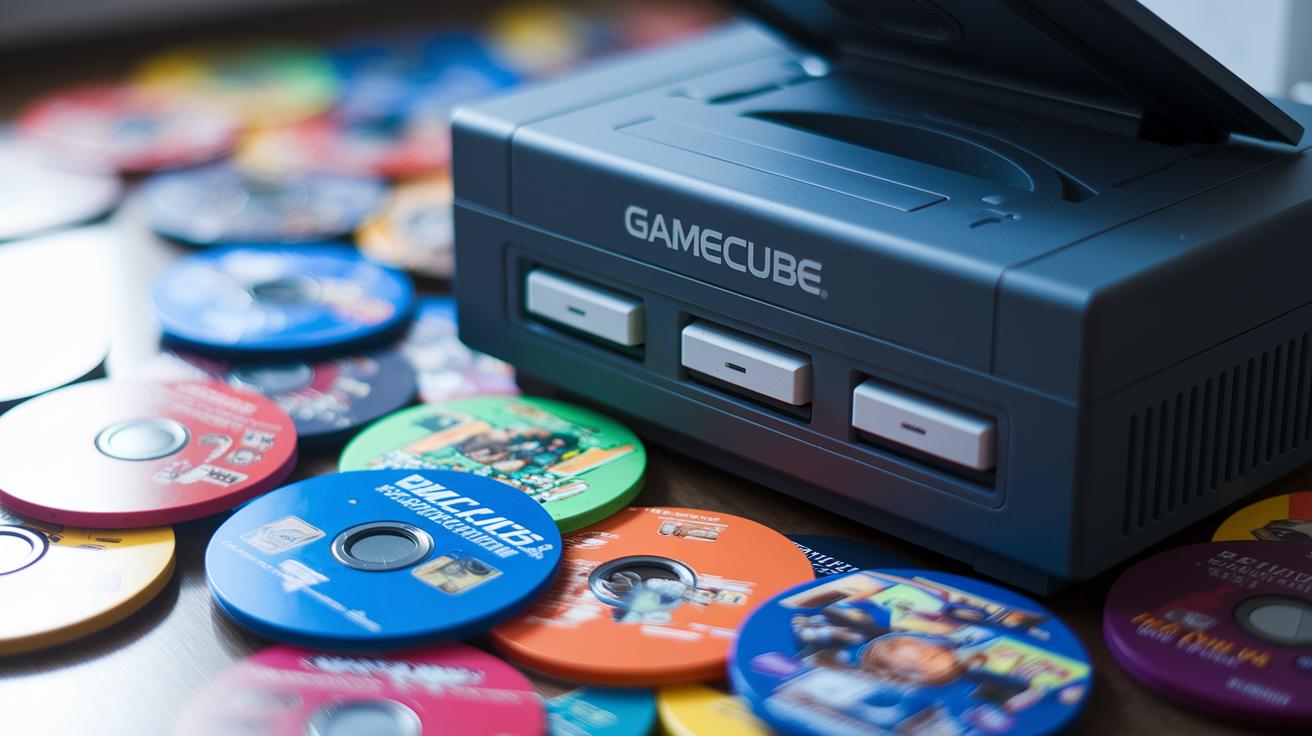
At the heart of the GameCube is the Gekko, the IBM-powered PowerPC 750CXe chip that was built just for gaming. It’s a neat piece of tech that mixes smart engineering with special tweaks to handle quick game moves and tricky physics. Imagine a chip designed specifically to keep up with fast games – that’s the Gekko for you.
It runs at 486 MHz, and thanks to some custom microcode tweaks, it works really smoothly. The chip uses a single memory interface, which cuts down on the lag you might find in older systems. Think of it as a finely tuned engine where every little moment counts, like that pulse-pounding second when a split-second move changes the game.
When you’re in the middle of some real game action, the Gekko keeps everything running steady. It processes complicated tasks and shifts with the game’s changing pace without breaking a sweat. In short, its clever design makes sure that resource use stays on point, letting you enjoy smooth gameplay even in the thick of the action.
GameCube GPU Evaluation: Flipper Chip and Graphics Capabilities
The GameCube’s Flipper chip is a real workhorse. It pairs a strong geometry engine with texture units that help create smooth, clear graphics. The chip has a Vertex Unit that handles shapes fast, letting the console render between 6 and 12 million polygons every second in normal games. Fun fact: while other systems often showed blocky, clumsy images, the GameCube smoothly displayed detailed models that made everything look rounded and lifelike.
The chip is loaded with cool features too. It softens jagged edges with subpixel anti-aliasing and uses 8-light hardware to light up scenes just right. It throws in tricks like alpha blending, fog effects, and multi-texturing, plus bump and environment mapping to build a rich visual world. It also uses MIPMAP, bilinear, trilinear, and anisotropic filtering along with real-time S3TC texture decompression and a three-line deflickering filter to keep all textures crisp and smooth. Imagine every leaf and shadow merging perfectly thanks to these clever tricks.
In real gameplay, these features mean that worlds look bright, fun, and full of life. Classics like Super Mario Sunshine and Metroid Prime burst with color and detail, drawing you in without slowing the game down. The design blends power and efficiency, letting you enjoy rich visuals that keep up with even the most intense gaming sessions.
GameCube Memory and MiniDVD Storage: Data Transfer Review

The GameCube’s unified 32-bit memory cut delays in a way that still wows many players. When you stack it up against newer consoles, you can see that its speedy memory bus really helped create a smooth gaming experience. With everything tightly connected, the console could handle game assets and graphics on the fly, like a well-tuned engine that makes every move sharp and responsive.
The 8 cm MiniDVD drive used a constant spin to hit data speeds between 16 and 25 Mbps, with an average access time of about 128 ms. That speed was quite impressive at the time, since other drives could take up to 200 ms. Its unique disc format came with anti-piracy tricks that changed how game assets were stored. Game makers had to think smart when fitting detailed levels on the disc, knowing that every extra millisecond could impact gameplay.
GameCube Controller and I/O Ports: Peripheral Connectivity Details
The GameCube keeps things simple and fun. It comes with four controller ports so you can plug in a regular controller or grab the WaveBird wireless one from 2002. Plus, it has two Digicard slots for saving your game progress.
The console also makes it easy to add more gadgets. You can connect a Game Boy Advance with its link cable or hook up other devices to mix up your play.
- Four controller ports for both regular and wireless controllers
- Two Digicard slots to keep your game saves safe
- Two high-speed serial ports for linking your Game Boy Advance and more peripherals
- One high-speed parallel port for optional I/O upgrades
- AV output options like composite and S-Video (the component option was dropped in 2004)
- Internal expansion managed by Flipper’s Northbridge
These options give you a lot of flexibility. Whether you like trying different setups or expanding your gaming world later on, the GameCube is ready to grow with you.
GameCube Video and Audio Output Capabilities: Resolution and Sound Performance

The GameCube packs a punch with its video output. It pushes games in resolutions up to 640×480 for NTSC and 768×576 for PAL. With bright 24-bit color giving you about 16.7 million colors, every scene pops with vivid detail. And if you get one of those older component cables (from before 2004), you can even enjoy a progressive scan that makes visuals feel extra smooth.
The console’s video hardware is like having a pro behind the scenes. It uses a special filter to cut down on flickering and a bit of anti-aliasing to smooth out jagged edges. Plus, it applies MIPMAP texture filtering to keep textures sharp no matter how far away they are. It’s kind of like having an expert handyman fine-tuning your display so everything looks just right during those heated moments.
Audio is no afterthought either. The GameCube uses a dedicated Macronix DSP to handle music streaming, which means the CPU and GPU don’t get bogged down. With several audio streaming channels doing their thing, you get a sound performance that dishes out clear, robust audio, perfectly complementing the lively visuals.
GameCube Form Factor and Structural Design: Dimensions and Revisions
The GameCube comes with a sturdy plastic shell designed to keep the fan noise really low. It’s built with a focus on smooth, quiet gameplay, showing off Nintendo’s knack for blending solid performance with comfort. Imagine playing for hours without that annoying hum, the design really makes a difference.
Earlier, we talked about its size, color choices, the updated connectivity in 2004, and the various controller options. Here, we’re zeroing in on the design details that set it apart, a tough build that helps keep distractions at bay during those marathon gaming sessions.
GameCube Tech Specs Comparison: Benchmark Metrics vs. Competitors

When you line up the GameCube with other consoles, the numbers tell an interesting story. It sports a 486 MHz Gekko CPU that might not look as flashy as the Xbox’s 733 MHz or even the PS2’s 294 MHz at first glance. But don’t be fooled, the GameCube was built for quick, smooth gaming right from the start.
Its custom Flipper GPU can handle between 6 and 12 million polygons each second. That may seem lower compared to other systems bragging about higher stats, yet it shows you that performance isn’t just about big numbers. Nintendo chose a design that focused on efficiency rather than just raw horsepower.
Another cool detail is its proprietary MiniDVD format, which stores about 1.5 GB of data. While some competitors use DVD formats that can hold up to 4.7 GB, the GameCube was all about speed and simplicity.
The real secret lies in its unified memory design. This clever 32-bit setup cuts down on delays, making games like Super Mario Sunshine, Metroid Prime, and Zelda: The Wind Waker run smoothly even if the numbers on paper seem lower. It just goes to show that a smart design can make all the difference in how a game feels.
Final Words
In the action, we broke down the GameCube’s core components, from its efficient CPU and dynamic GPU to the unique memory system and streamlined connectivity. The article laid out its hardware aspects with clarity, highlighting design tweaks and console revisions in an easy-to-follow way.
Our chat on gamecube tech specs shows how Nintendo’s balanced design helped create smooth, competitive play. The insights shared leave us pumped for more innovative strategies in gaming and streaming.
FAQ
What are the key tech specs of the GameCube?
The GameCube features a 486 MHz PowerPC Gekko CPU, a Flipper GPU delivering 6–12 million polygons per second, a unified 32-bit memory system, and a proprietary MiniDVD drive that reads discs with up to 1.5 GB capacity.
How much RAM does the GameCube have?
The GameCube uses a unified memory architecture that combines system and graphics memory, offering roughly 24 MB of fast, low-latency memory for smooth gameplay performance.
What GPU does the GameCube use and how does it compare?
The GameCube’s Flipper GPU, capable of processing 6–12 million polygons per second, includes features like subpixel anti-aliasing and multi-texturing, delivering visually appealing graphics similar to competitive consoles of its time.
When was the GameCube released?
The GameCube was launched in 2001 as Nintendo’s follow-up to the Nintendo 64, marking a shift towards more compact design and advanced gaming technology.
What are the notable features of the GameCube controller?
The GameCube controller combines ergonomic design with responsive buttons and analog inputs, while the later WaveBird wireless version provided the same control precision without the tangles of cables.
How do GameCube specs compare to the PlayStation 2?
The GameCube’s 486 MHz CPU, dedicated GPU, and unified memory system offer a balanced performance that competes closely with the PlayStation 2, despite differing media formats and overall system designs.
What resolution and frame rates did the GameCube support?
The GameCube supports output up to 480p resolution and typically runs games at frame rates ranging from 30 to 60 fps, delivering smooth and consistent graphical performance.
How do Wii specs relate to GameCube hardware?
The Wii built on GameCube hardware by maintaining similar controller compatibility and system design while introducing enhancements that broadened gaming experiences and maintained backward compatibility.
How does the GameCube connect with other Nintendo systems?
The GameCube includes several I/O ports that allowed connectivity with devices like the Nintendo 64 and Game Boy, offering versatile interfaces for additional gaming options and peripheral integration.
What types of games did the GameCube offer?
The GameCube boasted a diverse library, featuring iconic titles like Super Mario Sunshine, Metroid Prime, and The Legend of Zelda: The Wind Waker, which provided fresh and engaging experiences for a wide range of players.