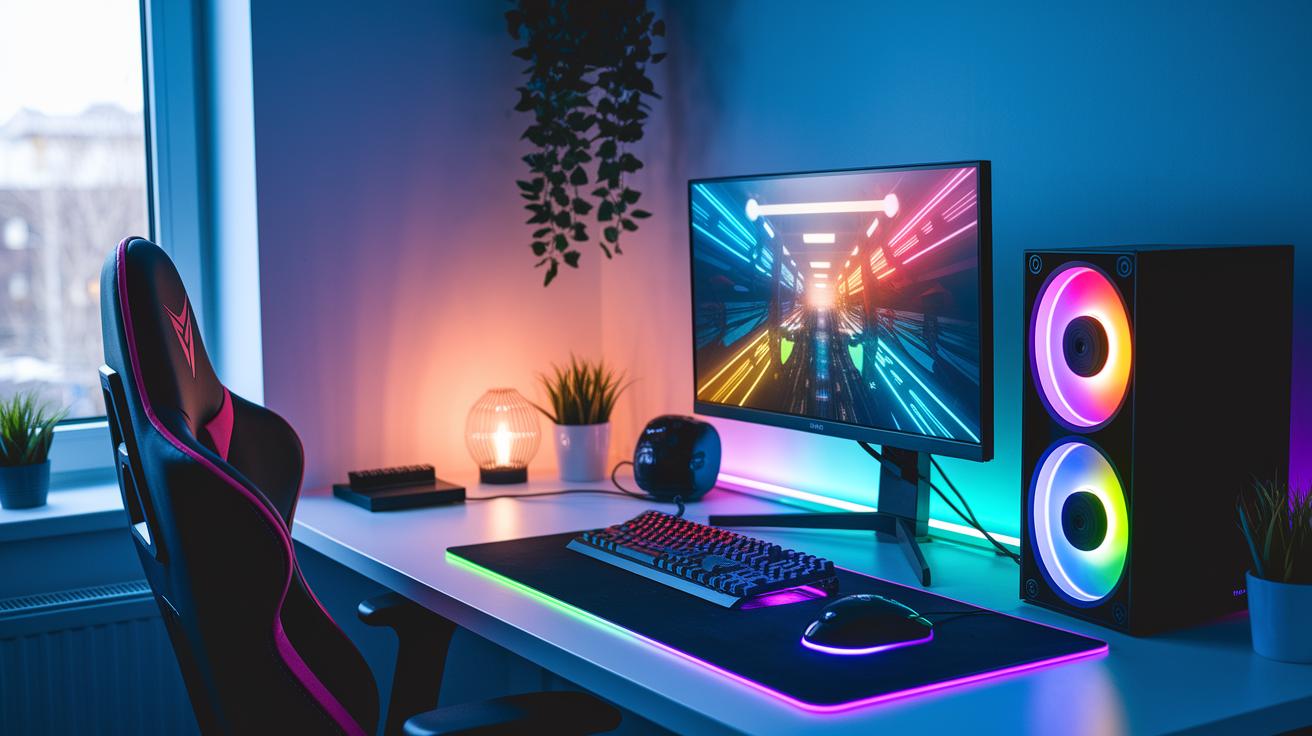
Ever wonder why some gaming spaces look awesome while others just don't hit the mark? If you're looking for a spot that mixes cool design with real comfort, you're in the right place.
Picture your room set up like a well-planned game map. Every detail, like neat cable setups and bright LED lights, adds a little fun and smart style. This guide shows you how to build a space that feels both fresh and modern, turning your gaming corner into your own stage for epic play.
Master Your Gaming Room Setup: A Comprehensive Guide for Enthusiasts
First off, take a good look at your room. Whether you’re working with a big, repurposed space or a cozy corner, figuring out what you have is key. Measure the area, check where the light hits, and decide which parts will be for work, play, or just chilling out. This first step sets you up for a space that feels welcoming even during those long, marathon sessions.
Think about these five essential parts when planning your setup:
- Look at your room’s size
- Pick comfy, ergonomic furniture
- Sketch out a layout that works well
- Mix in modern tech and cool lighting
- Add personal touches that speak to you
Once you have the basics laid out, it’s time to choose your gear. Grab an adjustable chair, consider dual monitors, and look for peripherals that react quickly to your moves. Don’t forget to organize your cables so things stay neat. And maybe add some LED lights that groove with your game action for that immersive feel. Each choice makes your gaming space more enjoyable and comfy.
Your setup can vary from high-end systems to budget ones starting around $6,500. The goal is to build a space that jumps between live streams, intense gaming rounds, and focused work. Experiment with your decor, use every inch of space wisely, and let your setup show off your passion and creative spirit every time you play.
Optimizing Your Gaming Room Setup Layout and Gear Selections
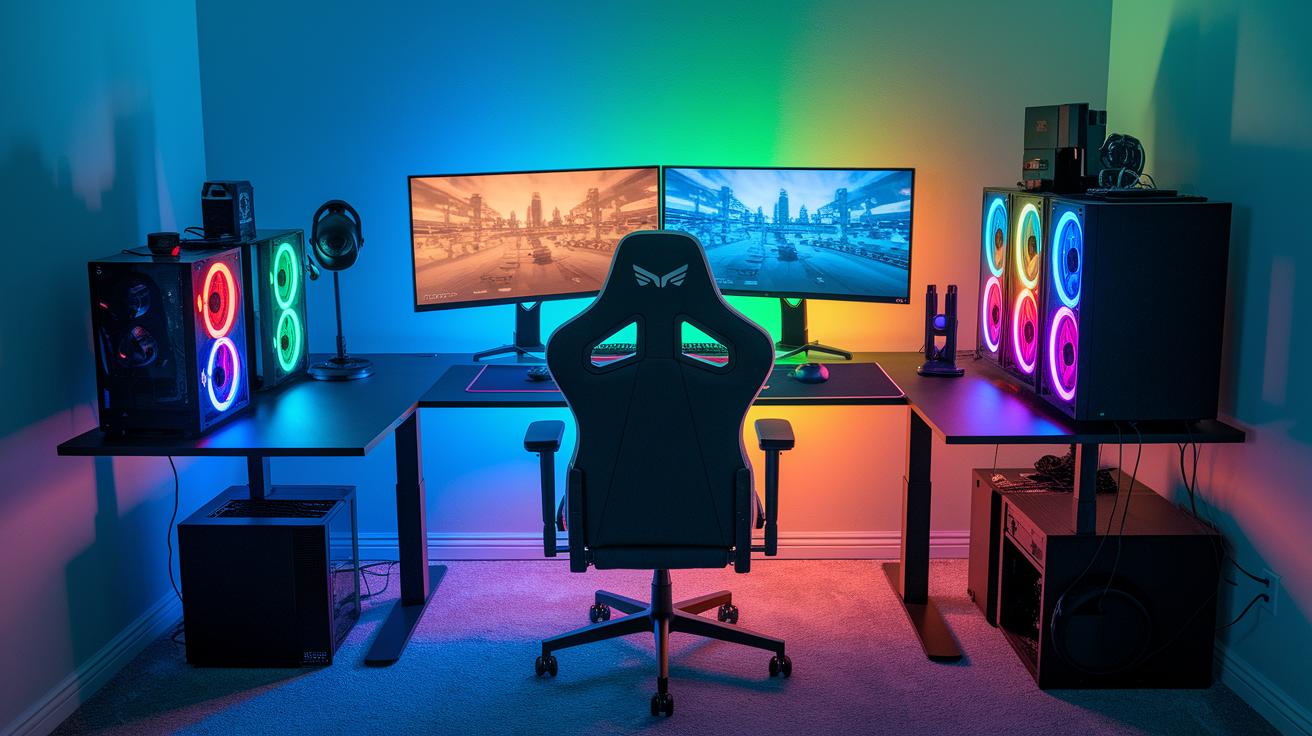
When you're setting up a killer gaming station, every detail counts, from where your PC goes to how comfy your chair feels. Start by checking out your space and planning a layout that helps you move around easily while you game. A clean, organized setup means you can grab your favorite gear quickly, even during those epic, marathon sessions.
Picking the right gear is key to a setup that's both functional and stylish. For example, an L-shaped gaming desk starting at $399.99 gives you plenty of room for two monitors. Pair that with an ergonomic chair, like the TITAN EVo priced around $519, and you've got a combo that keeps you comfy and supported. Trust me, a smart layout makes a huge difference when you're deep in a game or juggling multiple tasks.
Using two monitors can really boost your gameplay and productivity. Keeping your desk clutter-free and your cables managed means fewer distractions and no annoying tangles. With everything in order, you can focus on your high-tech peripherals and enjoy an uninterrupted gaming experience.
In the end, a great gaming setup isn’t just about buying expensive gear; it’s all about arranging everything so your dual monitor setup works perfectly with your comfy chair and other devices. When you put your desk, chair, and gadgets in just the right spots, you create a modern, inviting space that's always ready for your next gaming challenge.
Enhancing Your Gaming Room Setup with Inspiring Decor and Immersive Lighting
Turn your gaming room into a stylish and energizing space that feels as epic as your best plays. Mix cool lights with unique decor to completely change the vibe in just seconds. Ever notice how LED strip lights that move with the game can make every match feel even more intense? And when you add personalized LED touches, your room gets that extra dose of personality.
Try these easy decor ideas:
- Use LED lights that change colors just the way you like
- Hang up game-themed posters or art that shows off your passions
- Add smart shelves that keep your favorite gear and collectibles neat
Imagine a wall that tells your gaming story, a mix of art and tech that boosts your mood every time you step into your room. Picture floating shelves holding your prized game memorabilia while themed posters capture the excitement of your top moments. This setup doesn’t just look cool; it keeps your space organized so you can focus on the game.
Let your personal style shine by blending smart lighting with thoughtful decor bits. Play around with different colors to set the perfect mood for those high-energy sessions or laid-back nights. A well-lit, organized space makes every play feel more immersive, turning your room into a modern gaming haven where every moment kicks into high gear.
Budget-Friendly and Compact Gaming Room Setup for Small Spaces
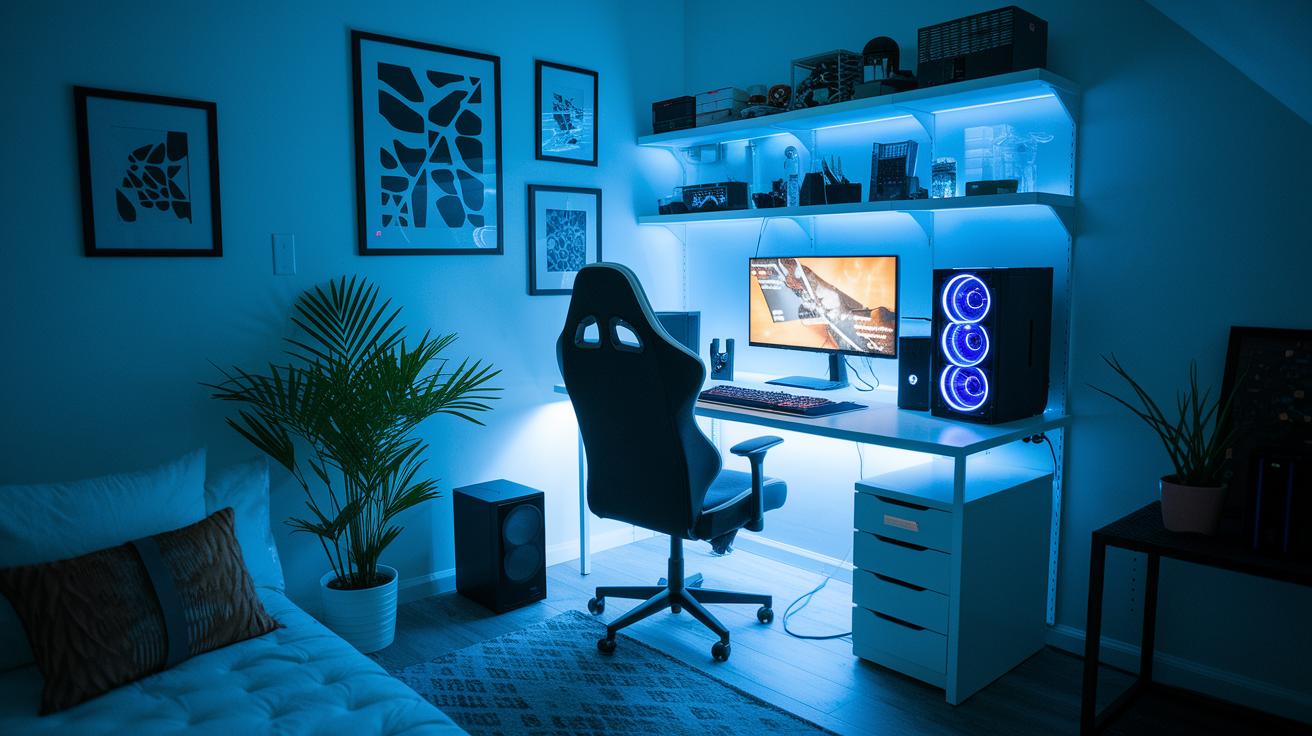
Working with little space and a tight budget can still lead to an awesome gaming setup. With a few smart tweaks, you can turn even a tiny corner into a cool zone that feels both fun and functional. Imagine a compact desk that neatly hides all your wires, leaving plenty of room for your must-have gear.
Every inch matters when space is limited. Choosing a desk that fits perfectly and offers clever storage can really change the game. Consider using wall-mounted shelves, like IKEA KALLAX units, to stash your accessories and keep clutter out of sight. This way, your room stays streamlined and stylish without sacrificing floor space.
Even on a budget, starting at around $6,500, you can create a setup that brings all the excitement of a dedicated gaming room. That budget lets you snag durable, multi-functional furniture that maximizes space and keeps your equipment safe. It’s all about crafting a snug, modern corner that feels just right for your gaming sessions.
With a bit of planning and creative storage hacks, a compact, budget-friendly gaming setup is totally within reach. Focus on efficient layouts and smart organization, and you'll soon have a minimalist space that not only fits into any small area but also meets all your gaming needs.
Advanced Tech Integration and Organization for Your Gaming Room Setup
Start by adding smart gadgets to your gaming room. Use zip ties or wireless tools so your cords vanish into the background. Once your cables are sorted, you can hook up smart power outlets and other devices that adjust to your energy needs during long gaming sessions. Imagine having a setup where the power flows with your game action, it’s like having your very own tech buddy keeping everything in sync.
Next, consider a dual system for both gaming and streaming. This type of setup not only revs up your gameplay but also gives you a dedicated spot for live streaming. Managing cables from speakers, monitors, and extra controllers can look like a mess at first, but smart organization means you can keep distractions to a minimum and focus on your game.
Another cool tip is to add advanced peripherals and cooling systems. These extra features keep your gear running smoothly during those marathon sessions, while high-tech controllers and monitors give you that extra edge. A clean arrangement of all these devices helps reduce glitches and keeps your focus sharp throughout the game.
Finally, design your layout smartly by blending device integration with tidy cable management. Place your streaming station, cooling systems, and power hubs thoughtfully to maximize your space. When everything is neatly connected and working together, your gaming room will be ready to take on any challenge and inspire awesome gameplay every time.
Final Words
in the action, this guide took you through designing the perfect space, from room evaluations and gear selections to decor upgrades and smart tech integration. We covered setting up functional layouts, choosing comfortable furniture, and incorporating vibrant lighting that amps up the mood. Each section offered simple steps to boost both performance and style. Get ready to enjoy every moment in your gaming room setup with confidence and creativity.
FAQ
How should I set up my gaming room?
Setting up your gaming room means balancing comfort, tech, and style. Start with an efficient layout, ergonomic furniture, clear cable organization, and ambient lighting to create a space that’s both cool and practical.
What does every gaming room need?
Every gaming room needs a planned layout, a comfortable chair and desk, quality tech accessories, organized cables, and decorative touches that keep the space fun and functional for long play sessions.
What are some gaming room setup ideas for small spaces?
Gaming room ideas for small spaces include using compact furniture, wall-mounted storage, and smart cable management. These tips create an organized, inviting area without feeling cramped.
How much does an average gaming setup cost to build?
An average gaming setup typically costs around $6,500. This price can change based on your component choices, design preferences, and any custom touches you add.
Where can I find inspiration for gaming room setups, like on Reddit or IKEA?
Reddit and IKEA offer plenty of ideas for gaming room setups. You can check community threads for real-user tips and IKEA for affordable, versatile furniture that suits tech-heavy spaces.
What gaming setup accessories should I consider?
Consider accessories such as dual monitors, LED lighting, ergonomic seating, quality sound systems, and cable management tools. These items boost both the functionality and atmosphere of your gaming area.