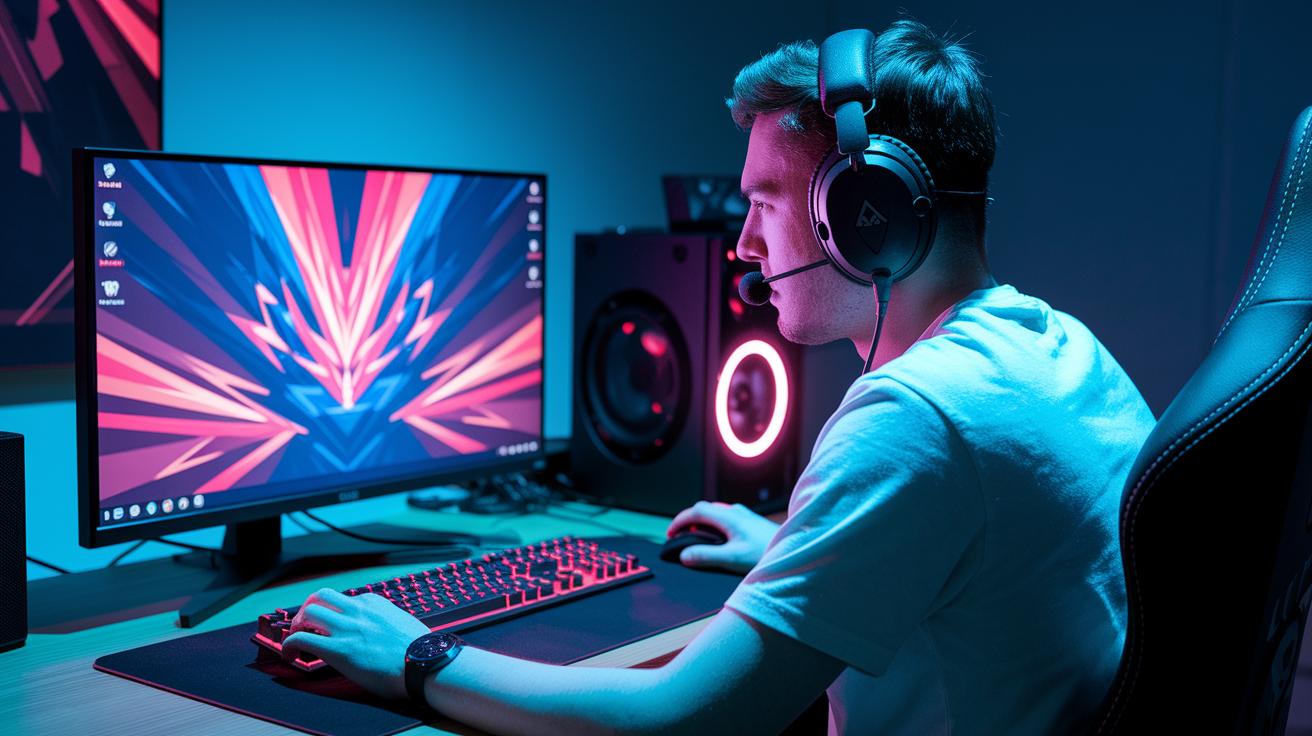
Ever thought about how HDR can change your game visuals? It makes colors pop and shadows stand out, turning a plain scene into an exciting battleground. Every detail gets a neat, crisp touch, so a quiet stealth move or a big explosion feels even more awesome. Sure, sometimes you might need to tweak your settings a bit, but HDR really can jazz up your play. Just keep in mind its impact depends on your display gear.
HDR Impact on Gaming Visuals: Weighing Benefits and Drawbacks
HDR makes game visuals sharper and clearer. It brings out bright details while keeping the dark parts realistic. Colors pop and contrast is boosted, so every light and shadow is easy to spot. This makes the game exciting, especially in those tense, crucial moments. Plus, with better color accuracy, game worlds look even more engaging.
The boost in visuals gives you a truly immersive gaming feel. The wider color range and deeper contrast make virtual scenes seem almost real, cranking up the thrill of competitive play. You notice how vibrant colors blend perfectly with detailed textures, making scenes almost jump off the screen. This extra kick not only makes the game more attractive but also helps you stay alert during fast-paced action.
Still, there are some hiccups. Many PC monitors only hit HDR400 certification, which means they might not deliver the full brightness or contrast needed for ideal HDR. Also, HDR10 uses fixed settings set at the start, so it doesn't adapt well to changing light during gameplay. This can mean lots of manual tweaking to keep the image quality consistent, and the HDR experience might vary from one setup to another.
Technical Advantages of HDR Gaming: Improved Color and Contrast

HDR tech changes the way we see game worlds by keeping details in the darkest shadows and the brightest highlights. It uses popular standards like HDR10, HDR10+, and Dolby Vision to tweak brightness and color on the fly. This means your games pop with deeper contrast and a broader splash of color that really makes every scene jump out. Ever notice how a dark level suddenly reveals hidden details when HDR is on? It's like discovering a secret layer you didn’t know existed.
Better color and contrast don’t just look awesome, they boost your gameplay too. With HDR turned on, even the faintest textures become clearer. In the heat of fast-paced matches, those tiny details can give you a split-second advantage. The best part? Settings like HDR10+ and Dolby Vision adjust automatically, so you get that natural burst of color without missing a beat. Imagine every action sequence lighting up with a rhythm all its own, much like a perfectly synced game soundtrack.
These clear visuals not only add depth but also help you keep an eye on every crucial detail during intense gameplay. With HDR, those subtle cues in your environment become easier to spot, enhancing your reaction time and overall game sense. It’s like having an extra pair of eyes during every match, ready to catch the details that matter most.
Performance and Calibration Challenges with HDR Gaming
HDR can make your game visuals pop, but it can also mess with your game feel. When you turn on HDR, your GPU has to work harder, which might slow your input response. This means that those split-second moves could suffer. Plus, when your monitor locks in the brightness and color at the start using HDR10, it may struggle to keep up during the heat of the action, leading to some erratic visuals during fast gameplay.
Calibration gets tricky with HDR too. Many screens don’t quite hit the ideal technical marks, so you end up fiddling with the settings mid-game. It’s a bit like setting up your gaming rig: one minute everything looks perfect, and the next, you’re scrambling to adjust as the game changes. This constant tweaking is especially frustrating in games where every detail matters, making you wonder if the visual boost is really worth all the hassle.
When you use HDR in gaming, there are clear trade-offs that can affect your in-game response and overall performance. Sometimes the display might not live up to the advertised standards, leading to lag spikes or even flickering that disrupts your flow. These issues force you to spend extra time troubleshooting and micromanaging settings, which takes your focus away from the game itself. Even though HDR can deliver stunning visuals, it’s good to be aware of the potential technical challenges when you’re in the heat of competitive play.
HDR Gaming on Consoles vs. PCs: A Comparative Review
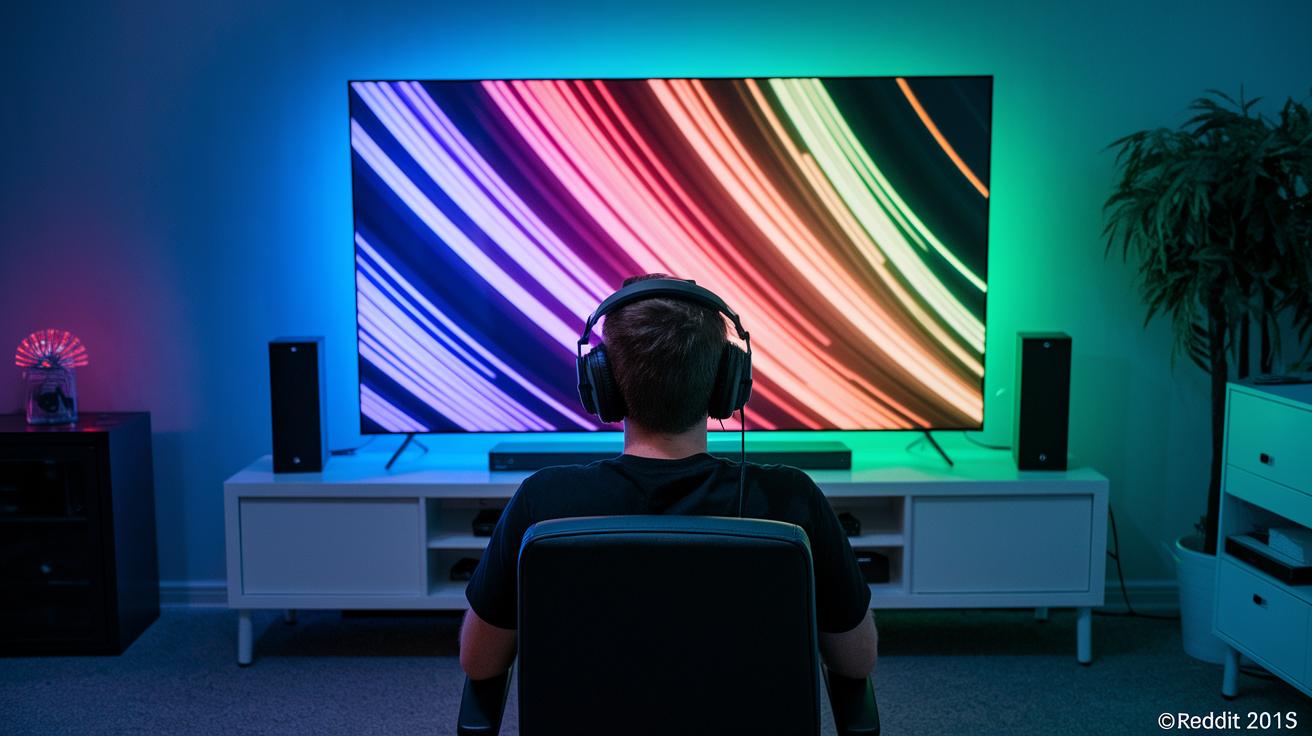
When it comes to HDR, consoles like the PS5 and Xbox Series X really stand out. They use special hardware and careful setup to give you bright visuals, deep blacks, and rich colors every time you play. This makes it easier for game makers to add cool HDR effects, so your gaming sessions always look awesome.
On the other hand, PC gaming can be a mixed bag. Many PC monitors only reach HDR400, which means they don’t hit the true HDR mark. You might find yourself spending extra time fiddling with settings just to get things looking right, which can be a bit of a hassle when you want to jump straight into the game.
The big difference here is ease of setup and consistency. Console makers work closely with game studios to tune HDR for fast-paced scenes and dramatic lighting changes, keeping the visuals steady throughout the game. Meanwhile, PC users often deal with varying monitor performances and game settings that can differ from one title to the next.
So, consoles offer a plug-and-play style that makes HDR gaming simple and reliable. PCs, with all their options, promise top-notch visuals if you’re willing to put in the extra effort. It’s a trade-off between convenience and the chance to push your system to its limits.
Optimizing HDR Settings for Competitive Gaming Immersion
If you're in the heat of competitive gaming, getting your HDR settings right really matters. Adjusting things like brightness, contrast, and color balance helps you catch every single detail. Think of it as tweaking your monitor to give you that extra push during those tight matches. You set the brightness so that even the darkest spots show details clearly, like snapping a photo with perfect shadows and highlights. This means you can spot your opponent faster and react quicker when it counts.
It's a good idea to look at benchmarks from displays like the LG UltraGear or Philips Evnia OLED for some guidance when fine-tuning your settings. Regular firmware updates and in-game calibration routines help avoid delays in input response and keep colors steady. It’s a bit like fine-tuning the equalizer on your favorite track so every note shines through. These tweaks aren’t just about making your game look awesome, they help you make those split-second decisions in intense moments.
Taking the time to optimize your HDR settings goes beyond just having impressive visuals. You get clear, lively scenes that let your eyes follow fast-paced action with ease. With less lag and smoother gameplay, you spend more time strategizing and less time dealing with screen issues. Every small adjustment is a step towards a gaming experience where every flicker of light or shift in color can really tip the scales in your favor.
Final Words
in the action, this guide broke down HDR’s benefits, technical perks, and challenges in both competitive play and streaming setups. It explored how vivid colors and dynamic brightness can boost your visuals while also weighing setup limitations and calibration issues.
Take these insights to fine-tune your display settings for an immersive competitive experience. With the right tweaks, hdr good for gaming might just offer that extra edge in your next match. Enjoy pushing your gameplay to new heights.
FAQ
Is HDR good for gaming?
The answer is that HDR boosts gaming visuals by enhancing image clarity and vibrant colors. Many gamers enjoy the richer contrast, though the benefits largely depend on your display’s true HDR performance.
Does HDR affect FPS and overall gaming performance?
The answer is HDR elevates the visual experience through improved color contrast, yet some systems may face input lag or lower FPS. Balancing visual fidelity with smooth performance is key.
Is HDR good for gaming on Xbox and PS4?
The answer is that HDR enhances the picture quality on Xbox and PS4 by delivering consistent brightness and color depth, provided the console settings and display calibration work well together.
Is HDR good for competitive titles like Valorant?
The answer is HDR can intensify visuals in competitive games such as Valorant by sharpening contrasts and details, though any slight input delay or calibration issues might affect fast-paced gameplay.
Should I use HDR on gaming, and is it better to leave it on or off?
The answer is your choice to enable HDR should depend on your display’s capability and your game type. If properly calibrated, HDR can greatly improve visuals, otherwise turning it off might maintain smoother performance.
Is HDR better than 4K for gaming?
The answer is that HDR and 4K offer different enhancements; HDR focuses on contrast and color vibrancy while 4K boosts resolution. Your preference should hinge on whether dynamic range or image sharpness matters more to you.
Is it worth playing in HDR?
The answer is playing in HDR is worth it if your hardware truly supports it, as it offers richer visuals and immersive experiences, provided any calibration challenges are addressed for optimal performance.