
Ever wondered if your MacBook really lives up to all the hype? Some folks say these sleek devices are total game-changers, but not every Mac is built the same. Take the MacBook Air, for example, it’s super lightweight and handles everyday tasks without breaking a sweat. Then there’s the MacBook Pro, a beast designed for creative work that needs real muscle. In this post, we break down the numbers and features so you can see exactly what each model brings to your table. Which one is going to level up your setup?
Comprehensive Comparison of Current MacBook Tech Specs
The MacBook series is split into two amazing camps that fit different needs. If you're the kind of person who values a lightweight and svelte design, the Air models have you covered with a sleek look and plenty of performance for everyday tasks. But if you’re diving into more demanding work with detailed graphics or multitasking across several displays, the Pro line kicks it up a notch with even more power and premium features.
| Model | Display Size | Processor | GPU Cores | RAM | Storage | Starting Price | Connectivity |
|---|---|---|---|---|---|---|---|
| MacBook Air (13.6″) | 13.6″ | M4 chip | 8 | 16 GB | 256 GB SSD | $999 | 2x Thunderbolt/USB 4, 3.5 mm jack |
| MacBook Air (15.3″) | 15.3″ | M4 chip | 10 | 16 GB | 256 GB SSD | $1,199 | 2x Thunderbolt/USB 4, 3.5 mm jack |
| MacBook Pro (14.2″) | 14.2″ | Standard M4 chip | 10 | 16 GB | 512 GB SSD | $1,599 | Thunderbolt 4 |
| MacBook Pro (16.2″) | 16.2″ | M4 Pro chip | 20 | 24 GB | 512 GB SSD | $2,499 | Thunderbolt 5 |
The Air models really shine when you need to haul your laptop around all day. Their super-portable design, combined with a clear 224 ppi Retina display, makes everyday tasks a breeze. On the other hand, the Pro models pack a punch with a brighter and crisper Liquid Retina XDR display at 254 ppi, plus extra connectivity options for those tackling more intense, creative projects.
Bottom line: If you’re looking for something streamlined and ready for daily use, the Air is a great fit. But if you plan on pushing your tech with graphics-heavy work or intricate multitasking, the Pro lineup might just be the secret weapon for you.
MacBook Pro Tech Specs Evolution from 2015 to 2023
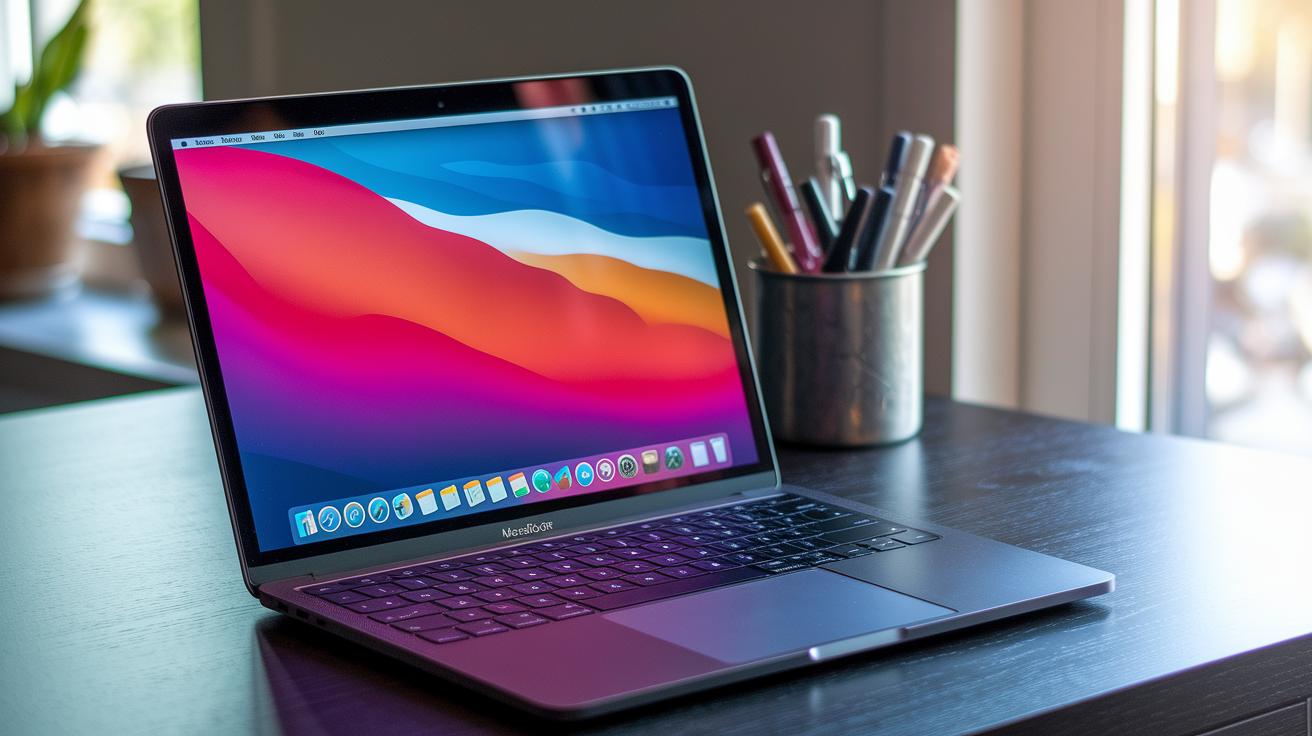
The MacBook Pro has come a long way since 2015, with each new model packing cooler upgrades and smarter tech. Back then, it set a solid foundation, and over the years, it has upped its game in performance, display quality, and connectivity. Every release has answered the calls for longer battery life, sharper graphics, and a sleeker design for everyday use.
Take a look at these standout upgrades by year:
- 2015: Debuted with a scissor-switch keyboard, a crisp Retina display, a Force Touch trackpad, and came with handy ports like USB-A, HDMI, and an SD card slot.
- 2016: Rolled out the Touch Bar and switched to Thunderbolt 3 with USB-C ports along with Skylake Intel CPUs, giving a fresh, interactive feel.
- 2018: Cranked up performance with options reaching a 6-core Intel Core i9, added a True Tone Retina display, and introduced the T2 security chip.
- 2019: Brought a new 16" model that featured top-notch Intel Core i9 processors, powerful AMD Radeon Pro 5000M graphics, and a reimagined Magic Keyboard.
- 2020: Made a major jump with the M1 chip in the 13" Pro, boosting overall power and keeping things cool, even during heavy use.
- 2021: Unveiled the 14" and 16" models sporting M1 Pro and M1 Max chips, a Liquid Retina XDR display, ProMotion 120 Hz refresh rate, MagSafe charging, HDMI, and an SD card slot.
- 2022: Updated the lineup with M2, M2 Pro, and M2 Max chips available in 13", 14", and 16" sizes, highlighting better battery life and thermal management.
- 2023: Kept the familiar 2021 design but now packs the M2 Pro and M2 Max chips, making it possible to boost up to 96 GB of unified memory and even up to 8 TB of SSD storage.
Each upgrade builds on the last, making sure you get top performance, a crisp display, and all the ports you need. Apple’s consistent push for better tech shows in these speedy upgrades, making the MacBook Pro a solid choice for creative pros and everyday users alike.
MacBook Air Series Tech Specs and System Analysis
The new MacBook Air has a fresh look that feels both classic and modern at the same time, like swapping out your old game controller for one with a boost in speed while keeping that familiar grip.
Under the hood, the upgraded M4 chip makes juggling multiple apps and creative tasks a breeze. It helps the machine switch quickly between different tasks, so you can jump from tracking your scores to streaming your epic plays without missing a beat.
Measuring just 0.44 inches thick, the Air is super easy to carry around. Imagine packing a lightweight but powerful device in your bag, always ready for a long session whether you're on the go or chilling in your favorite gaming spot.
It also comes with a smart port setup: two Thunderbolt/USB 4 ports plus a 3.5 mm headphone jack for easy connections and fast data transfer. Think of it as having a multi-tool that fits perfectly into your gaming arsenal, offering both convenience and speed.
MacBook Pro Series Hardware Breakdown
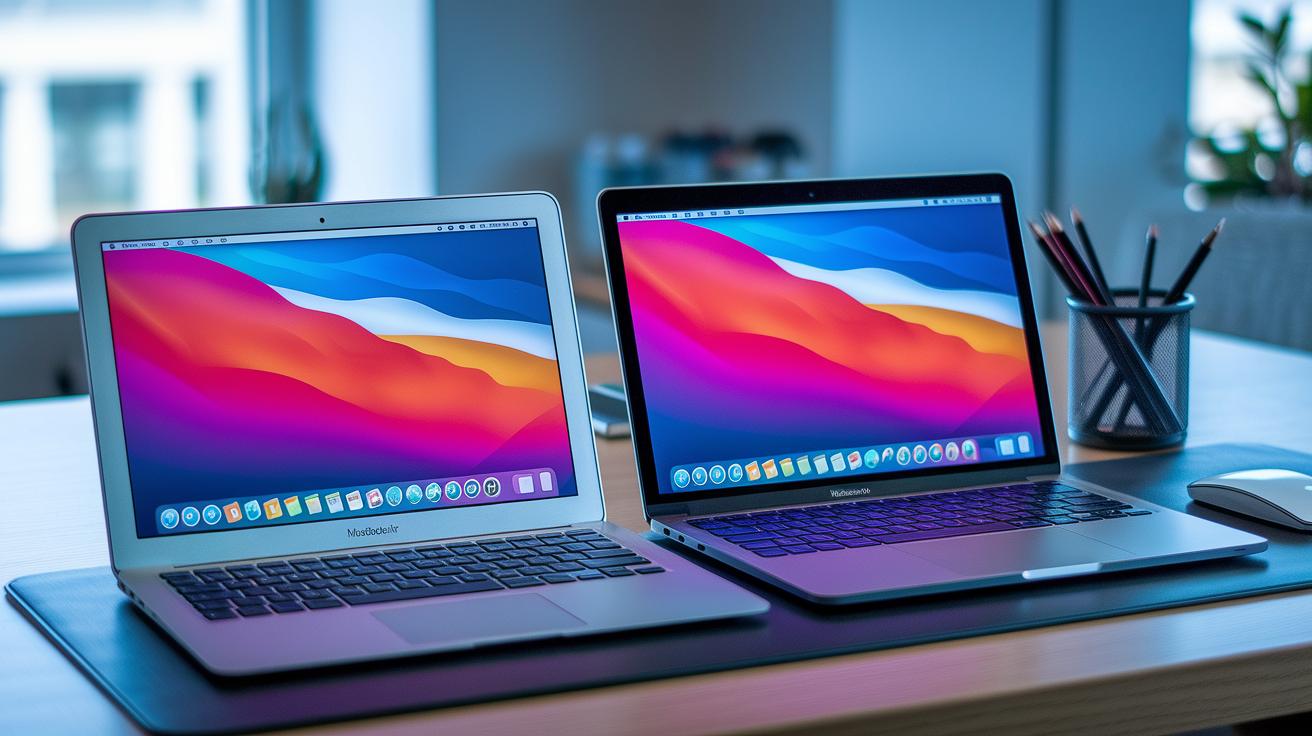
2021 was a game-changing year when Apple introduced its first chip that reimagined the balance between power and efficiency. Instead of rehashing old details, these models reshuffle energy use and on-device processing to tackle heavy tasks, just like nailing a tough level with perfect timing.
In 2022, clever tweaks took that solid base to the next level. The updates smoothed out performance shifts and improved heat control, making long sessions feel ultra-responsive. Ever picture switching up your gear mid-match and suddenly feeling every move sharper?
By 2023, the spotlight moved to cranking up multitasking with boosted memory and storage options. This update lets users manage huge files and complex tasks without a slowdown, think of it as expanding your in-game inventory for nonstop action.
Overall, these models now offer a range of configuration choices to fit your needs, with cooling improvements that keep performance steady even during marathon play. It’s like having a high-performance rig that stays cool, no matter how hot the battle gets.
MacBook Display Resolution and Graphics in Tech Specs
Apple’s MacBooks are known for their super clear displays. The MacBook Air comes in 13.6-inch and 15.3-inch sizes and packs a 224 ppi Retina display with True Tone. This clever tech automatically adjusts the colors and brightness so your text stays sharp and your images look smooth no matter the lighting. It’s like having a perfect screen whether you’re indoors or out.
The MacBook Pro steps it up with a Liquid Retina XDR display in 14.2-inch and 16.2-inch sizes. These displays hit 254 ppi and deliver 1,000 nits of brightness for everyday use, with peaks up to 1,600 nits. HDR support boosts the experience further by deepening blacks and brightening highlights to give you dynamic visuals that pop.
When it comes to refresh rates, the story is different. The Air sticks to a steady 60 Hz, which works great for everyday tasks. But the Pro series surprises you with ProMotion technology, offering a 120 Hz refresh rate that makes scrolling and fast video playback feel extra smooth.
Both lines cover the P3 wide color gamut, meaning every color pops off the screen. This level of color accuracy makes them awesome for viewing anything from detailed photos to action-packed movies.
Connectivity Port and Interface Overview in MacBook Tech Specs

The MacBook Air is all about keeping things simple. It only has two Thunderbolt/USB 4 ports and a 3.5 mm headphone jack so you can plug in your headphones and all your devices without any fuss.
The 14" MacBook Pro, on the other hand, steps up your connection game. It offers three Thunderbolt 4 ports, an HDMI port, and an SDXC card slot. And yes, it also brings back MagSafe charging along with the trusty 3.5 mm headphone jack. This means you get plenty of fast ports for everything, whether you’re hooking up an extra display or transferring files in a flash.
Then there’s the 16" MacBook Pro (M4 Pro) which cranks it up a notch by upgrading to Thunderbolt 5. This boost means even quicker data speeds and solid multi-display support, perfect for when you’re juggling lots of high-performance setups.
In the end, each model brings its own mix of simplicity and power. Whether you’re using the Air for everyday tasks or one of the Pro models for heavy-duty work, MacBook tech specs give you the flexibility to keep up with both creative projects and professional demands.
Battery Life and Energy Efficiency Trends in MacBook Tech Specs
When Apple switched from Intel to the M1 chip in 2020, it was a game-changer for battery life. Suddenly, MacBooks could run much longer on a single charge, giving users more unplugged time for everyday tasks. Imagine upgrading from a basic controller to a pro gaming setup, you just get more playtime without worrying about overheating.
After the M1, chips like the M2 and M4 took things further. These newer chips mix more power with clever energy-saving tricks, so even when you're doing heavy tasks, your battery doesn't drain fast. It felt like every intense creative session or long streaming marathon had a little extra boost in reserve.
Looking at the Air and Pro models shows a clear difference. The Air is super light and built for quick, everyday tasks, making it perfect for gamers on the go. On the other hand, the Pro is designed for power users who need serious performance for creative projects. Both models deliver impressive battery life, each tuned for different styles of play and work.
Final Words
In the action, you saw a deep dive into MacBook Air and Pro models. We compared display sizes, processor power, GPU cores, and connectivity options, all while keeping an eye on battery life and energy efficiency.
This breakdown brings macbook tech specs into focus, highlighting trade-offs and progress from earlier models. It’s clear that whether you lean toward portability or power, the capabilities of these machines keep improving, making it a win for everyone seeking an optimized gaming and streaming setup.
FAQ
What do the 2021 MacBook tech specs include?
The 2021 MacBook tech specs include advanced chip designs like M1 and M2, vibrant Retina displays, strong battery performance, and a range of connectivity options to meet both creative and everyday needs.
What are the technical differences between MacBook Air and MacBook Pro specs?
The MacBook Air offers a light design with efficient performance and True Tone display, while the Pro models boost power with better processors, premium graphics, and additional ports for more robust connectivity.
What are the weight details for the MacBook Pro 14 and 16 models?
The MacBook Pro 14 is designed to be more compact, whereas the 16-inch model is heavier to accommodate larger hardware and display components, as detailed in their product listings.
How do I find my MacBook’s system and processor specs?
You can check your MacBook’s system and processor specs by clicking the Apple menu, selecting “About This Mac,” and reviewing the overview for detailed information on your chip, memory, and storage.
What information is available about the MacBook Pro M3?
The MacBook Pro M3 is expected to offer next-generation performance improvements with enhanced graphics and processing power, continuing Apple’s trend of combining efficiency with top-tier performance.
What should I know about restored Apple MacBooks?
Restored Apple MacBooks undergo thorough testing and include genuine parts, providing a cost-effective option that still meets Apple’s performance and quality standards.
What are the details for the Apple 13‑inch MacBook Air and MacBook Air M2?
The 13‑inch MacBook Air and its M2 variant feature sleek designs, improved chip performance, crisp Retina displays with True Tone, and reliable battery life, making them ideal for everyday use.