
Ever wonder if you could skip buying a pricey gaming rig by using a game streaming service? NVIDIA GeForce Now might just be the answer.
In this review, we chat about how its powerful graphics cards make streaming super smooth and keep delays really low, even when things get heated.
We break down its performance, cool features, and cost so you can see why many gamers choose GeForce Now for that quick, responsive gameplay.
Stick with us to find out if this platform can deliver the quality gaming experience you're after.
NVIDIA GeForce Now Review: Core Performance, Features, and Value
This game streaming service is built on powerful NVIDIA GPUs that make remote play smooth and steady. Gamers who care about value and reliable performance will really appreciate it. You can try it free if you don’t play all the time, and if you decide to upgrade, the premium plan costs 9.17 €/month (billed every six months) or 110 €/year, which is a smart way to get high performance without buying a new gaming rig.
The gaming performance is pretty impressive. With the premium plan, latency stays low – between 8 and 75 ms – thanks to NVIDIA Reflex that cuts input lag in fast-paced games. Even if you hook up your Steam Deck via Ethernet, the responses are lightning-fast. Streaming runs at a smooth 1080p at 60 fps using about 3-4 MB/s of data, and if you boost to 120 fps, you only use roughly an extra 1 MB/s. This careful balance means you get sharp visuals and quick reactions with hardly any motion blur.
But it isn’t just about speed. You can import games from a bunch of places like Steam, Ubisoft Connect, Epic Games, GOG (for CD Projekt Red titles), and even Xbox Game Pass. Plus, they added six fresh titles on May 29, 2025, which shows they are all about keeping the lineup exciting. You can even tweak your in-game settings with a quick press of Ctrl+G, making customization a breeze.
Did you know that many gamers say switching to premium makes a huge difference? Frame rates rarely drop below 59 fps even during those all-out, intense sessions, and that keeps the game feeling smooth and fun.
NVIDIA GeForce Now Review: Technical Performance Metrics

NVIDIA GeForce Now streams games really smoothly, though your experience can change a bit depending on your network and device settings. Gamers using Ethernet often notice that every move is quick and responsive, while those on Wi-Fi sometimes face a very small delay when the network gets busy. One player remarked, "Playing on Ethernet, every move feels like an instant response. On Wi-Fi, there’s a tiny lag when the network gets busy – it was like waiting a split-second longer for a crucial play."
Device setup also matters. For instance, a Linux system may not feel as quick as a Windows setup on Ethernet, even if the numbers look similar. One casual streamer shared, "I switched from a Linux machine to a Windows setup on Ethernet and felt a noticeable improvement in game responsiveness during fast-paced sequences." These real-life stories go beyond just the raw numbers of latency and bandwidth.
| Device | Latency Range (ms) | Bandwidth (MB/s) |
|---|---|---|
| Steam Deck Wi-Fi | 15–20 | 3–4 |
| Steam Deck Ethernet | 8–12 | 3–4 |
| Linux (Wi-Fi) | ~30 | 3–4 |
| Windows (Ethernet) | ~10 | 3–4 |
| Android (BQ Aquaris X) | ~40 | 3–4 |
Remember, real-life play can be influenced by factors like network congestion and your specific hardware. Picture it: you're in the heat of a high-stakes match, and a brief Wi-Fi hiccup delays your shot. Even a tiny delay of a few milliseconds can change the flow of a crucial play, showing that every detail truly counts.
NVIDIA GeForce Now Review: Device Compatibility and Interface Usability
NVIDIA GeForce Now works great on lots of devices, making it super easy to jump into your favorite games. Whether you're on a Windows PC, trying out the Mac beta, or even checking out Linux, the service runs smooth. It also shines on portable gear like the Steam Deck. Even older Android devices, like the BQ Aquaris X running LineageOS, get a solid gaming experience. But keep in mind that some games, like Genshin Impact, only show up on Windows, so your game library might look different depending on your device.
Getting started is a breeze. New users can sign up for the free tier with a quick sign-up process, and if you decide to upgrade, it happens right away with no extra fuss. One gamer even mentioned, "I signed up for free, and upgrading was like flipping a switch, suddenly, all the premium features were at my fingertips."
The interface is designed to be clear and simple. By pressing Ctrl+G, you bring up an overlay that shows your streaming stats and lets you tweak settings like bitrate, resolution, and session controls. This user-friendly design means you spend less time messing with settings and more time enjoying your game.
NVIDIA GeForce Now Review: Core Performance, Features, and Value
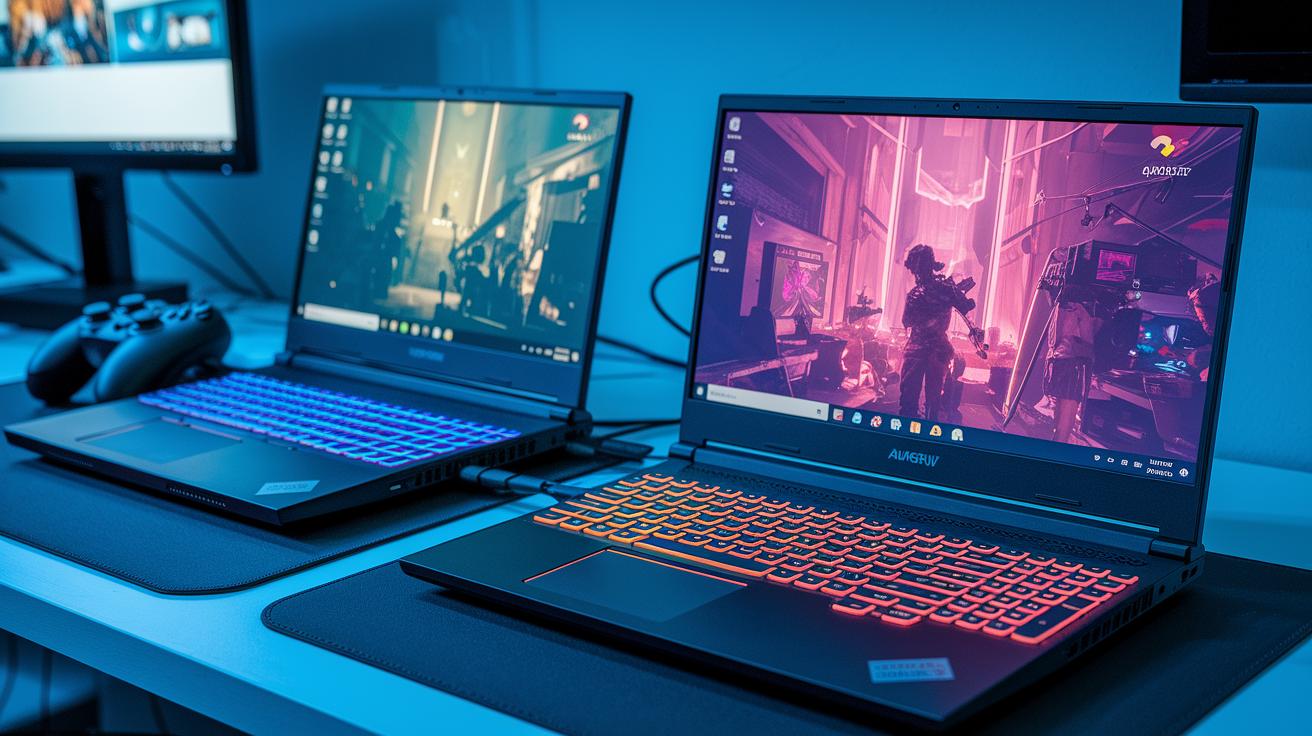
If you’re checking out NVIDIA GeForce Now, you have two simple choices. The free tier gives you basic GPU access with set session limits. It’s like a quick demo to see if the game grabs you.
The premium plan, on the other hand, cranks up the experience. You get RTX streaming, longer sessions, and priority on the servers. Upgrading is instant so you can easily jump from casual play to high-performance streaming.
Think of the free option as trying out a demo level, while the premium plan unlocks the full arena.
| Tier | Features |
|---|---|
| Free | Basic GPU access, limited session time |
| Premium | RTX streaming, longer sessions, priority server access |
| Pricing | Monthly or annual subscriptions available |
Isn’t it cool how a quick upgrade can take your gaming to the next level?
NVIDIA GeForce Now Review: Content Catalog and Library Integration
Connect your game store accounts for a super speedy, all-in-one library. GeForce Now brings games from platforms like Steam, Ubisoft Connect, Epic Games, select titles from GOG, and Xbox Game Pass straight to your dashboard. Just think about clicking a button and watching your entire collection light up before your eyes, ready for your next play session.
Catalog updates follow a set schedule. For example, on May 29, 2025, six new titles drop into the lineup. This quick sync paired with regular updates means less waiting and less hassle managing your library. And gamers have mentioned how the simple, clean layout makes finding and launching games feel like a breeze.
NVIDIA GeForce Now Review: Comparison with Competing Cloud Gaming Services

NVIDIA GeForce Now really shines when you stack it up against other leading cloud gaming services. It boasts response times from 8 to 75 ms, which is quicker than Google Stadia's 30 to 80 ms. In short, you'll notice faster reactions in those intense, fast-paced games. Plus, it uses bandwidth more efficiently than Amazon Luna, so you get smooth gameplay and clear visuals without burning through your data.
The service also scores big with its device support. It works on way more devices than Xbox Cloud Gaming, meaning you can dive into your favorite games whether you're on a PC or a portable console. And there's a cool RTX streaming feature that brings high-end graphics straight to your screen, almost like playing on a desktop. With a good spread of servers across different regions, you can count on a fast, reliable connection during your sessions.
Another neat perk is the free tier. It lets you try out GeForce Now before you decide to commit, offering a flexible way for gamers of all levels to experience its power. Even though other services have their strengths, GeForce Now delivers a well-rounded, accessible gaming experience.
NVIDIA GeForce Now Review: Recommendations and Ideal Use Cases
Here are some quick tips to boost your gaming experience:
First, use an optical-fiber connection with about 25 Mbps. This keeps your gameplay smooth and responsive. I’ve found that when I’m on fiber, every move feels right on time.
Next, opt for portable devices like the Steam Deck or a slim laptop. They’re perfect if you like to game anywhere and need a system that’s easy to carry.
If you’re just starting out with the service, try the free tier first. It’s a great way to test the waters before moving on to the premium plan for more intense sessions.
When you’re setting up for a stream or a match, choose the network and device that match your style best. This helps keep you one step ahead in every game.
Final Words
In the action, we broke down everything from core performance to the nitty-gritty of streaming quality, device support, and subscription plans. We explored benchmark data, usability, content integration, and how it stands against other cloud gaming services.
We wrapped up with clear insights into when to choose the free or premium tiers and tips for boosting gaming performance. This NVIDIA GeForce Now gaming platform review keeps the spirit high and empowers you to try new strategies.
FAQ
Is the NVIDIA GeForce Now good for gaming?
The NVIDIA GeForce Now is considered good for gaming as it offers smooth streaming with low input lag and reliable performance, making it a great option for both casual play and competitive matches.
What are the downsides of GeForce Now?
The downsides of GeForce Now include limited session durations on the free tier and occasional restrictions on certain titles for non‐Windows devices, with network conditions sometimes affecting performance.
Why would someone use GeForce Now?
GeForce Now is used because it lets gamers access high-quality gaming without expensive hardware. It streams content from major stores and is ideal for players seeking an affordable, flexible gaming experience.
How much is GeForce Now per month?
The premium tier costs about 9.17 €/month (or 110 €/year) and provides RTX streaming and longer sessions, while a free tier is available for casual play with some limits on session duration.
What does GeForce NOW membership include and where can it be downloaded?
A GeForce NOW membership allows access to either a free or premium account with instant upgrades. The service can be downloaded on Windows, Linux, Steam Deck, and Android devices for widespread accessibility.
What types of games can I play on GeForce NOW?
GeForce NOW streams games from major platforms like Steam, Ubisoft Connect, Epic Games, and Xbox Game Pass. The library is updated regularly, ensuring a steady flow of fresh titles for gamers.
What is GeForce NOW Ultimate?
GeForce NOW Ultimate delivers enhanced features such as RTX-enabled gameplay and priority server access. It’s designed for gamers looking for top-tier streaming performance without the need for high-end hardware.
How does GeForce NOW compare to competitors like Xbox Cloud Gaming and Amazon Luna?
GeForce NOW compares favorably with lower latency and broader device compatibility versus services like Xbox Cloud Gaming and Amazon Luna, while offering unique benefits like RTX streaming and flexible subscription options.
What do reviews on platforms like Reddit, PS5, and IGN say about NVIDIA GeForce Now?
Reviews on Reddit, PS5, and IGN highlight GeForce NOW’s smooth streaming, strong performance, and user-friendly interface, praising it for versatile cross-device support and cost-effective gaming quality.
What updates are noted in 2025 reviews of GeForce NOW?
Reviews in 2025 mention the addition of new game titles and consistent performance improvements. Gamers appreciate the stable streaming quality, low input latency, and competitive pricing even as the platform evolves.