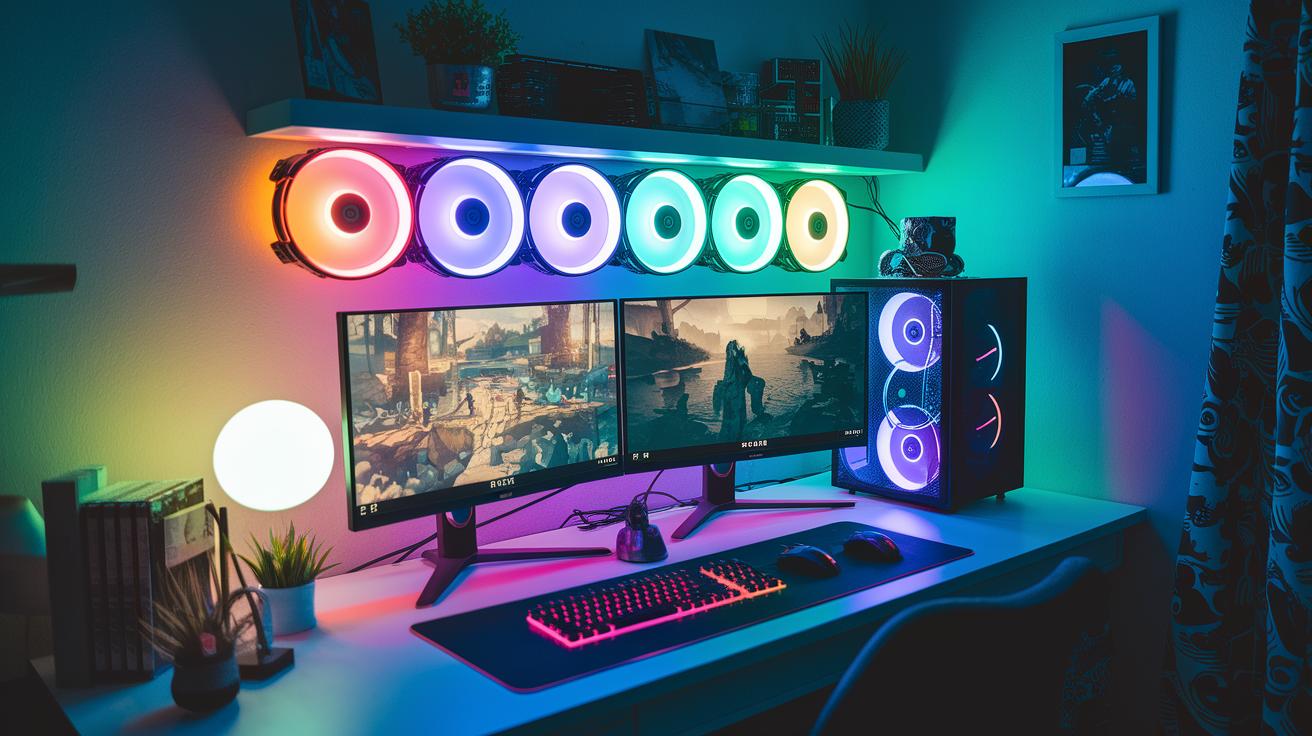
Have you ever wondered why some gamers just seem unstoppable while others struggle with lag? It’s like your computer is a team where every part counts, each playing its role when the action heats up.
In this article, we're breaking down the top gaming specs you need, starting with a solid processor and a GPU that shows every detail. Think of your gaming rig like a winning squad – every upgrade can make a real difference.
Ready to see how a few tweaks can amp up your gameplay?
Essential PC Specs for Gaming: A Comprehensive Hardware Overview
Building a gaming PC is a lot like setting up your dream team in a match. Every component has its role, and when they work together, the result is pure magic. At the center of it all is a strong CPU like the Intel Core i9-14900K. With 8 performance cores and 16 efficiency cores, it handles everything from heavy multitasking to those nail-biting gaming moments. Pair that with a solid GPU such as the NVIDIA GeForce RTX 4090, or even the more budget-friendly RTX 4080 Super, and you'll enjoy graphics that pop.
DDR5 memory keeps the lag at bay, and lightning-fast SSD storage makes sure your games load quickly. The motherboard ties everything together, acting as the hub that lets all parts communicate and allowing you to upgrade easily down the line.
Here are the key components every winning setup needs:
| Component | Role |
|---|---|
| CPU | The brain behind your operations, handling game logic and multitasking |
| GPU | Delivers the high-quality visuals that pull you into the game |
| Memory | Keeps the system running smoothly without hiccups |
| Storage | Loads your games and files at record speed |
| Motherboard | Connects all your parts and supports future upgrades |
| Power Supply | Provides steady power so your rig runs without shocks |
| Cooling System | Keeps everything cool under pressure during long play sessions |
Now, think of it this way: an entry-level system might have a mid-range processor, standard memory, and a single SSD, great for casual gaming at lower settings. But a top-tier build cranks things up with a powerful CPU, the best DDR5 memory, a leading graphics card, and advanced cooling, all backed by a high-quality power supply. Picking the right pieces means you get a smooth, immersive gaming experience and the flexibility to level up in the future.
Happy gaming and may your rig always perform like a champion!
PC Specs for Gaming: Stellar Performance Boost
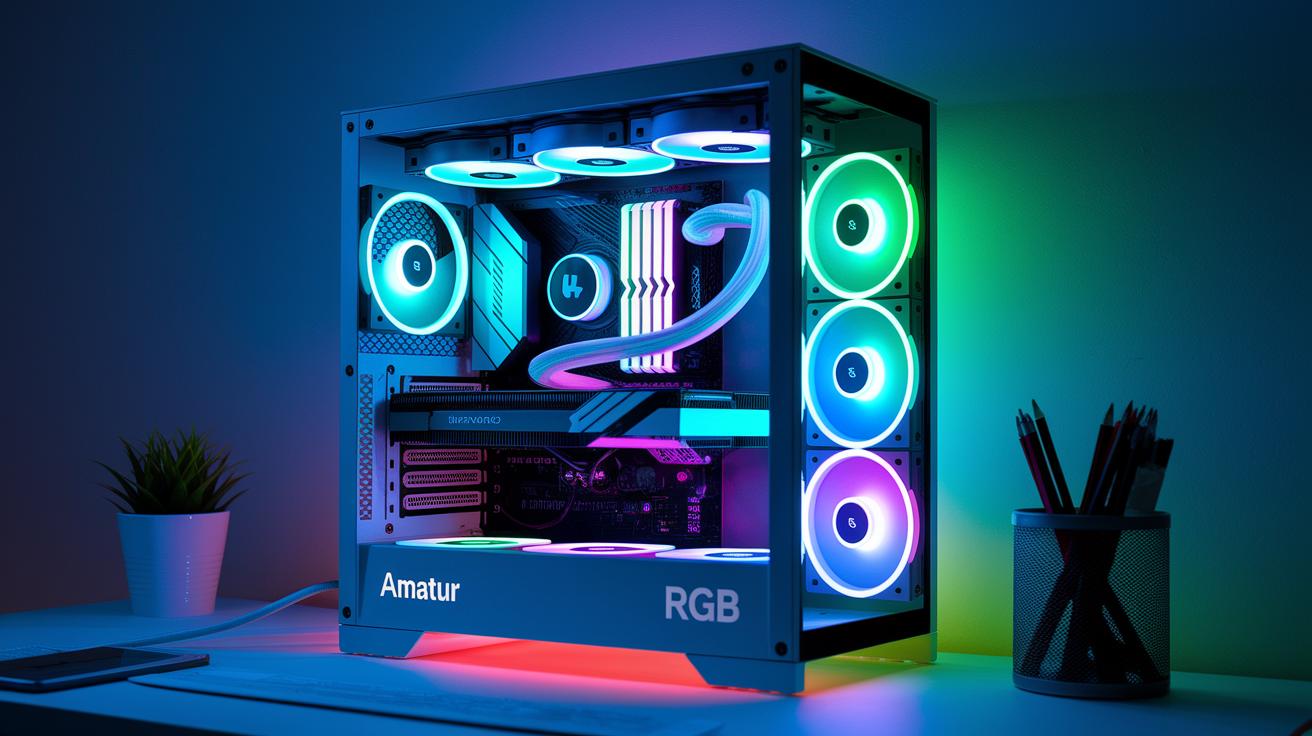
The Intel Core i9-14900K is the powerhouse behind your gaming rig. With its 24 cores, it keeps your gameplay smooth during even the longest sessions. It draws up to 300W when working hard, so you'll need a good cooling setup and a motherboard with solid VRM support. Think of this CPU like a sports car engine, it needs the right fuel and cooling to keep you in the game without lag.
Top-notch GPUs like the NVIDIA GeForce RTX 4090 bring your visuals to life. Boasting 24 GB of VRAM, it makes every texture pop and every detail clear. Adding a reliable power supply, speedy NVMe SSD storage, and DDR5 memory completes your build, reducing load times and keeping performance steady. It’s like every part of your system is a member of a well-coordinated team, ready to deliver when it counts.
CPU & Processor Insights
High-end CPUs need plenty of cores and strong cooling. For example, a setup built around the Core i9-14900K with a robust VRM-equipped motherboard can handle long, intense gaming sessions without a hitch. Fun fact: when pushed to its limits, this processor can draw almost 300 watts, kind of like a small space heater powering up!
GPU & Graphics Performance
When it comes to visuals, video cards are the real heroes. The RTX 4090’s 24 GB VRAM tackles textures smoothly, ensuring that every high-demand scene looks sharp and fluid. In other words, these advanced GPUs not only render beautiful graphics but also maintain steady frame rates, keeping your experience both smooth and responsive.
| Component | Minimum Spec | Optimal Spec |
|---|---|---|
| CPU | Mid-range multi-core | Intel Core i9-14900K |
| GPU | NVIDIA RTX 4080 Super | NVIDIA RTX 4090 |
| RAM | 8GB DDR5 | 16GB+ DDR5 |
| Storage | SSD | High-speed NVMe SSD |
| Motherboard | Standard compatibility | Robust VRM, upgradeable |
| PSU | 750W | 850W+ with high efficiency |
| Cooling | Quality air cooler | Custom liquid cooling |
Efficient Cooling and Power Management in PC Specs for Gaming
High-end components like the Intel Core i9-14900K can pull about 300 watts when you push them hard. To keep your rig running smoothly, you need solid cooling and a good power supply – aim for 750W in mid-range setups and 850W or more for top-tier builds.
A custom liquid cooling system can really make a difference. It works like swapping a basic fan for a high-performance air conditioner built for your PC. Pair that with tidy cable management and proper airflow, and you’ll stay cool even during those long, intense gaming sessions.
Don’t forget regular upkeep for your cooling gear. Clean your fans, reapply thermal paste, and check your airflow every now and then to avoid any unwanted slowdowns.
- Choose a high-efficiency power supply unit
- Set up custom liquid cooling for demanding components
- Keep cables neat for improved airflow
- Use top-quality thermal paste and cooling fans
- Do regular maintenance to clean and check your cooling system
Budget and Premium PC Specs for Gaming Build Strategies
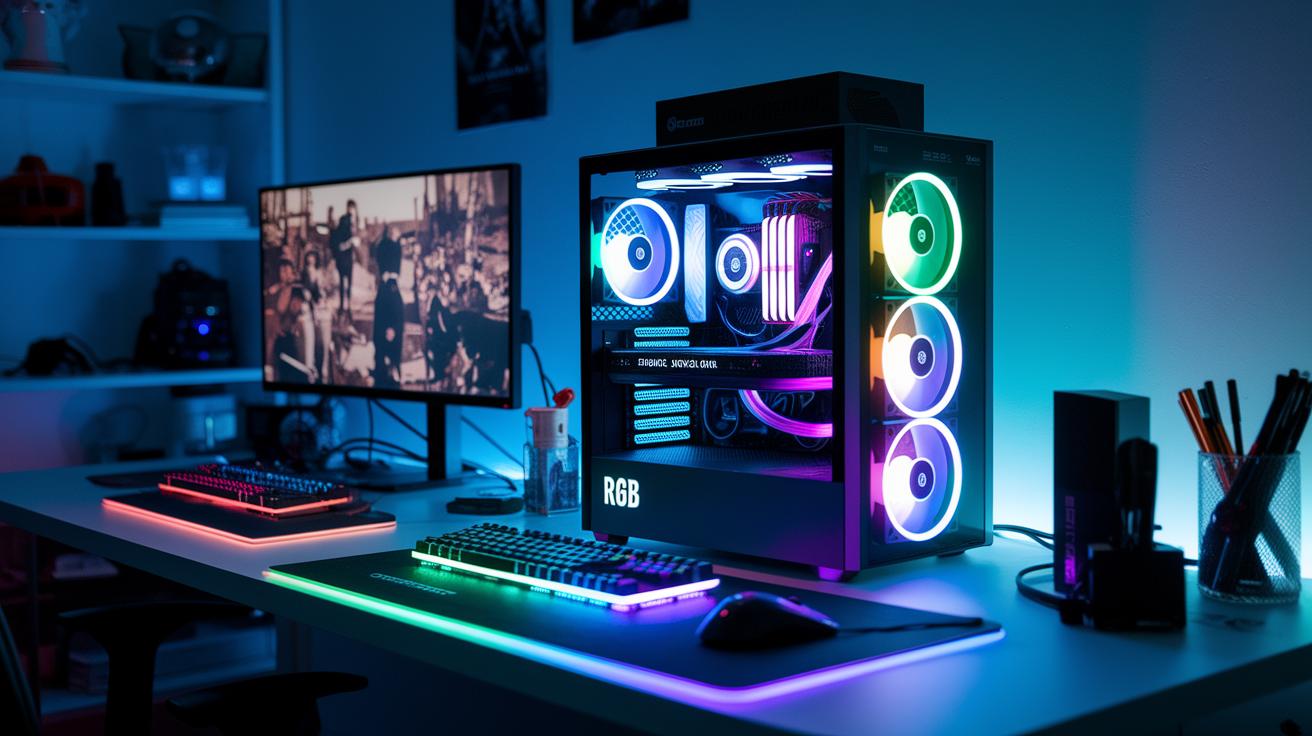
Finding the perfect gaming setup depends on your budget and the performance you need. If you're watching your spending, you can build a rig with parts like a Ryzen 5500 CPU and a Radeon RX 7600 GPU. This combo is great for smooth 1080p gameplay without emptying your wallet. On the flip side, for those looking for top-notch performance, a premium build featuring an Intel Core i7-14700K and an NVIDIA RTX 4090 can handle high resolutions and demanding settings with ease. Whether you decide to build one yourself or pick a prebuilt option, it's key to think about upgrade paths and the trustworthiness of your vendor.
Building your own PC lets you fine-tune every component to match your gaming style. For example, a mid-range setup with a Ryzen 7800X3D and an RTX 4070 offers smooth gameplay at higher settings without breaking the bank. Meanwhile, prebuilt systems offer convenience but might not be as future-proof as a custom build. And if you're always on the move, there are gaming laptops designed for high-resolution displays and fast refresh rates. Think about which strategy best fits your gaming habits and future upgrade plans.
Here are the build categories worth considering:
| Category | Description |
|---|---|
| Budget Build | Focuses on essential performance without extra features |
| Mid-Range Build | Balances affordability with improved performance |
| Premium Build | Offers uncompromised power and future-proofing |
| Gaming Laptop Option | A portable option for gamers on the go |
Your final choice depends on your gaming habits and the performance you expect every time you boot up your rig. Pick the build that suits you best, and enjoy every gaming moment!
Benchmarking and Future-Proofing Your PC Specs for Gaming
Kick things off by giving your rig a solid workout. Run benchmark software and stress tests to see what it’s really made of. Try out CPU stress tools and apps that track temperatures. They show you how your components handle heavy loads. For example, test your Intel Core i9-14900K to check if it keeps cool under pressure. That might even reveal some hidden overclocking power. Graphics tests are a win too, they help spot frame drops and any weak links in your setup. Keeping an eye on driver updates and regularly running benchmarks ensures your system stays on top, especially when new titles push limits.
Next, plan ahead to future-proof your gaming machine. Build in an upgrade strategy by choosing parts that go beyond today’s minimum requirements. This extra headroom means you’re set for the next big game drop. You can also test your system's overclocking potential to boost performance without needing new hardware. By tracking firmware improvements and running periodic benchmarks, you're sure your rig can keep up with upgrades. Balancing today’s benchmarks with a smart upgrade plan means your gaming setup will always be ready for the next challenge.
Final Words
In the action, we broke down the world of modern gaming PC builds, covering everything from CPUs and GPUs to robust cooling setups and solid power management. We compared budget builds with premium systems and broke out key hardware details that help shape competitive play.
By tackling the core components and offering practical benchmarking tips, you can now navigate the maze of pc specs for gaming with more confidence. Enjoy experimenting with your build and watch as your gameplay and streaming skills reach new heights.
FAQ
Q: What do PC specs for gaming on Reddit and specs for gaming and streaming typically include?
A: The PC specs recommended on Reddit and for streaming usually include a fast CPU, strong GPU, ample DDR5 RAM, quick SSD storage, and a solid cooling system to keep everything running smooth during intense sessions.
Q: What are the minimum requirements and overall qualities needed for a good gaming PC?
A: The basic setup for gaming requires a balanced build with a high-performance CPU, robust GPU, sufficient memory, SSD storage, and proper cooling. A reliable system also features upgrade paths and consistent performance under load.
Q: What is a PC specs checker and how does it help?
A: A PC specs checker reviews your computer’s components, comparing them with game requirements. It helps you understand if your system can run your favorite titles smoothly.
Q: What defines good specs for a gaming laptop?
A: Good gaming laptops pack high-end mobile CPUs, powerful GPUs, enough RAM, fast SSD storage, and efficient cooling systems. This design allows modern games to run at high settings on the go.
Q: What does a PC benchmark do for gaming performance evaluation?
A: A PC benchmark tests your system by running standard tasks, showing how well your hardware performs in games and apps. It helps determine if your computer meets current gaming performance expectations.
Q: What is PC Part Picker used for in building a gaming PC?
A: PC Part Picker is an online tool that lets you combine compatible hardware for your build. It tracks prices and user feedback, making it easier to plan and refine your custom gaming PC.
Q: Is spending $5000 on a gaming PC considered too high?
A: Spending $5000 on a gaming PC can provide top-tier performance and future upgrade options. Many gamers find that lower-priced builds work well, so it depends on your specific performance needs and budget.