Ever noticed how a tiny delay can flip an epic win into a frustrating loss? It’s like having a friend on your team who just never seems to show up on time. In gaming, ping tells you how quickly your actions travel to the game server, while latency covers all those other little delays that can slow things down.
Understanding these terms can be a game-changer when every millisecond counts. Stick with me, and let’s break down what each term means so you can play smoother and faster.
Defining Ping and Latency in Gaming Environments
Ping tells you how fast your move travels from your computer to the game server and back, measured in milliseconds. Lower numbers mean your actions show up sooner, giving you that edge when every moment counts. Picture hitting a key and watching your character jump into action in a blink. In one wild match, a player with a ping of 15ms pulled off smooth moves that had everyone gasping.
Latency is a bigger term that covers delays in the network and the server’s work. Many gamers say ping and latency like they mean the same thing, but they're a bit different. Ping is just the round-trip time, while latency also covers extra delays, like the time a server takes to juggle multiple requests.
Getting a grip on both ping and latency is key to a smoother game. When both numbers are low, your gameplay feels seamless, which means fewer moments of annoying lag. This kind of insight helps you troubleshoot connection issues and pick the best settings and network routes for a top-notch gaming experience.
How Ping and Latency Influence Multiplayer Game Performance
When you're in a tough multiplayer match, every bit of network speed really counts. A high ping, which is basically how fast your game sends and receives data, can make everything feel off. Imagine this: you're in a team fight and your character hesitates when moving into cover, causing that annoying bounce-back effect. That little lag can turn a clutch moment into a costly mistake.
High latency doesn't just slow you down, it can also kick you out of the game unexpectedly. Think about trying to pull off a series of slick moves in a racing game, only to discover that your command shows up too late, and you end up losing your place. And in fast-paced shooters, every millisecond matters; even a tiny delay might mean missing that game-changing shot. I remember one gamer telling me, "I had a ping of 70ms, and every move felt like I was stuck in quicksand."
Understanding these connection delays is a game changer. A strong ping is usually between 40 and 60 milliseconds, while anything under 20 milliseconds feels nearly perfect. That’s why serious players in shooters and racing games aim for below 50ms, it keeps them competitive.
Low delay is a game mechanic you simply can’t ignore. When your latency is low, your actions sync up right away with what happens on screen. This instant feedback helps you react quickly, stay in control, and basically own the match every single time you step into the arena.
Tools and Techniques for Measuring Ping vs Latency

Gamers can easily check ping and latency in different ways. In many games, you’ll see your ping in milliseconds right on the screen. Just head to your game’s network menu and look for something like "Ping: 40ms" to see how quickly your commands are hitting the server.
Another cool method is to use your computer’s ping command. Open your command prompt and type ping 8.8.8.8. Watch the ms readings pop up, showing how fast your connection is returning data. It’s simple but really useful for a quick check.
You can also dive a bit deeper with third-party tools like traceroute or network monitors. These tools not only show latency but also give you details like packet loss and jitter (which is just a fancy way of saying how much the ping time changes). They help you figure out where any delays might be happening along the network path.
| Method | What It Shows |
|---|---|
| In-game Network Stats | Basic ping and latency |
| Command Prompt Ping | Round-trip time in ms |
| Traceroute/Network Monitors | Path delays, packet loss, jitter |
Check your in-game stats if you need a quick look. Use the ping command for a direct measure. And if you want the whole picture, try out traceroute or a network monitor. These techniques let you understand your connection performance clearly, so you know exactly how ready you are for that next big match.
ping vs latency in gaming: Elevate Your Play
Slash your game lag with a few smart tweaks that lower your ping and cut delays. First up, ditch your Wi-Fi for a wired Ethernet connection. A steady cable gives you a smoother, more reliable link, kind of like swapping a bumpy dirt road for a sleek, paved highway.
Then, shut down any programs eating up your bandwidth. File-sharing apps, background video streams, or auto-updates can slow you down. Think of it like cleaning off your desk before an important game.
- Switch from Wi-Fi to Ethernet to cut interference.
- Close bandwidth-heavy apps running in the background.
- Pick the game server nearest to you so your data travels a shorter route.
Choosing the closest server makes a real difference. If you’re in New York, using a New York server is like calling a friend next door instead of someone far away.
Also, update your network drivers and router firmware. Outdated drivers might not sync well with new game updates, which can add delay. Give your equipment a quick check to keep it current.
Finally, set up Quality of Service on your router. This feature lets you push your game data to the front of the line, so your actions get top priority. And every now and then, a quick restart of your modem and gaming device can clear up those nagging glitches.
Advanced Network Tactics for Minimal Ping and Latency in Esports
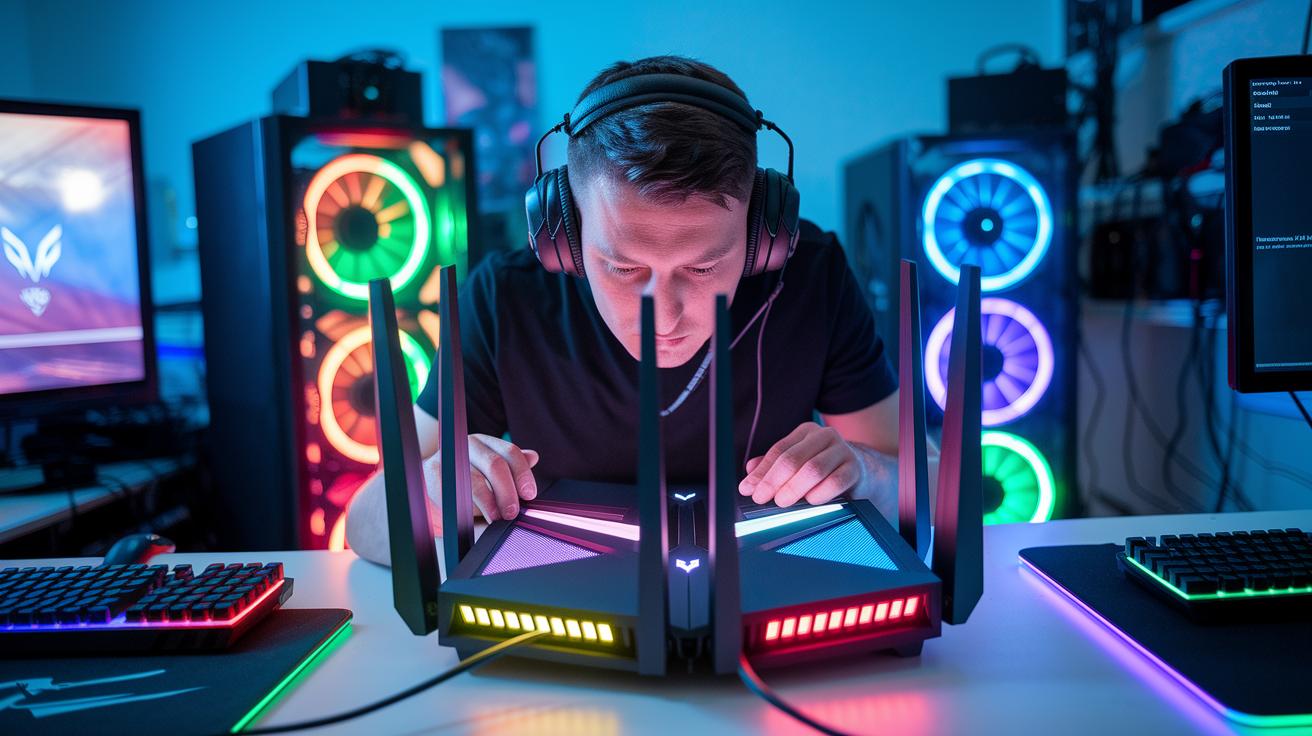
Serious competitive gamers often tweak their setups to shave off every tiny delay. They use special routers that give game data a head start, like booking a prime seat at your favorite arcade.
Many esports teams pick VPNs built specifically for gaming. These VPNs steer your data along quick, uncrowded routes, so your gameplay stays smooth. Imagine your game data zooming down a secret shortcut instead of getting stuck in traffic.
Keeping jitter low is another essential move. Jitter buffers smooth out data delivery so that sudden hiccups don't mess with your game. Gamers often watch these stats live to catch issues before they become a problem. One player even said, "Switching on my jitter buffer was like flipping a magic switch that made everything feel smooth."
- Go for gaming-grade routers with dedicated lanes for your game data
- Choose VPNs that clear the busy routes
- Use jitter buffers to keep your data flowing evenly
These smart tweaks help the pros stand out, making sure every in-game move hits its mark.
Troubleshooting Common Ping and Latency Issues in Gaming
When your game starts lagging, focus on tracking down problems with your ISP rather than trying the same old fixes over and over. Instead of just resetting your modem or shutting down background apps, try a simple step-by-step check with traceroute. Run it on your gaming device and look for any stops that take much longer than usual. It’s pretty neat how one slow ISP node can add up to a whole extra second of delay.
Here’s a quick rundown of what to do:
- Run traceroute from your gaming device.
- Check each hop's response time.
- Look for any hop that stands out as much slower than the rest.
- Think about whether other gadgets on your network, like smart home devices, might be adding interference.
This approach digs a little deeper than basic fixes. It’s a smart way to spot the exact spot where latency is creeping in. Only after you’ve isolated the delay should you check for things like outdated firmware or drivers. And if you find that a certain ISP node is slowing you down, take your findings to your provider instead of wasting time with generic solutions.
| Step | Action |
|---|---|
| 1 | Launch traceroute on your gaming device |
| 2 | Write down each hop’s response time |
| 3 | Spot any hop that shows a big delay |
| 4 | Share your results with your ISP if needed |
Final Words
In the action, we broke down key concepts like ping and latency, explained their impact on multiplayer performance, and shared hands-on tips to keep your connection smooth. We also explored ways to track performance with simple tools and advanced setups for top-notch results.
Each step builds a solid base for improving your gaming experience while cutting down lag. With a clear grasp on ping vs latency in gaming, you're ready to boost both gameplay and streaming quality.
FAQ
What is the difference between ping and latency in gaming?
The difference between ping and latency is that ping measures the round-trip delay in milliseconds, while latency includes any delay in data processing or network response. Both affect gameplay smoothness.
What is a good latency for gaming?
A good latency for gaming is usually between 40-60 ms. Lower latency means faster response times, which is crucial for competitive gameplay.
How does ping differ from jitter?
Ping indicates the delay time for a signal’s round-trip, whereas jitter measures the variation in that delay. Consistent ping with low jitter ensures a smoother gaming experience.
How can I test my ping and latency?
You can test ping and latency using in-game network stats, the system’s ping command, or third-party tools that display ms values along with metrics like jitter and packet loss.
Is 35 ms latency good and is 60 ms acceptable for gaming?
A latency of 35 ms is considered good for gaming, and 60 ms is acceptable for most games, though fast-paced titles may benefit from lower values.
How much delay is caused by a 1000 ms ping?
A ping of 1000 ms equals a one-second delay, which significantly disrupts gameplay and causes noticeable lag in fast-paced online games.
Is 40 ms latency better than 50 ms?
A latency of 40 ms is better than 50 ms because even slight improvements in delay can lead to quicker player responses and a smoother online gaming experience.
Why might I still lag even with good ping?
You might experience lag despite good ping if other issues like packet loss, jitter, or server overload are affecting your connection. These factors might disrupt the overall gaming performance.