Ever felt tangled up in messy wires and clunky streaming gear? The Roku Streaming Stick makes it all easy by cutting through the hassle. Its cool design and simple plug-and-play setup mean you can start watching your favorite shows fast.
Whether you're ditching cable or just looking to upgrade, this little device brings smooth, budget-friendly streaming to any TV. Ready to leave complicated setups behind and try an easier way to watch? Let's dive into what makes this gadget a top pick for hassle-free entertainment.
Roku Streaming Stick: Enjoy Effortless Streaming Now
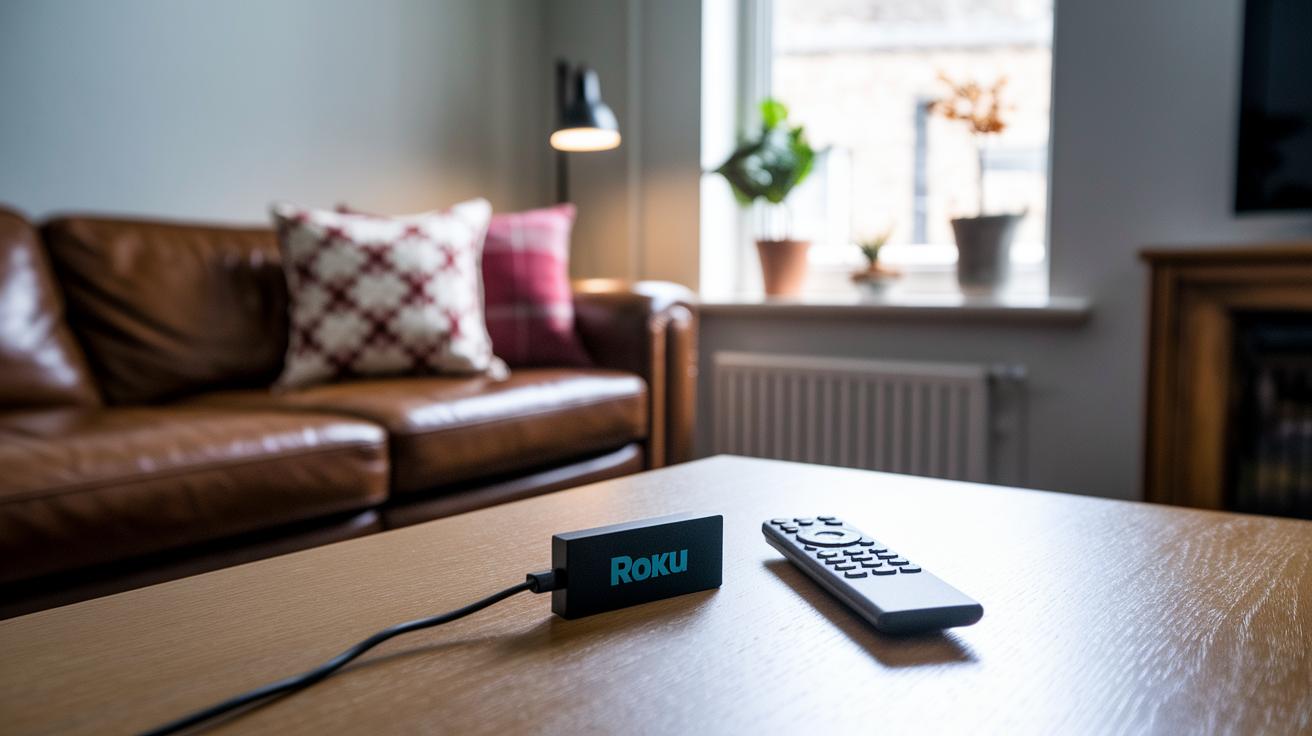
Roku's new streaming stick is perfect if you want great streaming without breaking the bank. It comes in a sleek, slim design and even sports a neat hardware boost that makes everything run smoother.
Plug it into your TV with an HDMI port and power it up with a USB cable. The on-screen steps walk you through connecting to Wi‑Fi, making setup a breeze. Whether your TV is a modern 4K wonder or an older HD display, you get clear 1080p streaming with extra options to sharpen your picture even more.
It’s got some cool perks:
- Quick and easy plug-and-play setup
- Fast account activation
- Handy basic troubleshooting tips
The whole process is simple enough for anyone, from someone cutting the cord to a busy streamer on the go. Once you hook it up to your TV and power, just follow the clear instructions for connecting to your wireless network and pairing your remote. And if you ever run into a hiccup, like HDMI or connection issues, the built-in tips have you covered. Overall, the Roku Streaming Stick makes your streaming life easier with a sweet mix of style, smart performance, and a price that won’t drain your wallet.
Roku Streaming Stick: Detailed Specifications and Feature Highlights
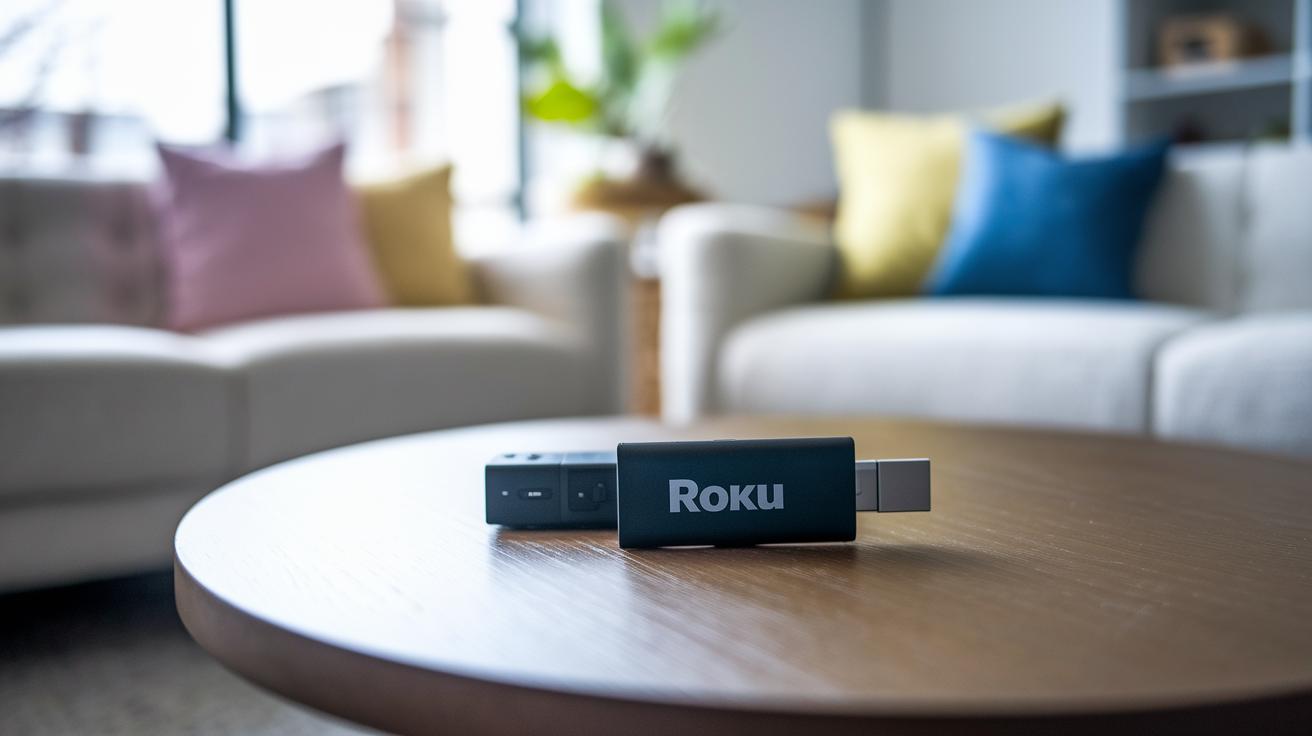
The new Roku Streaming Stick is slimmer than ever and packs some neat upgrades that make streaming super fun. The premium version brings 4K Ultra HD with HDR so your screen lights up with vivid colors, while the base model still delivers a sharp 1080p Full HD experience. The voice-enabled remote makes switching apps feel as easy as chatting with a friend, and quick app launch gets you into your favorite channels in no time. Plus, the design is reworked to be more compact and user-friendly, perfect for anyone who values a clean, minimal media center without skimping on performance.
| Feature | Base Model | Plus Model | Notes |
|---|---|---|---|
| Resolution | 1080p Full HD | 4K Ultra HD with HDR | Can upscale for HD displays |
| Design | Slim and compact | Slim and compact | 35% smaller than competitors |
| Remote | Standard remote | Voice-enabled | Quick app launch feature |
| Price | $30 | $40 | Budget-friendly choices |
Take a look at the table above to quickly see the differences. The neat design saves space and even boosts your connectivity, while the smart remote and focused specs ensure a smooth, enjoyable streaming ride.
Roku Streaming Stick: Setup, Installation & Activation Process
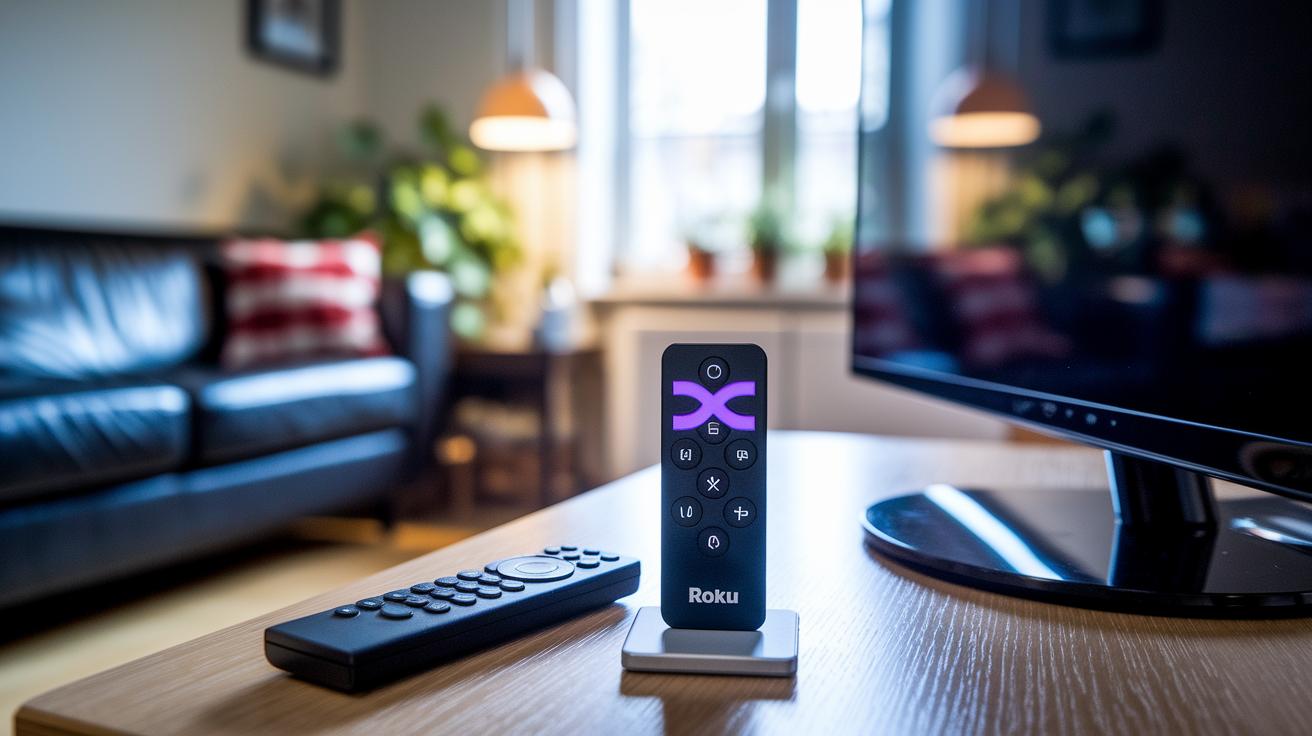
Getting started with the Roku Streaming Stick is a breeze. Just plug it into your TV's HDMI port and attach the USB cable for power. It wakes up instantly and guides you through each step, from joining your Wi-Fi network to setting up your account and pairing your remote.
Here's what you need to do:
- Plug the stick into your TV's HDMI port.
- Connect the USB cable to a power source.
- Follow the on-screen prompts to join your Wi-Fi network.
- Create your account and pair the remote.
Preorders are now open ahead of the release on May 6, 2025, giving you early access to this hassle-free streaming device. Whether you're a busy streamer or ready to ditch cable, this guide keeps everything clear and simple.
Roku Streaming Stick: Comparative Review and Pricing Analysis
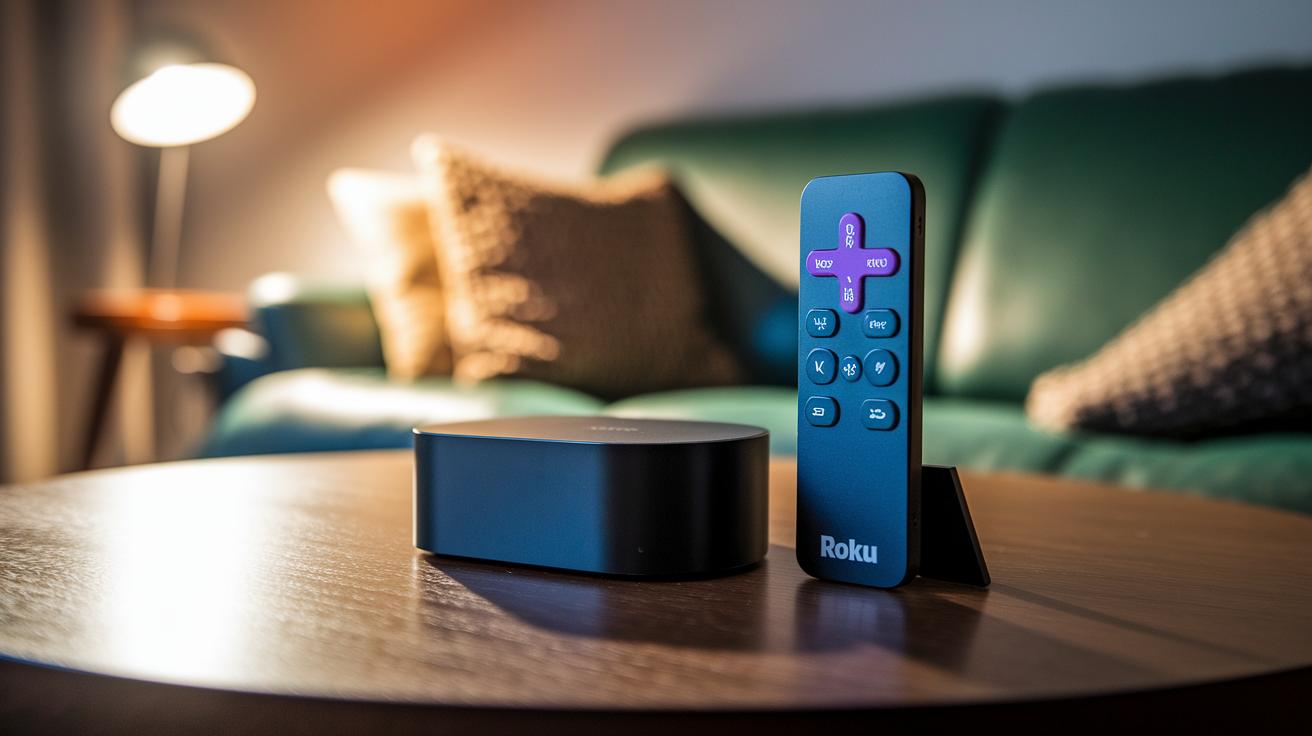
The Roku Streaming Stick lineup blends affordability with a fresh, modern design that appeals to streaming fans. The basic model is priced at $30, while the upgraded Roku Streaming Stick Plus comes in at $40. Both models ditch the old bulky look for a sleeker, compact form. Users are loving the faster app launching and exclusive streaming options, which really set it apart in a competitive market.
Some key points from customer reviews are:
- A sharp, modern design that replaces clunky devices.
- Enhanced streaming performance with quicker app launches and smooth navigation.
- A budget-friendly price that makes premium streaming accessible.
- Some issues with older TVs, so pairing with very old models might need extra care.
When you stack it up against other media players and smart boxes, the Roku Streaming Stick shines for its cost-to-performance ratio. Big seasonal sales, like Amazon’s Big Spring Sale, only boost its appeal with an attractive price and responsive performance. Many users appreciate its ease of use and dependability, making it a solid pick for those who want smart streaming without spending too much. Plus, with clear warranty details and a trusted reputation, it stands out as a smart and budget-friendly option for efficient streaming.
Roku Streaming Stick: Troubleshooting and FAQs Explained
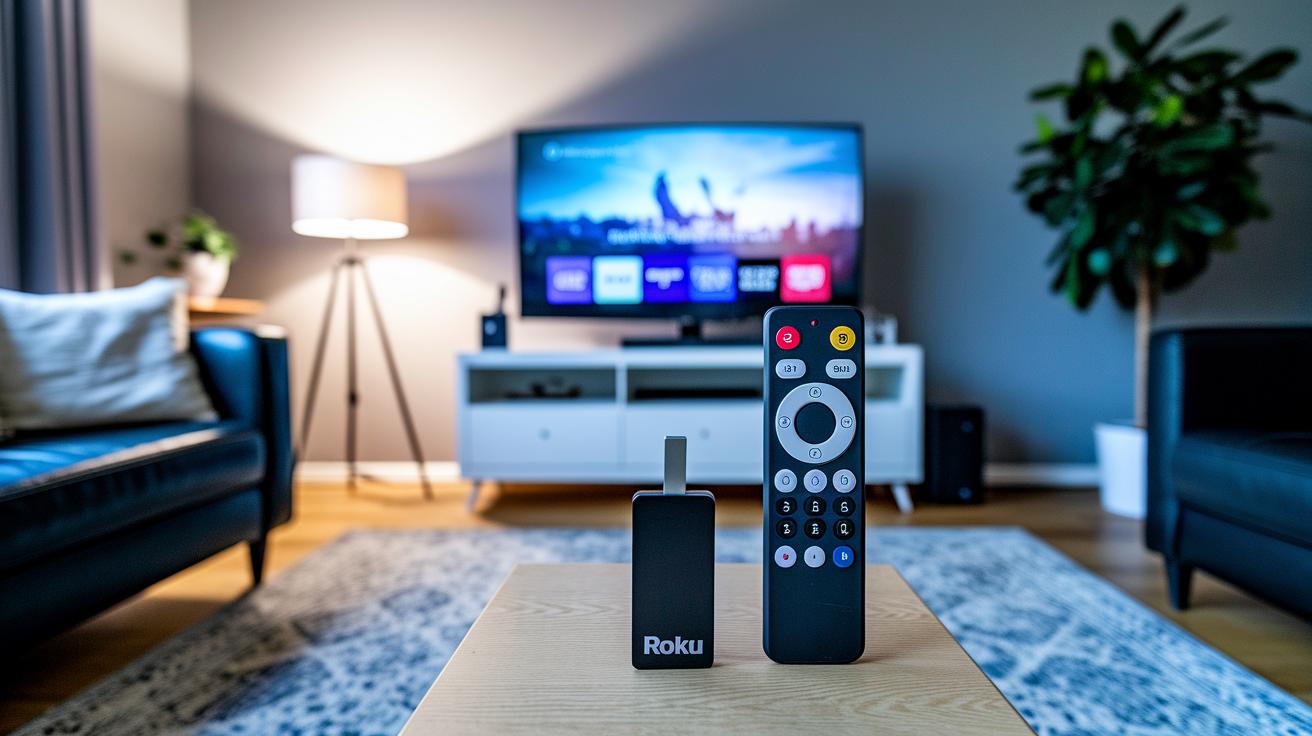
Ever been in the middle of your favorite show and suddenly hit a snag? It can really throw off your vibe. The Roku Streaming Stick has built-in tips to help you fix common issues fast. So if your remote goes silent or your Wi-Fi suddenly drops, you can follow these simple steps to get things back on track. It even walks you through HDMI fix-ups and firmware updates to clear out those technical hiccups.
Here are a few common questions that might pop into your head:
- How do I fix remote pairing issues?
- What should I do if my HDMI connection goes wonky?
- How can I update my firmware properly?
The handy guide doesn’t stop there. It also helps you handle connectivity glitches and set up your account more smoothly. Ever notice a weak signal or little system quirks? These instructions point out exactly where things might be going off and offer easy fixes. And if you ever run into issues that aren’t covered, you can always dig into the detailed guide or contact tech support for quick help. This set of tips and Q&A is here to keep your streaming game strong so you spend less time troubleshooting and more time enjoying your shows.
Final Words
in the action, we broke down the setup, activation, and troubleshooting for the roku streaming stick in simple steps. We covered easy HDMI connections, on-screen Wi‑Fi configuration, and basic steps to sort out any issues. Our recap touched on key specs and pricing comparisons, helping you figure out the best option for your viewing setup. Keep exploring these tips to boost your gaming and streaming performance, and enjoy smoother play and clearer streams every time.
FAQ
Is there a monthly fee for Roku Stick?
The device itself requires no recurring fee. Charges may apply only for subscribed channels and premium services if you choose to add them.
What does a Roku streaming stick do?
It connects to your TV via HDMI and provides quick access to streaming content like movies, shows, and live TV through a simple plug-and-play setup.
Which is better, a Firestick or Roku?
While Roku offers a broad selection of free channels and an easy interface, Firestick brings strong integration with Amazon services for those who use them.
What channels are free with Roku?
Roku offers several no-cost, ad-supported channels like The Roku Channel, among others available through its channel store.