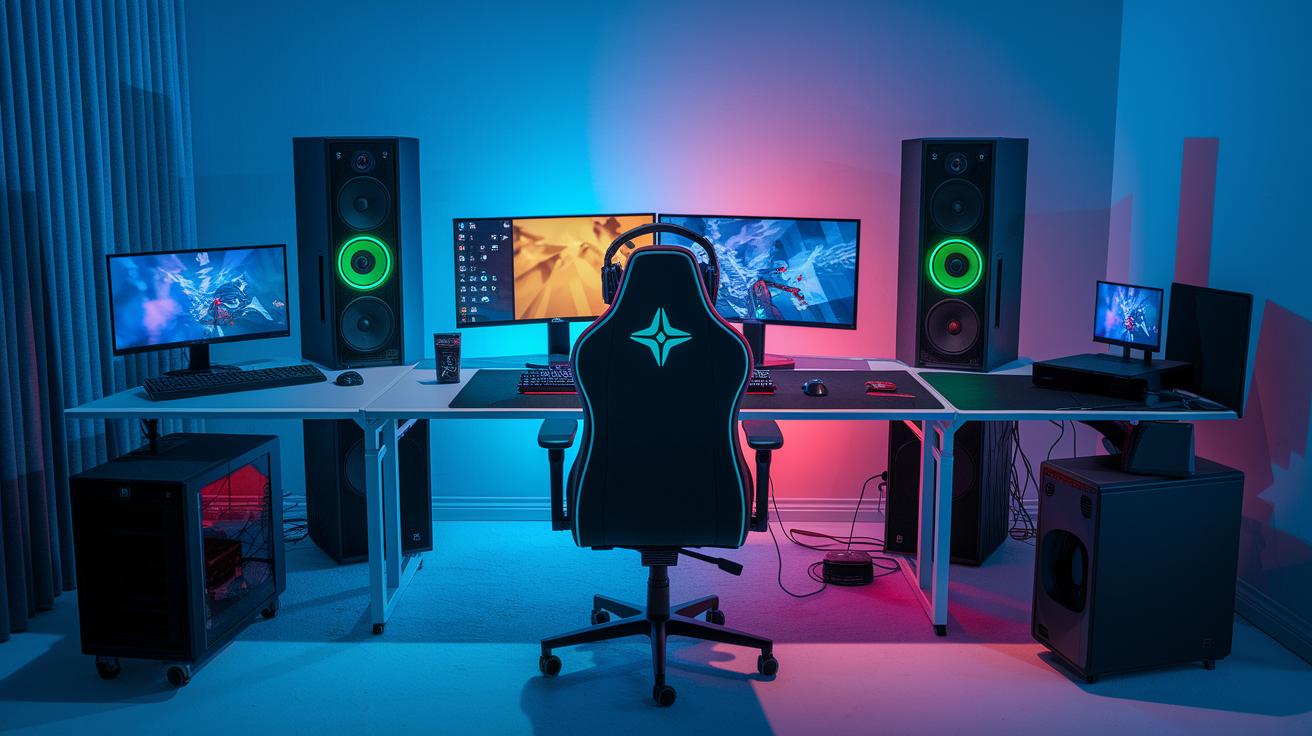
Ever wonder if your live show could grab more fans all at once? Split streaming sends your video to multiple screens at the same time, kind of like a river that branches out into smaller streams.
This means your content plays smoothly on every device, giving each viewer a crystal-clear picture. In this post, we’ll check out how split streaming ups your game on different platforms and brings your live events to an even bigger crowd.
split stream Elevates Multi-Platform Performance
Split streaming in live broadcasting means taking one video feed and sending it out in several ways at once. It works great for things like mirroring, where the same content shows up on multiple screens, or transcoding, which changes the stream into formats that fit different devices. Imagine your live stream as a mighty river that splits into smaller channels so every fan can watch on whatever device they have.
The process starts by capturing your video, encoding it into digital data, and then sending it out to several platforms all at the same time. This lets you share your content live with no interruptions. Picture recording your gameplay, turning it into digital bits in real time, and sending out copies like handing out postcards all over the world.
Key ideas here are bitrate allocation, encoding profiles, and CDN endpoint distribution. Bitrate allocation is about tuning the amount of data so everything plays smoothly, much like setting a radio to just the right volume. Encoding profiles decide the quality of each stream, and CDN endpoints make sure the stream reaches viewers fast and clear. Think of bitrate like adjusting your radio so every listener hears a crisp, clear sound no matter where they are, ensuring a seamless experience on multiple platforms.
Leading Software Solutions for split stream
When you're live streaming to several platforms at once, the right software can make all the difference. It's like having a solid teammate who handles simulcasting, built-in transcoding for different devices, and manages pesky delays. Curious about what's cutting-edge in the field? Check out the "streaming technology roadmap" (https://sololadder.com?p=2492) to stay in the loop.
Let's break down some of the top tools out there:
-
StreamMaster
StreamMaster makes it easy to stream on different channels without a hitch. It automatically adjusts your video to work on various devices and keeps delays super low. Whether you're just starting out or you've been around the block, its pricing is hard to beat. -
MultiCast Pro
If you need a reliable way to send your video to many platforms, MultiCast Pro is a solid pick. It does the heavy lifting with in-built transcoding and quick response times. Plus, you've got flexible pricing that works for beginners and veterans alike. -
CastNet
CastNet is built for speed. It jumps into action with smart transcoding features to keep everything running smoothly. Its low latency and budget-friendly setup make it a hit with streamers who don't want to compromise on quality. -
SimStream
Looking for something straightforward? SimStream offers a clean, easy-to-use interface with all the essential features like simulcasting and transcoding built right in. It has a reputation for being reliable and fair on price, making it a great choice for all streaming setups. -
BroadCastX
BroadCastX is all about keeping things simple while cutting down on delay during live broadcasts. With automatic transcoding and competitive prices, it's a dependable pick when you want to stream to multiple channels without fuss. -
StreamFlex
StreamFlex is your go-to if you need that extra bit of adaptability. It combines advanced simulcasting with adjustable transcoding options to fit your evolving streaming strategy. Its quick response time and affordable plans are perfect if you're pushing the limits of what your stream can do, as noted in the "latest streaming technology breakthroughs" (https://sololadder.com?p=2313).
When choosing your multi-streaming platform, think about what fits best for you. Look at each tool's compatibility, how it balances cost and quality, and if it offers strong support along with flexible API options. This way, you can make sure your stream is both high-performing and budget-friendly.
Hardware and Network Requirements for split stream
When you're streaming to several places at once, a strong CPU and GPU become super important. Your computer needs to juggle multiple video feeds without getting overwhelmed. A powerful processor takes on the heavy work of encoding and helps keep lag and dropped frames at bay so everyone enjoys a smooth stream.
A solid setup is a must. At the very least, aim for a quad-core CPU running at 3.5 GHz or more with 16 GB of RAM to handle the extra load. Many pros also use GPUs with NVENC or QuickSync technology since they make graphics encoding easier. These specs help keep your stream looking crisp even when you're splitting data between platforms, saving you some hassle during your live sessions.
Don't forget about your network, either. Each 1080p stream usually needs around 10 Mbps of upload bandwidth for clear video. Tweak your router's Quality of Service settings to give streaming data top priority, and set up NAT or port forwarding to reduce packet loss. With both a robust network and optimized hardware, you ensure your split stream stays steady and clear every time.
Troubleshooting Common split stream Challenges
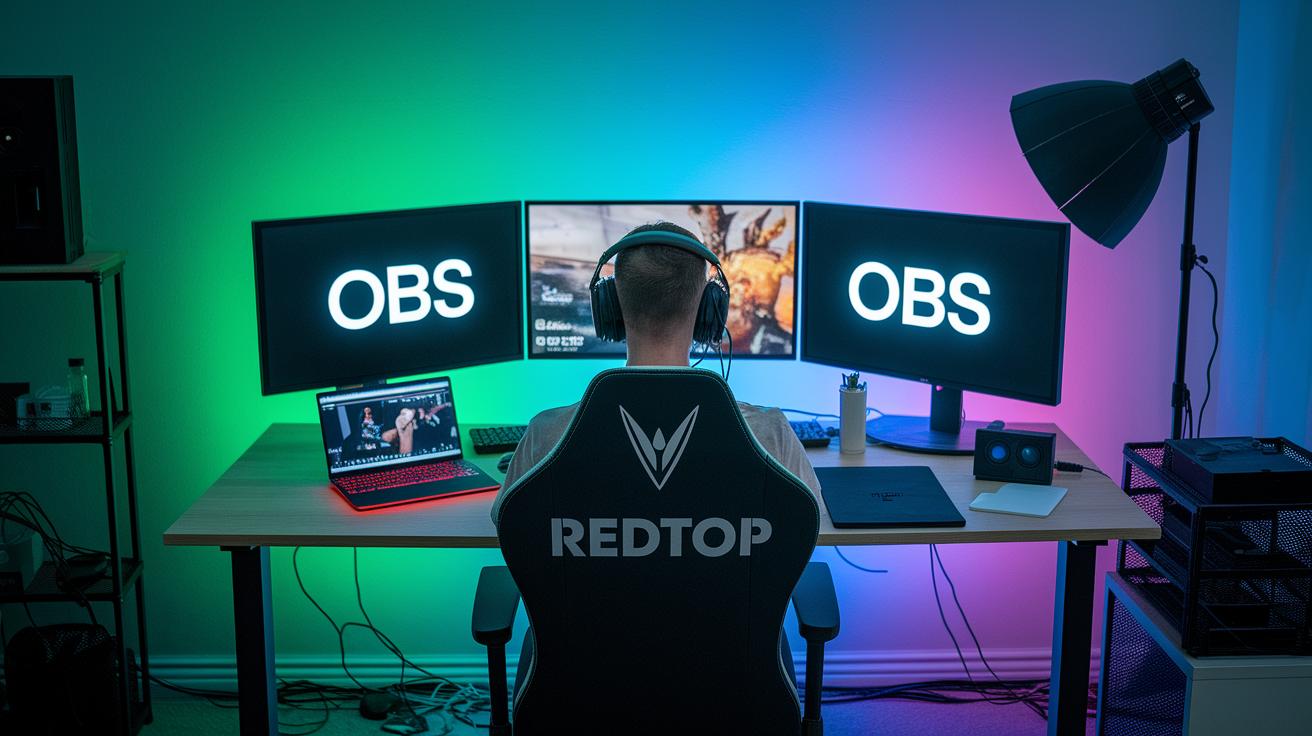
When you run into split stream problems, you'll notice some clear signs right off the bat. You might see frame drops, high CPU usage, audio and video that lose sync, or even a full stream outage. It's like your game lagging at a crucial moment, ever been in a match and missed that key move because your video suddenly stuttered?
To figure out what's causing the issue, start by checking your OBS or encoder logs closely. Try running a stream with just one output first. Think of it like a quick practice round to test your settings. Also, run some network checks like ping tests and jitter measurements, comparing how things look when you stream to one platform versus several. This will help you see if it's a network hiccup messing with your stream.
If you still can’t iron out the glitches on your own, it might be time to ask for a hand. Consider reaching out to support, switching to a cloud-based encoding fallback, or even investing in professional encoder gear for a more solid setup.
Final Words
In the action, we explored split stream basics, from defining its role in mirroring and transcoding to breaking down its data pipeline. We covered software solutions that boost multi-streaming, laid out the must-have hardware and network specs, and offered troubleshooting tips for tackling common glitches. This guide helps you improve your overall streaming performance and tackle challenges with confidence. Experiment with split stream to enhance your competitive setup and keep your performance smooth. Enjoy mastering these insights and leveling up your game!
FAQ
How to treat split urine stream in males?
The treatment for a split urine stream in males involves natural remedies like hydration and pelvic exercises, along with seeing a doctor to check for blockages or infections.
How to treat split urine stream in females naturally?
The approach to treating a split urine stream in females naturally focuses on staying well-hydrated, doing bladder exercises, and consulting a healthcare professional to rule out any underlying issues.
Is a split urine stream dangerous or normal?
The presence of a split urine stream may be normal for some but can also signal blockages or inflammation, so it’s a good idea to get a medical evaluation if it persists.
What causes a split stream of urine?
The split stream of urine is often caused by blockages, inflammation, or anatomical variations that affect bladder and urethral flow, warranting a check-up with a healthcare provider.
Can an STI cause a split stream of urine?
The occurrence of a split urine stream can be linked to STIs that inflame the urethral passage, so if you suspect an infection, it’s best to consult with a doctor for proper testing and treatment.
What does a split urine stream look like?
The appearance of a split urine stream is characterized by two separate flows or a bifurcated jet, which can indicate an abnormality requiring medical assessment.
Is “Split” available on any streaming service?
The term “Split” in a streaming context refers to a feature for managing multiple feeds concurrently and does not relate to urinary issues—it is a technical function on many modern streaming platforms.