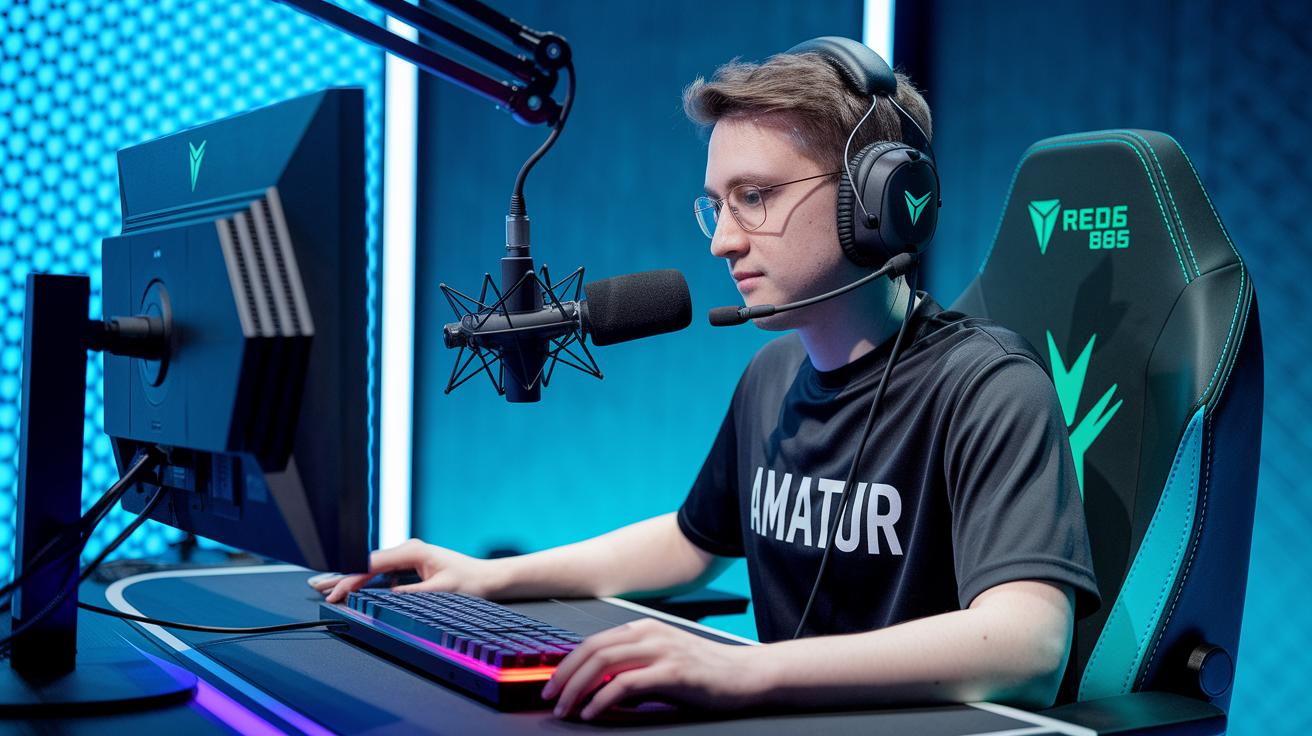
Ever wonder why some streams grab your attention right away? It's because the right stream tools mix video, audio, and bold graphics into one smooth experience. Think of them as the engine powering every great broadcast, whether you're using free software like OBS Studio or cool gear like video capture devices. These tools help you build a setup that runs like clockwork and keeps your audience locked in. In this post, we'll break down the key stream tools that can give your setup the boost it needs to stand out.
Stream Tools: Overview and Core Categories
Stream tools are the backbone of your live broadcasts. They let you set up cool scenes, mix your audio and video on the fly, and even add handy plugins. Imagine a fellow streamer saying, "I kicked things off with OBS Studio to design a smooth multi-scene flow that truly grabbed my viewers."
On the hardware side, devices like Teradek Vidiu and Blackmagic ATEM Mini Pro give you pro-level video capture. They pair effortlessly with capture cards from Elgato or AVerMedia and audio mixers such as GoXLR and RODECaster Pro. Then, overlay and alert systems like StreamElements or Visuals by Impulse throw in eye-catching graphics and interactive alerts that make your stream pop. And yes, chatbots like Nightbot and Moobot are there to keep your chat in check and help set up custom commands.
Multi-streaming tools such as Restream.io and Switchboard Live allow you to broadcast to several channels at once. Tools like Restream Analytics, SullyGnome, and TwitchTracker break down your performance data in plain language so you can see what’s working. Cloud-based production options add even more flexibility by letting you handle every step of your live stream right from the cloud. All these tools work together to boost your streaming setup and deliver a smooth, high-quality broadcast that truly connects with your audience.
Stream Tools Software: Live Broadcast Solutions
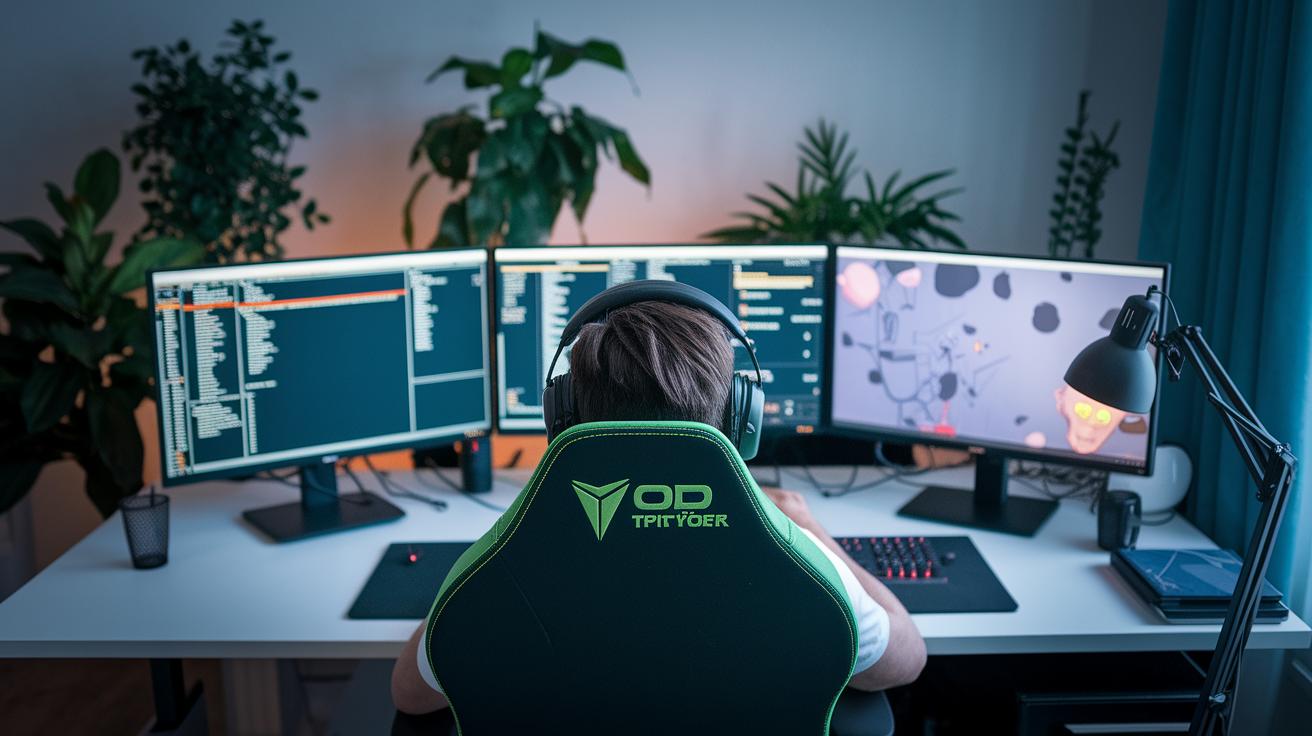
OBS Studio is a favorite among streamers looking for a powerful tool that won't cost a dime. It works on Windows, Mac, and Linux, and lets you set up multiple scenes, stream using RTMP, and add cool plugins to give your broadcast a unique touch. Plus, you can easily mix in elements like stream overlays to make your stream look sharp.
On the commercial side, there are some great choices too. XSplit offers an easy-to-use setup with smart encoding and hardware acceleration that keeps your stream smooth even when your computer is working hard. If you need more advanced features, vMix is a solid pick with ISO recording, support for many cameras, and programmable transitions to help you build lively, professional scenes on the fly. And then there's Dacast, which backs you up with a strong API and a built-in CDN. This means you can reach viewers all around the globe, just make sure you have about a 50 Mbps upload speed for smooth 1080p60 streaming.
Each of these tools is designed to meet different needs. Whether you're just starting out with OBS Studio or looking to upgrade your setup with commercial software, these live broadcast solutions offer the features that can give your streaming game a real boost.
Stream Tools Boost Your Streaming Setup
When you use overlays from services like StreamElements and Streamlabs Alerts, you get a mix of cool graphics, smooth scene switches, and easy browser source integration. I once set up Twitch alerts in OBS, and it instantly pumped new energy into my stream.
Visuals by Impulse hands you fresh design templates every week, so updating your stream’s look is a breeze.
Chatbots like Nightbot and Moobot take care of your chat by filtering out spam and handling custom commands. This way, you can focus more on the game and chatting with your viewers.
| Tool | Main Feature |
|---|---|
| StreamElements/Streamlabs Alerts | Cool graphic libraries, smooth scene transitions, and easy browser source integration |
| Visuals by Impulse | Weekly design template updates |
| Nightbot/Moobot | Automated chat moderation |
Together, these tools boost engagement and create a smoother, more enjoyable stream for everyone watching.
Stream Tools Distribution: Multi-Platform Streaming
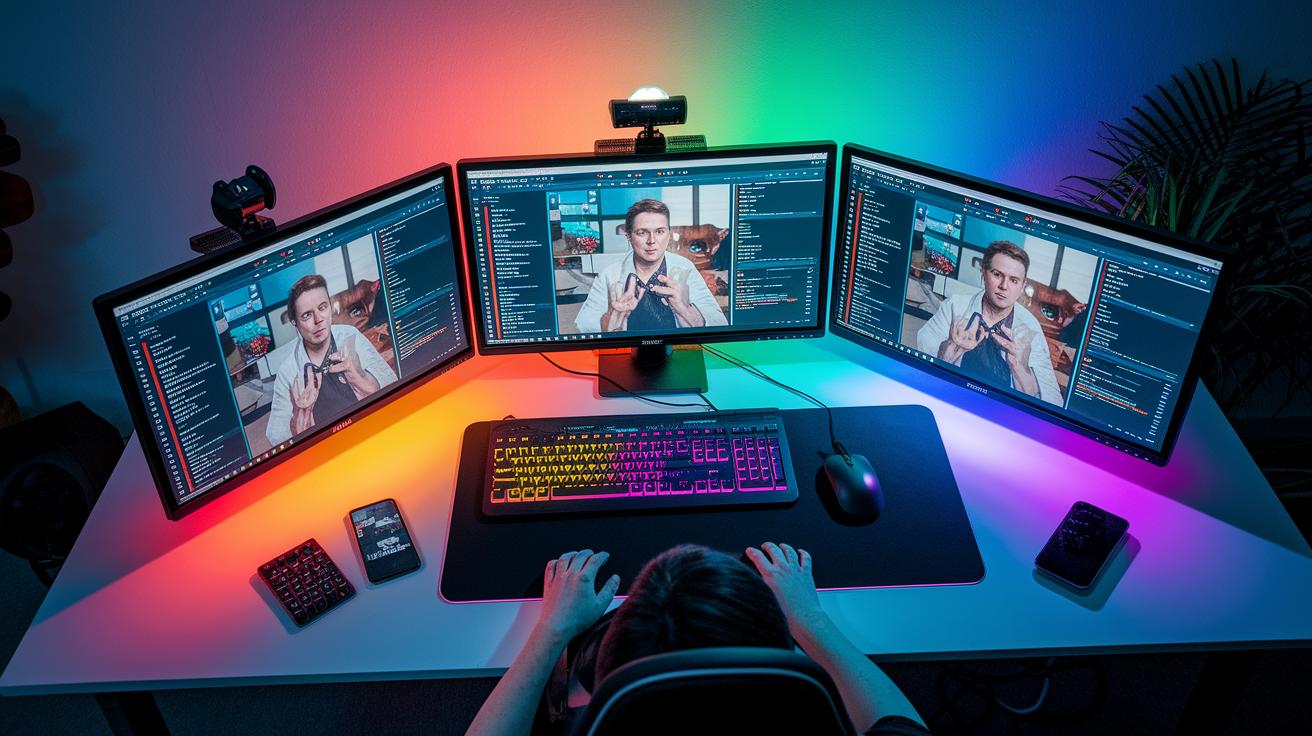
Imagine reaching fans on more than 30 platforms at once. With tools like Restream.io and Castr, you broadcast your game or event live to many viewers no matter where they are. It’s like setting up your stream so viewers from different channels can all chat together in one place.
Switchboard Live makes things even cooler. It lets you encode locally and use presets for each platform. This means you can fine-tune your stream settings for every channel without juggling different apps. Think of it as having one remote control that handles everything from switching scenes to tweaking the sound.
Then there’s unified chat. All messages come together in a single window, so you never miss out on a cheer or a question from a fan. Plus, analytics dashboards show you key numbers like average viewers, peak moments, chat trends, and retention for each platform. Tools like SullyGnome and TwitchTracker can compare channel performance, helping you spot where the buzz is strongest.
When I first tried multi-streaming, I was blown away by over 100 chat messages appearing in real time across five platforms. This kind of setup can really boost your engagement and take your streaming game to a whole new level.
Stream Tools Control Decks: Hardware and Virtual Controllers
Control decks make live streaming a breeze. They’re like a handy panel that lets you switch scenes, run macros, and adjust your audio while you're in the middle of the action. Just imagine pressing one button and instantly switching your stream to capture that awesome play.
Hardware controllers such as the Elgato Stream Deck and Loupedeck come with 15 to 32 buttons that light up with cool RGB feedback. You can set each button to do exactly what you want, making sure you’re always ready when the game takes an unexpected turn.
If you prefer using your phone or tablet, there are software options like Touch Portal and Deckboard. These virtual controllers offer custom icons, folder nesting, and direct control of OBS scenes, audio mixers, and browser sources. So if you’re not into the Elgato vibe, these alternatives are definitely worth a look.
The best part is that you can personalize your control panel to match your streaming style perfectly. This helps cut down on stress during those nail-biting moments and keeps the focus squarely on your gameplay.
- Simplified scene switching
- Direct audio control
- Customizable macro execution
Stream Tools Engagement: Monetization and Analytics
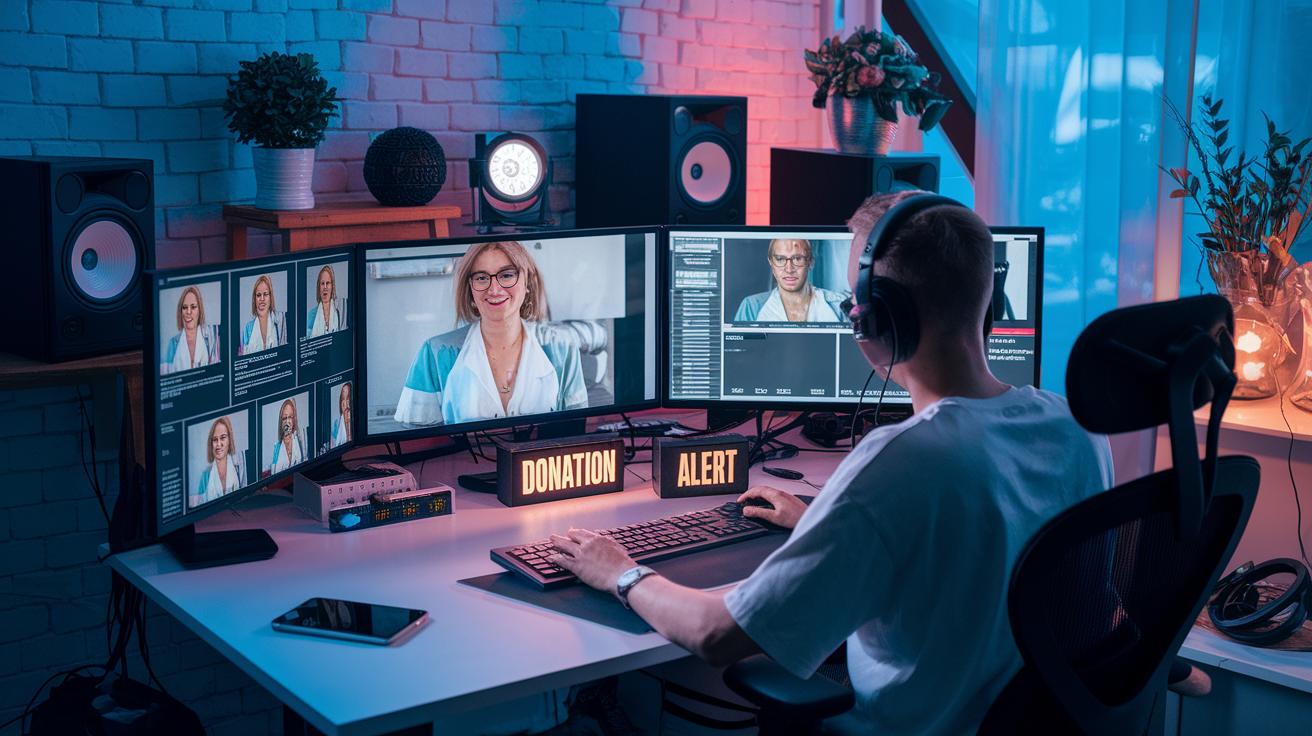
Monetization and audience engagement work together to make your stream pop. For example, DonationAlerts gives you custom on-screen alerts that instantly light up when someone donates. I remember the thrill of seeing a donor's name flash on screen, sparking excitement all around in the chat.
PayPal lets you keep about 92% of your donations, while Twitch Bits take around 28.5% for fees. Then there are platforms like Patreon and Ko‑fi that offer subscription alert systems, though only a small group of creators see over $1K a month from them.
For spicing up live interactions, Slido and Mentimeter let you run fun polls to get everyone involved, almost like a community event. And with Discord, you can keep the conversation flowing in real time. Restream Analytics even helps you track chat buzz, who’s watching, and when your viewership peaks, so you can tweak your strategy on the fly.
These tools let you experiment with different donation setups and subscription alerts. Use live analytics to see what clicks with your audience and fine-tune your stream accordingly. The result? A more interactive broadcast that not only feels engaging but also boosts your earnings.
Stream Tools Automation: Advanced Production Workflows
If you love live streaming but hate having to fiddle with settings all the time, advanced automation tools are a real lifesaver. Take vMix Automation for example. It lets you plan your scene changes ahead of time and even brings in remote guests automatically. It’s kind of like having a dependable buddy who handles the backstage work for you.
Then there’s the Blackmagic ATEM Mini Pro. This little device switches your hardware and records your stream live, so every great play is captured in real time. And if you’re worried about lag during that epic moment, Teradek Vidiu and LiveU Solo have you covered. They work on their own to encode your stream quickly, keeping everything smooth and in sync.
On top of that, browser-based tools like Restream Studio take things to the next level. They let you stream from the cloud, invite your friends to join on the fly, and even manage your scenes online. They come with handy modules that track things like CPU and GPU usage, bitrate, and even frame drops. It’s like checking your game stats during an intense match.
These tools work together to make your stream run without a hitch. Smooth transitions and on-the-fly adjustments mean you can concentrate on playing, not worrying about glitches. With this setup, you get a broadcast that flows just as perfectly as your best gaming combo.
Final Words
In the action, we covered everything from live broadcast software and stunning overlays to multi-platform streaming and intuitive control decks. We also looked at monetization, viewer analytics, and advanced workflow automation. Each section offered a clear guide to setting up a solid streaming environment.
These insights on stream tools should empower you to upgrade your gameplay and broadcast setup. Enjoy putting these tips to work and get ready for smoother, more dynamic streams!
FAQ
What free stream tools are available for users?
Free stream tools include open-source apps like OBS Studio, available on GitHub and similar platforms. They work well on PC and provide essential features for starting your broadcast.
What stream tools work best with Twitch?
When streaming on Twitch, tools such as Streamlabs, OBS Studio, and StreamElements are popular. They integrate with Twitch to offer easy overlays, real-time alerts, and user-friendly controls.
How does Streamlabs compare to OBS?
Streamlabs and OBS both power streams, but Streamlabs builds in alerts and overlays for quick setup while OBS offers a customizable, open-source platform ideal for hands-on streamers.
What is StreamElements and how is it used?
StreamElements is an overlay and alert platform. It helps manage graphics and live notifications by integrating with broadcasting software, making your stream interactive and engaging.
What are the best stream tools available?
The best stream tools mix powerful software and user-friendly overlay systems. Top choices include OBS Studio, Streamlabs, and StreamElements, each offering robust features to fit different streaming needs.
Can you make $1000 a month on Twitch?
Making $1000 a month on Twitch is achievable, but it mainly depends on your audience size, engagement levels, and monetization methods like subscriptions, donations, and sponsorships.
What equipment do I need for streaming?
Essential streaming gear includes a good camera, microphone, computer with fast upload speeds, and a capture card. Additional items like audio mixers or control decks can boost your production quality.