
Have you ever played a game that just didn’t feel right or watched a movie that seemed choppy? It might be all about the frame rate.
Frame rate is like the secret ingredient that makes everything move smoothly. Picture flipping through a notebook fast, each quick turn brings the picture to life.
In games, movies, and animations, a better frame rate can turn simple, static images into a lively and seamless experience. We’re going to break down the basics and explain how a higher frame rate gives you that smooth, lifelike feel.
Ever felt that rush when everything on screen just clicks? That’s the magic of frame rate at work.
Frame Rate Explained: Definition and Core Concepts
Frame rate is simply the number of images you see in one second, measured in frames per second (fps). Imagine it like a flipbook: when you flip the pages fast, things look smooth. But if you flip slowly, everything appears choppy. Picture holding a notebook and quickly flipping through the pages to see a runner come to life.
This concept guides how motion works in movies, video games, and animations. A high frame rate, like 60 fps, makes everything feel smooth and lifelike because it shows more images each second. On the other hand, lower frame rates such as 12 fps can make the motion look jerky. Many movies use 24 fps since it gives a natural, slightly blurred look that feels cinematic, while games often need higher frame rates to boost responsiveness.
Frame rate isn’t just about counting pictures; it’s about how those pictures work together to create real movement. Think about it like this: switching a fast-paced game from 30 fps to 60 fps can feel like waking up from a dream, where every move snaps into focus. Understanding frame rate is a key step for anyone wanting to nail the art of smooth, dynamic visuals.
Measuring Frame Rate: FPS vs. Hertz and Capture Frequency
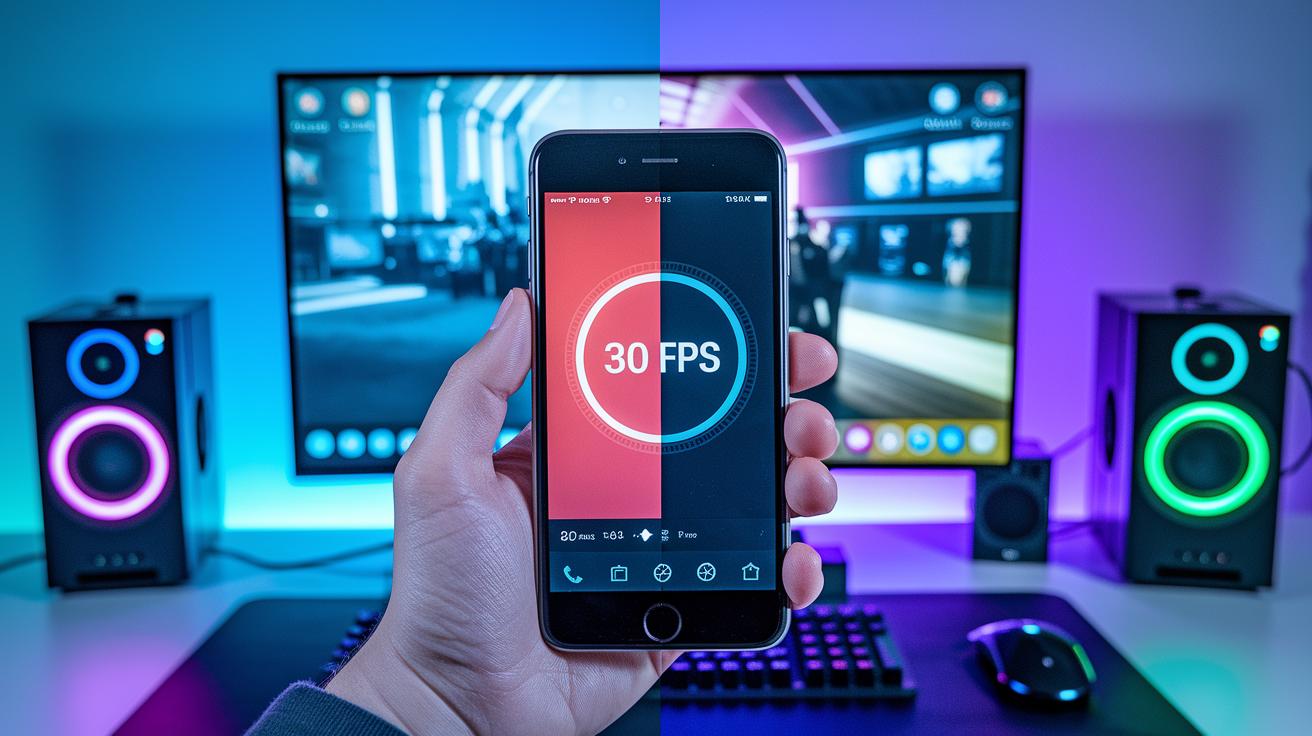
Frame rate tells you how many images show up every second, while hertz (Hz) is how many times your screen refreshes in that same second. Think of fps like the beats in your favorite song; each beat is a frame. And Hz is your monitor's rhythm, updating what you see again and again.
When you match your camera's fps with your monitor's Hz, everything feels smooth. For instance, a 60 fps video played on a 60 Hz screen will line up perfectly, keeping your game or clip fluid. But if you switch things up, like using a 60 fps clip on a 144 Hz monitor, it might throw in a few glitches unless your system sorts it out right.
Understanding this difference is super important, whether you're setting up your streaming gear or editing an epic highlight reel. Getting the balance right means that every moment looks as good as it feels to play.
- Definition and measurement units for fps and Hz
- Role in capture (fps) versus display (Hz)
- Impact on smooth playback and screen tearing
- Device examples (camera vs. monitor synchronization)
Standard Frame Rate Values Across Cinema, Broadcast, and Gaming
Frame rate is what brings any video to life. It tells you how many images flash on your screen every second. Movies, for example, usually run at 24 fps. This gives them that timeless, film-like feel with a bit of blur that many find magical. TV shows and online videos, on the other hand, often use 30 fps. This choice makes motion look smooth without weighing down file sizes too much.
In gaming, 60 fps is a big hit. It makes every movement look super smooth and responsive, so gamers catch every detail during fast-paced moments. And sometimes, sports broadcasts crank it up to 120 fps or more. This helps capture slow-motion replays where every motion is crystal clear.
Think of it like flipping through a flipbook. Flip fast, and the action flows nicely; flip slow, and the scenes can look a bit jumpy. Your choice depends on whether you want that classic movie vibe, reliable everyday video, or the crisp, quick visuals for gaming. For a quick look at how these common frame rates work, check out the table below:
| Frame Rate | Typical Use | Visual Impact |
|---|---|---|
| 24 fps | Cinema | Cinematic blur, traditional motion |
| 30 fps | Broadcast/Online | Standard smoothness, moderate clarity |
| 60 fps | Gaming/Action | High fluidity, low motion blur |
| 120+ fps | Slow Motion/Sports | Ultra-slow replays, detailed capture |
How Frame Rate Impacts Smoothness and Visual Perception
Watching a fast-paced game at 60 fps can feel like every move is brought to life, even though our eyes only need around 12 fps to notice smooth motion. Frame rate is what makes videos feel fluid or jumpy. The more frames you pack in each second, the crisper and clearer each action becomes. It’s a bit like flipping through a comic book really fast, the quicker you flip, the smoother the pictures look.
When you record at low frame rates, like 12 fps, the movement can seem choppy. But bumping it up to 24 fps, which many pros use, smooths out the flicker and makes each movement connect better. More frames mean less motion blur, so every subtle detail and movement comes through clear.
Our eyes start to appreciate natural motion around 10 to 12 fps. Yet as you push up to 60 fps, fast actions, such as in gaming or sports, get a sharp, vivid look that really pops. Still, once you go beyond 60 fps to, say, 120 fps, the jump in smoothness isn’t huge for most viewers because our vision just can’t pick up every extra detail.
Advanced Frame Rate Techniques: Slow Motion, Fast Motion, and Time-Lapse
Slow Motion Capture
High-speed cameras capture loads of frames each second so that when you play them back slowly, every detail pops. Cameras like the Panasonic GH5 can shoot between 48 and 240 frames per second, and some even hit up to 1,000 fps! When you watch this footage at regular speed, every moment lingers, letting you see even the tiniest movements. Imagine a baseball flying through the air with each spin showing up clearly. Fun fact: a high-speed camera can capture a hummingbird’s wing beat so slowly that every flutter seems like time stopped.
Fast Motion Effects
Sometimes you want to see things happen in a flash. Fast motion works by recording at a lower frame rate, like 12 fps, and then playing it back at a higher rate such as 24 fps. This trick makes everything look super brisk, like turning a casual stroll into a mad dash. It’s perfect for showing a busy city scene or a DIY project that speeds along in no time.
Time-Lapse and Hyperlapse
Time-lapse is all about taking a series of still shots over a long period and stringing them together to show time zipping by. When you play these images back at around 24 to 30 fps, everyday scenes like sunsets or flowers blooming appear super fast. Hyperlapse takes it a step further by moving the camera between shots, adding a dynamic feel to the video. Ever watch a city skyline where the clouds seem to race across the sky? That’s hyperlapse in action, turning steady scenes into a vibrant display of motion.
Choosing the Right Frame Rate for Your Project

When you’re putting together a film or video, your frame rate can completely change the feel. For classic narrative films, 24 fps gives you that movie magic with a natural blur that makes scenes feel alive. If you're making live broadcasts or web videos, 30 fps works great, it's smooth without making your files too huge.
For those nail-biting gaming videos or action-packed sports streams, cranking it up to 60 fps or more lets every move pop. Think of 24 fps like the familiar warmth of your favorite movie, while 60 fps is like watching every detail of an intense racing game in crisp motion.
Before you lock in your settings, check the limits of your platforms. Lots of online services stop at 60 fps to help manage bandwidth, and most mobile devices record between 30 and 60 fps. Matching your settings to your end device can save you loads of time later in editing.
- 24 fps: Perfect for a cinematic, storytelling vibe
- 30 fps: Reliable smoothness for live broadcasts
- 60 fps or higher: Best for fast-action scenes and detailed game visuals
Try out a few test clips at different frame rates. It’s like trying out two play styles in a friendly match, see which one really captures the energy you’re looking for.
Technical Considerations: Frame Rate, File Size, and Export Times
When you bump up your frames per second, it's like adding extra pixels to your game screen, more frames means more data to store and process. If you double your frame rate, think of it as doubling the uncompressed footage. That extra data means you need more storage space, and your export times will get longer. Recording at 60 fps versus 30 fps is pretty much like having twice as much raw footage to manage.
Even if you use compressed formats to slim down the file size a bit, working with higher fps footage still demands a beefier, faster system. Editing or exporting a 60 fps video means your computer needs to handle a lot more work without lagging or glitching. If your hardware isn’t up to par, you might face choppy playback or longer wait times, which can really throw off your flow.
- More frames mean more data to handle
- Doubling the fps roughly doubles your uncompressed footage
- Compressed formats help ease file size woes, but your system still has to work harder
- Higher fps can stretch out export times and need stronger hardware to keep up
Debunking Common Frame Rate Myths
A lot of gamers believe that more fps means better quality, but really, most of us can't tell much difference once you hit around 60 to 120 fps. Extra frames just blend together, making motion look just as smooth.
And here's a myth for you: upping fps doesn't automatically improve how the game looks. In fact, turning it too high can make things look unnaturally crisp, a look that some call the soap opera effect, which might distract you during play.
Despite popular myths, adding more frames past a certain point doesn’t actually make motion smoother for everyone’s eyes.
Final Words
In the action, we broke down the basics of frame rate and how it forms smooth motion like a flipbook. We covered measuring FPS, matching it to display Hz, and compared standard values in movies, broadcasts, and gaming. We even explored creative techniques like slow motion and time-lapse to up your visual game.
Thinking about what is frame rate can boost your technical understanding and help you impress your peers. Keep experimenting and enjoying that smooth, competitive gaming experience!
FAQ
What is frame rate in gaming, video editing, and camera apps like CapCut, and what do you mean by frame rate?
The frame rate indicates the number of images shown per second. In gaming, video editing, and camera apps, a higher fps produces smoother, more fluid motion.
What are some examples of frame rates?
Common examples include 24 fps for films, 30 fps for broadcasts and online videos, and 60 fps for gaming, offering a range of motion clarity based on the content’s needs.
What is a good frame rate and which is best for 1080p and 4K video?
A good frame rate often depends on the project; 30 fps generally works well for standard videos while 60 fps is ideal for gaming and fast-action scenes in both 1080p and 4K resolution.
How many frames per second can the human eye see?
Human vision can smoothly process motion above 10–12 fps, but noticeable improvements taper off around 60 fps, making extremely high frame rates less perceptible in everyday viewing.
Is 30 fps or 60 fps better for content?
The choice between 30 fps and 60 fps depends on the medium; 60 fps delivers smoother, more responsive action ideal for gaming and sports, while 30 fps suits content with less rapid movement.
Why is 24 fps often chosen over 30 fps in cinematic productions?
The natural motion blur of 24 fps gives films their classic, cinematic feel, whereas 30 fps appears more realistic and smooth; filmmakers prefer 24 fps for its distinctive visual style.