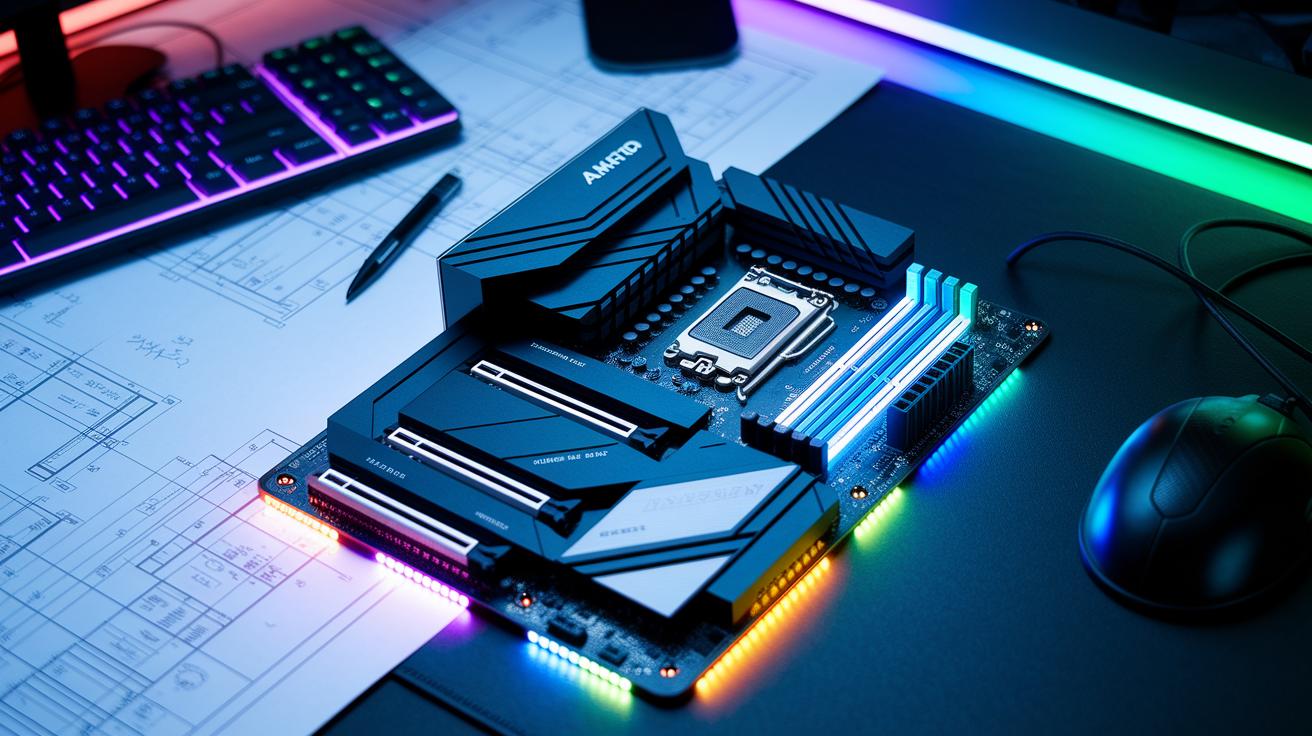
Ever thought your motherboard might be the secret to epic wins? Choosing the right board when you’re building a new rig can mean smoother gameplay, faster load times, and just a cooler overall experience.
We’re breaking down some top-notch options for both AMD and Intel setups. Whether you're diving into an intense match or just heading into everyday tournaments, these picks bring solid power and style to the table. So, ready to power up your performance and keep dominating the game?
Top Gaming Motherboard Recommendations for 2025
If you're building a new gaming rig, you might want to check out the MSI MPG X870E Carbon WiFi. It's one of the best choices for AMD Ryzen with its strong VRM and the new Wi-Fi 7 tech, which means your system stays quick even during intense matches. For those who love a cool look, the Gigabyte Aorus Elite X870 WiFi7 Ice goes for a white-themed design and packs extra USB and PCIe 5.0 slots, perfect if you care about both style and performance. And if you're after a premium feel, the Asus ROG Crosshair X870E Hero is loaded with six M.2 slots and active chipset cooling to keep up with heavy gaming sessions.
Switching over to Intel, the Asus TUF Gaming Z890-Plus WiFi is a solid pick. It supports the latest Intel Core Ultra processors and uses military-grade capacitors, which is great if you like to overclock. For those aiming for top-tier performance, the Asus ROG Maximus Z790 Dark Hero features elite support for Intel’s 14th-gen, a strong VRM, and hefty heatsinks to keep everything cool during long playtimes. If you're working with a smaller build, the MSI MPG Z790I Edge WiFi offers compact power in a Mini-ITX design without skipping on must-have features. And for gamers watching their budget, the Gigabyte B860M Eagle Plus WiFi 6E and ASRock B650M-HDV/M.2 deliver essential performance with modern turbo modes and all the basics you need.
Picture your rig coming to life with any of these boards, launching you straight into that championship league feel. These picks serve as a guide to help you build a high-performance, next-gen gaming PC that’s ready for whatever 2025 brings.
Key Factors in Choosing the Best Gaming Motherboard
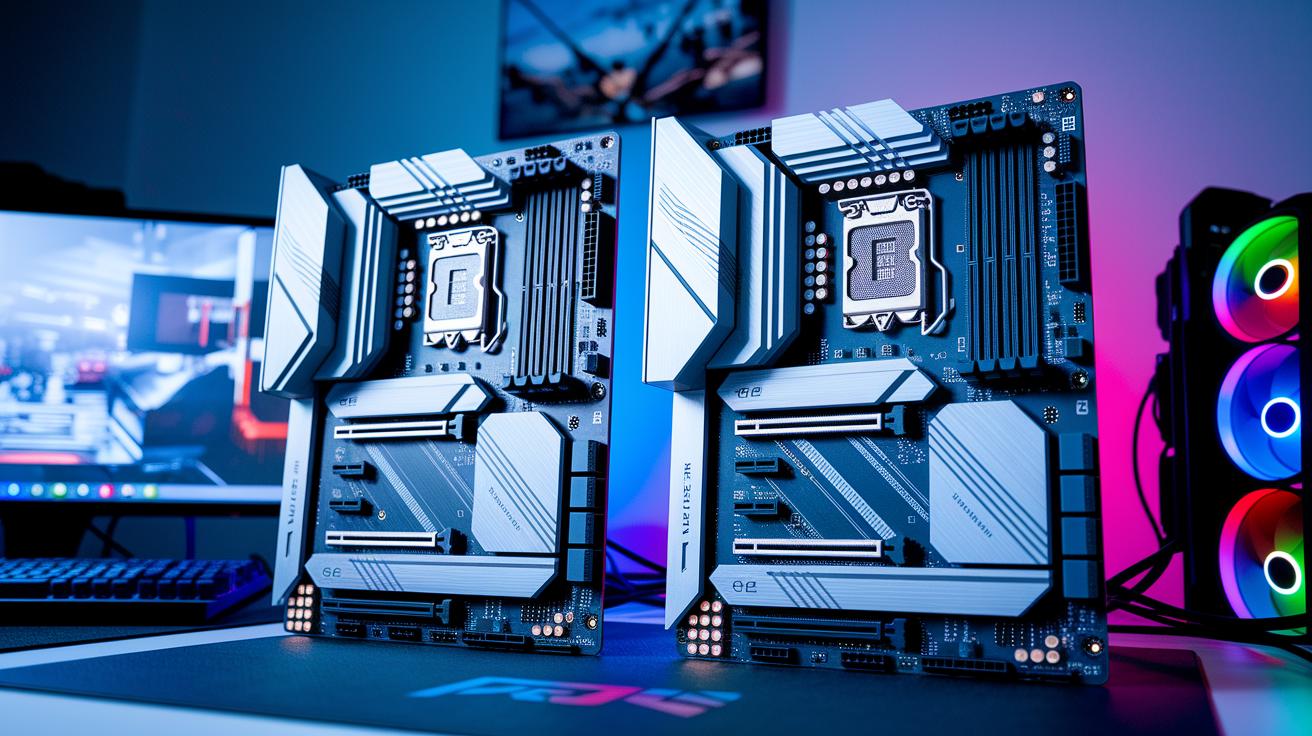
Choosing the right gaming motherboard starts with making sure it fits your CPU. If you’re building a rig with an AMD Ryzen 7000 or 8000, you need a board with an AM5 socket. For Intel’s 14th-gen processors, look for an LGA 1851 or LGA 1700. This match is key because it helps your system run your games smoothly.
Size matters too. ATX boards come with lots of slots and headers so you’ve got plenty of room. But if space is tight, Micro-ATX and Mini-ITX are smart choices. Think of it like picking the perfect case for your vintage console, everything needs to fit just right for great airflow and future upgrades.
Next up, check out the VRM and heatsinks. A solid VRM with good heatsinks keeps your overclock steady through long gaming sessions. It’s like giving your favorite character that extra burst of power during a nail-biting match, no lag, just pure performance.
Don’t forget about connectivity. Look for boards packed with features like Wi-Fi 6 or 7, speedy 2.5GbE LAN, USB4, and Type-C ports. These features help ensure your rig is ready for the latest upgrades, such as new CPUs like Zen 6. With a well-built motherboard, a little care can keep it running great for 5 to 10 years of non-stop gaming.
• CPU compatibility
• Form factor impact
• VRM and cooling quality
• I/O and connectivity
• Future upgrade support
This checklist makes sure every part of your rig can handle high-intensity gaming when it matters most.
AMD vs Intel: Best Gaming Motherboard Platforms
AMD boards, especially those with advanced chipsets like the X670, pack boosted PCIe 5.0 support and sturdy VRM designs that handle heavy overclocking like a champ. Tests show they keep voltage stable even when you push them hard. Fun fact: during stress tests, these boards held their peak performance even when temperatures spiked suddenly.
Intel boards, built on chipsets like the Z890 and Z790, really nail dynamic power management with their cool turbo modes. They manage multi-M.2 setups and keep gameplay smooth during the most intense sessions. For example, in one head-to-head test, an Intel board’s turbo mode adjusted its power delivery in real time to stop lag in crucial moments.
Here are the key differences:
- AMD premium options: Top chipsets with PCIe 5.0 and robust VRMs built for extreme overclocking.
- AMD mainstream choices: B650 series boards that offer reliable performance without breaking the bank.
- Intel high-end models: Chipsets designed for serious overclocking and enhanced multi-M.2 support.
- Intel value alternatives: Boards that rely on turbo modes to manage power efficiently without manual tweaks.
| Platform | Key Strengths |
|---|---|
| AMD Premium | Advanced chipsets, PCIe 5.0, robust VRMs, overclocking headroom |
| Intel High-End | Refined power management, multi-M.2 support, dynamic turbo modes |
Gaming Motherboard Chipset and Feature Breakdown
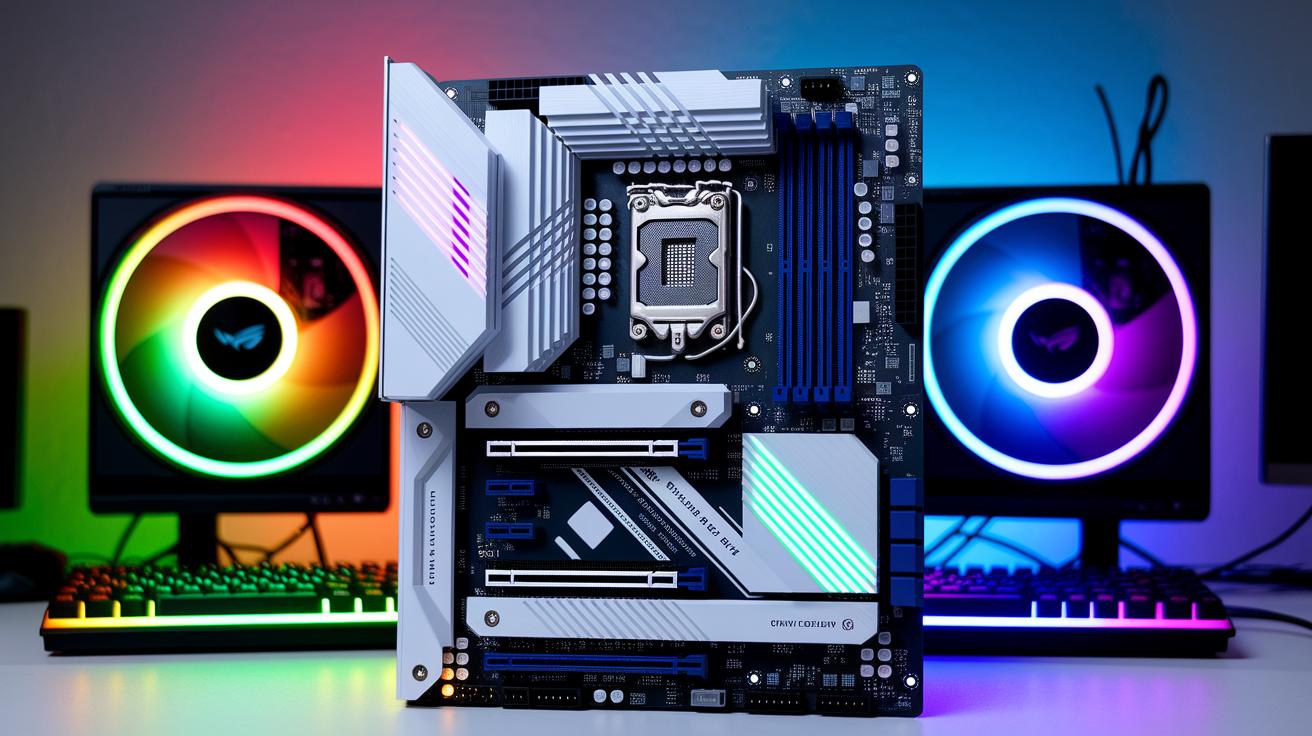
If you're building a killer gaming PC, picking the right chipset is a game-changer. Take the X870 and X870E models, for example. They offer PCIe 5.0 for both your CPU and M.2 lanes, meaning super-fast speeds. They also come with dual-band Wi-Fi 7 and quality VRM designs. Imagine it like giving your rig a burst of energy, much like that clutch move when you're dodging lag in a tight game.
On the AMD side, the X670 and X670E chipsets support PCIe 5.0 while featuring sturdy VRM designs built for upcoming Zen 6 CPUs. This means your system stays powerful even as new processors hit the scene. And if you want a budget-friendly option without sacrificing performance, the B650 and B650E models offer PCIe 5.0 for your CPU lanes at a friendlier price. Some of these even include Wi-Fi 6 and big heatsinks, similar to Asus TUF builds, to help keep things cool during those intense gaming sessions.
Then there are classic choices like the X570 and B550 boards from the PCIe 4.0 era. They work with both DDR4 and DDR5 memory, giving you flexibility while keeping your setup solid. Meanwhile, Intel fans have plenty to choose from. The new Z890 and Z790 boards pack in lots of I/O ports and multiple M.2 slots, while the B760 and B660 options deliver great performance with smart turbo modes that boost speed without any manual overclocking.
| Chipset | Key Features |
|---|---|
| X870/X870E | PCIe 5.0, Wi-Fi 7, quality VRM |
| X670/X670E | PCIe 5.0, robust VRM for Zen 6 |
| B650/B650E | Cost-friendly PCIe 5.0, some with Wi-Fi 6 |
Form Factors and Build Compatibility for Gaming Motherboards
This part mixes hands-on model examples with smart cable management tips, building on our earlier chat about motherboard size and expansion.
ATX boards pack the most slots and headers, which means plenty of space for extra cards and storage. For instance, the Asus ROG Strix B550-E Gaming model gives you loads of room to upgrade.
Micro-ATX boards offer a sweet spot between compact size and enough features. The Gigabyte B860M Eagle Plus is a solid pick that fits well in mid-size cases while still delivering all the must-haves.
Mini-ITX boards are perfect for slim, no-fuss builds where every inch counts. They work best with tidy cable routing. For example, using angled SATA connectors and front-panel USB headers can really keep things neat.
- ATX for maximum expansion
- Micro-ATX for a balanced mix of size and features
- Mini-ITX for streamlined builds with smart cable management
Power Delivery, Cooling, and Overclocking on Gaming Motherboards
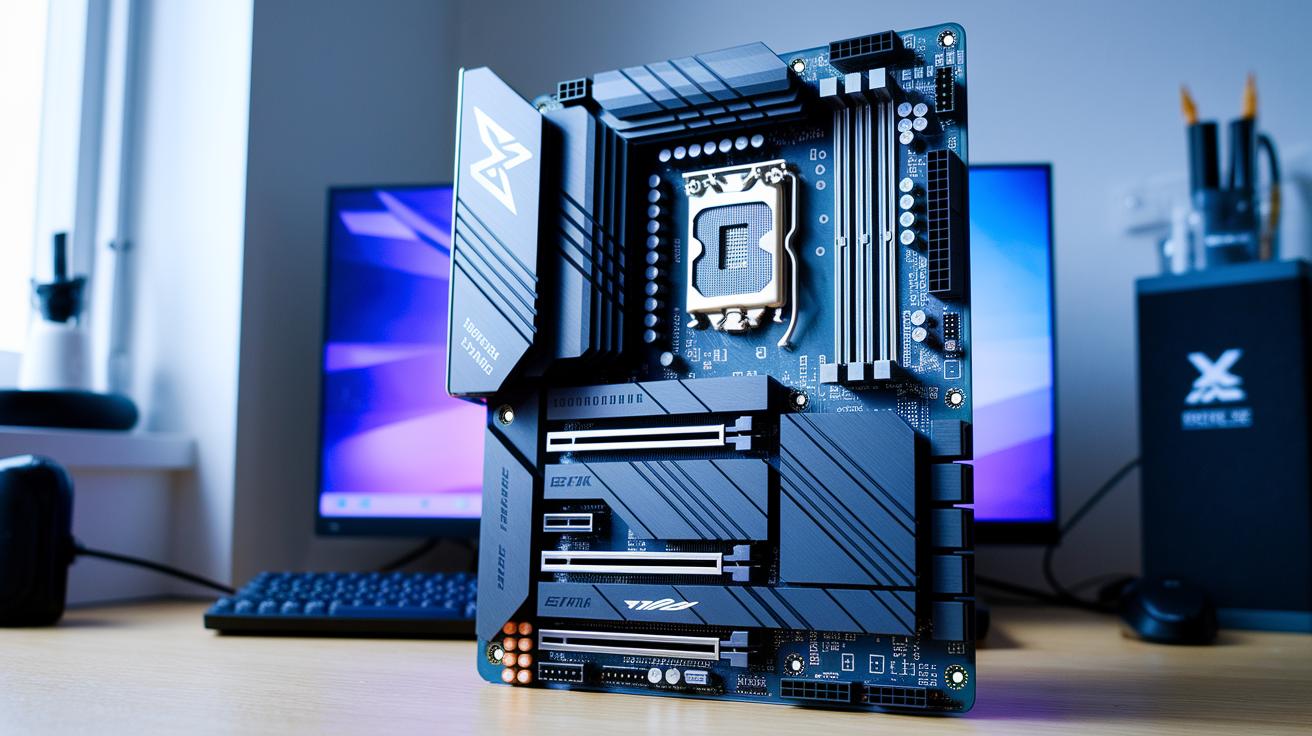
Top gaming motherboards come with super strong power systems that gamers count on in the heat of battle. Take models like the MSI MAG X870 Tomahawk and Z790 Tomahawk, they use a 12+2 phase VRM setup that reliably powers your CPU and memory when you push them to the limit.
Big heatsinks and smart cooling, like those on Z890 boards with built-in chipset fans and hybrid fan headers, work hard to keep temperatures low even when the game gets intense. It’s a bit like having a cooling buddy who kicks in just when you need it, ensuring your system never hits a pause like that dreaded lag screen.
Z-series boards let you tweak and manually overclock your CPU and memory, just like fine-tuning your settings for that clutch tournament play. Meanwhile, B-series boards lean on advanced CPU turbo modes to give you that extra boost when you need it most.
Strong power phases and chokes chip in to prevent any sudden dips in performance during long gaming marathons. Think of it like watching an all-star player keep up the same high level every round, always ready to carry your run to victory.
- 12+2 VRM phases
- Large heatsinks with active cooling
- Manual overclocking on Z-series boards
- Turbo mode support on B-series circuits
Budget-Friendly vs High-End Gaming Motherboards: Cost vs Performance
If you're on a tight budget, boards like the ASRock B650M-HDV/M.2 and MSI Pro B660M-A give you reliable gaming without emptying your wallet. Priced at roughly $100 and $120, these boards feature simple VRM setups and all the essential ports you need. They’re perfect for gamers who don't need extra funky features but still want a steady, everyday performance. It's like choosing a no-frills ride that gets you from start to finish without any fuss.
Then there are mid-range options like the Asus TUF Gaming B650 Plus, typically around $200. These boards step up the game by offering a stronger VRM and built-in Wi-Fi 6. This extra boost means more stability and smoother play under heavy gaming sessions. In a nutshell, they provide a sweet balance between performance and cost, letting you enjoy extra power without going full premium.
On the high-end, you’ve got choices like the Asus ROG Maximus Z790 Dark Hero (about $500) and the Crosshair X870E Hero (around $600). These models push performance to the limit with top-notch VRM designs and multiple M.2 slots. They’re built for gamers who want the best of the best and are thinking about future upgrades. Essentially, you're paying more now to unlock cutting-edge performance and long-term potential.
| Category | Features |
|---|---|
| Budget | Basic VRM, essential connectivity |
| Mid-range | Balanced performance with enhanced features |
| High-end | Flagship VRM, extra slots, extended upgrade potential |
Connectivity, Expansion Slots, and Memory Support on Gaming Motherboards
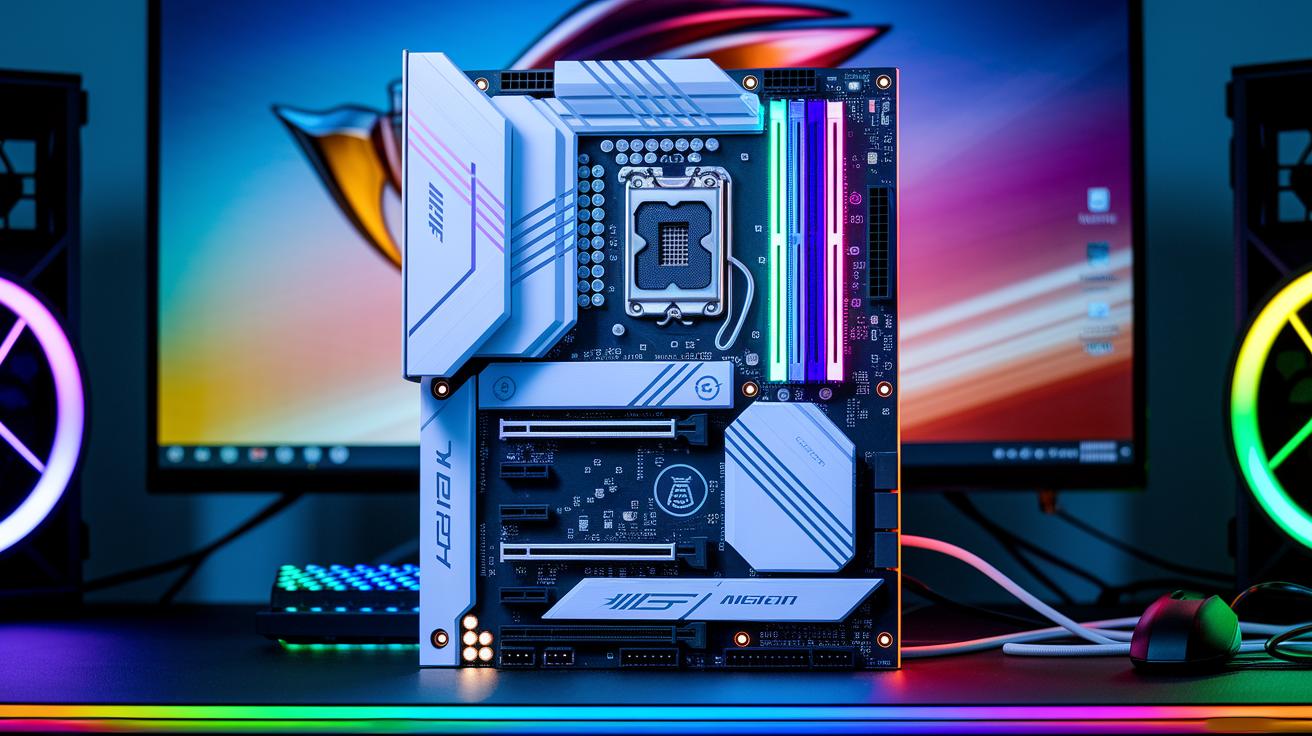
Gaming motherboards now bundle details like PCIe lanes, multi-M.2 setups, and dual-GPU support right into the chipset and key factors sections. If you’re scoping out a board with PCIe 5.0 x16 slots or extra x4 M.2 ports, you’ll find all the specifics in the Gaming Motherboard Chipset and Feature Breakdown section.
Memory options have gotten an upgrade too. DDR5 support, which can hit speeds up to 7200 MHz, and even some DDR4 support on boards like the B550 and B660 are now neatly covered in the Key Factors in Choosing the Best Gaming Motherboard section.
On top of that, you get cool connectivity features such as USB4, USB 3.2 Gen 2×2, several SATA 6 Gb/s ports, built-in Wi-Fi 6/7, and 2.5 GbE LAN. It’s all laid out clearly so you can see exactly what you’re getting.
Ever been blown away by how fast your game loads? Some boards now use PCIe 5.0 slots to cut load times almost to nothing. Cool, right?
Performance Benchmarks & Real-World Gaming Tests for Motherboards
Recent tests show that DDR5 memory can boost FPS by around 3 to 5 percent in games that stress the CPU compared to DDR4. Imagine it like grabbing an extra life in a tight match, switching to DDR5 feels as if your rig just got a secret power-up.
Storage speeds also matter a lot. Motherboards with PCIe 5.0 M.2 ports blast through sequential reads at about 12 GB per second, while those with PCIe 4.0 only hit 7 GB per second. In simple terms, that extra speed can cut load times by a few seconds, which can be a game changer during those heated competitive rounds.
Thermal tests give further clues. Top-end boards keep their VRMs 5 to 10 degrees cooler when running at full tilt. Gaming tests with titles like CS2 and Shadow of the Tomb Raider show that FPS differences among leading boards are usually less than 1 percent. This steady performance means your board won’t slow down when you need that stability most in an intense multiplayer match.
- DDR5 gives you an extra edge in competition
- PCIe 5.0 M.2 slots load games faster
- Cooler VRM temperatures lead to more reliable gaming performance
Final Words
In the action, we broke down top gaming motherboard choices for 2025 and weighed key features like VRM quality, chipset performance, and form factors. We compared AMD and Intel offerings while noting differences in power delivery and upgrade potential.
This quick recap shows that whether you’re building a budget setup or a high-end rig, understanding what is the best motherboard for gaming helps you optimize performance and stream quality. Keep experimenting, keep optimizing, and enjoy every win.
FAQ
What is the best gaming motherboard overall?
The best gaming motherboard overall varies by your setup. Top picks include high-end boards like the MSI MPG X870E Carbon WiFi for AMD and the Asus ROG Maximus Z790 Dark Hero for Intel that offer great VRM, cooling, and connectivity.
Which motherboard is best for budget gaming builds?
For budget gaming, boards like the Gigabyte B860M Eagle Plus WiFi 6E for Intel or the ASRock B650M-HDV/M.2 for AMD provide solid performance, essential features, and reliable stability without a high price tag.
Which motherboard is best for Intel gaming?
Top Intel options include the Asus TUF Gaming Z890-Plus WiFi for premium builds and the MSI MPG Z790I Edge WiFi for compact designs, both offering fast connectivity, solid power delivery, and excellent support for 14th-gen CPUs.
Which motherboard is best for AMD gaming and AM5 systems?
For AMD, excellent choices are the MSI MPG X870E Carbon WiFi and Gigabyte Aorus Elite X870 WiFi7 Ice, both featuring PCIe 5.0 support and robust VRM designs that match Ryzen’s performance needs.
Are there gaming motherboards with an integrated processor?
Gaming motherboards typically do not include an integrated processor; you will need to choose a compatible CPU separately to build a complete gaming system that meets your performance requirements.
Why does my motherboard choice matter for gaming?
Your motherboard influences component compatibility, overclock stability, and connectivity options. A solid board helps ensure smooth performance and better longevity, making a noticeable difference during intense gaming sessions.
Which motherboard brand stands out for gaming?
Brands such as Asus, MSI, Gigabyte, and ASRock consistently deliver reliable gaming motherboards with competitive features, solid build quality, and dependable performance across various gaming setups.