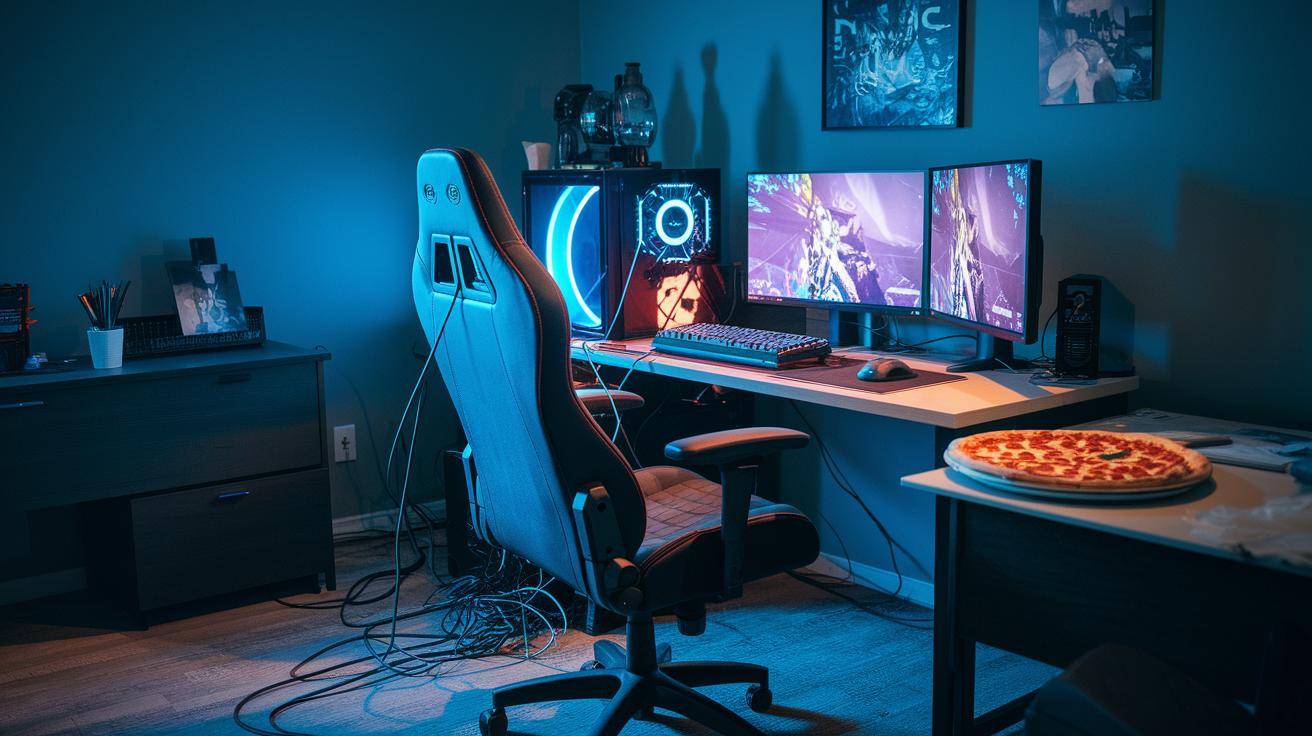
Have you ever seen a gaming rig that makes you laugh and scratch your head at the same time?
Imagine old-school monitors paired with speakers that sound like they’re from another era.
Think about a creaky chair, a jumble of tangled cables, and a keyboard that clacks louder than expected.
In this post, I’m sharing some of the quirkiest setups ever. They might not be practical in a fast-paced gaming world, but they sure bring a smile to your face.
Anatomy of the Worst Gaming Setups: Key Traits of Catastrophic Gamer Rigs
Old gear and odd hardware mixes define these gaming setups. Picture a monitor straight from the Windows XP days paired with speakers that sound like they belong to an old Walkman. The mouse might look like it was rescued from a dusty office supply closet, with a random piece of gumball stuck in the middle, while the keyboard sports big, clacky keys that make noise with every tap. The PC case? It might remind you of a relic from a Soviet apartment, completely unfit for today's fast-paced games. It all feels way too retro for modern gaming.
Then there’s the chaotic layout. Imagine a desk that looks like a set from a spy movie with harsh lines and peeling surfaces, tangled up in a mess of cables with no rhyme or reason. Add in an old chair that creaks and offers hardly any support, and it feels like you’ve stepped into a scene from another era. Someone even joked it was like visiting your grandma’s basement just to test the rig. Everything seems chosen more for its vintage vibe than for a smooth gaming experience.
All these mismatched pieces come together to create a setup that just slows you down. Outdated monitors, poorly arranged accessories, and uncomfortable seating make for an environment where quick reactions get tripped up and easy movement is a struggle. Casual gamers might laugh off the sight, but anyone serious about gaming knows that these choices hurt both performance and comfort, leaving you with a rig that’s as outdated as the jokes about it.
Hall of Shame: Reddit’s Top 3 Disastrous PC Arrangements
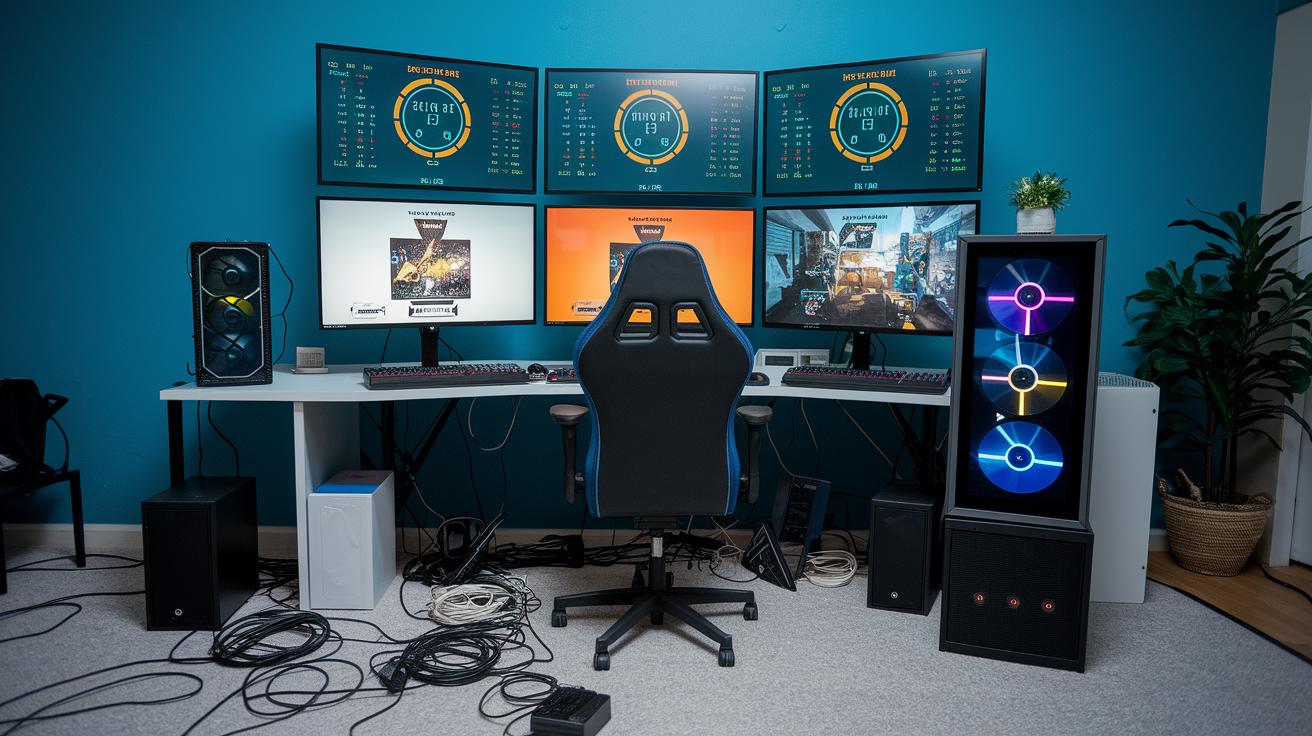
Reddit users are cracking up over a setup nicknamed the Sir Terry Pratchett Award for Monitor Mania. Imagine starting your PC and being greeted by six screens, each flashing different game stats. It’s a wild rig that feels like a sci-fi control room and leaves you wondering which screen to watch in the heat of battle.
Then there's the infamous Fire Hazard. This rig is so overdone, it almost seems to break the laws of physics. Power strips dangle off shaky towers while cables twist around like they’re starring in a horror flick. Picture a setup where one stray spark could lead to an unexpected fireworks show. Even the most daring gamers can’t help but raise an eyebrow at this engineering disaster.
Finally, check out the Wait Until You See It category. At first glance, it might look like a normal gaming station, but look closer. You might spot dual mice, a headset holder cluttered with odd trinkets, or even a quirky rubber spine cable runner. These little extras turn a regular build into a laugh-worthy, head-scratching masterpiece.
Common Technical Hazards in Cringe-Worthy Gamer Spaces
Many cringe setups hide tech hazards that go way beyond bad looks. Overloaded power strips, messy cables, and poor airflow are frequent issues. Some posts even describe rigs with cables sprawling all over the floor, ready to trip you up, and monitor stands so wobbly they seem ready to fall. Fragile wiring can spark a short and block cooling air. Sure, that retro look might be cool, but these overlooked safety faults can make your gear slow down or shut off unexpectedly, leaving you in a tough spot.
Cramped PC cases and chaotic layouts only add to the risk. Messy wires can cause power supplies to short out, and unstable monitor stands can become real hazards during intense gaming moments. These sloppy tech setups not only heighten the risk of overheating but also trigger sudden shutdowns. As heat builds up under stress, your gaming performance can really take a hit.
| Flaw | Risk | Avoidance Tip |
|---|---|---|
| Overloaded power strips | Short circuits, sparks | Use surge-protected strips |
| Tangled cable messes | Tripping, poor airflow | Organize using cable ties |
| Unstable monitor stands | Monitor falls, airflow block | Secure mounts to stable surfaces |
| Cramped PC cases | Overheating, component failure | Upgrade to spacious cases |
All in all, these issues put both safety and performance on the line. In setups that seem stuck in the past, tech slip-ups can lead to overheating, sudden shutdowns, and lost momentum during gaming sessions. Even if the quirky style is intentional, risky wiring, tangled cables, and unstable parts aren’t something to laugh off. Smart gamers know that fixing these basic tech problems not only levels up your gameplay but also keeps you safe during critical in-game moments. With some simple tweaks and careful planning, you can turn a clunky setup into a reliable, high-performing rig.
Ergonomic Nightmares and Aesthetic Fails in Subpar Gaming Play Area Concepts
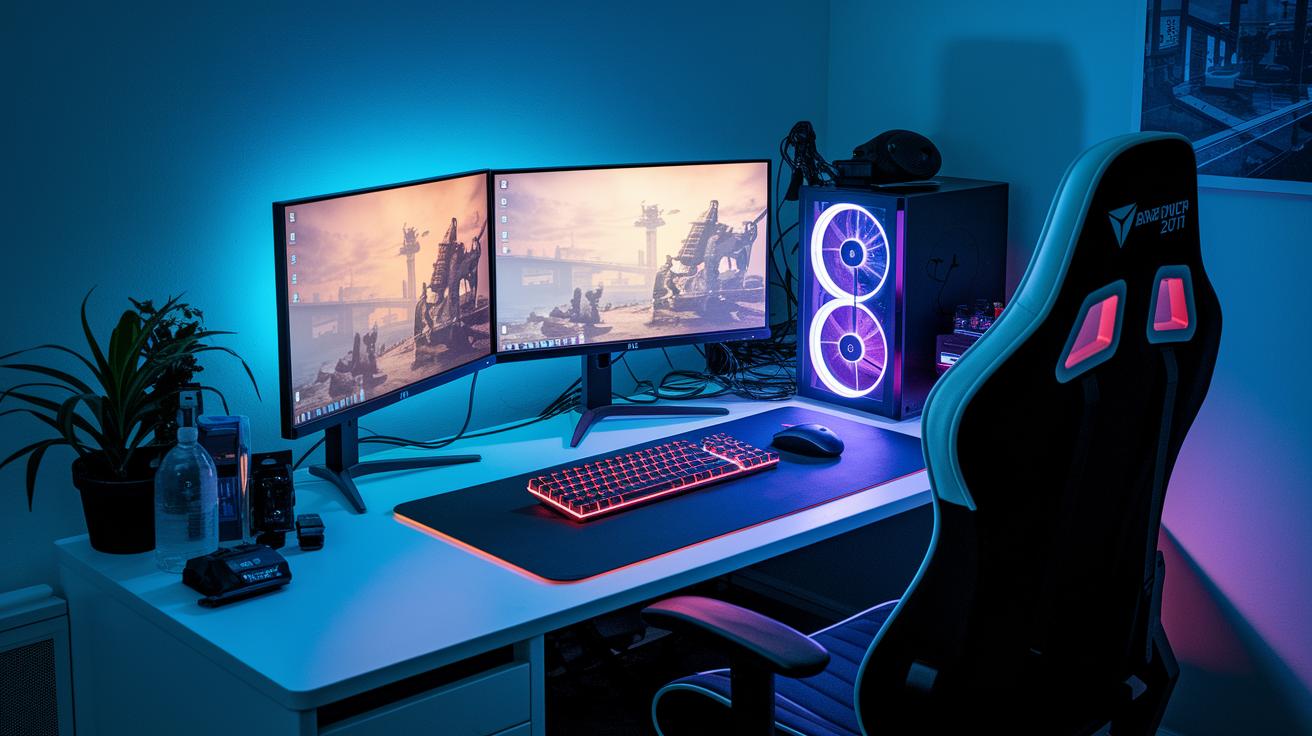
Your desk and chair might actually be slowing you down. Studies say almost 62% of gamers have back or neck pain when using furniture that doesn't support them well. Dr. Sam from GameHealth explains that even a small change in your chair can make a big difference. Did you know nearly 60% of players feel discomfort during long gaming sessions on outdated furniture? Upgrading to better, ergonomic gear can boost both how you feel and your reaction time.
Misplaced monitors and poorly arranged peripherals aren’t just a waste of space, they can really hold you back. Research shows that a well-set screen can cut reaction delays by almost 10%. One veteran gamer shared that a quick tweak to his monitor’s angle turned his game around. For example, a player realigned his screen and immediately avoided a mishap in combat. Adjusting your display setup not only eases neck strain but also sharpens your decision-making.
Dim lighting and clashing decor do more than hurt your style; they break your focus. Studies link balanced, natural light to steadier concentration and smoother gameplay. One gamer mentioned that a touch of soft light transformed his cramped setup into a performance boost. Simply adjusting your light levels can reduce eye fatigue significantly. When you pair good lighting with a neat setup, you can dramatically improve your gaming performance.
| Issue | Statistic |
|---|---|
| Unsupported Furniture | 62% report discomfort |
| Misaligned Monitor | Up to 10% reaction delay |
| Poor Lighting | 15% drop in focus |
Viral Design Disasters: Laughable Gaming Setup Corners and Tech Mishaps
Sometimes, a gaming setup gone wrong grabs everyone’s attention online. These mishaps take everyday tech fails and spin them into fresh, funny moments that fuel community chatter.
Memorable Viral Setup Fails
One streamer’s rig featured a flimsy cardboard laptop stand that crumbled right during a live game. Cables went flying everywhere, turning the stream into an accidental comedy show. In another odd twist, a sparking power loop in a misaligned setup had viewers comparing it to an impromptu fireworks show.
Community Roasts and Rants
Online jokes about wonky setups are everywhere, but these one-of-a-kind blunders kick off a whole new round of playful banter. Gamers have a blast teasing rigs with overstuffed headset racks and odd cable organizers, adding plenty of fresh fuel to the meme scene. One short clip of a shaky stand even sparked a chat frenzy, turning a minor glitch into a beloved inside joke.
From Disaster to Delight: Expert Tips to Dodge Regrettable Gaming Setup Mistakes
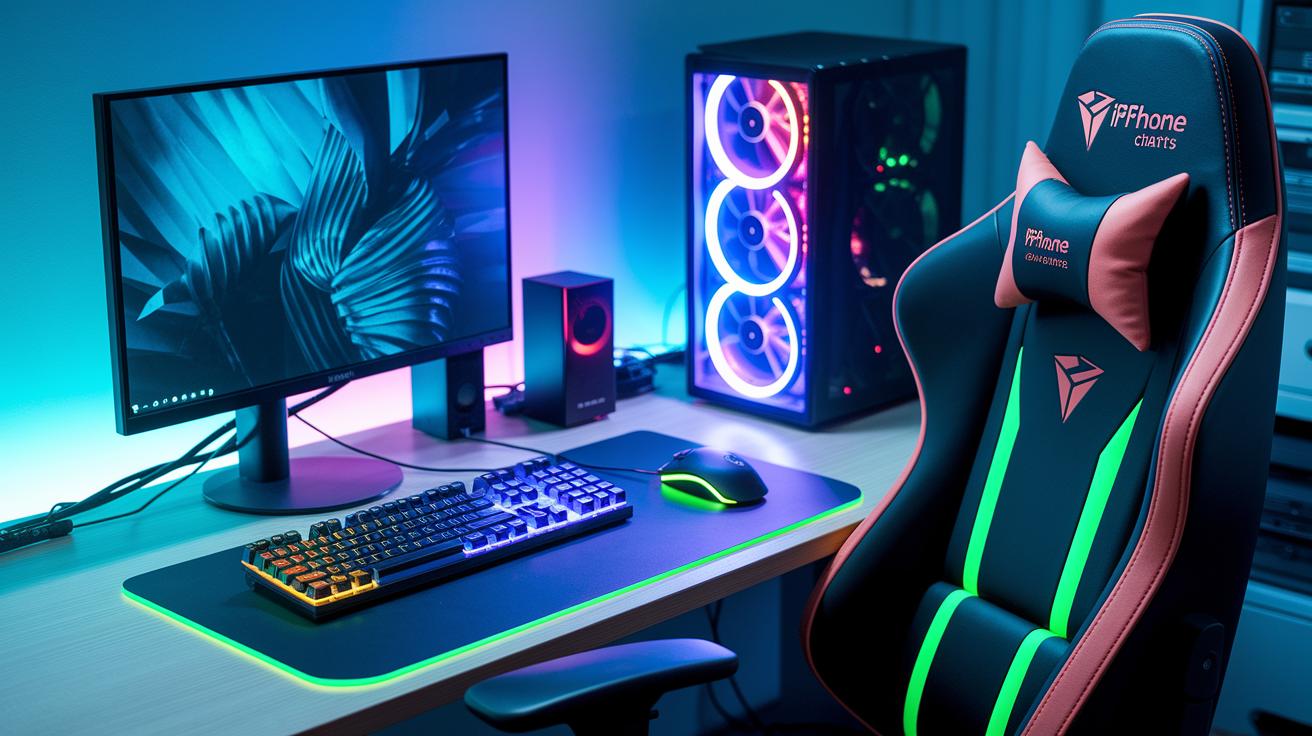
Tangled cables can really throw off your game when every move matters. Instead of just tying things up, try using adhesive cable channels or reusable cable sleeves. One expert mentioned how neatly arranged wires keep them focused during crucial moments because every cable has its own place. This clean setup cuts down on distractions that could slow you down.
Old or outdated peripherals can hold you back by affecting your reaction time and precision. Many pros now choose equipment with fast sensors and customizable settings. One seasoned gamer once said that switching to gear built for smooth, precise moves not only improved their play but also kept their mind in the game. Upgrading your hardware can feel like unlocking a secret level of performance.
A chair that lacks proper support might leave you uncomfortable during long gaming sessions. Instead of settling for a standard chair, look for one with adjustable lumbar support and breathable materials. A veteran gamer remarked that a good chair feels like an extension of their focus, providing comfort through marathon sessions. This extra support keeps you sharp both mentally and physically.
An unreliable power setup can end your game right as victory is near. Experts recommend surge-protected power strips that can support your entire rig safely. One tip was that a strong power source feels like an extra teammate, quietly keeping your gear safe so you can play without interruption. Strengthening your power setup adds an extra layer of reliability to your gaming station.
Final Words
in the action, we saw what turns a gaming area into pure chaos, outdated monitors, wild cable messes, and cramped seating that drains performance. We broke down the design flaws and safety hazards that make each setup a challenge to enjoy. Small, smart fixes can change even the most disorderly configurations into smooth battlestations. Embracing these tweaks can help you steer clear of the worst gaming setups and keep your play both safe and fun.