
Have you ever wondered how a console can turn late-night gaming into a heart-pounding adventure? The Xbox 360 isn’t just a piece of hardware, it’s like a turbo engine that pulls you right into the action.
With its special custom CPU, a cool graphics unit, and a clever memory setup, it serves up clear visuals and lightning-fast responses. Every game you play feels alive and full of energy, like you're right there in the middle of the battle.
In this post we’ll break down all the key features that make the Xbox 360 your ultimate partner in exciting gameplay.
Xbox 360 tech specs fuel gaming thrills
The Xbox 360 is built with solid hardware that makes every gaming session feel real. It’s like having a trusted buddy by your side, ready to deliver fast processing and smooth visuals when the game heats up. This console was designed for those who want crisp graphics and quick response times, keeping you immersed in every action-packed moment.
Check out the specs that power this gaming machine:
| Component | Specification |
|---|---|
| CPU | Custom IBM Xenon, with 3 cores clocked at 3.2 GHz and a shared 1 MB L2 cache |
| GPU | ATI Xenos paired with 512 MB GDDR3 and an extra 10 MB for smooth visuals in games |
| System Memory | 512 MB shared GDDR3 |
| Storage | Includes 16 MB NAND flash onboard; you can add an HDD via a special SATA connection, and post-2010 models support USB drives |
| Optical Drive | Dual-layer DVD drive that plays discs securely with a per-console key |
With its strong processor working hand-in-hand with an advanced graphics unit, the Xbox 360 handles demanding games with ease. The memory and storage options are flexible enough to keep up with your evolving gaming needs, and the secure optical drive means your game discs always play smoothly. All in all, this setup is built to keep your gameplay exciting and action-packed, session after session.
Xbox 360 CPU and Memory Architecture

At the heart of the Xbox 360 is the Xenon CPU. It’s built by IBM and packs three 3.2 GHz PowerPC PPE cores that work together to boost your gaming speed. Each core comes with a special VMX128 SIMD unit, which speeds up vector math so your gameplay feels smoother and your graphics pop.
The Xbox 360 also cleverly splits a 1 MB shared L2 cache into three 256-bit buses. This setup helps each core grab the memory it needs quickly while chatting with the rest of the system. It keeps data moving fast, even when the game hits those intense, heavy moments.
These design choices made a big impact. Switching from a hybrid Pentium III to a PowerPC meant older Xbox games couldn’t run straight as they once did. But this trade-off brought faster response times and better visuals, features you can really feel during those nail-biting moments in your favorite games. Overall, the strong CPU cores and smart memory design team up perfectly to deliver a gaming experience that stays smooth and exciting, even after all these years.
Xbox 360 GPU and Visual Processing Capabilities
The Xbox 360 uses ATI's Xenos GPU with a smart triple-bank memory design. It comes with 512 MB of GDDR3 plus a little extra 10 MB of onboard DRAM, which means every pixel gets a boost during those fast game moments. Think of it as a little helper that keeps visuals sharp so you can enjoy every detail when the action heats up.
The heart of the system is the Xenos GPU’s clever design. It handles textures, shaders, and lighting super fast while using that extra DRAM to manage quick scene shifts. The result? Your game runs smooth and every detail pops, just like when you're in the middle of an epic match and every visual cue counts.
Plus, the Xbox 360 can deliver up to 1080p visuals on newer models via HDMI, or through component cables on the originals. It even packs dedicated units for video encoding that help make streaming and capturing gameplay look impressive both on-screen and online. In short, everything comes together to create a lively, high-definition experience that makes each gaming session feel vibrant and clear.
Xbox 360 Storage Solutions and Optical Drive

The Xbox 360 comes with a tiny 16 MB NAND flash that powers up the system and handles basic security. It also lets you add extra space with SATA hard drives ranging from 20 GB to 250 GB, giving you plenty of room for games and downloads. In 2010, they even started supporting external USB flash drives of up to 16 GB, which was a neat way to quickly boost your storage. This setup was pretty common for early consoles.
- 16 MB internal NAND flash for system tasks
- Proprietary SATA hard drives (20–250 GB) for extra space
- External USB flash drive support (up to 16 GB) from 2010
- Dual-layer DVD drive for playing game discs
The optical drive reads dual-layer discs using a special security key that helps stop unauthorized copies. While newer systems focus on faster read speeds, the 360 was all about keeping things secure and steady during game play. This balanced design made sure players enjoyed smooth gameplay even in intense multiplayer matches, setting a new standard for reliable game performance in its time.
Xbox 360 Connectivity, Ports, and I/O Options
Ever set up your Xbox 360 and wondered how everything connects smoothly? This console comes packed with loads of easy-to-use ports that keep your gaming experience steady and fun. It lets you hook up all your favorite devices, from controllers and sound systems to your TV and internet, making sure your gameplay never skips a beat.
You get a mix of wired and wireless connections, including:
- USB 2.0 ports: Three on the front or back of the console and two extra on the Kinect unit.
- AV multi-out: Used for sending analog video and audio so you can enjoy your games on older screens.
- Optical SPDIF: Provides digital audio for crisp, clear sound.
- Ethernet port: Offers a 10/100 Mbps connection to keep your online play reliable.
- HDMI output on Slim and E models, while originals come with component or composite options.
- Wireless support: Later models feature built-in 802.11 b/g Wi-Fi, while older ones rely on an external adapter. Plus, there’s a special 2.4 GHz RF connection for pairing up to four controllers at once.
These ports make it a snap to add new gadgets or upgrade your setup, so your console can keep up with all the latest tech as it rolls out.
Xbox 360 System Models, Release Timeline, and Hardware Revisions

Over time, Microsoft kept tweaking the Xbox 360 to make it better and more reliable. The early models sometimes heated up too much or had issues like RROD, but these problems were fixed with smart hardware upgrades. Check out the timeline below to see how the console grew and improved.
| Model | Release Date | Key Changes |
|---|---|---|
| Original | Nov 22 2005 (US), Dec 2 2005 (EU), Dec 10 2005 (JP) | Initial design, faced overheating and RROD issues |
| Slim | June 18 2010 (US) | Smaller board, built-in Wi-Fi, quieter fan |
| E | June 10 2013 (US) | Redesigned chassis, HDMI-only, internal power supply |
Reliability was a top priority through all these changes. The team learned from early heating issues and improved the cooling system with quieter fans and better airflow. Moving from the Original to the Slim model meant a smaller board and added wireless features, which helped keep the console cool and running smoothly. Then the E model came along with an HDMI-only setup and an internal power supply, cutting down even more potential problems. These upgrades not only made the console last longer but also gave gamers a solid, stable system that handled long sessions without overheating or sudden shutdowns.
Xbox 360 Power Ratings and Thermal Management
The original Xbox 360 uses about 203 W when it's really working hard, while newer versions like the Slim pull around 140 W and the E model only uses 85 W. It comes with an external power brick that supplies 12 V up to 16 A, giving the console a steady flow of power even when you're in the middle of a heated gaming session.
Inside, the console is built with several heat sinks that sit on the CPU and GPU, along with a single radial fan that pushes out hot air. This design acts like a built-in cooling system to keep the parts safe when the game heats up.
The Slim and E models have improved airflow, which means they run cooler and the fan stays quieter. This smart design not only saves energy but also makes long gaming sessions more comfortable, keeping the console both cool and quiet.
Xbox 360 Operating System Integration and Security Features
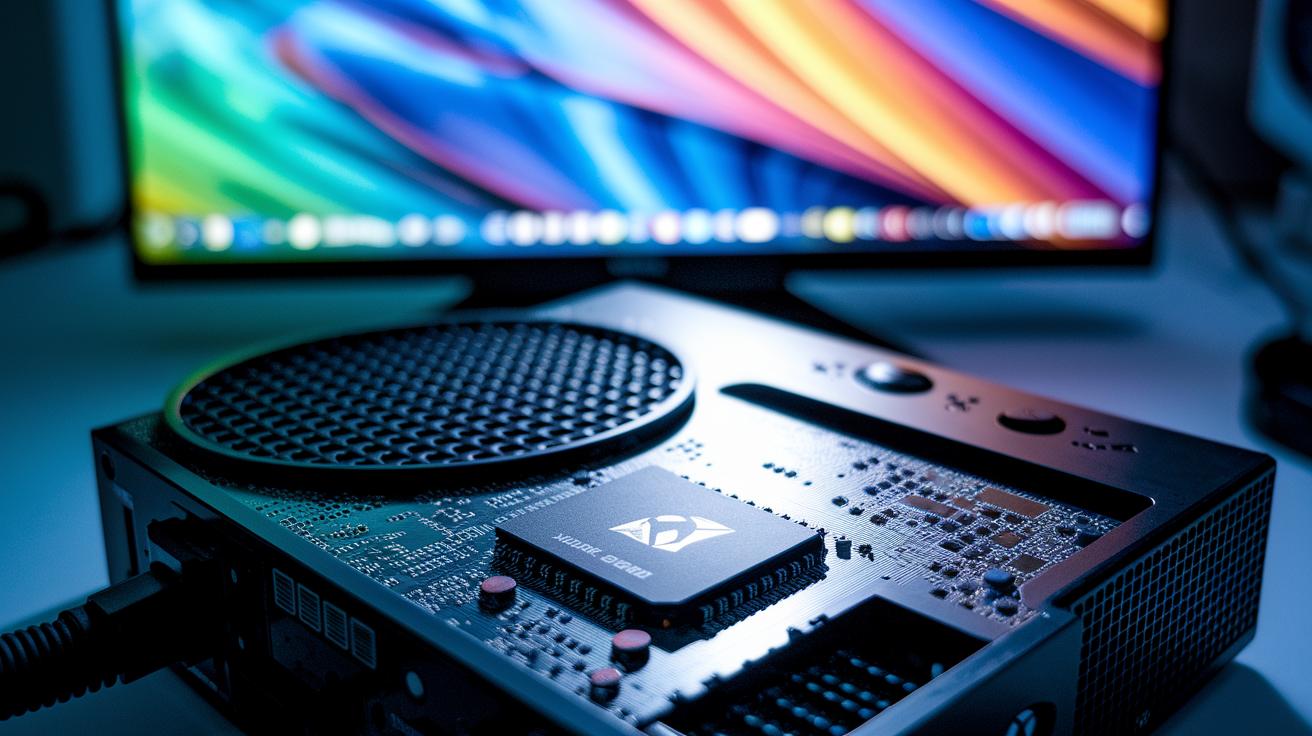
At the heart of the Xbox 360 is a little 16 MB NAND flash chip. This chip handles the hypervisor, kernel, and user interface so your console boots up quickly and stays steady during long gaming sessions.
Over the years, firmware updates have given the console extra power. In 2010, an update added USB storage support, and in 2011, drivers for Kinect showed up. This made it easier to hook up new accessories and keep the system up to date with the latest tech.
Security has always been a big deal. The Xbox 360 uses built-in hardware measures like AES-128 encryption (which scrambles your data to keep it safe). It also runs an RSA public-key boot chain paired with SHA-1 checks and eFuses to build a strong chain of trust. These features work together to stop unauthorized tweaks and keep your console secure.
Still, the console can’t play original Xbox games. A switch from an x86 to a PowerPC design means games made for the old system aren’t fully compatible with the Xbox 360.
Final Words
In the action, we broke down every detail, from the custom CPU and powerful GPU to the storage choices and I/O options. The guide walked through system models, power ratings, thermal improvements, and secure OS integration. Each part built a clear picture of hardware and design finesse. This recap wraps up a deep look at xbox 360 tech specs, offering insights you can use to boost your gameplay and streaming setup. Keep pushing forward, and enjoy leveling up your gaming experience!
FAQ
What specs did the Xbox 360 have?
The Xbox 360 specs include a custom IBM Xenon CPU with three 3.2 GHz cores, an ATI Xenos GPU with 512 MB of GDDR3, and storage options such as built-in NAND flash with optional HDD or USB support.
How powerful was the Xbox 360?
The Xbox 360 was powerful for its time, combining a custom processing engine with robust graphics capabilities that brought vivid visuals and smooth gameplay to the console.
What are the differences between the Xbox 360 Slim, Elite, and E models?
The Xbox 360 Slim offers built-in Wi-Fi and a quieter fan, the Elite presents a redesigned body with improved cooling, and the E model features a modern chassis with HDMI-only output.
What do the Xbox 360 E specs and VRAM details mean?
The Xbox 360 E specs point to a refreshed design paired with 512 MB of GDDR3 VRAM, which provides consistent frame rates and clear visuals during gameplay.
What features does the Xbox 360 have?
The Xbox 360 packs advanced multimedia support, a range of connectivity options, and diverse storage solutions, creating a versatile system for a dynamic gaming experience.
How does the Xbox 360 compare to consoles like the PlayStation 2, PlayStation 3, and PlayStation 4 Pro?
While the Xbox 360 delivered strong processing and visual performance for its era, consoles like the PS3 and PS4 Pro later built on these strengths with sharper graphics and enhanced gaming features.
How does the Xbox 360 compare to newer Microsoft consoles like the Xbox Series X or Xbox One X?
The Xbox 360 provides a solid, nostalgic gaming experience, but newer consoles such as the Xbox Series X and Xbox One X offer significant improvements in hardware power, graphics, and overall performance.