Ever thought that a few simple tweaks could make Liberty City feel fresh and exciting again? GTA IV mods let you turn the classic game into a vibrant playground full of surprises.
In this guide, I've handpicked some cool upgrades like auto-install bundles, map mods, and new player tweaks that give classic missions a whole new look. These mods are designed to pack a punch and keep every session fun and engaging.
Curious to see Liberty City in a brand new light? Dive in and explore the mods that can truly rev up your gameplay.
Top GTA 4 Mods to Transform Your Liberty City Experience

GTA 4 mods let you rethink Liberty City with just a few neat tweaks. They transform the well-known streets and missions into an entirely new playground where even a small change can pack a big punch. Since the game first rolled out on consoles in 2008 and later on PC, players have been buzzing about these modifications. The top choices include easy auto-installs, detailed map mods, player tweaks, dynamic vehicle upgrades, serious weapon mods, and custom scripts that put your own spin on things.
| Mod Type | Count |
|---|---|
| Auto-Install Mods | 18 |
| Map Mods | up to 485 variants |
| Player Mods | 2,837 entries |
| Vehicle Mods | 5,290 entries |
| Weapon Mods | 1,504 entries |
| Script Mods | 573 scripts |
Community reviews really show off the passion and technical skill behind each mod. Gamers often mention how auto-installs keep the update process super simple while specially chosen map mods really pull you into Liberty City's vibe. And then there are the player and vehicle tweaks that change the way you interact on screen. Plus, the way weapon and script mods slide into gameplay is just spot on.
All this feedback makes it clear: these mods boost not only the graphics and performance but also the overall fun of the game. Veterans and new players alike keep finding fresh ways to
Essential Prerequisites and Tools for GTA 4 Modding

Starting out with modding GTA IV is a lot like gearing up for a tough game. You need to have your files in order using the right tools. OpenIV (v0.9.3) is a must-have for handling RPF archives. Think of it as organizing your game gear before a big match. It lets you open up critical game files safely, just like checking your loadout before a crucial raid.
When you want to add cool new features, script mod tools like ASI Loader and the CLEO library are essential. They let you inject new actions into the game without messing up its core files. It’s a bit like giving your character some extra moves for those epic in-game plays. And native trainer setups can join in too, making sure your modding feels smooth and easy.
Sometimes, mods need you to adjust some of the game files to work right. For instance, you might need to downgrade the radio .rpf files or the game's .exe files to match what the mod requires. In that case, XLiveLess (v0.999b7) is your go-to, helping you bypass Live Services issues. It's just like tuning your controller perfectly before a big tournament, so everything syncs together and runs smoothly.
gta 4 mods: Thrilling Game Upgrades
Ready to elevate your GTA 4 adventure? Here’s a laid-back guide to installing mods that’ll upgrade your game without any fuss. Follow these chill steps and get back into the action in no time.
- Back up your original .rpf files by copying them to a different folder, just like saving your game settings before a big match.
- Unzip the mod archive with your go-to extractor; think of it as clearing your cache before jumping into a raid.
- Move the extracted .asi and .dll files into your GTA 4 main folder, much like adding fresh gear to your inventory.
- Open the scripts.ini file in a text editor and tweak the load order to avoid any clashing mods, similar to picking your perfect team lineup.
- Drag and drop any extra script files into their specific subfolders to keep things organized, if you’re unsure, a quick video guide can help you out.
- Double-check all file paths to match the mod instructions; it’s like fine-tuning your controller settings before a high-stakes match.
- Launch GTA 4 with the native trainer menu to see if the mod files are properly recognized.
- If you spot any error messages on-screen, adjust the files accordingly, just like troubleshooting a lag spike mid-game.
After setting everything up, dive into the game and test your mods in a familiar zone. This hands-on check lets you know that every file is in place and working right, just like ensuring your setup is ready for the next epic play.
Visual Overhaul and High-Resolution Texture Replacement in GTA 4
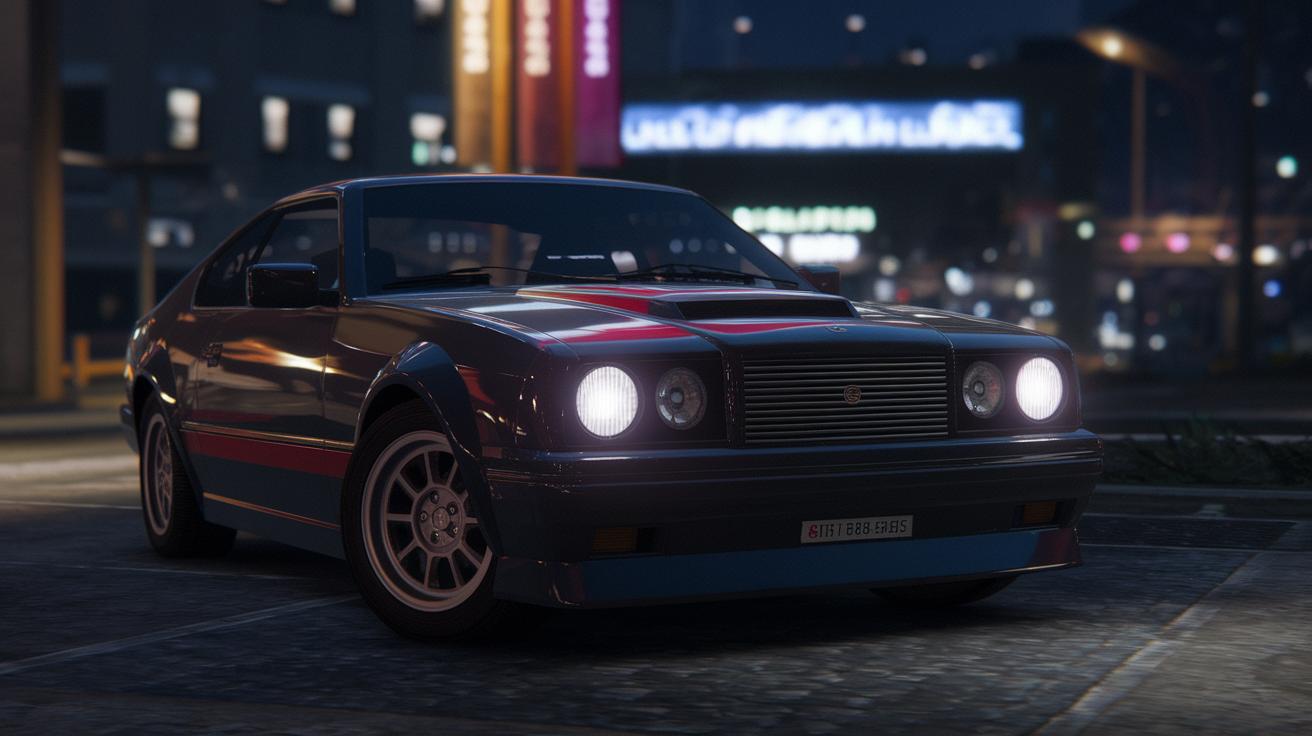
GTA 4 visual mods can breathe new life into the game in no time. You can swap out old textures and outdated looks for graphic upgrades that feel fresh and modern. Many gamers turn to ENB Series presets because they add cool lighting that makes every scene pop with bright highlights and deep shadows. Then there’s the DLC Quality Retextured Pack, which pushes things further with up to 4K textures – even the tiniest details come alive. Plus, the GTA IV Realistic Textures mod overhauls more than 20 specific items, refreshing everything from the busy city skyline to the smallest cracks in the pavement.
When you mix in top-notch texture and shader packs, the whole game feels more immersive. The DLC Quality Retextured Pack gives surfaces a crisp, updated look that makes the city feel truly alive. Shader improvements bring water and reflections to life, so puddles sparkle like you’d expect. And with subtle tweaks in color grading, even night missions cast a realistic play of light and shadow. Picture a city scene where every beam of light and every shadow tells a story as you explore.
Before diving into these visual mods, make sure they’re all compatible with each other. It’s a good idea to test each one on its own so you know nothing conflicts with the rest. And like saving your game before a big match, back up your original files so you can easily switch back if needed. Regular checks in-game help confirm that textures and lighting blend perfectly, letting you enjoy a smooth visual upgrade every time you play.
GTA 4 Vehicle Redesigns and Physics Upgrades
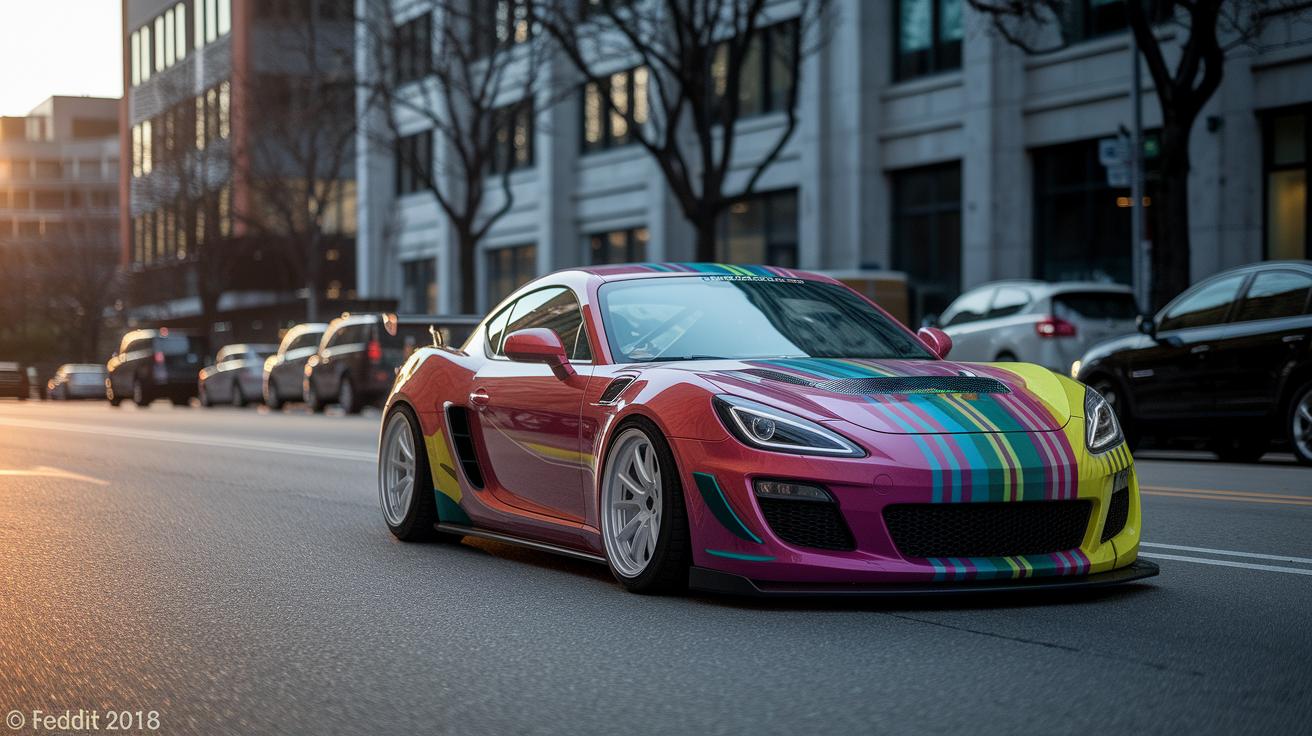
GTA 4 mods for vehicles bring a whole new vibe to your rides. Upgraded textures and fresh, redesigned models, like the HD Car Pack with 50 modern cars, make cruising through Liberty City feel totally new. Tools such as Custom Car Pack Creation let you try out your own style, and mods like Real Live Traffic adjust the AI to match your sleek new rides. Imagine rolling through the city in a car so sharp and modern that it practically shouts, "Look at me!" These updates not only make your car look fantastic but also boost your creativity when decking out your wheels.
The changes don’t stop at looks. Handling tweaks and updated physics give your ride a more natural feel on the road. With features like Realistic Vehicle Controls and Dynamic Car Simulation, every turn and bump feels real and responsive. Think of it as having a car that reacts naturally whenever you steer or hit a rough patch. Every chase and getaway becomes more immersive and true-to-life, making your play feel even more exciting.
Troubleshooting, Backup Strategies, and Compatibility Checks for GTA 4 Mods
Modding GTA 4 can sometimes bring up problems like script crashes, flickering textures, and audio mix-ups that break your game flow. Sometimes a mod might freeze your game or show error messages that leave you confused. Usually, these issues come from faulty asi files or missing files needed during an intense play session.
Tools like Mod Conflict Detector and Save Game Script Fixer are a real lifesaver. They work like a friend reviewing your game moves, quickly pointing out which part went wrong. With these tools, you can spot clashes or misconfigured files and get clear steps to fix the trouble before it ruins your fun.
Backing up your game files is as key as saving your progress when you need it most. A smart backup plan means renaming your original rpf files and keeping secure copies in compressed archives. Think of it as having an extra life when things get tricky. This way, you can easily undo changes and keep your game running smoothly while you tweak your mods.
Community Hubs and Verified Sources for GTA 4 Mods
For GTA IV modders, if you're hunting for fresh mods, sites like GTA Forums, Nexus Mods, GTAinside.com, and GTA4-Mods.com are your go-to spots. Nexus Mods, for example, features over 500 entries along with user ratings and detailed descriptions so you know exactly what you're getting. They even throw in MD5 checksum values so you can check that your files are all good.
And hey, if you enjoy chatting about your modding wins and woes, Reddit’s r/GTAIV is buzzing with folks who swap reviews, troubleshooting tips, and their own mod experiences.
Always make sure to double-check your downloads. Compare the MD5 checksums on expert sites with those on the download pages, and take a look at user reviews to spot any potential issues before installation. Stopping by these community sites regularly not only keeps you up-to-date with the latest releases and verified sources but also connects you with a lively network of fellow modders.
Final Words
in the action, we took a quick trip through the top sections of our guide, from exploring key mod categories to mastering essential tools and step-by-step installations. We broke down visual overhauls, vehicle redesigns, and troubleshooting tricks to give you practical tips for boosting your gameplay.
All this info ties back to improving your overall experience with gta 4 mods. Keep experimenting and enjoy every upgrade you make!
FAQ
What are GTA 4 car mods?
GTA 4 car mods update vehicle designs and performance by replacing in-game cars with newer models or custom vehicles. They improve both aesthetics and handling, giving players a refreshed driving experience in Liberty City.
How does GTA 4 mods download work for PC and Android?
GTA 4 mods download involves obtaining mod files from trusted community sites. On PC, you often follow manual installation steps, while on Android, mod options are rare and typically created by fan communities.
What do GTA 4 graphics mods change?
GTA 4 graphics mods enhance textures, lighting, and shader effects to give the game sharper, more realistic visuals. They update the look of Liberty City without losing the original style that fans love.
How does a GTA 4 mod menu affect gameplay?
A GTA 4 mod menu offers a user-friendly interface to activate and customize mod features during play. It lets players adjust settings like vehicle dynamics, in-game visuals, and other gameplay tweaks instantly.
What benefits do GTA 4 mods posted on Reddit provide?
GTA 4 mods on Reddit come with community reviews, installation tips, and troubleshooting advice. They help players find reliable modifications and share experiences to improve overall gameplay satisfaction.
How does GTA 4 modding compare to modding other GTA titles?
GTA 4 modding stands out for its extensive vehicle and graphics upgrades in Liberty City. Other titles like San Andreas, Vice City, and GTA V have unique mod communities that emphasize different aspects of gameplay.