Ever get the feeling you're always a step behind in your game? That tiny lag between pressing a key and seeing something happen might be costing you those sweet wins.
Low latency gaming is like having a secret weapon, every click counts when your response is fast. In this guide, I'll share a few simple tweaks: using an Ethernet cable, closing extra background apps, and setting up your network for lightning-fast response time.
Ready to lower your ping and make your moves as sharp as your skills? Let's dive in and boost your gameplay together.
Rapid Network Improvements for Low Latency Gaming
Gaming lag is that annoying pause between when you press a button and when the game actually reacts. When you hit a key, even a tiny delay can mean the difference between winning and losing. Ping benchmarks help us see how fast your commands reach the game server, a ping under 150 ms is decent, but hitting around 20 ms is awesome.
Bandwidth matters too. A steady internet speed of 15-20 Mbps keeps things running smooth. But it's not just about speed; things like thick walls or lots of devices connected at once can slow things down. Imagine trying to play while Netflix or YouTube is running in the background. Little tweaks like turning off background devices can really boost your game.
| Fix | Typical Ping Reduction (ms) |
|---|---|
| Switch to Ethernet | 20-40 |
| Move Closer to Router | 10-30 |
| Close Background Devices | 15-35 |
| Use Local Server | 25-50 |
| Restart/Upgrade Router | 10-20 |
Setting up these fixes before you jump into a match can make a huge difference. Switching to an Ethernet cable, moving closer to your router, and shutting down things running in the background will cut your ping time and keep your game snappy. So next time you log in, try these steps and spend more time playing and less time troubleshooting.
Hardware Hacks to Boost Low Latency Gaming
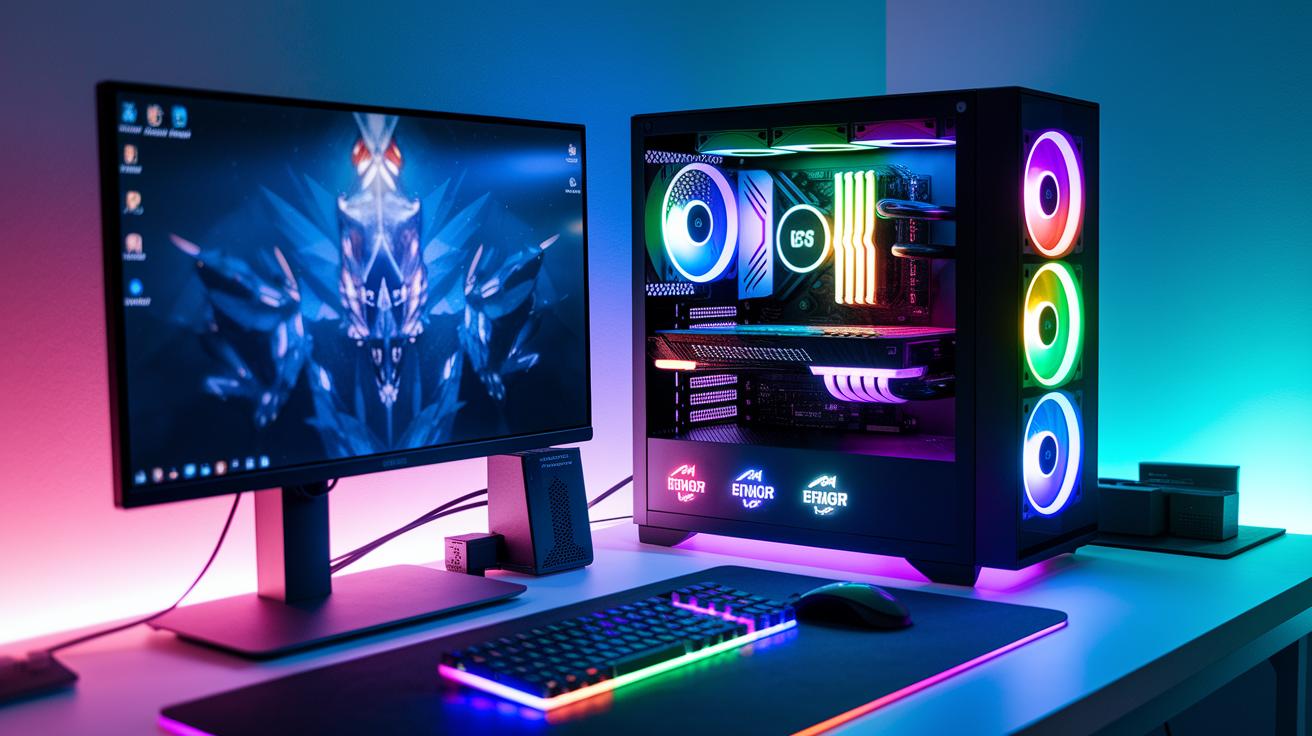
Your hardware controls how fast your moves appear on screen. Even small upgrades can shave off precious milliseconds, giving you a real edge over the competition. Boosting parts like your network adapter, router, CPU, GPU, and SSD means every single click and keystroke matters.
Upgrading Your Network Adapter
If you switch to a gaming-grade network adapter, like a multi-gig NIC, you'll notice lag spikes dropping significantly. These adapters work super fast, moving your commands to the game server without a hitch. It's like giving your internet connection a turbo boost so you can pull off those clutch plays.
Investing in a Gaming-Optimized Router
A router designed for gaming, with special Ethernet ports and Quality of Service settings, makes sure your game data always gets top priority. Even if others are streaming or browsing, your connection stays clear and steady. Imagine having a personal fast lane on a busy highway, it keeps your gameplay smooth when every millisecond counts.
Choosing High-Performance CPU & GPU
Think of your CPU and GPU as the brain and brawn of your gaming rig. A strong CPU and a high-end GPU process game data quickly, meaning smoother frame rendering and faster reactions. Upgrading these is like swapping out a regular engine for a race car’s; your responsiveness gets a serious upgrade.
Installing NVMe SSDs for Faster Load Times
Switching to NVMe SSDs can make game loading times feel almost instant. With faster storage, transitions between scenes happen in the blink of an eye, cutting down lag during critical moments. And remember, keeping your firmware and drivers updated is key. Regular updates help lock in these improvements, ensuring your setup delivers the low latency your games need.
In-Game Setting Optimizations for Low Latency Gaming
Tweaking your in-game settings for low latency can feel like a bit of a challenge. But when you get them just right, your game runs smoother and faster while still looking awesome. You still want those cool visuals, but not at the cost of those split-second reaction delays.
- Lower your screen resolution.
- Turn off V-Sync.
- Cap the frame rate just above your monitor's refresh rate.
- Activate high-refresh-rate mode.
- Disable motion blur.
Each of these tweaks plays its own part in sharpening your gameplay. Dropping your screen resolution helps your system process frames quicker. Turning off V-Sync cuts out the delay from syncing your display with the game frames. Limiting the frame rate stops extra frames from causing screen stutter. Enabling high-refresh-rate mode keeps the action flowing smoothly, and turning off motion blur clears up the display, so every detail pops.
Take the time to test these changes in different game scenarios. See how each tweak affects your control and responsiveness. Adjust them based on your gear and your play style. With a little trial and error, you’ll find the perfect balance that makes every move count when the stakes are high.
Fine-Tuning Your Router for Low Latency Gaming
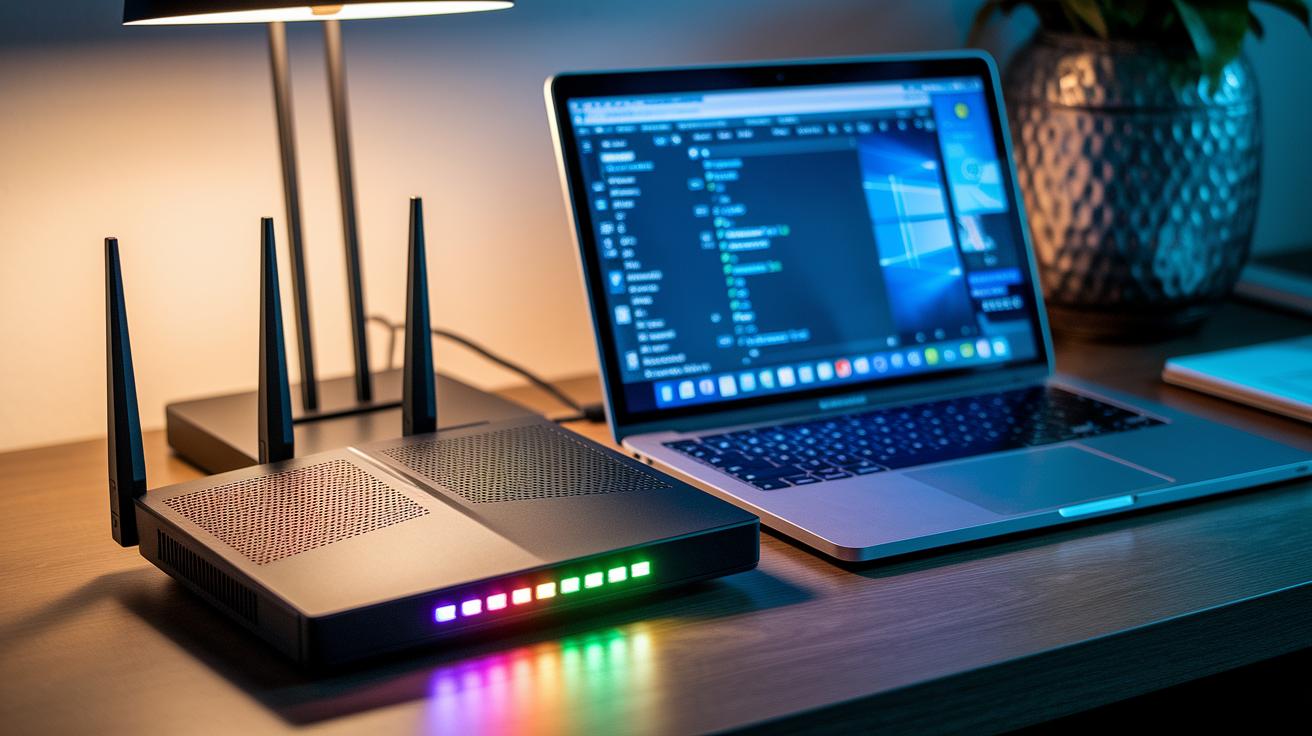
Setting Up QoS to Prioritize Gaming Traffic
Modern routers come with QoS settings that let you reserve extra bandwidth just for gaming. Log into your router settings and find the QoS section. Give your gaming device top priority so that game data gets through quicker, like giving your console or PC extra room during online play. This trick helps cut down on lag and keeps your game feeling snappy during those intense sessions.
Updating Firmware & DNS Settings
Keeping your router updated is a must for smooth gaming. Regular firmware updates fix bugs and can boost performance, which means fewer delays. While you're checking the settings, swap your DNS to a faster option like Google's 8.8.8.8. This tweak shortens the time it takes to connect to gaming servers, making your game load faster. Remember to check for updates often to keep your connection as speedy as possible.
Port Forwarding & Dedicated Gaming Paths
Next, try setting up port forwarding and even a dedicated gaming VLAN if your router supports it. Creating a direct route for your game data means fewer stops and a steadier ping. Opening the right ports also reduces the interference from other network traffic. And don’t forget to give your router a little care with regular restarts and setting reviews to keep your network tuned perfectly for low latency gaming.
Advanced Troubleshooting in Low Latency Gaming
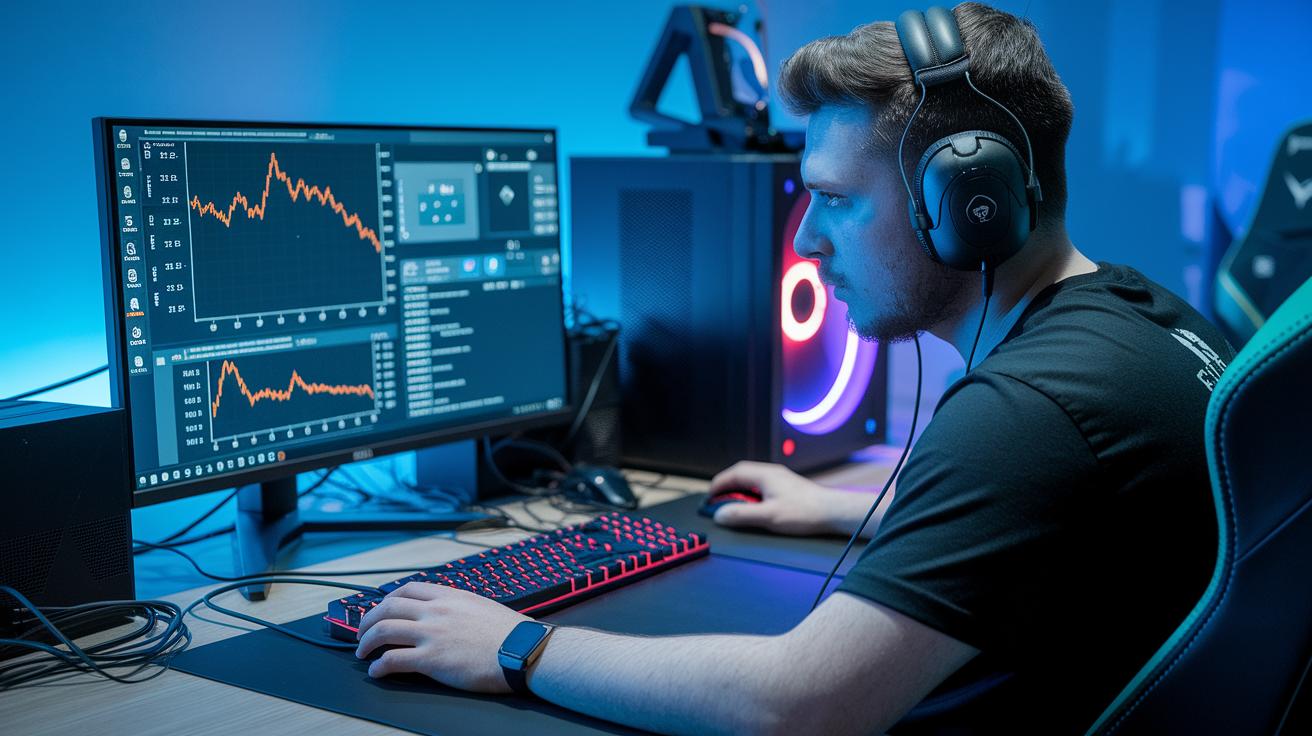
Start by checking your network ping. Run a ping test to 8.8.8.8 and throw in a traceroute to see how your connection is holding up. It’s like scouting out the field before the big game, you can spot any odd delays along the way. For example, type "ping 8.8.8.8" into your command prompt to catch any sudden lag that might be messing with your game.
Next, figure out where the lag is coming from. Is it a problem with your router and the network, or is your PC or console slowing things down? Take a look and see if the delay is due to heavy network traffic or local hardware issues. Pinpointing the source can save those crucial milliseconds during an intense match.
Finally, give your system a quick tune-up by closing any unnecessary apps and background processes in Task Manager. Also, check that your network and graphics drivers are up-to-date to avoid any hidden glitches. This simple cleanup not only lightens your system’s load but also helps catch any unexpected issues early, keeping your gaming smooth and responsive.
Choosing Servers and ISPs for Low Latency Gaming
Your game performance really hinges on finding the right server and a solid ISP. Local servers help cut the travel distance for your data, which means your ping stays low. This is super handy in fast-paced matches where every millisecond matters. By choosing a server in your own region, you dodge long routes that can slow you down and cause lag right when it counts. Some providers even offer full-fibre plans from around £18 a month, giving you steady, reliable speeds so your gameplay stays smooth even when the match gets heated. A nearby server means you get game data fast, helping sharpen your reaction time and keep things fluid.
When you’re sorting out your broadband, check out throughput tests, jitter, and network uptime. Throughput tests reveal how much data your connection can handle during the busiest times. Keeping jitter low, basically the little delays between data packets, ensures that your game runs smoothly with a constant flow of data. Some ISPs even offer dedicated gaming circuits for a faster, uninterrupted connection, which is especially key if you’re in a rural spot with less standard service. These providers tend to give you extra stability during online play. By comparing these factors, you can find an ISP that fits your gaming style and budget, carving out a dedicated path to cut lag and boost your performance. Every single millisecond counts.
Final Words
In the action, we've covered network, hardware, and in-game setting tweaks designed to cut ping times and reduce input lag.
We walked through practical router settings and careful server selection to improve connection performance and tackle congestion challenges.
By trying out these low latency gaming tips, you'll boost your gaming responsiveness and feel more confident during high-stakes matches.
Keep testing your setup and enjoy a smoother gaming experience.
FAQ
What low latency gaming tips does Reddit highlight?
The Reddit gaming community highlights using Ethernet, reducing background app use, and optimizing router settings to cut ping and boost response time during matches.
What is considered good latency for gaming and which latency is ideal?
Good latency is usually below 150ms, with excellent performance around 20ms. Lower values lead to more fluid gameplay and quicker responses.
How can I reduce or lower game latency?
Reducing game latency involves switching to wired connections, moving closer to your router, closing unnecessary apps, and playing on local servers to decrease delays.
What constitutes bad latency in gaming, and is 100ms too high?
Latency above 150ms is generally poor for gaming, while 100ms can feel sluggish in competitive play; keeping ping as low as possible improves in-game performance.
How do I lower latency on Xbox?
Lower Xbox latency by using a wired connection, prioritizing gaming traffic in router settings, and minimizing background downloads during play.
How can I lower latency on PC?
For PC gaming, reduce latency by switching to Ethernet, updating drivers, closing background programs, and tweaking in-game settings for faster response times.
What are low latency earbuds and why are they important for gaming?
Low latency earbuds use optimized Bluetooth profiles to sync audio tightly with visual cues, ensuring that sound effects match gameplay for a competitive edge.
Is low latency mode good for gaming?
Low latency mode is beneficial because it minimizes input delay, providing smoother transitions and sharper responsiveness during fast-paced gaming sessions.