
Starting a streaming career in gaming may seem daunting, especially for beginners. Understanding the fundamentals is critical to launching successful streams, and this guide is designed to equip new streamers with the necessary knowledge and tools. From essential equipment to software choices, visual and audio optimization, to audience engagement strategies, every aspect is covered. By the end of this guide, new streamers will be well on their way to establishing a captivating and professional online gaming presence. Dive in to learn how to equip, set up, and grow a compelling game streaming channel from scratch.
Essential Equipment for Streaming Games
A reliable gaming console or PC is fundamental for streaming games. This equipment serves as the powerhouse that runs the games and handles the streaming software. For beginners, a mid-range PC with a decent graphics card or a gaming console like the PlayStation or Xbox is sufficient. This setup ensures that games run smoothly without affecting the streaming quality.
Necessary components also include a quality microphone and a high-resolution webcam to enhance both audio and visual elements of the stream. Microphones such as the Shure SM7B or Blue Yeti are popular for their clear audio output, which is crucial for engaging with viewers. Webcams like the Logitech C922 Pro or GoPro provide sharp video quality, making streams visually appealing. Together, these devices contribute significantly to the overall viewing experience.
A stable internet connection is equally vital to prevent buffering and lag, which can disrupt the stream and deter viewers. Ideally, a wired connection is recommended over wireless for increased stability and speed. This ensures that video and audio are transmitted smoothly, maintaining a professional stream quality. Investing in these fundamental pieces of equipment is essential to set the foundation for a successful streaming setup.
- Gaming console or PC
- Quality microphone
- High-resolution webcam
- Stable internet connection
- Optional: External gear for enhanced quality
Choosing the Right Streaming Software
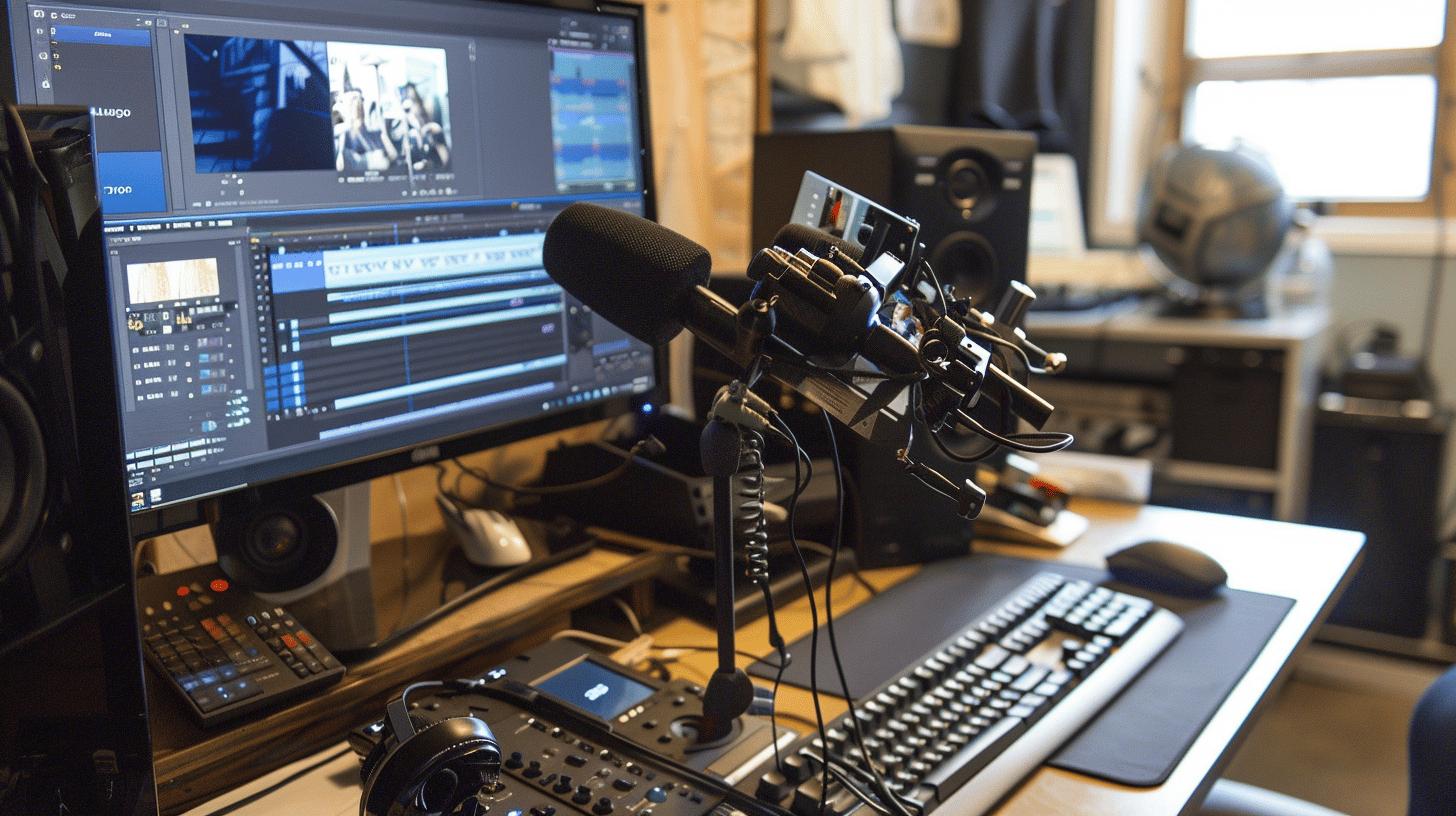
Selecting the appropriate streaming software is vital for a seamless streaming experience. Software like OBS Studio and Restream Studio are indispensable tools, serving as the backbone for encoding video and audio inputs. These applications are not only free but also user-friendly, making them accessible to beginners. OBS Studio, in particular, is renowned for its versatility, offering options for creating overlays and transitions that significantly enhance the visual presentation of streams. This software allows streamers to capture and broadcast gameplay effectively, ensuring a smooth and engaging viewer experience.
Setting Up OBS Studio
- Download and Install OBS Studio: Visit the OBS Studio website and download the latest version. Follow the installation prompts to set it up on your computer.
- Initial Configuration: Upon launching OBS Studio, use the Auto-Configuration Wizard to optimize settings based on your system's performance and streaming goals.
- Add Sources: In OBS, sources are components of your stream, such as game capture, audio input, and webcam. Click on the "+" button in the "Sources" panel to add these elements.
- Set Up Scenes: Create different scenes for various streaming states, like starting soon, be right back, and live gameplay. This helps in organizing the stream flow.
- Configure Audio: Ensure your microphone and desktop audio are set correctly in the audio mixer. Adjust volume levels to balance game sound and commentary.
- Optimize Video Settings: Access the settings menu and configure the video resolution and frame rate to match your streaming requirements.
- Stream Key Setup: Input your platform's stream key in the "Stream" settings to connect OBS with your chosen streaming service.
Beyond basic setup, streaming software tools like OBS Studio allow streamers to enhance their visual appeal through features such as overlays and transitions. These elements create a professional look, capturing the audience's attention and providing a dynamic viewing experience. Streamers can customize their layouts with personalized graphics, creating a unique brand identity that resonates with their audience.
Understanding Live Streaming Platforms
Live streaming platforms are essential for gamers looking to share their experiences with an audience. The most popular platforms include Twitch and YouTube, each offering unique features and varying audience reach. Twitch is renowned for its dedicated gaming community and interactive features, making it a go-to choice for gamers. YouTube, on the other hand, appeals to a broader audience and requires a verified channel for live streaming. Both platforms allow streamers to engage with viewers and explore monetization opportunities, making them effective choices for building a streaming presence.
Twitch excels with its community-driven features, such as real-time chat interactions, emotes, and subscriber badges, fostering a sense of community among streamers and viewers. Twitch's platform is structured around gaming content, offering a robust ecosystem for gamers to thrive. Meanwhile, YouTube provides streamers with extensive video functionalities, including the ability to archive streams as regular videos, enhancing discoverability over time. YouTube’s search engine capabilities also contribute to a potentially larger reach, making it suitable for those aiming to grow an audience beyond live interactions.
When choosing a platform, consider personal goals and target audience. If community interaction and gaming-focused content are priorities, Twitch may be the ideal choice. For those seeking to leverage video content for long-term growth and reach a diverse audience, YouTube presents a compelling option. Evaluate each platform's features, potential for audience engagement, and personal streaming objectives to make an informed decision that aligns with your streaming ambitions.
| Platform | Key Features | Audience Reach |
|———-|————–|—————|
| Twitch | Real-time chat, emotes, gaming focus | Dedicated gaming community |
| YouTube | Video archiving, search capabilities | Broader audience potential |
Optimizing Video and Audio Quality
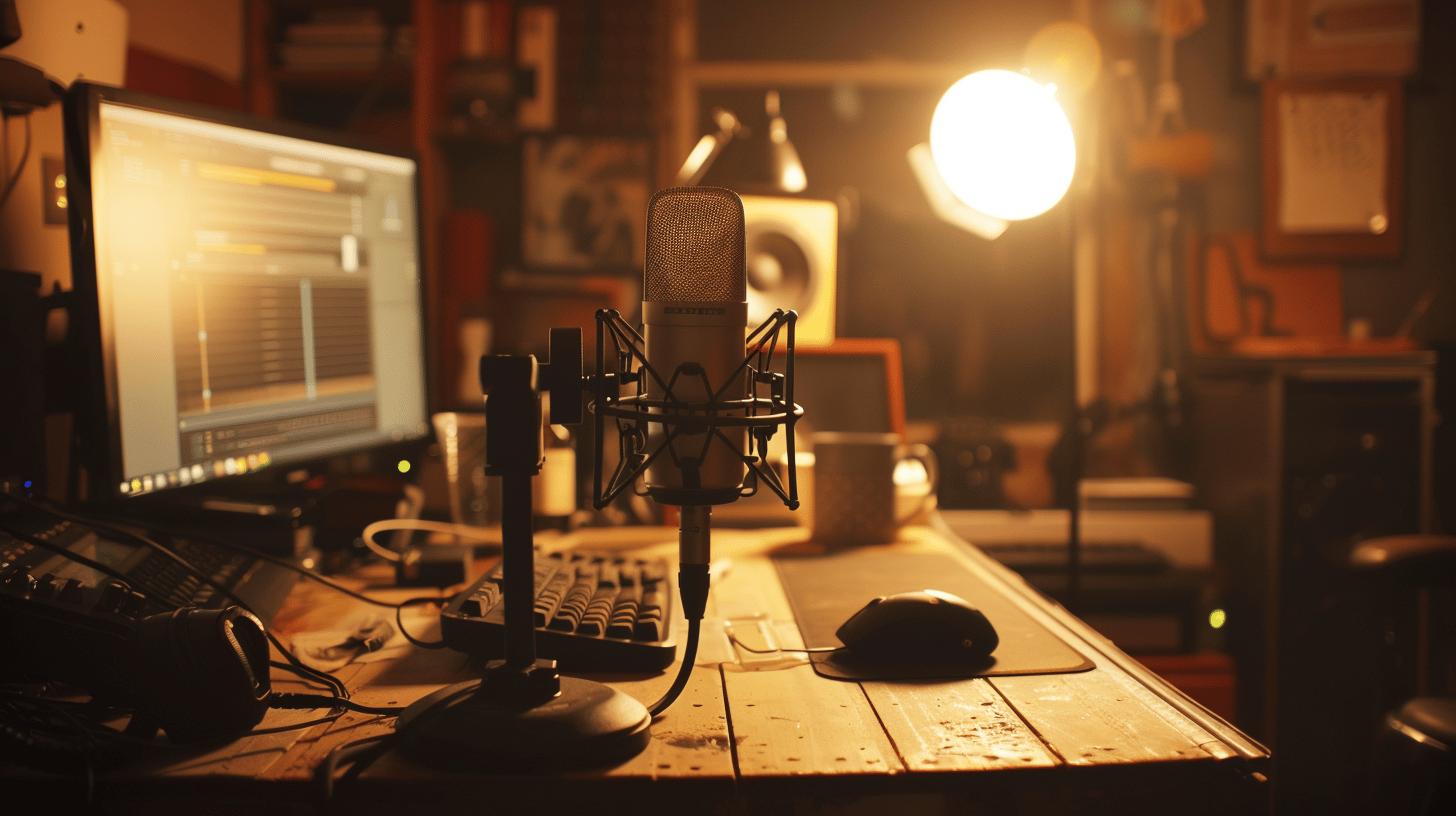
Balancing video resolution and bit rate is essential for maintaining a smooth and visually appealing stream. What is the ideal video resolution for streaming? The ideal resolution for streaming often depends on your internet speed and the capabilities of your hardware. Typically, 1080p at 30 or 60 frames per second provides a high-quality viewing experience without overwhelming your setup. Adjusting the bit rate is equally important, as it determines the amount of data transmitted per second, affecting the stream's clarity and stability. Higher bit rates result in better image quality, but they require more bandwidth, so finding the right balance is crucial to prevent buffering and lag.
Quality lighting and sound significantly enhance the stream's presentation and viewer retention. How does lighting affect video quality? Proper lighting can drastically improve video clarity by reducing shadows and enhancing details, making the stream more professional-looking. Using key lights or ring lights strategically positioned can illuminate the streaming area evenly. Sound quality is improved by using a high-quality microphone, such as the Shure SM7B, which captures clear and crisp audio. Clear sound is vital for engaging commentary, ensuring viewers can hear the streamer without distortion or background noise.
- Adjust video resolution
- Set optimal bit rate
- Use quality microphones
- Implement proper lighting
- Regularly test and adjust settings
The impact of lighting and sound on viewer experience cannot be overstated. Well-balanced lighting highlights the streamer and their surroundings, creating an inviting atmosphere that keeps viewers engaged. Similarly, high-quality audio ensures that viewers can focus on the content without distractions, which is critical for building a loyal audience. Regularly testing and adjusting video and audio settings ensures consistent quality, allowing streamers to deliver an optimal and professional broadcast.
Engaging Your Audience and Growing Viewership
Interacting with viewers is a cornerstone of successful streaming. Implementing real-time chat engagement allows streamers to create a lively and interactive environment. This interaction fosters a sense of community, encouraging viewers to return and participate regularly. Maintaining a consistent streaming schedule is equally important. Regular streams at set times help viewers know when to tune in, increasing the likelihood of retaining and growing an audience. Streamers who strategically plan their schedules can capture a consistent viewership, ultimately boosting their channel's success.
Promoting Streams on Social Media
Effective social media promotion can significantly enhance stream visibility and attract new viewers. Utilizing platforms like Twitter and Instagram allows streamers to reach a broader audience. Hashtags are powerful tools for increasing discoverability; selecting relevant and trending hashtags can place streams in front of interested audiences. Timing is crucial—posting about streams during peak hours when potential viewers are most active can maximize engagement. Regular updates and engaging content on social media maintain interest and draw attention to upcoming streams.
Collaborations and networking with other streamers are vital strategies for expanding reach and viewership. By partnering with other streamers, individuals can tap into each other's audiences, introducing their content to new viewers. Collaborative streams or events provide variety and excitement, often drawing a larger crowd. Building relationships within the streaming community not only increases exposure but also creates opportunities for shared learning and growth. Community building fosters a supportive environment where streamers can thrive, ultimately leading to sustained audience growth and engagement.
Mastering the art of streaming yourself for games involves a combination of appropriate equipment, software, and strategies to engage with your audience effectively.
- Essential equipment like a gaming console or PC, microphone, webcam, and stable internet connection form the backbone of a successful setup.
- Choosing the right streaming software ensures seamless broadcast, with OBS Studio being a popular choice for its user-friendly interface and advanced features.
- Understanding platforms such as Twitch and YouTube aids in selecting one that aligns with your goals, with Twitch focusing on community interaction and YouTube offering diverse content hosting.
- Optimizing video and audio quality requires attention to resolution and sound clarity. Tools such as proper lighting further enrich viewer experience.
- Engaging and growing your audience is achieved through active interaction, consistent schedules, and promoting your streams on social media, fostering a loyal viewer base.
With a comprehensive approach to these elements, aspiring streamers can create engaging and professional broadcasts that attract and retain viewers.
FAQ
How to stream yourself for games on Reddit?
To stream yourself for games on Reddit, join relevant communities like r/Twitch or r/GamerStreamer. Share your stream link during self-promotion threads or use a subreddit tailored to gamers sharing content.
How to stream yourself for games free?
To stream for free, use software like OBS Studio or Streamlabs. These applications allow users to broadcast games live without cost, providing all necessary tools for setting up a professional-looking stream.
How to stream yourself for games on PC?
To stream games on a PC, install streaming software like OBS Studio or XSplit. Ensure your PC meets requirements, and set up your video, audio, and stream settings. Connect to platforms like Twitch or YouTube for broadcasting.
How do I stream myself playing video games?
To stream video games, choose streaming software and connect it to a platform like Twitch or YouTube. Configure your hardware, such as a microphone and webcam, and ensure a stable internet connection for smooth streaming.
How do I live stream myself?
To live stream yourself, select a streaming platform and software, configure your video and audio settings, and broadcast. Platforms like Twitch and YouTube are popular choices due to their wide audience reach.
How do you become a streaming gamer?
To become a streaming gamer, invest in basic equipment such as a gaming PC, quality microphone, and webcam. Select a platform to stream on, and engage with your audience to grow your community and viewership.
What is a gaming streaming setup for beginners?
A beginner's streaming setup includes a reliable gaming console or PC, a quality microphone like a Blue Yeti, a high-resolution webcam like the Logitech C922 Pro, and a stable internet connection for consistent streaming performance.
How do streamers stream their games?
Streamers use software like OBS Studio or Streamlabs to capture gameplay and broadcast. They configure their computer, microphone, and webcam, then connect to platforms like Twitch or YouTube for live streaming.
How to live stream a game on YouTube?
To stream on YouTube, verify your channel for live streaming. Set up streaming software such as OBS Studio to capture your gameplay. Connect your software to YouTube, adjust your preferences, and start your live stream.
What software do gamers use to stream games?
Gamers often use OBS Studio, XSplit, or Streamlabs. These tools are versatile, offering features like overlays, transitions, and customization to enhance streaming and are compatible with platforms like Twitch and YouTube.