
Understanding input lag is crucial for anyone engaged in gaming, graphic design, or video editing. Defined as the delay between an action, like pressing a button or moving a mouse, and the resulting on-screen response, input lag can significantly influence the experience and performance in real-time digital applications. Distinct from response time, which measures the speed at which a display can change from one color to another, input lag encompasses the time taken for the entire chain of interactions to occur, thus deepening its impact on user experience. Recognizing the importance of low input lag is particularly vital in scenarios requiring swift interaction, where milliseconds can determine the difference between victory and defeat or efficiency and frustration. Several factors, such as display processing speed, connection type, hardware performance, the use of game mode or low latency mode settings, and non-native input resolutions, can contribute to input lag. Understanding these elements allows users to better optimize their setups for smoother, more responsive interactions across various digital contexts.
Understanding Input Lag: Definition and Importance
Input lag refers to the delay between a user's action, such as pressing a button, and the corresponding response on the screen. This delay is measured in milliseconds and plays a significant role in how responsive a digital device feels to the user. It is often confused with response time, which measures how quickly a display's pixels can change color. While response time is about the screen's pixel transitions, input lag is about the delay experienced from the input action to the response seen on the display.
In real-time applications like gaming, graphic design, and video editing, input lag is a critical factor. For gamers, particularly in competitive environments, a low input lag can mean the difference between winning and losing. Quick reactions are essential, and any delay can impact gameplay significantly. In graphic design and video editing, real-time feedback is necessary for precision and efficiency, where a lag can disrupt the creative process and workflow.
Factors contributing to input lag include:
- Display processing speed
- Connection type
- Hardware performance
- Game mode or low latency mode settings
- Non-native input resolutions
Understanding and managing these factors are crucial in enhancing the user experience across various digital platforms. By optimizing each of these elements, users can achieve smoother and more responsive interactions with their devices.
Measuring and Comparing Input Lag
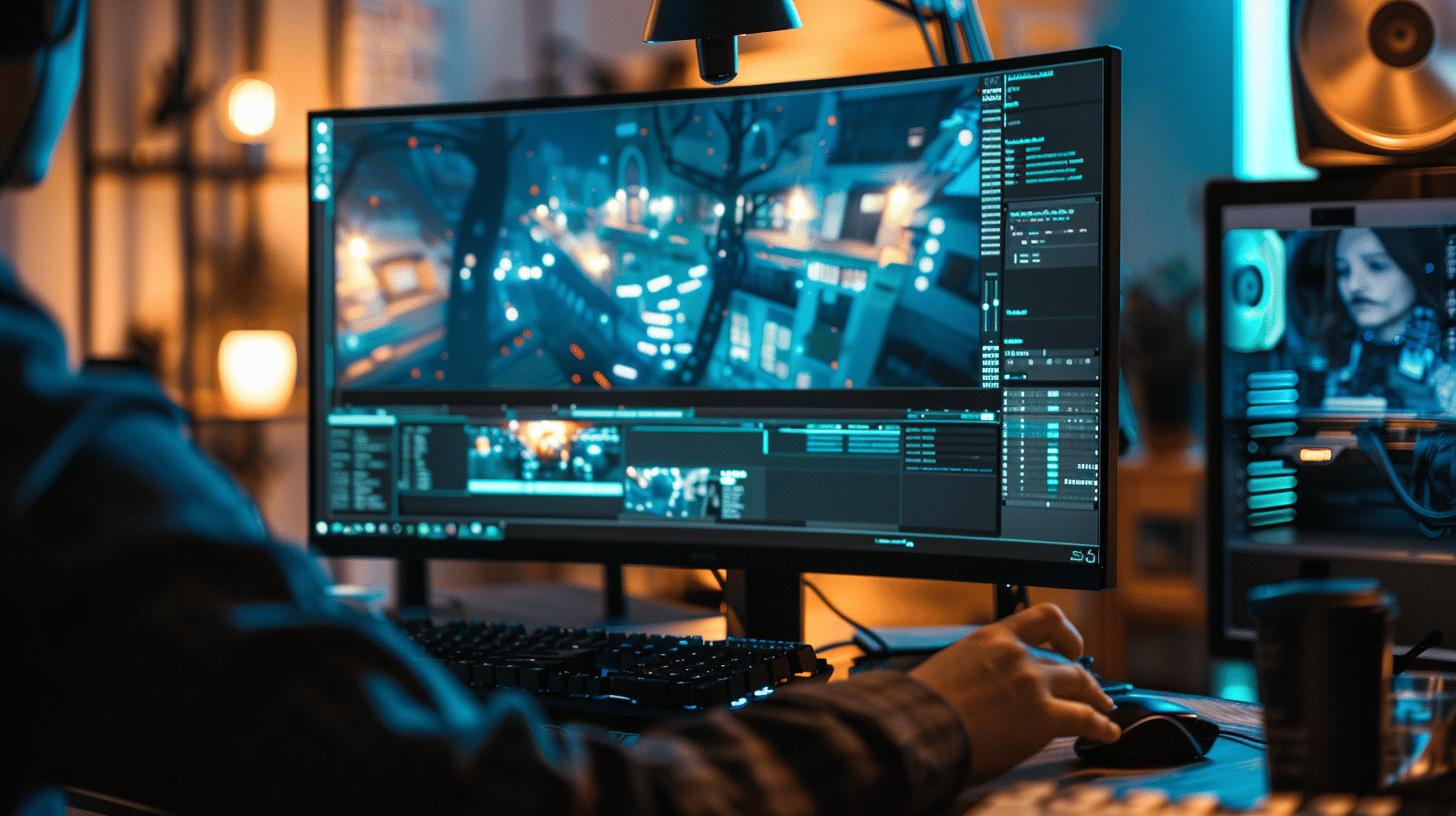
Measuring input lag is crucial for understanding a device's responsiveness, especially in gaming and other real-time applications. Accurate input lag assessments ensure that users can optimize their setups for the best performance. Input lag measurement involves determining the delay between an input action and the corresponding on-screen response, and it's important to use the right tools and maintain consistent testing conditions to achieve reliable results.
Tools for Measuring Input Lag
Various tools are available for measuring input lag, each with specific strengths. The Time Sleuth is a popular device that offers millisecond accuracy, although it is limited to 1080p resolution. It helps gauge the delay from when a new frame arrives at the monitor to when it begins displaying. The Open Source Response Time Tool (OSRTT) is another valuable resource that provides a comprehensive analysis of input lag, allowing users to pinpoint the delay in their systems. These tools are essential for anyone looking to minimize latency and enhance their gaming or digital experience.
|Tool |Purpose |Overview |
|————–|—————————|———————————————————–|
|Time Sleuth |Accurate input lag measurement|Measures delay with millisecond precision, limited to 1080p resolution|
|OSRTT |Comprehensive input lag analysis|Analyzes total system latency, highlighting specific lag areas|
|LDAT |Latency detection and testing|Measures click-to-photon latency, useful for comparing system performance|
Comparing Input Lag Across Devices
When comparing input lag across different devices, consistent testing conditions are paramount. Variability in settings, hardware configurations, and environmental factors can skew results, making it difficult to draw accurate comparisons. Key criteria include using the same input resolution, ensuring similar refresh rates, and replicating identical settings across devices. By standardizing these variables, users can make informed decisions about which displays or systems best suit their needs, particularly in competitive gaming where every millisecond counts.
Causes and Effects of Input Lag in Gaming
Input lag can significantly affect gaming performance, particularly in fast-paced and competitive scenarios. What is the impact of input lag on gaming? Precision: Input lag can mean the difference between winning and losing in competitive gaming environments. Gamers rely on quick reactions and real-time feedback to execute strategies and maneuvers effectively. A noticeable delay, even a few milliseconds, can disrupt timing and reduce the accuracy of actions, such as shooting or dodging. This is especially true in first-person shooters and real-time strategy games, where split-second decisions are crucial. For casual gamers, input lag can lead to frustration and a less immersive experience.
What causes input lag in gaming? Precision: Input lag in gaming is primarily caused by the monitor's scaler, non-native resolutions, and certain display features like adaptive sync. The monitor's scaler processes the incoming video signal to fit the screen's resolution, which can introduce delays, especially if the input resolution doesn't match the display's native resolution. Using non-native resolutions requires additional processing, resulting in increased lag. Features like adaptive sync, designed to eliminate screen tearing, can also add processing time, further contributing to input lag. Each of these factors plays a role in how quickly the display can respond to user inputs, directly affecting the gaming experience.
Acceptable Levels of Input Lag for Gaming
What levels of input lag are considered acceptable for gaming? Precision: Input lag below 40ms is generally acceptable for most users, while competitive gamers often prefer less than 20ms. In various gaming scenarios, the acceptable level of input lag may vary depending on the game's pace and the player's sensitivity to delay. For instance, in fast-paced, competitive environments like esports, lower input lag is critical for performance. In contrast, for narrative-driven or slower-paced games, slightly higher input lag might be tolerable. Understanding these levels helps gamers select the right displays and settings to optimize their gaming experience.
Techniques to Minimize Input Lag
Reducing input lag is crucial for enhancing performance in gaming and other real-time applications. Why is minimizing input lag important? Precision: Lower input lag enhances responsiveness, providing users with a more seamless and immersive experience. In competitive gaming, reduced lag translates to quicker reaction times, potentially giving players an edge over opponents. In creative fields such as graphic design or video editing, low input lag ensures that actions are immediately reflected on the screen, improving accuracy and workflow efficiency. Addressing input lag is not only about performance but also about achieving a more satisfying and engaging user experience.
Hardware and software adjustments are key in minimizing input lag. What adjustments can reduce input lag? Precision: Hardware updates and software optimizations can significantly lower input lag. Ensuring graphics cards, processors, and other system components are up-to-date can enhance processing speeds, thereby reducing delays. Fast displays are also instrumental, as they improve refresh rates and decrease the time taken for frames to appear on the screen. Software settings such as enabling game mode or adjusting graphics settings can streamline processes and reduce unnecessary signal conversion or processing, directly impacting input lag.
Practical techniques to minimize input lag include:
- Enabling game mode
- Optimizing display settings
- Keeping hardware up-to-date
- Using fast displays
- Synchronizing frame rate with refresh rate
- Adjusting input resolution
By implementing these strategies, users can effectively reduce input lag and enjoy a more responsive digital environment, whether in gaming or professional applications.
Input Lag in Different Devices: TVs vs. Monitors
When comparing input lag on TVs and monitors, what are the differences? Precision: TVs generally exhibit higher input lag than monitors due to additional frame processing like upscaling and motion smoothing. This processing is intended to enhance picture quality for movies and shows but can introduce delays in displaying real-time video game graphics. Monitors, especially those designed for gaming, prioritize minimal input lag to provide faster response times and higher refresh rates. These characteristics make monitors more suitable for gaming environments where rapid reactions are crucial. In essence, the design focus of each device influences their respective input lag, with TVs sacrificing speed for image quality enhancements.
How does game mode impact input lag on TVs? Precision: Game mode reduces input lag on TVs by bypassing certain image processing features. This mode is specifically designed to enhance gaming performance by minimizing the delay between the input signal and its display on the screen. By disabling functions like motion interpolation and post-processing effects, game mode enables faster signal pathways, thereby reducing input lag. While this may slightly alter the visual quality, the trade-off results in a more responsive gaming experience, vital for fast-paced or competitive games. Game mode transforms a TV into a more gaming-friendly display, albeit with some compromise in image refinement.
Characteristics of Low Input Lag Monitors
Monitors with low input lag share several key features. High refresh rates, such as 120Hz or 144Hz, allow the display to update images more frequently, reducing the time between frames. Low response times, typically measured in milliseconds, ensure pixels change colors swiftly, decreasing visual artifacts like ghosting. These monitors are often equipped with technologies like adaptive sync, which aligns the monitor's refresh rate with the gaming device's output, further minimizing delay. Such features collectively enhance the monitor's ability to deliver a smooth and immediate visual response, making them ideal for gamers seeking precision and speed.
Understanding input lag is crucial across various digital interactions. Defined as the delay between an input action and the on-screen response, input lag significantly influences real-time applications like gaming, graphic design, and video editing. Its importance becomes evident in environments where quick reactions are essential, affecting user experience and performance in competitive scenarios.
Measuring input lag accurately is vital, employing tools such as the Open Source Response Time Tool and devices like Time Sleuth. These provide benchmarks to compare total system latency, ensuring that users select devices offering the best performance under consistent testing conditions.
Causes of input lag in gaming can include the monitor's scaler, non-native resolutions, and features like adaptive sync. Such delays impact the gaming experience, particularly in fast-paced environments. An input lag of below 40ms is generally acceptable for most gamers, balancing performance needs with current technology.
Reducing input lag involves several practical techniques. These include enabling game mode, optimizing display settings, and keeping hardware updated. Fast displays and proper synchronization with frame rates further minimize delays. Such adjustments enhance both the responsiveness and quality of digital interactions.
Finally, input lag varies considerably between devices like TVs and monitors. While TVs typically have higher input lag due to additional processing, enabling game mode can help reduce this. Monitors designed for gaming often offer lower input lag and high refresh rates, essential for competitive play.
In conclusion, understanding what input lag is and taking steps to minimize it can greatly influence digital performance and user satisfaction. By employing the discussed methods and choosing appropriate devices, users can mitigate lag-related issues, leading to a more seamless and enjoyable digital experience.
FAQ
What is input lag in gaming?
Input lag in gaming refers to the time delay between a player's action (like pressing a button) and the game's on-screen response. It can negatively affect gameplay, particularly in fast-paced or competitive games.
How do I stop input lag?
To stop or minimize input lag, use game mode settings on displays, update hardware drivers, ensure fast refresh rates, adjust input resolution, and keep hardware up-to-date.
Should I have low input lag on or off?
Low input lag settings should be on to improve the responsiveness of devices, especially in competitive gaming or real-time applications where immediate reactions are crucial.
How do I know if I have input lag?
Detecting input lag involves noticing delays between input actions and corresponding on-screen events. Use measurement tools like Time Sleuth or air-check settings in-game to identify any lag.
What is input lag on a monitor?
Input lag on a monitor is the latency between a user's input and the monitor displaying the result. Lower input lag is typically preferred for seamless real-time interactions.
What is input lag on TV?
Input lag on TVs is the delay from initiating input actions to seeing a response on the screen. It tends to be higher on TVs compared to gaming monitors due to additional processing.
What is input latency on a keyboard?
Keyboard input latency is the delay between pressing a key and the action appearing on the screen. Keyboards with low latency are essential for tasks requiring quick and precise inputs.
How to fix input lag?
Fixing input lag involves enabling display game modes, updating software, optimizing settings, using fast-response displays, and checking for any hardware issues that may be contributing.