
Ever had that rush when lag steals your killer move? Fast Mbps might be the secret sauce for every smooth game. When your connection is quick, there’s no delay between your key tap and what shows up on screen, letting you stay in the zone during every heated match.
In this guide, we’ll chat about the right speed to keep lag at bay. Whether you’re just having fun or locked in a nail-biter, the right Mbps can boost your game to epic levels.
Mbps for Gaming: Lag-Free Action Awaits
Imagine getting into a game where every move counts and slow speeds turn your epic moments into laggy frustrations. Mbps is key because it controls how fast game data reaches your device. When you're in the middle of a match, even a slight delay can ruin a perfect play.
Fast Mbps keeps the game running smooth. It cuts the gap between pressing a button and seeing the action on-screen. Whether you're just kicking back with casual games or locked in a tough competitive fight, having the right speed makes all the difference.
| Type of Gaming | Requirements |
|---|---|
| Casual Gaming | 3–8 Mbps download and at least 1 Mbps upload |
| Competitive Play | 15–25 Mbps download, min. 5 Mbps upload, and ping below 50 ms |
| Console-Specific | PS4, PS5, and Xbox: 15–25 Mbps download; Nintendo Switch during competitive sessions: 10–20 Mbps |
| Multi-Device Households | At least 50 Mbps download to keep all devices running smoothly |
Choosing the right speed isn’t just about hitting a number. It’s about having a steady, reliable connection that fits your gaming style. Whether you’re streaming, jumping into intense online battles, or sharing your connection with friends or family, the right Mbps ensures that you stay in the game with no pesky lag to break your flow.
Download vs Upload Mbps: Critical Differences for Smooth Gaming

When you’re gaming, download speed means how fast you get game data, visuals, or updates, while upload speed sends your actions to the server. If your download is slow, visuals and updates lag behind, and if your upload is weak, your moves might hit the server too late.
For example, a casual setup might run on 3 Mbps down and 1 Mbps up, but tougher games need more power. Console players on PS4, PS5, or Xbox usually need at least 3 Mbps down and 1 Mbps up to get started, yet for a smoother game with quick responses, 15 to 25 Mbps down and 5 Mbps up work best.
PC gamers see the same trend. Casual games can be fine at 3 to 6 Mbps down, but if you’re into competitive gaming, you often need 25 Mbps or more down along with at least 5 Mbps up just to keep lag at bay.
Cloud gaming also demands steady, high download speeds because it streams HD video non-stop. And though the Nintendo Switch can get by on 1 Mbps down and 0.5 Mbps up for basic play, aiming for 10 to 20 Mbps makes online matches feel smoother and more responsive.
Reducing Lag in Gaming: Managing Ping, Latency, and Mbps
Ping is basically the time it takes between you hitting a command and the game reacting, usually counted in milliseconds. Meanwhile, Mbps tells you how fast your data travels between your device and the server. Think of it like this: ping is the time it takes for a text to reach a friend, and Mbps is like the length of that text. Even if you’ve got tons of Mbps, a high ping can still make your moves feel slow.
A high ping can turn a great match into a frustrating one. Imagine pulling off an epic move only to see it register a bit too late – that lag can undo even the best strategies. Keeping your ping below 50 ms usually means you get that quick response needed in intense moments.
There are a few things that can cause your ping to spike, like network congestion, packet loss, or even jitter from a busy Wi-Fi connection. Even if your Mbps looks good, these factors can still trigger those annoying delays we all hate.
By combining fast Mbps with low-latency routing, you score the best of both worlds: speedy data transfer and super quick responses. That’s the key to enjoying a smooth, lag-free gaming session.
Comparing ISP Speed Packages for Gaming Mbps and Value
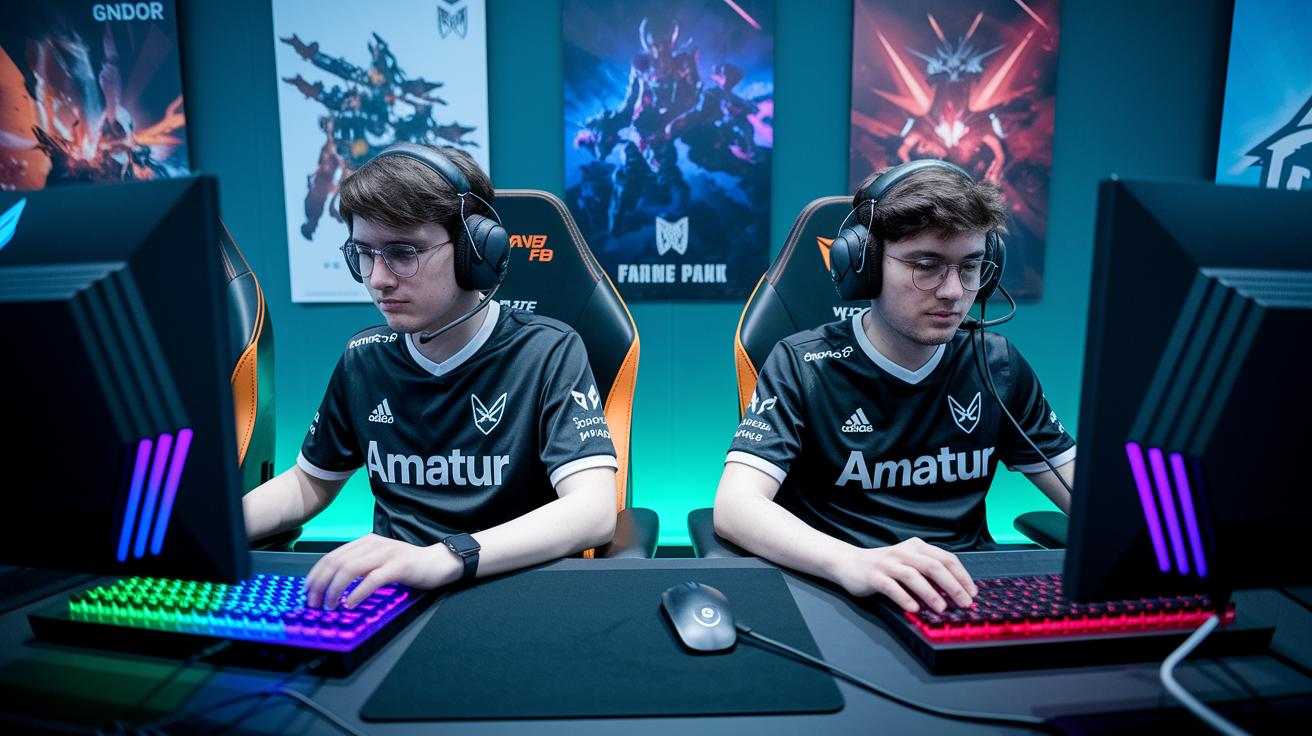
When it comes to gaming, picking the right ISP plan can really change the game. Whether you play casually or you’re deep into competitive battles, there’s a package that fits your needs perfectly. Imagine you're setting up for a friendly match and you don’t want any lag ruining your fun – that’s why having the right speed is key.
For those with a modest setup, the basic plan offers 25 Mbps down and 5 Mbps up. It’s like having a small, comfy gaming space. But if you’re into online multiplayer showdowns, you might want to aim for a plan with 100 Mbps down and 10 Mbps up. This extra boost helps keep everything smooth even when your friends join in for some fast-paced action.
If you’re battling it out in competitive play or your home has a bunch of devices online all at once, then you’ll appreciate plans that ramp up to 300 Mbps down and 25 Mbps up. This higher speed cuts down on lag and makes sure that no matter how many people are streaming or browsing at the same time, you stay in the zone.
When you decide which package to go for, think about how many people are using the internet at home and what kinds of gaming or streaming you do. It’s all about keeping your gameplay as seamless as possible.
| ISP Plan | Download Mbps | Upload Mbps | Typical Price |
|---|---|---|---|
| Budget | 25 | 5 | $40/mo |
| Standard | 100 | 10 | $60/mo |
| High-Performance | 300 | 25 | $80/mo |
So, if you’re mainly gaming with one device or just browsing online, the Budget tier might be just fine. But if you crave smooth competitive play or have extra devices chugging data in the background, a Standard or High-Performance plan can keep those annoying lags at bay. Enjoy your game time knowing you’ve got the right setup!
Home Network Optimization: Maximizing Gaming Mbps Performance
When you're gearing up for a gaming session, your home network's performance matters a lot. A few smart tweaks can cut down those annoying lags so that every move you make gets registered in the blink of an eye. Think of it as getting the most out of your available Mbps – every little bit counts when you're in a heated match.
Taking the wired route with Ethernet means you're opting for one of the fastest and most stable connections. When you plug straight into the router, you sidestep all the usual wireless hiccups. It’s like choosing a steady, dependable tool over something that might wobble. With this setup, your data travels faster and more reliably, which gives you that crucial edge in tight, competitive rounds. Imagine pulling off an epic move without a moment's delay.
Not everyone can stick with cables all the time though. That's where tweaking your Wi-Fi settings comes in handy. By setting up Quality of Service, or QoS, your router gives priority to your gaming data over other internet traffic like downloads or web browsing. Also, switching between channels on your router – say, trying out the 5 GHz frequency instead of 2.4 GHz – can help you dodge crowded signals and get smoother speeds. It's similar to choosing the fastest lane in heavy traffic; everything just flows better.
In the end, you can mix a solid wired setup with some smart wireless adjustments. Keep your router's firmware updated, shut down any background apps while gaming, and pick game servers that are nearby. These simple steps not only boost your connection speed but also deliver a play experience that's smooth, responsive, and totally lag-free.
Testing Your Gaming Mbps: Top Speed Test Tools and Methods
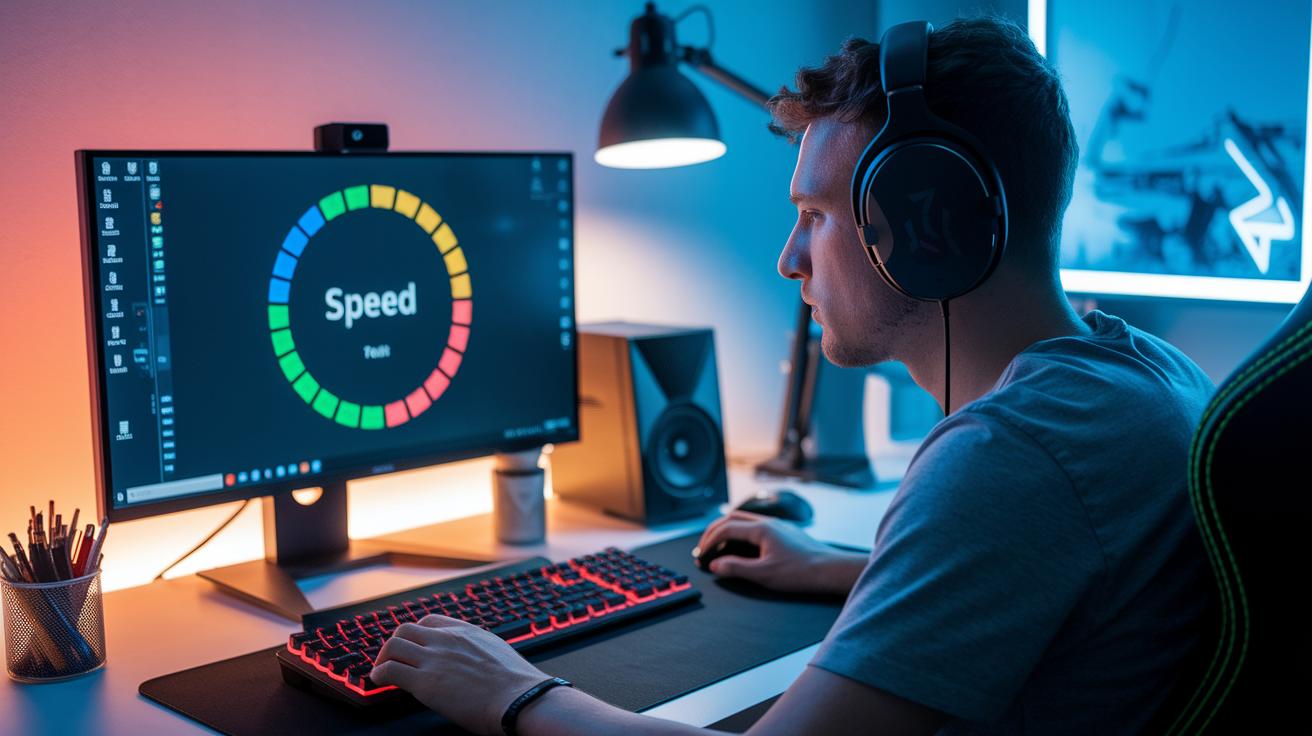
When you're checking your Mbps for gaming, start by clearing the clutter. Close any apps running in the background and pause downloads or streaming. This way, nothing messes with your test and you get a true look at your connection speed while playing. Try testing at different times too so you can see how busy hours might slow things down.
Do a few tests over a period and then average the results. This helps you spot any changes in your download speed that could affect your game. Keeping the test conditions the same is important for noticing sudden drops that might cause lag. Knowing your real Mbps helps you decide if your setup is ready for smooth and responsive gameplay.
- Speedtest by Ookla: Fast and reliable with easy-to-read download and upload speeds.
- Fast.com: Run by Netflix, offering a quick and simple speed check.
- ISP-provided Test: Uses your internet provider’s own tool for real-time results.
- Google Speed Test: Just search for it to quickly check your speeds.
- TestMy.net: Gives detailed results and allows repeated testing for both download and upload speeds.
mbps for gaming: Lag-Free Action Awaits
In homes where several devices hop online at once, every megabit counts. When you’ve got gamers, smart TVs, tablets, and more sharing the same connection, running between 50 and 100 Mbps keeps things running smooth. Imagine getting into a heated live match and suddenly experiencing lag because someone else started a video call. It’s like trying to play a game on a slow computer, without enough capacity, your game just stutters.
Live streaming your gameplay ramps up the demand even more. For a clear HD broadcast, you might need an extra 10 to 20 Mbps added on top of your gaming speed. Before pro streamers hit those big numbers, they set their network to handle that extra load so the stream stays smooth during clutch plays. This extra boost helps avoid dropped frames or blurry moments that can spoil your viewers’ vibe.
Tuning your router can really give your gaming a leg up. Setting up a guest network stops non-gaming traffic from slowing down your main devices. Plus, using Quality of Service settings makes sure your gaming packets get first priority. And don’t forget to reserve 10 to 20 Mbps for upload speeds to keep your voice chat crisp and your stream steady. With these simple tweaks, you’ll enjoy smooth, lag-free action no matter how many devices are online.
Final Words
in the action, the article showcased clear speed requirements for casual and competitive play, emphasizing how key download and upload rates keep gaming smooth.
We broke down ISP plans, laid out home network tweaks, and highlighted top speed test tools, all tailored to boost performance. Using accurate mbps for gaming standards across different scenarios ensures every match runs without glitches.
The guide makes it easy to pick the right setup for your gaming style, leaving you ready to power up and play with confidence.
FAQ
What do gamers on Reddit say about Mbps for gaming?
The discussion on Reddit highlights that many gamers find speeds around 15–25 Mbps sufficient for competitive play, though needs may vary with household devices and peak usage times.
What is the best internet speed for gaming and streaming?
The best speed is at least 25 Mbps down and 5 Mbps up for competitive play, with even higher speeds recommended for streaming or busy households to maintain smooth performance.
Is 100 Mbps fast enough for gaming?
The 100 Mbps connection works well for most gamers by supporting smooth gameplay and light streaming, but it might strain when numerous devices are active simultaneously.
What internet speed test tools should I use?
Internet speed tests like Speedtest by Ookla and Fast.com measure download and upload speeds, helping verify your connection meets required speeds for responsive and lag-free gaming.
What Mbps do I need for Xbox and PS4 gaming?
Console gaming typically requires 15–25 Mbps download with low ping, ensuring both Xbox and PS4 enjoy smooth online play and quick response times during gaming sessions.
Is 1,000 Mbps good for online gaming?
A 1,000 Mbps speed offers excellent performance by allowing near-instant downloads and smooth multiplayer play, though real-world benefits also depend on low latency and minimal network congestion.
Are 300 Mbps and 500 Mbps sufficient for gaming?
Speeds between 300 to 500 Mbps easily handle competitive gaming and streaming while supporting multiple devices, as long as the network maintains low latency and stable performance.