Ever been in the middle of a game only to have it suddenly feel rough instead of smooth? It isn’t always your internet acting up, sometimes it’s your computer working too hard. New games come packed with so many detailed graphics that your frame rate can take a hit, messing with your play. In this post, we break down why your game might be lagging and how different parts of your hardware can slow things down. Stick with us to see which settings or components might be the real culprits.
Frame Rate Basics: Why Your FPS Is Low
FPS stands for frames per second and tells you how many images your computer shows every second. When you see under 30, the game might look choppy. But if you get 60 or more, you're usually in for smooth gameplay.
Modern games shoot out lots of detailed textures and fancy effects, which put a heavy load on your CPU, GPU, and RAM. It’s important to know that your computer struggling to draw these images, what we call rendering lag, is not the same as slow internet speeds.
Rendering lag happens when your system just can’t pump out enough images each second. It’s not an issue with your connection, but more about your hardware or software hitting their limits. Here are five common reasons why your FPS might be low:
- Outdated GPU: Older graphics cards or drivers may not keep up with today’s games.
- Insufficient RAM: Too little memory makes it tough to load game details fast.
- Aggressive in-game settings: Ultra settings can overwork your system.
- Background processes: Other programs can hog CPU and RAM, taking resources away from your game.
- Thermal throttling: When components overheat, they slow down to protect themselves.
All these factors can team up to drag down your frame rate. When your hardware is pushed too hard or the settings aren’t just right, your computer struggles to keep the images coming, making the gameplay feel sluggish.
Diagnosing Low Frame Rate and Identifying Performance Bottlenecks
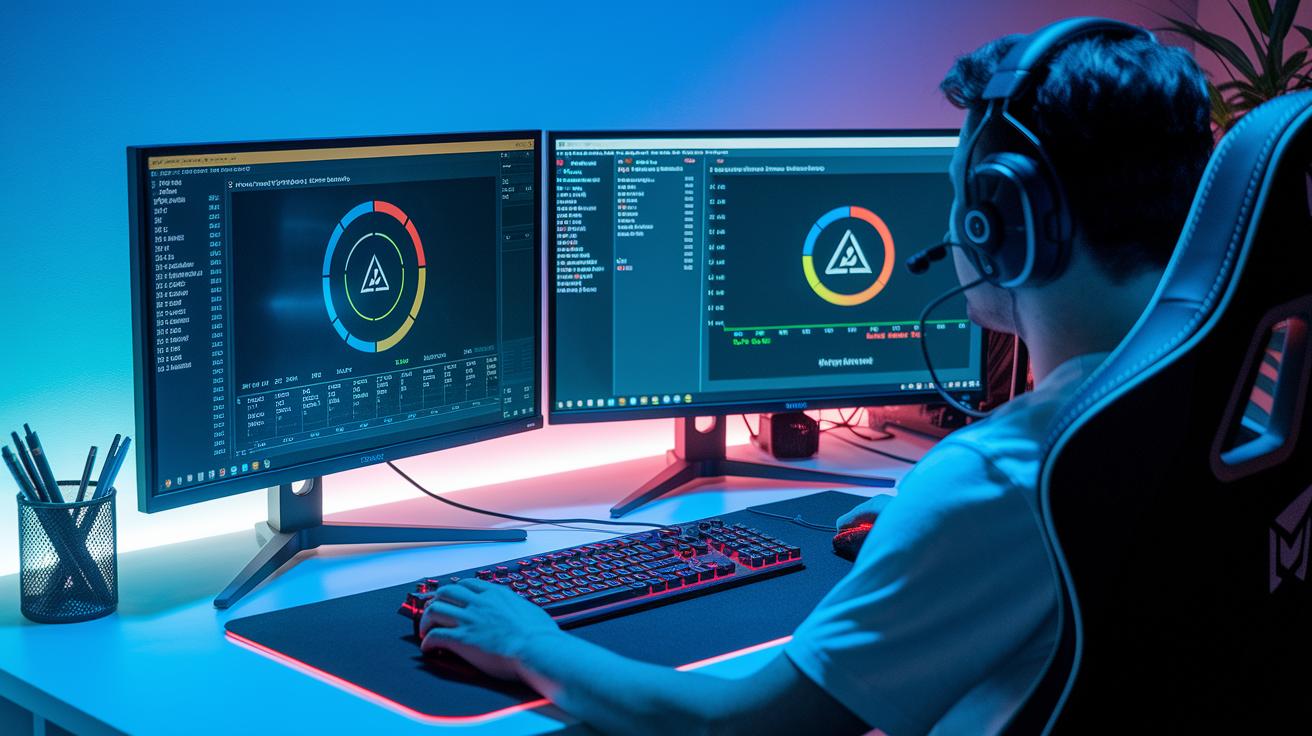
Before you start messing with your settings, take a moment to run a full diagnosis. Think of it like trying to fix a leaky faucet, you wouldn't start tightening valves without first finding the problem spot. Run some tests to see if your hardware is pushing its limits or if a particular program is sucking up too many resources. This way, you save time and avoid making changes that miss the real issue.
Next, grab a performance tool like MSI Afterburner or HWMonitor. Once you have it, set it up to watch your CPU, GPU, and RAM use in real time while you game. The setup is easy; just follow the on-screen instructions and then check out the graphs as you play. For example, if a big game moment makes your frame rate drop suddenly, you might notice a spike in your CPU or GPU usage. That clue shows you which part of your system to focus on.
When looking at those graphs, pay attention to any part that hits 100% while the others stay much lower. If your CPU jumps during heavy game logic or your GPU maxes out showing detailed textures, you've likely found your bottleneck. Spotting these patterns helps you decide whether to tweak your settings or even think about upgrading your hardware.
why is my frame rate so low: Smooth!
Updating Graphics Drivers
The first step to smoother gameplay is updating your graphics drivers. Outdated drivers from NVIDIA or AMD can slow things down or even make your game crash. Head over to your GPU maker's website to grab the latest updates. I updated my AMD driver recently, and suddenly, gaming felt like switching from a laggy demo to a fast-paced play session. A quick update can boost your FPS by 5-15% without much extra work.
System-Level Adjustments
Next, try closing any apps running in the background while you play. This little tweak helps your CPU and GPU work at their best. Switch your Windows power plan to High Performance for extra muscle, and turn off nonessential visual effects. Disabling the Windows Game Bar and background recording can also free up some resources. It’s like cleaning your desk before a big match, you clear the clutter and focus on the game.
In-Game Performance Settings
Finally, adjusting settings in your game can make a big difference. Lower the quality of textures, shadows, and anti-aliasing to ease the load on your system. Playing in full screen instead of windowed mode lets your hardware shine. I switched to full screen once, and it was like flipping a switch, suddenly, everything felt smooth and responsive.
Hardware Solutions: Upgrading Components for Better Frame Rates
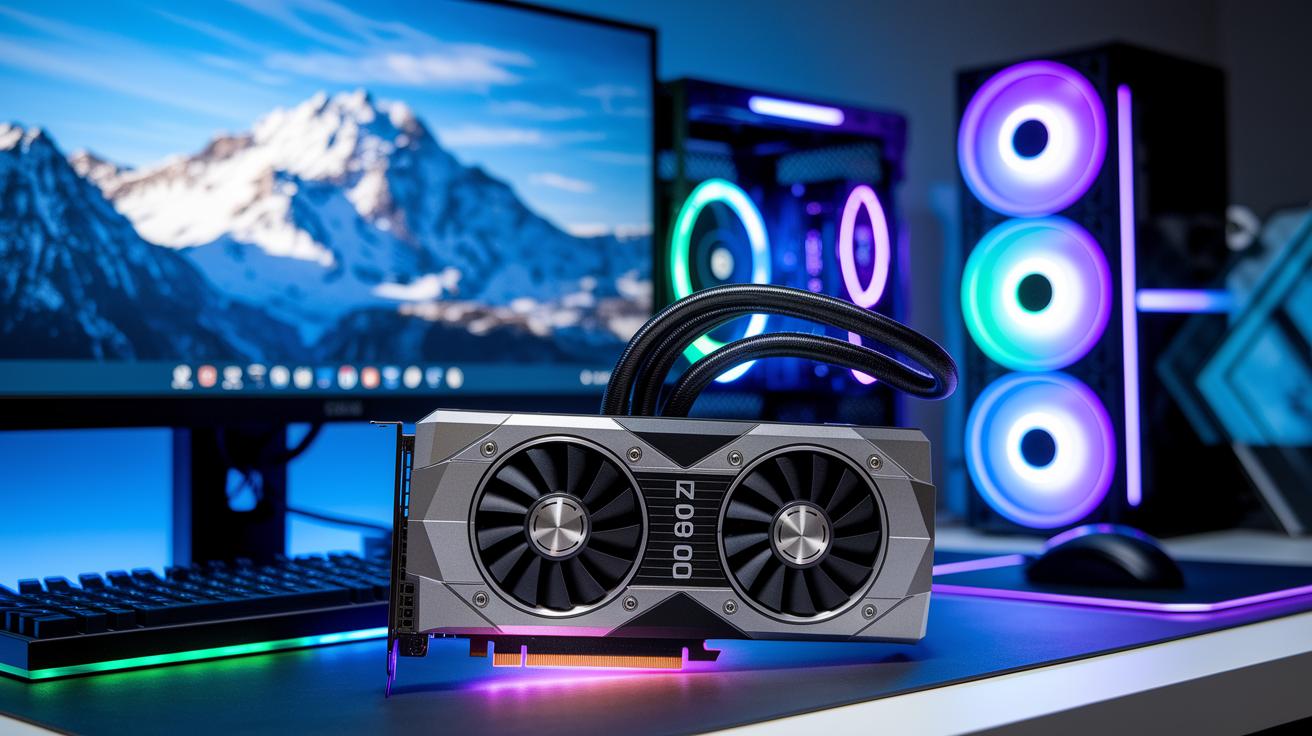
Figure out where your hardware is struggling and you’re halfway to smoother gameplay. If you’re still using older parts like a GTX 1060, an underpowered CPU, or just a bit of RAM, chances are your system gets bogged down by heavy scenes and high-res textures. Upgrading isn’t about reaching sky-high numbers, it’s about easing the load on your system so it can perform at its best. Even a small boost, like upgrading 8GB of RAM to 16GB, can cut down on annoying swapping and give you a smoother game. Switching from an HDD to an SSD also means quicker load times, so you get into the action faster. For example, moving from a GTX 1060 to an RTX 3060 could lift your FPS by around 40 to 60%, turning laggy moments into a smooth, enjoyable ride.
| Component | Benefit | Estimated FPS Gain |
|---|---|---|
| GPU (e.g., GTX 1060→RTX 3060) | Better scene rendering | +40–60% |
| CPU (e.g., i5→i7) | Smoother game logic | +15–25% |
| RAM (8GB→16GB) | Less swapping, smoother gameplay | +10–20% |
| Storage (HDD→SSD) | Faster load times | +0–10% |
When you’re deciding on upgrades, it’s important to balance your budget with your gaming goals. Sometimes, focusing on one powerful upgrade does the trick if the rest of your setup is solid. Other times, a mix of improvements across the GPU, CPU, RAM, and storage is the way to go. Think of it like boosting your character’s stats, each upgrade adds to your overall performance. By checking out performance data with monitoring tools, you can pinpoint the weak link in your system and choose upgrades that suit your gaming style without breaking the bank.
Managing Heat and Power Settings to Maintain Smooth FPS
When your computer heats up too much, it can slow your gameplay down big time. Your GPU begins to throttle, meaning it cuts its speed to stay safe once it hits around 80°C. That slowdown can drop your FPS, much like trying to race when your car isn’t firing on all cylinders.
And if your power settings are set on a low mode, your CPU and GPU might not be pushing as hard as they should. It’s like running a marathon on a treadmill that’s barely moving, you just don’t get the full energy of your system when you need it most.
A simple fix is to clean your hardware. Open up your system, dust off the fans and vents, and maybe even reapply the thermal paste if needed. This routine can really help cool things down. Tools like MSI Afterburner or HWMonitor make it easy to keep an eye on those temperatures during long sessions.
To top it off, switch your Windows power plan to High Performance. This change makes sure your CPU and GPU stay at their peak, letting you enjoy smooth and responsive gameplay even when the action heats up.
why is my frame rate so low: Smooth!
Safe Overclocking Practices
Overclocking your CPU or GPU with a tool like MSI Afterburner can bump your FPS by around 5 to 15 percent if you take it slow. Start by nudging up the clock speed in small steps, and then give your system a good stress test to make sure it stays stable. It’s just like fine-tuning your game settings until everything clicks perfectly. Plus, keep a close watch on your temperatures; if your GPU heats up too much, pull back the boost so you don’t risk any damage.
Utilizing Rendering Boosters
Turning on features like NVIDIA DLSS or AMD FSR can push your frame rate even higher while keeping your visuals sharp. These techniques work by running the game at a lower resolution and then smartly upscaling the image, which eases the load on your hardware. Tweak the quality presets to find that sweet spot between clear images and fast FPS. And don’t forget about using frame limiters or syncing tools like G-Sync/FreeSync, these can help cut down on screen tearing and stuttering, giving you a smooth gaming ride.
How Streaming and Network Factors Affect Your Frame Rate
Streaming apps like OBS or Discord use around 5-10% of your CPU power. When you’re live, your computer works double time handling both the game and the stream. That extra load can drop your frames because the game doesn’t get all the power it needs. It’s like trying to juggle too many things at once, where every extra overlay or background job slows things down during the heat of the moment.
Even if high ping makes your moves feel a bit off, it isn’t the real reason for lower FPS. The true culprit is the extra encoding and graphics work from those overlays. Try lowering your encoder bitrate or turning off non-essential overlays when you’re streaming. This helps free up your CPU so your game can run smoother. Adjusting these settings directs your hardware to focus on rendering the game instead of splitting its power between your stream and gameplay.
Final Words
In the action, we navigated through FPS basics, performance diagnostics, and the tweaks needed to smooth out gameplay. We broke down everything from software adjustments and hardware upgrades to thermal care and overclocking tips.
Each section helps answer the pressing question: why is my frame rate so low. The insights guide you toward making smart changes that boost both streaming quality and in-game performance. Keep experimenting and enjoy a smoother, more competitive gaming experience.
FAQ
Why is my FPS so low all of a sudden?
The sudden drop in FPS is often tied to heavy in-game settings, outdated drivers, or background processes overloading your system, which strain the CPU and GPU.
Why am I getting low FPS on my high-end PC or laptop and with high specs?
The low FPS on advanced systems can come from thermal throttling, misconfigured game settings, or inefficient drivers that prevent your powerful hardware from running at full speed.
Why is my frame rate so low in games like Fortnite or Marvel Rivals and on discussions like Reddit?
The low frame rate in specific games might be due to poor game optimization or aggressive visual effects that demand more from your hardware, causing performance drops during gameplay.
How do I fix low FPS on PC or low frame rate issues?
The fix for low FPS generally involves updating your graphics drivers, closing unnecessary background apps, adjusting in-game settings, and ensuring proper cooling to maintain optimal hardware performance.
Why did my FPS drop so low?
The FPS drop is usually a result of increased system load from demanding game scenes, temporary resource shortages, or overheating problems that force your components to slow down.
Is 40 FPS slow?
A frame rate of 40 FPS is below the smoothness standard, as many gamers prefer 60 FPS or higher for a noticeably more fluid and responsive gaming experience.