Have you ever noticed your game feeling a bit slow right when you need it to be hot? That tiny delay is what we call input lag. It’s just the short pause between hitting a button and seeing what happens on your screen. Even a blink-of-an-eye delay can change things in fast-paced gaming.
In this post, we’re breaking down input lag in plain terms. We explain what it is, how it can mess with your performance, and share simple tips to keep your moves on point. Ready to level up your game and feel that smooth, snappy action?
what is input lag: Enjoy Smooth Gaming
Input lag is the short delay you feel between hitting a key or clicking your mouse and seeing the result on your screen. It happens because after the graphics card renders an image, the monitor takes a split second to show it. Even a tiny 10-millisecond lag can be the difference between a quick victory and missing a crucial play in your game.
Here’s a quick recap:
- Input lag is the time between your action and when the screen updates.
- It occurs when the graphics card sends out a frame and the monitor displays it seconds later.
- Even minor delays can slow your reaction time in fast-paced games.
- Unlike display lag (which is just the delay from the monitor), input lag covers the whole process.
- Keeping lag low helps ensure your commands hit the screen instantly.
This delay isn’t just about slow visuals, it really affects how quickly you can react. In competitive games, every millisecond counts. Whether you’re dodging enemy fire or making a split-second decision on the race track, quick feedback is key. Keeping input lag at bay means your moves feel snappy, helping you stay on top during those intense, high-pressure moments.
Measuring Input Lag: Techniques and Response Time Assessment
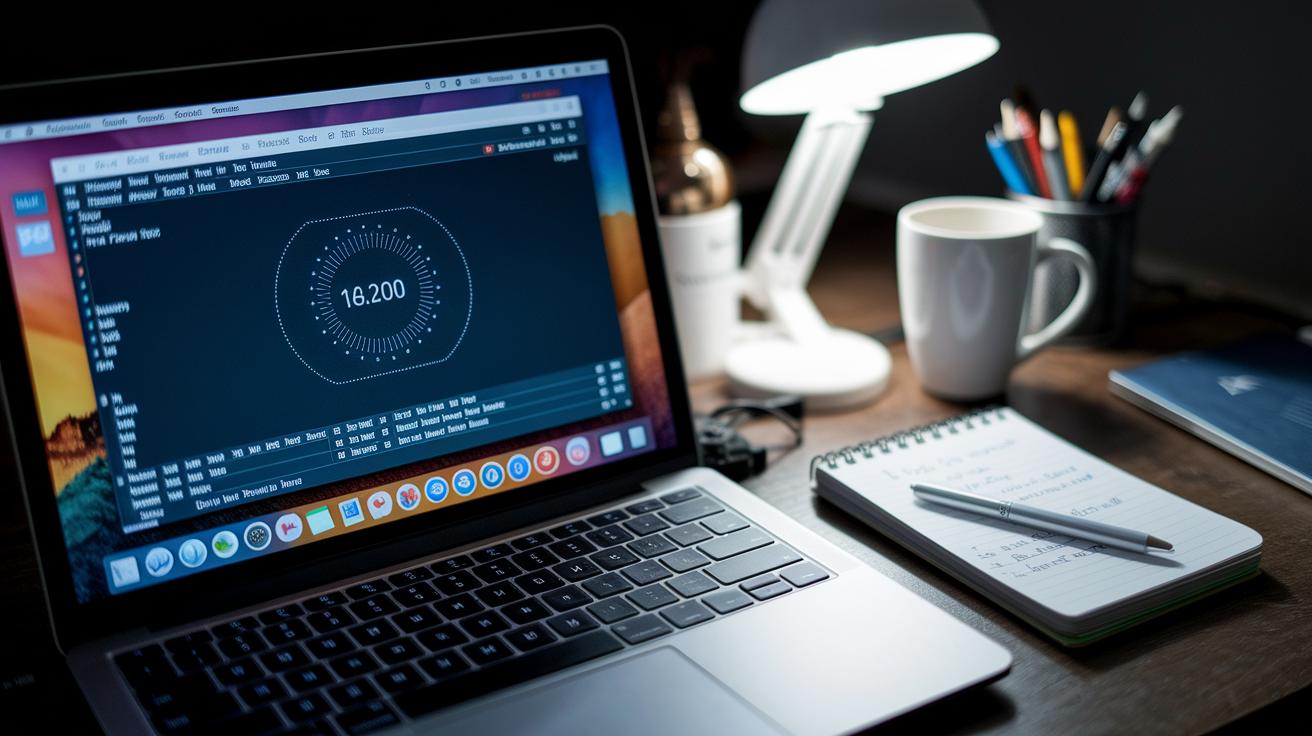
Input lag is that tiny pause between when you hit a button and when it shows up on screen. Gamers count on checking this delay to see how responsive their gear really is. You can measure it with simple tests like monitor response analysis or display timing checks. Some online tools use third-party websites to flag lag quickly, while programs like OSRTT give you a closer look at each frame your system processes. This way, you can figure out if the delay comes from your computer or the display, and then tweak your setup for smoother gameplay.
Different tools offer different details, so comparing methods is key. Check out this table for a quick rundown:
| Measurement Method | Tool/Approach | Notes on Accuracy |
|---|---|---|
| Third-party websites | Online signal testing methods | Easy to use, moderate accuracy |
| Dedicated software | OSRTT | High precision, isolates delays |
This breakdown helps you pick the method that best suits your needs for quick and clear input lag readings. Try a few out and see which one makes your game feel smoother.
Input Lag in Gaming: Comparing TV, Monitor, and Controller Responsiveness
When you're deep into a game, every millisecond counts. Your screen and gadgets need to keep up with your skills. TVs often add extra delay because they process more frames to boost picture quality. Monitors, however, are built to show images faster, they're a top pick for fast-paced, competitive gaming. And yeah, even your controller or keyboard has a tiny lag that can add up when the action heats up.
Let's break it down a bit:
- TVs tend to lag because of extra frame processing.
- Monitors respond quicker, giving you that competitive edge.
- Controllers and keyboards all have their own response times.
- Special settings like Game Mode help cut down on delay.
Ever felt that rush when your move lands just right? It all boils down to the mix of devices you use. A TV might be perfect for movie nights, but its processing can slow you down in a game. A monitor, on the other hand, sacrifices some picture tweaks to deliver faster reactions. And while most controllers and keyboards perform well, even a tiny delay can be the difference between winning and missing an opportunity.
Tuning your setup is key. Many displays offer a Game Mode that minimizes extra processing, and you might even update your controller's firmware to shave off those milliseconds. Choosing the right gear and adjusting the settings can give you the split-second advantage when it matters most.
Causes and Performance Impact of Input Lag: Factors and Analysis
Input lag isn't just a tiny pause, it can feel like a serious hiccup in your game. It happens when different parts of your system slow down how fast your commands get through. Even a split-second delay can turn a tight match into a frustrating experience. When your setup isn’t dialed in just right, every click and key press can seem like it's happening a bit too slowly.
To better understand what's behind those delays, think about these main factors:
- Hardware limits and slow processing
- Software and firmware issues
- Cable and connection quality
- Unresponsive peripherals
- How your system splits up resources
For instance, older or low-power hardware might struggle with fast, high-quality graphics. Outdated firmware can also cause delays in how quickly your system acts on commands. Even the type of cable matters, if it can’t handle high refresh rates, you'll get lag. Plus, slower peripherals may add to the problem, and if your computer is juggling too many tasks, it can slow down those key commands even more. Knowing these factors is the first step to cutting down on lag and upping your game.
Reducing Input Lag: Optimization Tips and Command Speed Improvement
Input lag can really mess with your game, especially when every millisecond counts. Tweaking your setup can make your moves feel faster and smoother. Even small changes like switching to wired devices or adjusting a setting here and there can make a big difference. Upgrading your hardware and making a few software tweaks might just be what you need to level up your reaction time.
Give these simple tips a try to cut down on lag and boost your performance:
- Use wired connections instead of wireless
- Turn on Game Mode on your monitor or TV
- Update your drivers and firmware
- Tweak your in-game graphics settings
- Use high-quality, low-latency cables
- Close any background apps you don't need
These easy adjustments help clear the path for your commands to hit the screen with minimal delay. It gives you a steadier signal and lets your skills shine when the game heats up. With a few tweaks, you can enjoy gameplay that feels fast and fluid, just as it should be.
Final Words
In the action, we broke down the core concepts of input lag, from how signal delays occur to its effect on game performance. We also checked out ways to measure lag, compared device responses, and highlighted factors behind timing delays.
We wrapped up by sharing practical tips to boost your game and stream setups. Keep these insights handy to improve your response times and sharpen your competitive edge. Stay ready, stay sharp, and remember exactly what is input lag to power up your play.
FAQ
What is input lag ps5?
The PS5 input lag refers to the delay between your controller’s command and the on-screen action, typically low when using proper display settings optimized for gaming.
What is input lag on a monitor?
The monitor input lag is the delay between a graphic being generated and when it appears on your screen, impacting how smoothly your game responds to your actions.
What is input lag on a TV?
The TV input lag is the time delay from when a signal is received to when it shows on screen, usually higher than on monitors due to extra image processing.
What is input lag on pc?
The PC input lag defines the gap between a keyboard, mouse, or controller input and the resulting display change, influenced by both hardware performance and software settings.
What is input lag ps4?
The PS4 input lag represents the brief delay between pressing a button and seeing the result on screen, noticeable in fast-paced games if settings aren’t optimized.
What is input lag xbox?
The Xbox input lag is the delay from a controller command to the corresponding on-screen action, which can vary based on system performance and display configurations.
Input lag test
The input lag test measures the time it takes for a signal from your input to appear as an action on your display, helping you gauge and improve responsiveness.
How to fix input lag
The fix for input lag involves optimizing display settings, updating firmware and drivers, switching to wired connections, and disabling extra processing features during gameplay.
What is input lag in gaming?
The input lag in gaming is the delay between your command and the game’s reaction, affecting performance and control precision during competitive or fast-paced play.
How do I stop input lag?
The method to stop input lag includes adjusting game settings, updating drivers, using wired peripherals, and enabling game modes that reduce processing delays.
Should I have low input lag on or off?
The low input lag setting should always be enabled, as it minimizes delay and delivers faster responses, which is essential for smoother and more precise gameplay.
What is the input lag for 60fps?
The input lag for a 60fps setup usually involves a minimal delay of a few milliseconds, ensuring gameplay remains fluid, responsive, and competitive when properly optimized.